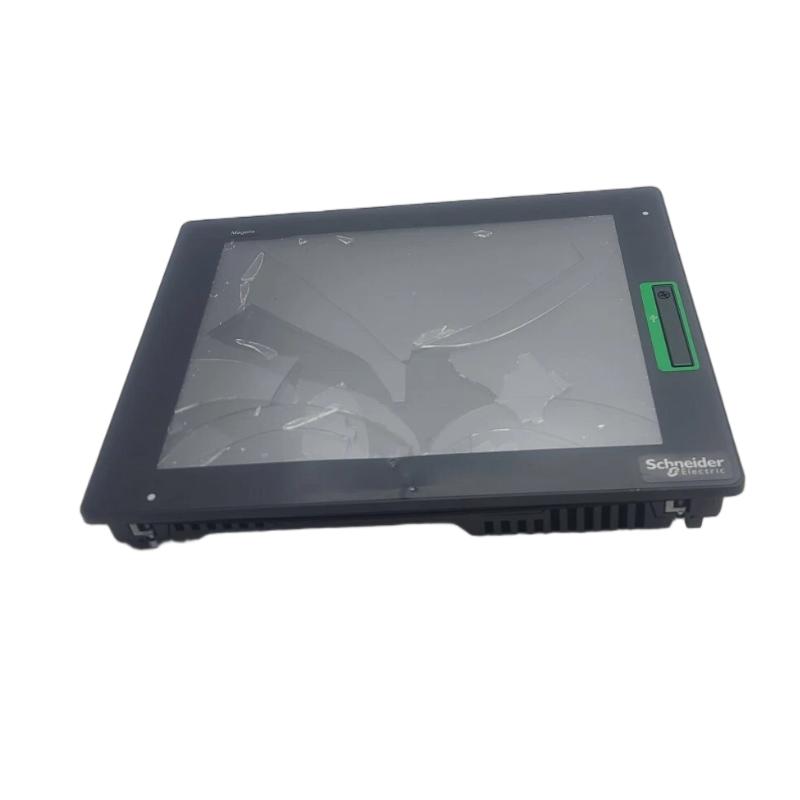
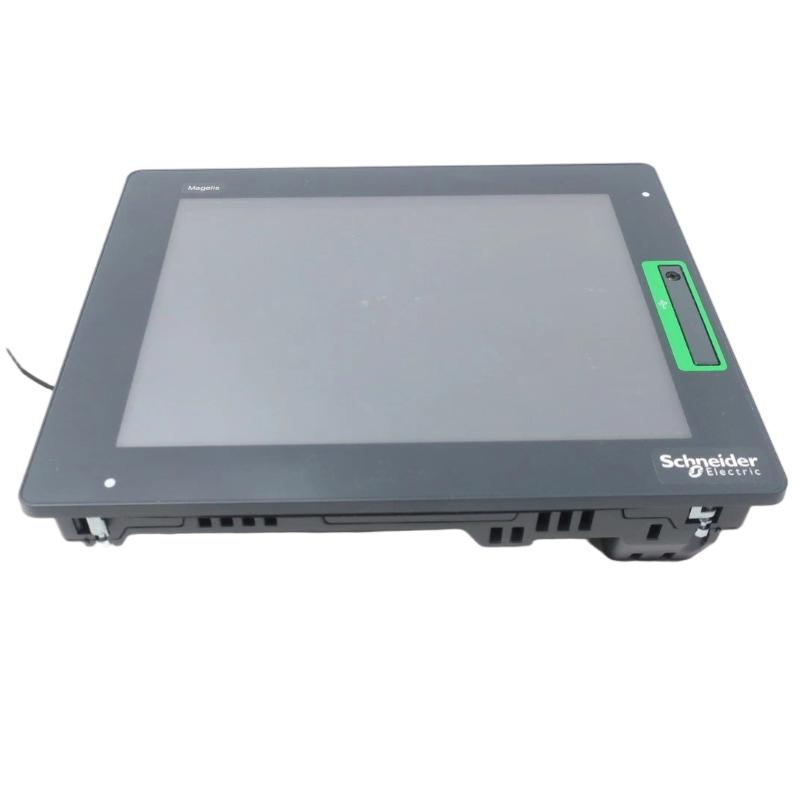
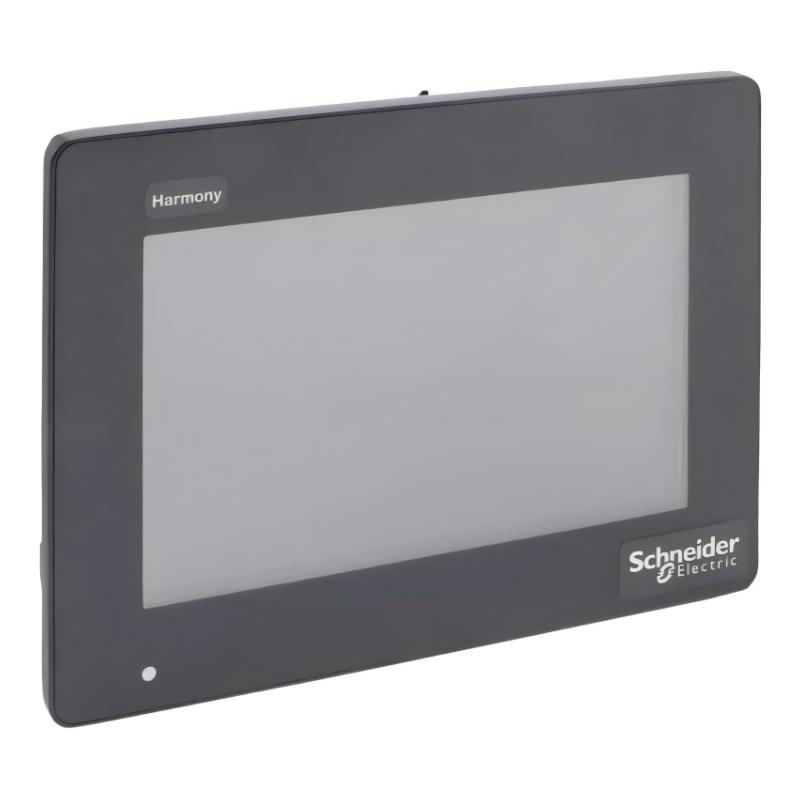
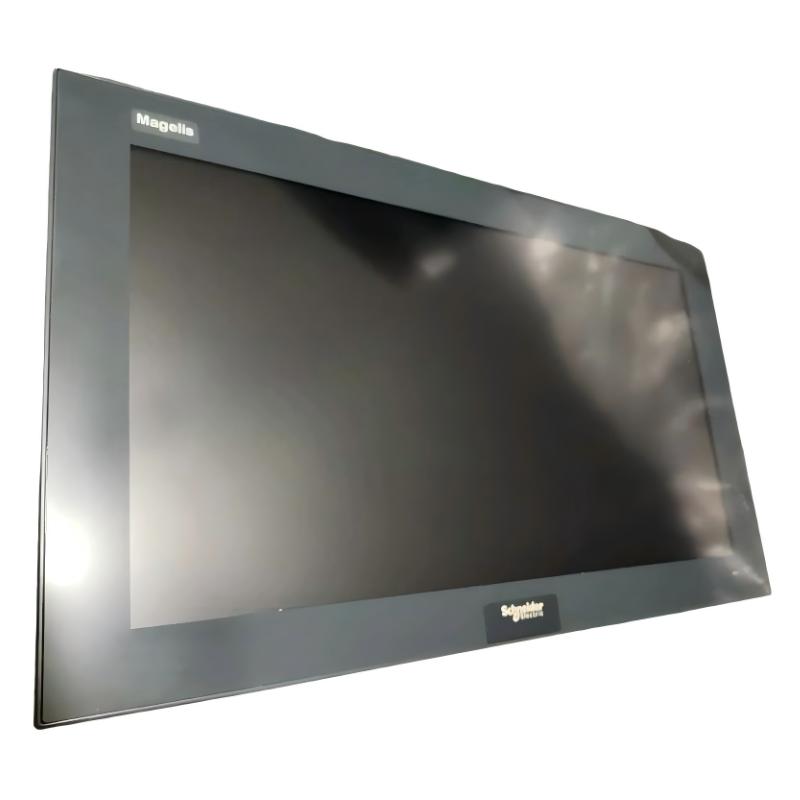
Schneider XBTGT6340 Advanced Touchscreen Panel
| Company Information | ||||||||
| [email protected] | ||||||||
| Mobile | +8613666084105 | |||||||
| +8613666084105 | ||||||||
| 13666084105 | ||||||||
| Add to | Room 1004, No. 62 Xiangxiu Li, Siming District, Xiamen City, Fujian Province, China | |||||||
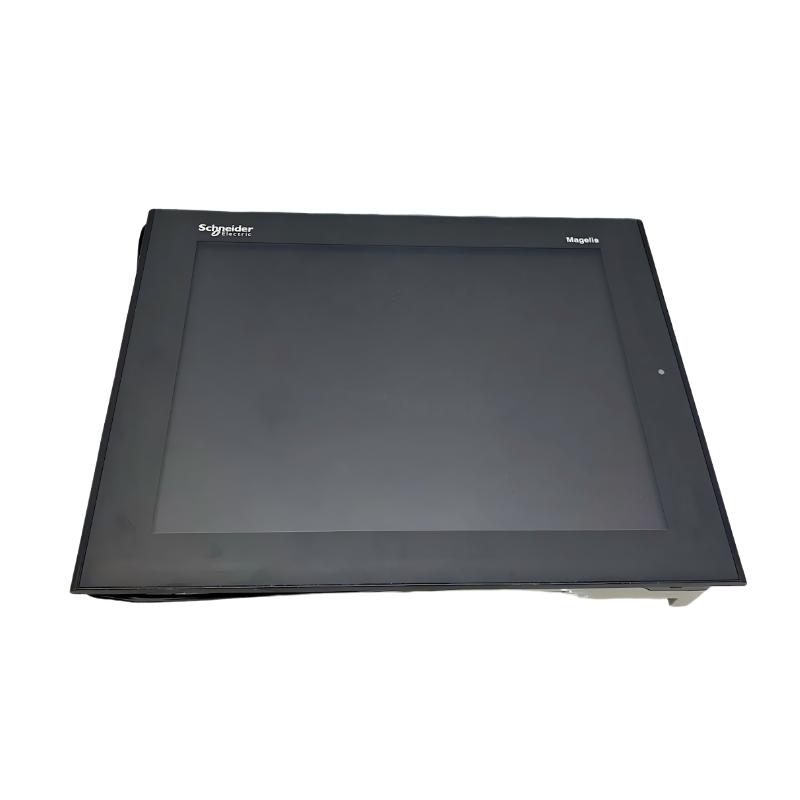 Technical Specifications
| Parameter | Specification |
|---|---|
| Model | XBTGT6340 |
| Product Type | Advanced Touchscreen Panel |
| Product Range | Magelis XBTGT |
| Display Type | Backlit Color TFT LCD |
| Display Size | 12.1 inches |
| Display Resolution | 800 × 600 pixels, SVGA |
| Display Colors | 65,536 colors |
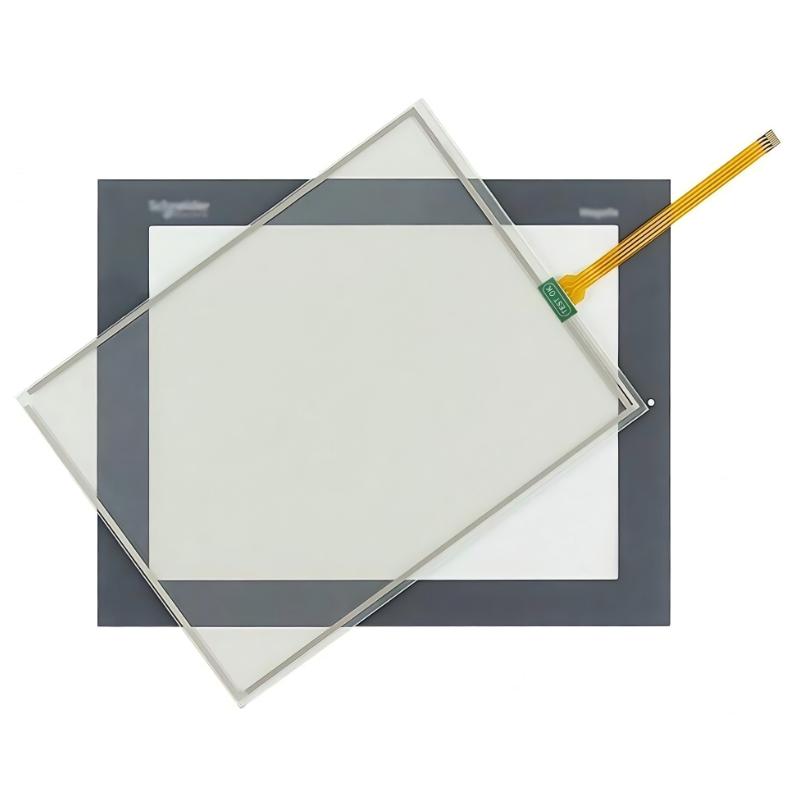
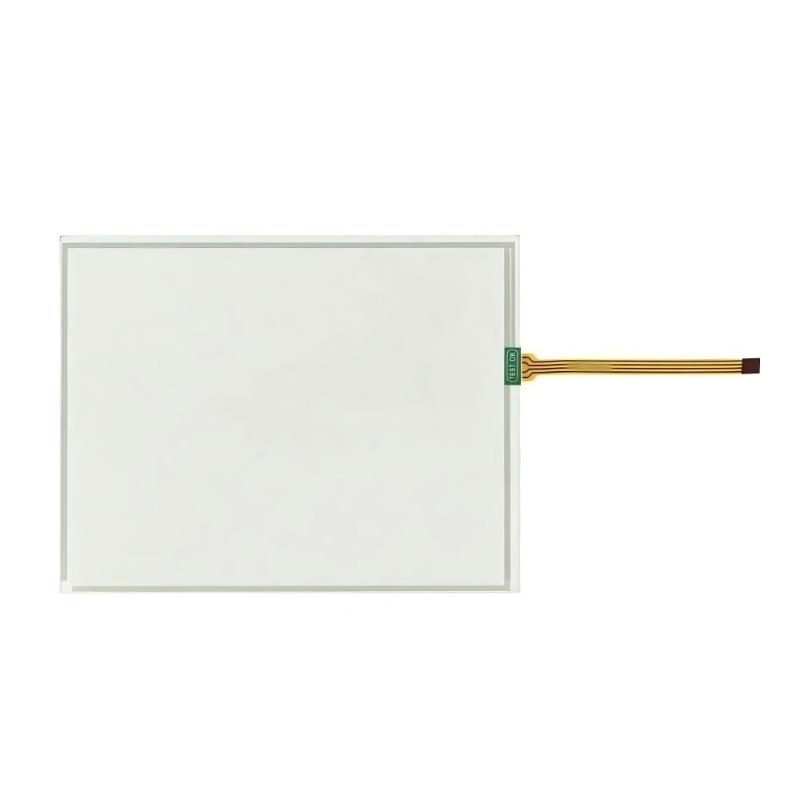
| Touchscreen | Resistive touchscreen |
| Touch Resolution | 1024 × 1024 |
| Processor | RISC CPU |
| Processor Frequency | 266 MHz |
| Application Memory | 32 MB Flash EPROM |
| Backup Memory | 512 KB SRAM with lithium battery backup |
| Configuration Software | Vijeo Designer |
| Operating System | Magelis |
| Power Supply | 24 V DC |
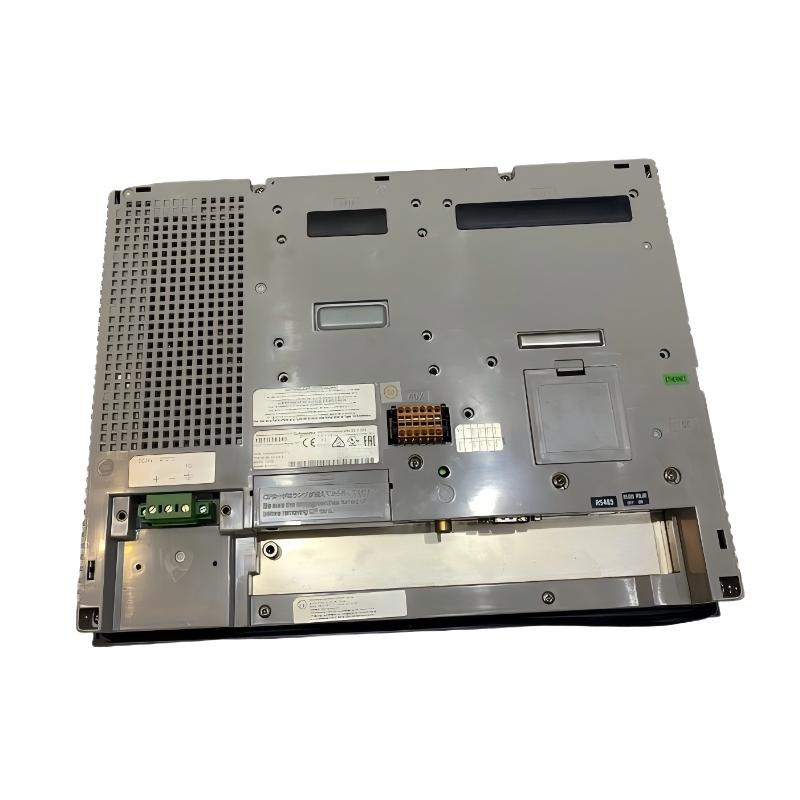
| Serial Communication | COM1 RS232C/RS422/RS485; COM2 RS485 |
| Ethernet | RJ45 Ethernet TCP/IP |
| USB Ports | 2 × USB Type-A Master, USB 1.1 |
| Video Input | RCA Composite Video, NTSC/PAL |
| Audio Input | Mini-jack |
| Audio Output | Removable screw terminal |
| Digital Inputs | Removable screw terminal |
| Digital Outputs | 3 removable screw terminal blocks |
| Installation | Panel mounting |
| Working Temperature | Suitable for industrial automation environments |
| Active Display Area | 306.2 × 230.1 mm |
| Cutout Dimensions | 301.5 × 227.5 mm |
| Dimensions | 313 × 239 × 56 mm |
| Weight | 3 kg |
FAQ
1. What type of HMI is XBTGT6340?
XBTGT6340 is an advanced industrial touchscreen panel from the Magelis XBTGT family. It uses a 12.1-inch color TFT LCD with an 800 × 600 SVGA resolution and supports 65,536 display colors. The panel is designed for machine operation, process monitoring, equipment status display, alarm management, and operator interaction in industrial automation systems. It can communicate with PLCs and other automation equipment through its serial communication interfaces and Ethernet port. The touchscreen provides direct access to operating commands, numerical settings, status information, trends, alarms, and other HMI functions, making it suitable for production machinery, material handling systems, packaging equipment, and process-control applications.
2. What communication interfaces are available on XBTGT6340?
XBTGT6340 provides several communication interfaces for integration with industrial control systems. The unit includes COM1 supporting RS232C, RS422, and RS485 communication, while COM2 provides an RJ45 RS485 interface and supports Siemens MPI communication at up to 187.5 kbit/s. It also includes an RJ45 Ethernet interface for TCP/IP communication. In addition, two USB Type-A master ports are available for compatible USB devices. The combination of serial and Ethernet interfaces allows the panel to communicate with different PLCs, controllers, drives, and other automation equipment. When configuring a project, the communication interface, protocol, baud rate, station address, and PLC communication parameters should be matched correctly on both sides.
3. Which software is used to configure XBTGT6340?
XBTGT6340 is configured using Vijeo Designer, the development environment associated with the Magelis XBTGT platform. The software can be used to create operator screens, buttons, numerical displays, alarm pages, trend displays, data-entry fields, status indicators, and other HMI functions. During commissioning, the communication driver and controller settings must be configured according to the PLC or automation device connected to the panel. The completed application can then be transferred to the HMI through an appropriate communication interface. When maintaining an existing XBTGT6340 installation, it is important to preserve the original project files and communication settings because an HMI replacement may require the same application configuration and controller communication parameters.
4. What should be checked if XBTGT6340 cannot communicate with a PLC?
When XBTGT6340 cannot communicate with a PLC, troubleshooting should start by identifying which communication interface and protocol are being used. For a serial connection, check the cable type, pin assignment, communication mode, baud rate, parity, data bits, stop bits, and station address. For Ethernet communication, verify the IP address, subnet configuration, physical network connection, and PLC communication settings. The communication driver selected in the Vijeo Designer project must also correspond to the actual controller and protocol. If the physical connection is correct but communication remains unavailable, check whether the PLC is running normally and whether another device is already occupying the same network address or serial station address. Reviewing the HMI communication status and controller diagnostics can help determine whether the problem is caused by wiring, configuration, protocol selection, or the controller itself.
5. What power supply does XBTGT6340 require?
XBTGT6340 is designed for a 24 V DC industrial control power supply. The power supply should be stable and appropriately sized for the HMI and any other equipment connected to the same control circuit. Before powering the panel, verify the polarity and ensure that the supply voltage is within the permitted operating range. Poor-quality power supplies, excessive voltage fluctuations, loose terminals, or electrical noise can result in unexpected resets, communication interruptions, or unstable touchscreen operation. In industrial cabinets, it is good practice to separate sensitive HMI power wiring from high-power switching circuits where possible and to use appropriate protective measures. If the panel repeatedly restarts or the display becomes unstable, the DC supply voltage should be measured directly at the HMI terminals while the system is operating.
6. What should be done if the XBTGT6340 touchscreen does not respond correctly?
If the touchscreen becomes slow, inaccurate, or completely unresponsive, first determine whether the problem affects the entire display or only specific areas of the interface. Check whether the application is still running and whether the HMI responds to other commands or communication activity. The touchscreen surface should be kept clean and free from conductive contamination, oil, moisture, or objects that could interfere with touch detection. If touch accuracy has changed, the touchscreen calibration procedure should also be considered where supported by the installed system. It is important to distinguish between a touchscreen hardware problem and an application problem. If the display itself remains normal but specific buttons do not respond, the Vijeo Designer project and object configuration should be checked. If the entire touch interface stops responding, the hardware, system software, and power supply should be investigated.
7. How can XBTGT6340 be used in an industrial Ethernet network?
XBTGT6340 can connect to an industrial Ethernet network through its RJ45 Ethernet interface and can communicate with compatible controllers and automation devices using supported TCP/IP-based communication functions. During configuration, the HMI should be assigned an appropriate IP address and network parameters that match the plant network. The PLC or controller must also be configured with compatible communication settings. For troubleshooting, verify the Ethernet cable, link status, IP addressing, subnet configuration, and communication driver in the HMI project. If multiple devices are installed on the same network, each device must have an appropriate and non-conflicting network address. Network configuration should also take into account the existing automation architecture so that the HMI does not interfere with controller communication or other critical industrial devices.
8. What maintenance should be performed on XBTGT6340 during long-term operation?
Routine maintenance should focus on the touchscreen, display, power supply, communication interfaces, and project data. The front panel should be kept clean using suitable cleaning methods that do not damage the touchscreen surface. Communication cables and terminal connections should be inspected periodically for looseness, oxidation, mechanical damage, or intermittent connections. The 24 V DC supply should also be checked if the panel experiences unexpected resets, communication interruptions, or display instability. Because XBTGT6340 uses battery-backed SRAM for data retention, the backup battery condition should be considered during long-term maintenance according to the applicable service procedures. For equipment that is critical to production, it is also recommended to keep a backup copy of the Vijeo Designer application and communication configuration. This makes it easier to restore the HMI after hardware failure or replacement and reduces downtime during maintenance.
Schneider XBTGT6340 Advanced Touchscreen Panel is in stock. Please contact us for a quick quote and competitive pricing.
| Company Information | ||||||||
| [email protected] | ||||||||
| Mobile | +8613666084105 | |||||||
| +8613666084105 | ||||||||
| 13666084105 | ||||||||
| Add to | Room 1004, No. 62 Xiangxiu Li, Siming District, Xiamen City, Fujian Province, China | |||||||
Company Introduction
Xiamen Shengruite Trading Co., Ltd. is a company specializing in the supply of industrial PLC spare parts.
We provide high-quality PLC spare parts to customers in the global manufacturing, energy and power, chemical and other fields.
Since its establishment in 2011, after 13 years of rapid development, the cumulative global shipments have reached 223,650 pieces, with an annual output value of US$50 million.
Successfully served more than 500 customers in more than 100 countries and regions including Saudi Arabia, UAE, the United States, Europe, Africa, and Southeast Asia
Our Mission
Provide customers with the best quality PLC spare parts and the fastest delivery service to ensure that their industrial automation systems are always in the best operating condition.
We provide a 1-year warranty service, and we support returns and exchanges for any issues to ensure your rights and interests are fully protected.
We can provide detailed product images upon request, and our team can arrange warehouse photos for confirmation to ensure you have all the information you need before making a purchase.
Shipping times vary depending on your location. With the support of our 16 global warehouses, we strive to deliver orders as quickly as possible. Contact us to get an estimated delivery time for your specific location.
The minimum order quantity (MOQ) is typically one unit. However, for larger orders, please contact us for potential discounts and pricing details.
Yes, we offer competitive pricing for bulk purchases. Please reach out to our sales team with the specifics of your order to receive a custom quote.
We accept various payment methods for wholesale orders, including bank transfers (T/T), letters of credit, and other options upon agreement. For large transactions, please contact us directly for payment terms.
Yes, we offer flexible ordering options for both small and large quantities. Whether youre looking for a single unit or a large batch, we can accommodate your needs.
We occasionally offer promotional discounts for new wholesale customers. Contact us to learn more about any current offers available for first-time buyers.
If you are unsure of compatibility with your existing setup please provide your system details and our support team can verify compatibility prior to purchase.
Returns are accepted within 30 days if the product is unused, unopened, and in its original packaging. Please note that return shipping and associated costs are the buyer\\\\\\\\\\\\\\\\\\\\\\\\\\\\\\\\\\\\\\\\\\\\\\\\\\\\\\\\\\\\\\\\\\\\\\\\\\\\\\\\\\\\\\\\\\\\\\\\\\\\\\\\\\\\\\\\\\\\\\\\\\\\\\\\\\\\\\\\\\\\\\\\\\\\\\\\\\\\\\\\\\\\\\\\\\\\\\\\\\\\\\\\\\\\\\\\\\\\\\\\\\\\\\\\\\\\\\\\\\\\\\\\\\\\\\\\\\\\\\\\\\\\\\\\\\\\\\\\\\\\\\\\\\\\\\\\\\\\\\\\\\\\\\\\\\\\\\\\\\\\\\\\\\\\\\\\\\\\\\\\\\\\\\\\\\\\\\\\\\\\\\\\\\\\\\\\\\\\\\\\\\\\\\\\\\\\\\\\\\\\\\\\\\\\\\\\\\\\\\\\\\\\\\\\\\\\\\\\\\\\\\\\\\\\\\\\\\\\\\\\\\\\\\\\\\\\\\\\\\\\\\\\\\\\\\\\\\\\\\\\\\\\\\\\\\\\\\\\\\\\\\\\\\\\\\\\\\\\\\\\\\\\\\\\\\\\\\\\\\\\\\\\\\\\\\\\\\\\\\\\\\\\\\\\\\\\\\\\\\\\\\\\\\\\\\\\\\\\\\\\\\\\\\\\\\\\\\\\\\\\\\\\\\\\\\\\\\\\\\\\\\\\\\\\\\\\\\\\\\\\\\\\\\\\\\\\\\\\\\\\\\\\\\\\\\\\\\\\\\\\\\\\\\\\\\\\\\\\\\\\\\\\\\\\\\\\\\\\\\\\\\\\\\\\\\\\\\\\\\\\\\\\\\\\\\\\\\\\\\\\\\\\\\\\\\\\\\\\\\\\\\\\\\\\\\\\\\\\\\\\\\\\\\\\\\\\\\\\\\\\\\\\\\\\\\\\\\\\\\\\\\\\\\\\\\\\\\\\\\\\\\\\\\\\\\\\\\\\\\\\\\\\\\\\\\\\\\\\\\\\\\\\\\\\\\\\\\\\\\\\\\\\\\\\\\\\\\\\\\\\\\\\\\\\\\\\\\\\\\\\\\\\\\\\\\\\\\\\\\\\\\\\\\\\\\\\\\\\\\\\\\\\\\\\\\\\\\\\\\\\\\\\\\\\\\\\\\\\\\\\\\\\\\\\\\\\\\\\\\\\\\\\\\\\\\\\\\\\\\\\\\\\\\\\\\\\\\\\\\\\\\\\\\\\\\\\\\\\\\\\\\\\\\\\\\\\\\\\\\\\\\\\\\\\\\\\\\\\\\\\\\\\\\\\\\\\\\\\\\\\\\\\\\\\\\\\\\\\\\\\\\\\\\\\\\\\\\\\\\\\\\\\\\\\\\\\\\\\\\\\\\\\\\\\\\\\\\\\\\\\\\\\\\\\\\\\\\\\\\\\\\\\\\\\\\\\\\\\\\\\\\\\\\\\\\\\\\\\\\\\\\\\\\\\\\\\\\\\\\\\\\\\\\\\\\\\\\\\\\\\\\\\\\\\\\\\\\\\\\\\\\\\\\\\\\\\\\\\\\\\\\\\\\\\\\\\\\\\\\\\\\\\\\\\\\\\\\\\\\\\\\\\\\\\\\\\\\\\\\\\\\\\\\\\\\\\\\\\\\\\\\\\\\\\\\\\\\\\\\\\\\\\\\\\\\\\\\\\\\\\\\\\\\\\\\\\\\\\\\\\\\\\\\\\\\\\\\\\\\\\\\\\\\\\\\\\\\\\\\\\\\\\\\\\\\\\\\\\\\\\\\\\\\\\\\\\\\\\\\\\\\\\\\\\\\\\\\\\\\\\\\\\\\\\\\\\\\\\\\\\\\\\\\\\\\\\\\\\\\\\\\\\\\\\\\\\\\\\\\\\\\\\\\\\\\\\\\\\\\\\\\\\\\\\\\\\\\\\\\\\\\\\\\\\\\\\\\\\\\\\\\\\\\\\\\\\\\\\\\\\\\\\\\\\\\\\\\\\\\\\\\\\\\\\\\\\\\\\\\\\\\\\\\\\\\\\\\\\\\\\\\\\\\\\\\\\\\\\\\\\\\\\\\\\\\\\\\\\\\\\\\\\\\\\\\\\\\\\\\\\\\\\\\\\\\\\\\\\\\\\\\\\\\\\\\\\\\\\\\\\\\\\\\\\\\\\\\\\\\\\\\\\\\\\\\\\\\\\\\\\\\\\\\\\\\\\\\\\\\\\\\\\\\\\\\\\\\\\\\\\\\\\\\\’s responsibility.
Yes, we offer technical support for the installation and integration of our products. Our team can assist with setup, configuration, and troubleshooting to ensure a smooth installation.