
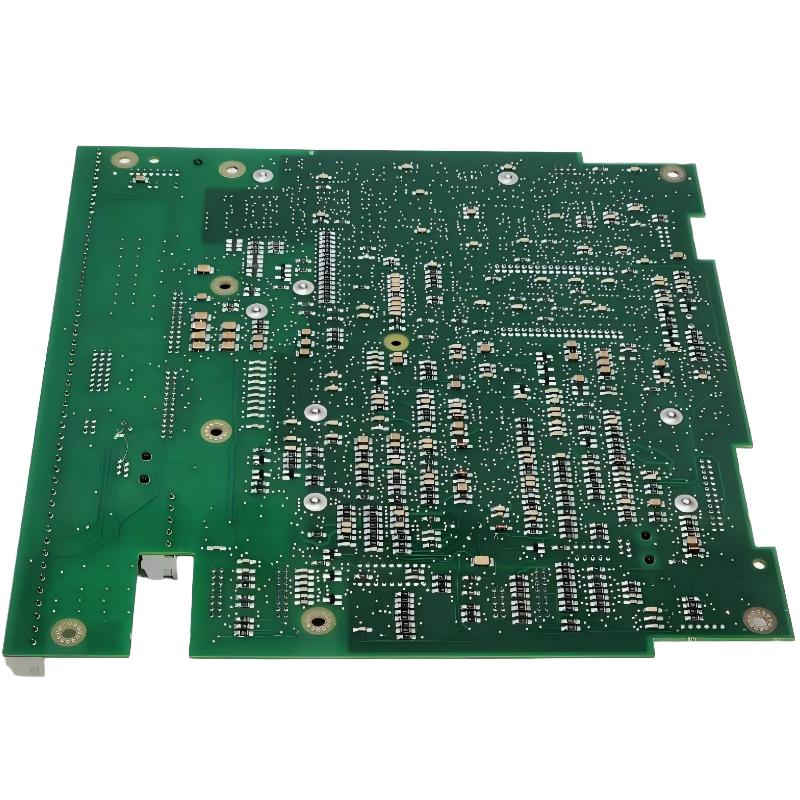
ABB 70SG01R1 DCS System Test Button Unit Installation Guide
ABB 70SG01R1 DCS System Test Button Unit installation should focus on correct terminal identification, control-circuit wiring, mechanical mounting, and functional verification. During Setup and Commissioning, the test button must be checked as part of the complete DCS System Configuration rather than treated as an isolated switch.
ABB 70SG01R1 DCS System Test Button Unit Installation Requirements
Before installation, confirm the 70SG01R1 identification against the project drawings and cabinet documentation. Check the associated DCS I/O or control circuit, terminal numbering, field cable designation, and required operating logic.
- Verify the ABB 70SG01R1 part number and hardware condition.
- Check cabinet mounting space and mechanical fixing points.
- Review the approved electrical schematic before connecting conductors.
- Confirm control-circuit voltage from the system documentation.
- Inspect terminals and wiring for looseness, oxidation, or mechanical damage.
- Ensure the DCS System Configuration matches the intended test function.
ABB 70SG01R1 Wiring and DCS Control Circuit Setup
The wiring stage should be handled according to the actual project schematic because the test button function depends on the surrounding DCS control architecture. Do not assume terminal functions solely from physical appearance.
- Isolate the relevant control circuit according to the site safety procedure.
- Identify the 70SG01R1 terminals using the approved drawing.
- Check conductor identification before termination.
- Connect the button circuit without changing the documented control logic.
- Inspect terminal tightness and cable routing.
- Compare the completed wiring with the system drawing before energization.
ABB 70SG01R1 Installation Inspection Points
- Terminal labels must remain clearly visible.
- Wires should not be subjected to excessive mechanical tension.
- Control cables should follow the cabinet’s established segregation practice.
- The push-button mechanism should move freely without sticking.
ABB 70SG01R1 Setup and Commissioning Verification
After wiring, commissioning should verify both the physical action of the button and the corresponding response in the DCS. A useful field approach is to test the signal path from the button to the receiving logic instead of checking only whether the button feels mechanically correct.
Check circuit status
Verify control voltage
Operate 70SG01R1 test button
Observe corresponding DCS indication
Confirm expected logic response
Restore normal operating condition
During Setup and Commissioning, record the measured control voltage and the DCS indication associated with the test operation. If the input does not change, check the circuit path before replacing the unit.
ABB 70SG01R1 DCS Commissioning Field Case
In one commissioning case involving a DCS cabinet test circuit, the test button produced no visible response at the operator station. The initial assumption was a defective button, but the engineering check followed the signal path first. Continuity testing showed that the button circuit itself was intact. The investigation then moved to the terminal interface, where one control conductor had been landed on an incorrect terminal.
After the conductor was returned to the documented terminal and the DCS System Configuration was checked, the test operation was correctly detected. This type of fault illustrates why an Installation Guide should always be combined with wiring verification and functional commissioning.
ABB 70SG01R1 Installation Validation Checklist
- Hardware identification confirmed.
- Mechanical installation inspected.
- Terminal wiring compared with approved drawings.
- Control voltage verified.
- Button operation checked.
- DCS indication confirmed.
- Normal system condition restored after testing.
ABB 70SG01R1 Installation Guide FAQ
What should be checked before installing the ABB 70SG01R1?
Verify the complete part number, cabinet documentation, terminal assignment, control-circuit requirements, and intended DCS function before wiring begins.
Can the ABB 70SG01R1 be wired without the original system drawing?
Terminal functions should not be assumed. The safest engineering practice is to use the approved project schematic or verified cabinet documentation to establish the actual circuit connections.
How should the 70SG01R1 be tested during commissioning?
Operate the test button while monitoring the associated control signal and DCS indication. Confirm that the physical action produces the expected system response.
What if the button operates mechanically but the DCS receives no signal?
Check the control voltage, continuity, terminal connections, cable identification, receiving input, and DCS logic before concluding that the button unit has failed.
ABB 70SG01R1 DCS System Test Button Unit General Overview
The ABB 70SG01R1 DCS System Test Button Unit should be commissioned as part of the complete control circuit. Correct wiring, documented System Configuration, measured electrical checks, and functional validation provide a more reliable installation than mechanical inspection alone.



