100% Original, Ready to Ship!

ABB Touch Screen Repair Common Faults And Solutions
ABB touch screens are widely used in industrial automation systems. With long-term operation, various faults may occur and affect equipment stability and production efficiency. The following summarizes common issues and practical troubleshooting methods for faster diagnosis and repair.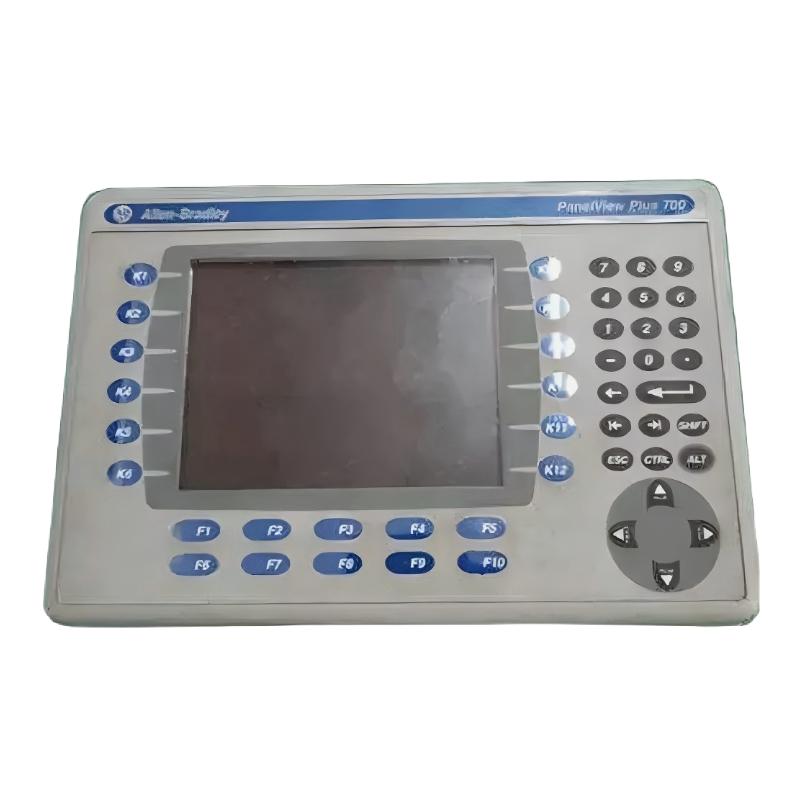
A no-display or black screen issue is often related to power supply problems. First, check whether the input voltage is within the rated range and whether terminals are loose, oxidized, or disconnected. If power is normal but the screen remains dark, inspect the internal fuse. If faint images appear under strong light, the backlight or its driver circuit may be faulty. If there is no display at all, the LCD module itself may be damaged and require replacement.
Touch failure or inaccurate positioning is another frequent issue. The first step is touch screen calibration through system settings. If system access is unavailable, use the hardware key combination described in the manual to enter calibration mode. The screen surface should also be checked for oil, dust, or scratches, which can affect touch sensitivity. In industrial environments, electromagnetic interference is a common cause, so the device should be kept away from inverters and large motors, and signal cable shielding should be verified. If the issue persists, the touch sensor layer may be aging or damaged.
Communication failures usually occur when the HMI cannot connect with the PLC or controller. Key parameters such as baud rate, data bits, stop bits, and parity must be consistent on both sides. Physical wiring should also be checked for loose connections, bent pins, or corrosion. Replacing the communication cable is an effective way to isolate the fault. Device address mismatch and firmware incompatibility should also be considered.
Program loading errors or runtime issues such as crashes, reboot loops, or failed downloads are often related to software compatibility or storage limitations. Ensure the configuration software version matches the device model. Check available storage space and clear unnecessary logs if needed. If issues persist, restoring factory settings and reloading the program may help. Overly complex programs may also exceed hardware performance limits, requiring optimization or hardware upgrades.
Display abnormalities such as flickering, color distortion, lines, or screen noise are often caused by loose display cables. Re-seating the internal ribbon cable after power-off is recommended. Incorrect display settings and unstable power supply can also cause similar symptoms. If unresolved, the LCD panel or display control circuit may be faulty.
For models with physical buttons, non-responsive or stuck keys are usually caused by dust or oil ingress. Cleaning may resolve the issue. If individual keys fail, the micro switch may be damaged and require replacement.
Power module failures often manifest as frequent restarts or sudden shutdowns. Voltage stability should be checked first. Aging electrolytic capacitors inside the power module are also a common cause. Overheating due to poor ventilation may trigger protective shutdowns, so proper cooling must be ensured.
In general, ABB touch screen troubleshooting should follow a logical approach from external to internal and from simple to complex. Priority should be given to power supply, cabling, and parameter settings. When basic troubleshooting fails, internal hardware components such as the display, touch layer, or power module are likely damaged and may require professional repair or module replacement.
 Rockwell Automation Expands Industrial AI Capabilities With NVIDIA Nemotron Support
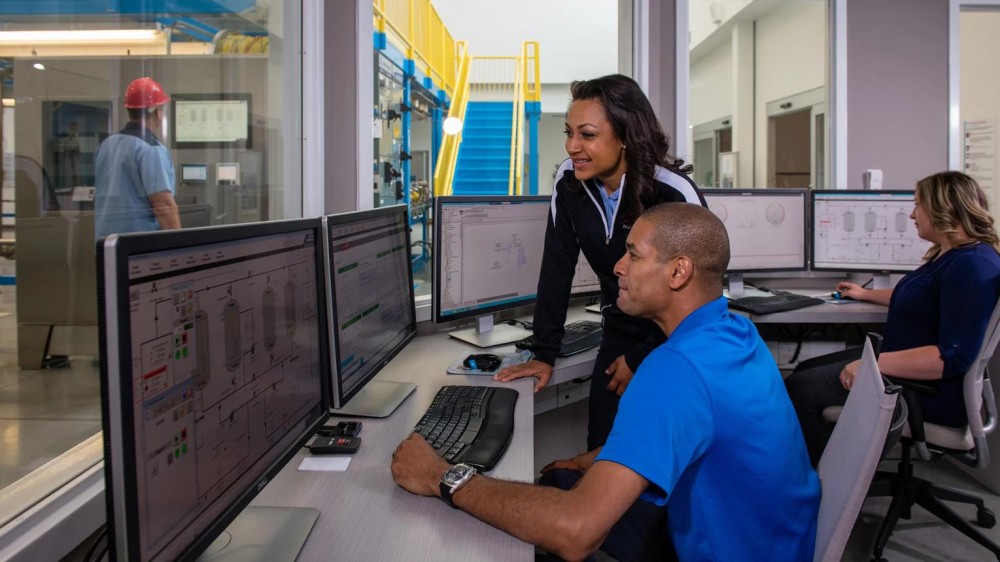 Rockwell Automation Introduces FactoryTalk Conductor To Advance AI-Driven Industrial Automation
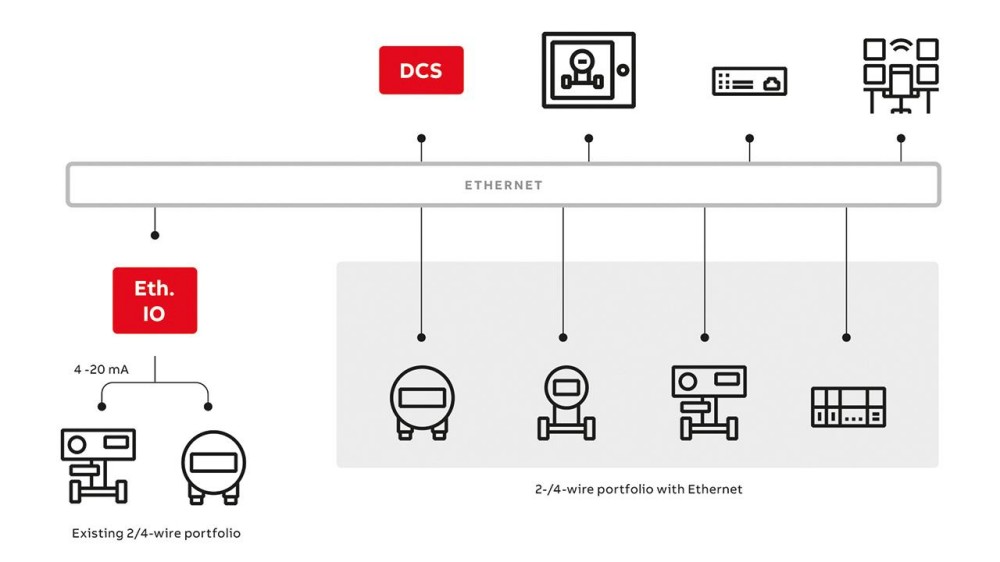 ABB And Boliden Advance DCS Modernization With Ethernet-APL Industrial Automation
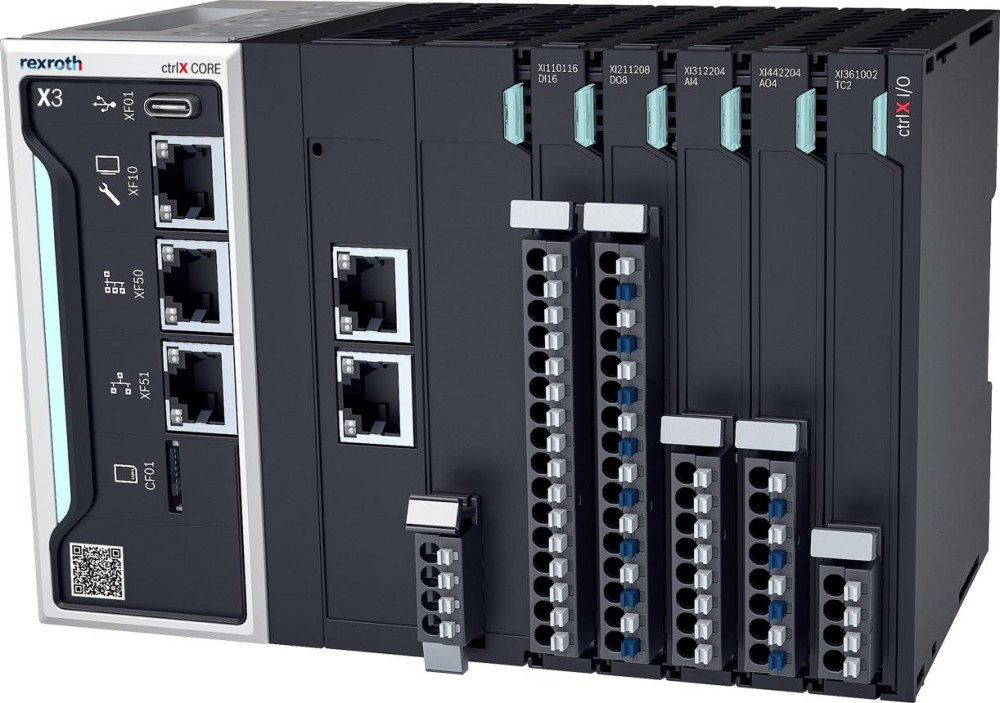 Bosch Rexroth Expands ctrlX AUTOMATION With New Safety PLC, Drive And Software Features