100% Original, Ready to Ship!

ABB Touch Screen Hardware Damage Repair And Replacement Guide
When an ABB touch screen experiences hardware damage, it can disrupt normal operation and impact production continuity. Common issues include screen cracks, touch failure, display abnormalities, or power module malfunction. Different levels of damage require different repair or replacement strategies.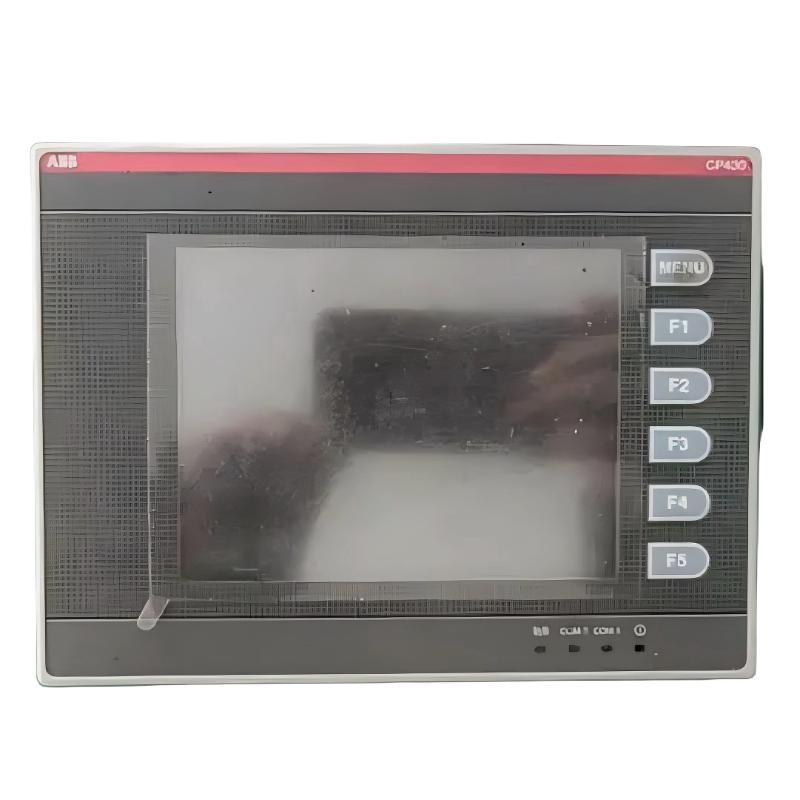
The first step is accurate fault identification. Visual inspection should be performed to check whether the screen has cracks or physical damage. Power indicator status should be verified to rule out supply issues. Touch response should also be tested; partial unresponsiveness or inaccurate positioning usually indicates a damaged touch layer. If the device repeatedly restarts or fails to power on, the issue may involve the mainboard or internal connections. After excluding loose cables or configuration errors, a hardware fault can generally be confirmed.
If repair conditions are suitable, disassembly and component-level inspection can be performed. The device must be powered off and fully discharged before maintenance to ensure safety. During disassembly, care must be taken to avoid damaging housing and internal connectors, and the disassembly sequence should be recorded for reassembly. Key components such as display ribbon cables, board interfaces, and power modules should be inspected for burn marks, corrosion, or physical breakage. If only small components such as capacitors or resistors are damaged, replacement with identical specifications may be possible. However, if the screen or touch layer is severely damaged, full module replacement is usually required. After repair, reassembly and functional testing must be performed to confirm normal operation.
When damage is severe or repair costs are too high, full screen replacement is a more practical solution. The replacement unit must match the original specifications, including size, resolution, and interface type, to ensure compatibility. Before replacement, system parameters and programs should be backed up via the upper computer to prevent data loss. The old screen should be removed carefully to avoid static or interface damage. After installing the new screen, all connections must be firmly secured, followed by data restoration, touch calibration, and functional testing.
Cost and time factors vary depending on the damage level and model type. Minor repairs may be relatively low-cost, while full module replacement is more expensive and may involve longer procurement lead times. Therefore, production requirements should be considered when selecting the appropriate solution.
Preventive maintenance can significantly reduce hardware failure risk. Recommended measures include avoiding sharp objects on the screen, regular surface cleaning, maintaining a dry and well-ventilated environment, and minimizing exposure to high temperature, humidity, and strong electromagnetic interference. Regular inspection of cables and connectors is also recommended to detect aging or looseness early.
In summary, ABB touch screen hardware damage should be handled based on severity, choosing repair or replacement accordingly. Proper safety procedures must be followed, and professional technical support is recommended for complex failures to ensure stable and reliable system recovery.
 Rockwell Automation Expands Industrial AI Capabilities With NVIDIA Nemotron Support
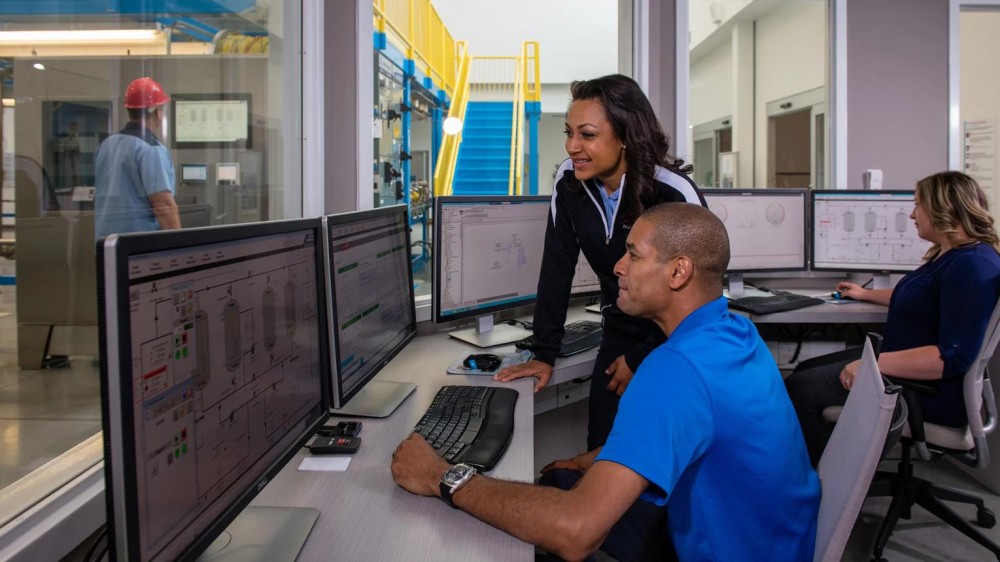 Rockwell Automation Introduces FactoryTalk Conductor To Advance AI-Driven Industrial Automation
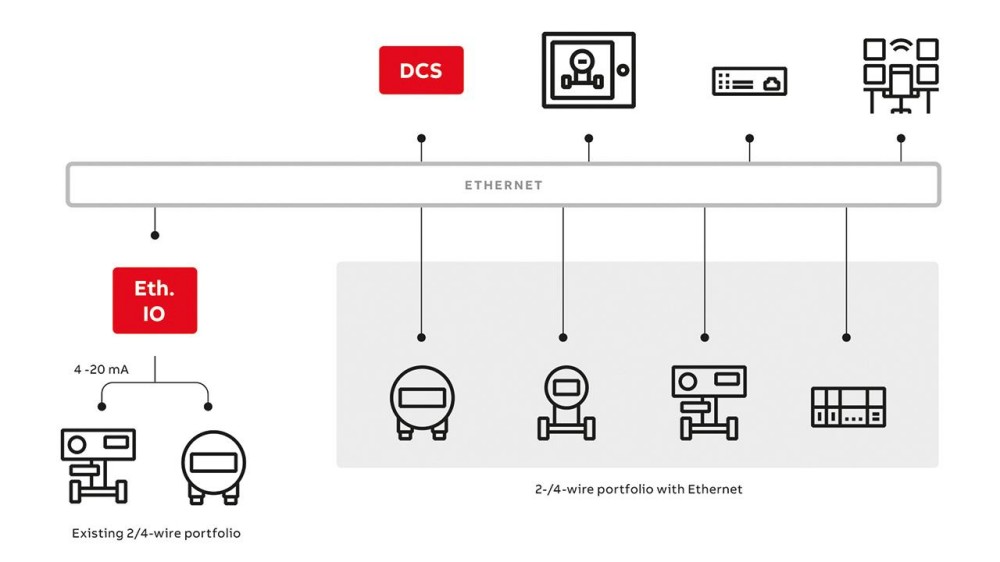 ABB And Boliden Advance DCS Modernization With Ethernet-APL Industrial Automation
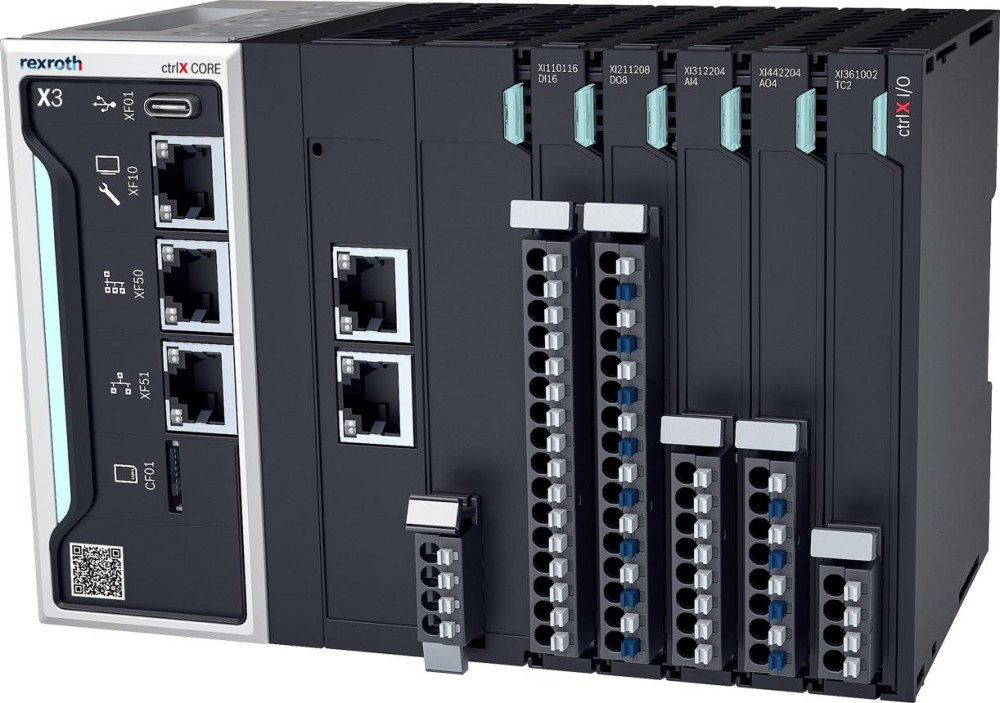 Bosch Rexroth Expands ctrlX AUTOMATION With New Safety PLC, Drive And Software Features