100% Original, Ready to Ship!

ABB Touch Screen Power Issues Troubleshooting And Maintenance Guide
In industrial automation systems, the stable operation of ABB touch screens heavily depends on power supply quality. Many common failures—such as failure to start, screen flickering, random reboots, or communication interruptions—are often ultimately traced back to power-related issues. The power system acts as the “energy core” of the device, and once instability occurs, multiple functional modules may be affected, potentially leading to system downtime.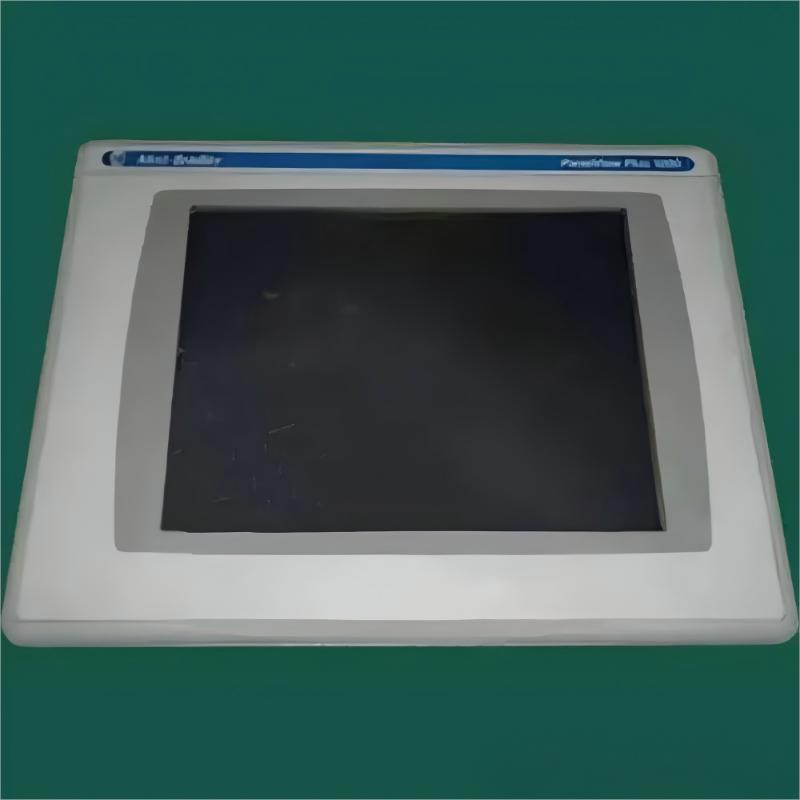
When the touch screen shows no display and no indicator light, the first step is to check the external power supply, including whether the voltage is within the rated range, whether circuit breakers or fuses are intact, and whether wiring connections are loose or poorly contacted. If the external power is normal, internal power modules should be examined for issues such as blown fuses, aging capacitors, or damaged power components.
If the screen flickers, displays unstable images, or occasionally goes black, the issue is often related to excessive voltage ripple or unstable power output. Over time, electrolytic capacitors may degrade, reducing filtering performance and causing display instability. In addition, insufficient power load capacity may lead to voltage drops during high-load operation, further affecting display performance.
Frequent rebooting or failure to start is commonly caused by insufficient startup current, inadequate power margin, or abnormal core voltage supply. In some cases, failure of the power management chip may disrupt power sequencing, preventing the system from completing the startup process.
Touch malfunction or reduced accuracy can also be linked to power quality issues. Unstable power supply or excessive electrical noise may interfere with the touch signal processing circuit, resulting in inaccurate positioning or unresponsive touch behavior.
Communication failures may also be influenced by power conditions. Insufficient supply to interface driver chips can reduce signal strength, while poor grounding may introduce common-mode noise, affecting data transmission stability between the touch screen and PLC or other devices.
During troubleshooting, a step-by-step approach should be followed. First confirm that the input voltage is stable, then inspect wiring and terminal conditions, and finally check the internal power board for visible damage such as burnt components, swollen capacitors, or blown fuses. If possible, measure the stability of each internal output voltage.
For more complex power issues, a substitution method can be used to quickly identify faults by replacing the power module or the entire device. For internal circuit-level repairs, professional technicians are recommended to avoid further damage or safety risks.
Overall, ABB touch screen power issues are often subtle but widely impactful. Maintaining a stable power environment, regularly inspecting wiring connections, and ensuring proper heat dissipation are key measures to reduce failure rates and improve long-term system reliability.
 Rockwell Automation Expands Industrial AI Capabilities With NVIDIA Nemotron Support
 Rockwell Automation Introduces FactoryTalk Conductor To Advance AI-Driven Industrial Automation
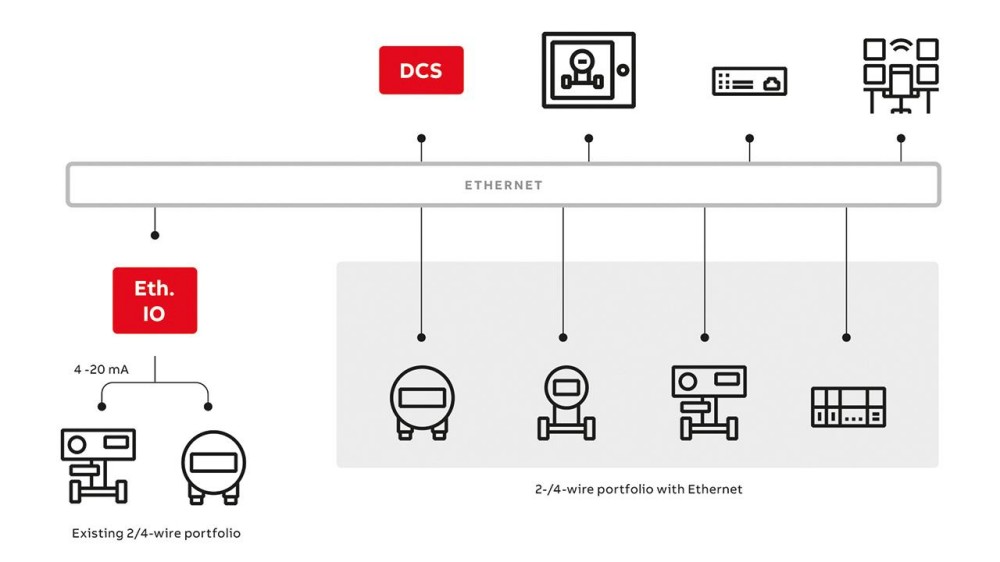 ABB And Boliden Advance DCS Modernization With Ethernet-APL Industrial Automation
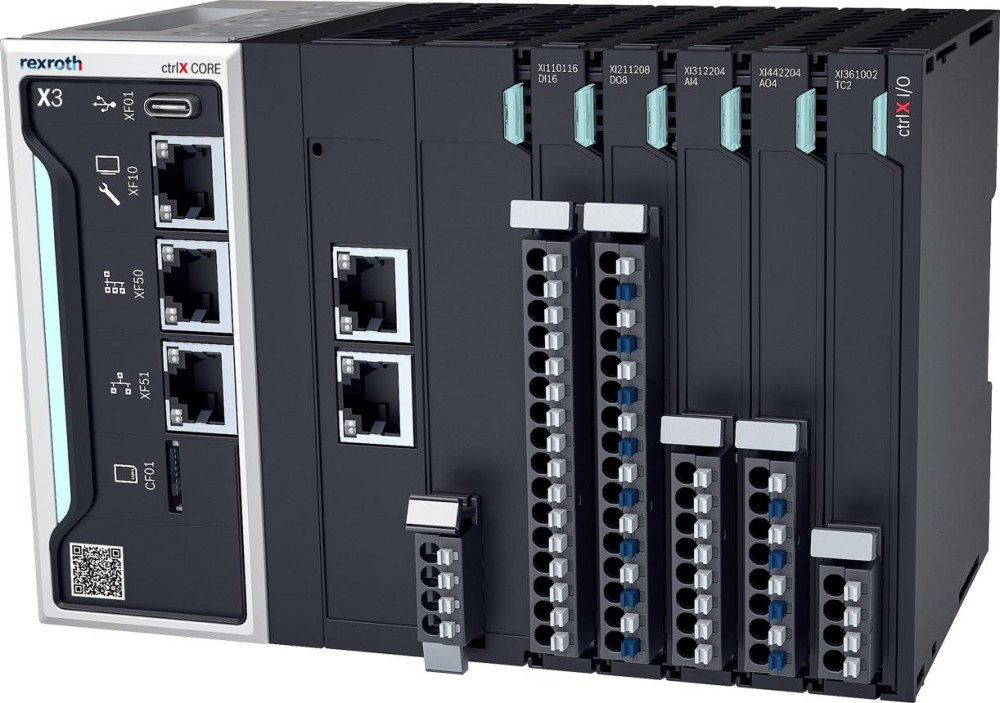 Bosch Rexroth Expands ctrlX AUTOMATION With New Safety PLC, Drive And Software Features