100% Original, Ready to Ship!

ABB 07 PS 61 R2 GJV3074331R2 Program Memory Module Installation Guide
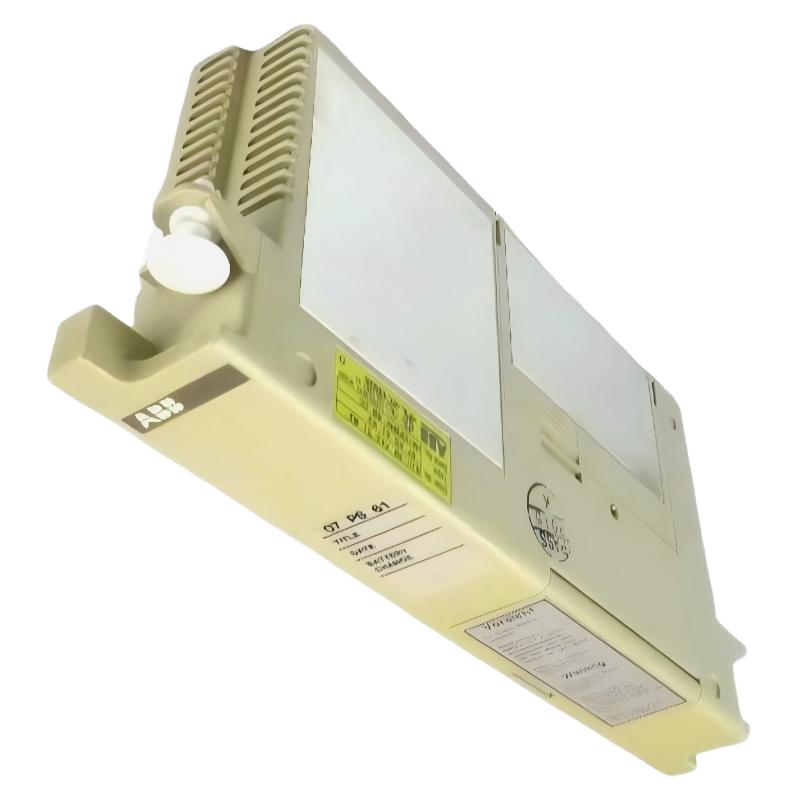
ABB 07 PS 61 R2 GJV3074331R2 communication and program loading issues are often caused by improper module seating or unstable backplane voltage rather than actual memory failure. In ABB Procontic/Advant Controller systems, this Program Memory Module plays a critical role in storing PLC logic, system parameters, and runtime configuration data. During Installation Guide execution, even a small handling error can lead to boot failure or program checksum mismatch during Setup / Commissioning.
In one field commissioning case on an ABB Advant Controller 31 rack, the CPU failed to recognize the module after startup. The root cause was not hardware damage but oxidation on the backplane connector pins, reducing signal integrity below 3.2V threshold stability level.
Table of Contents
- Pre-Installation Checks
- Module Mounting Procedure
- Backplane & System Connection
- Commissioning & System Configuration
- Validation & Runtime Verification
- FAQ – Installation Issues
ABB 07 PS 61 R2 Installation Pre-Checks & Preparation
Before starting Installation Guide procedures, verify system integrity and compatibility with the PLC Controller rack. The 07 PS 61 R2 module is sensitive to static discharge and improper voltage conditions.
- Confirm rack compatibility with ABB Advant Controller 31 series
- Check backplane voltage stability (typically 5V DC ±5%)
- Inspect module pins for oxidation or bending
- Ensure PLC system is fully powered down before insertion
Field note: We observed intermittent memory recognition failure when ambient humidity exceeded 70%, especially in older cabinet installations without proper grounding.
ABB 07 PS 61 R2 Module Mounting Procedure
The Program Memory Module must be inserted with controlled pressure and correct alignment to avoid partial contact.
- Power off PLC system completely and discharge residual voltage
- Align module guide rails with slot interface
- Insert steadily until mechanical lock engages
- Verify no visible gap between module and backplane
Incorrect installation often leads to “memory not detected” during PLC boot sequence.
ABB 07 PS 61 R2 Backplane Communication & System Connection
Unlike field I/O modules, this Program Memory Module does not require external wiring, but relies entirely on backplane communication. The signal integrity is critical for Program Execution and data synchronization.
During Troubleshooting, engineers should verify:
- Backplane bus continuity
- Ground reference stability (GND loop resistance < 0.5Ω)
- Power rail ripple noise (< 50mV recommended)
PLC Diagnostic Command Example:
RUN DIAG MEMORY_CHECK
READ MODULE_STATUS 07PS61R2
CHECK BACKPLANE VOLTAGE
ABB 07 PS 61 R2 Commissioning & System Configuration
During Setup / Commissioning, the PLC automatically loads firmware and program blocks from the memory module. Any mismatch in firmware version may trigger startup halt or fallback mode.
In one real commissioning scenario in a packaging plant, the system repeatedly entered STOP mode. After analysis, we found inconsistent program checksum caused by partially corrupted EEPROM data during cold startup below 10°C.
- Perform cold-start initialization test
- Verify program checksum consistency
- Confirm PLC CPU recognizes memory address space
ABB 07 PS 61 R2 Installation Validation & Operational Check
After installation, validate system behavior under load conditions. Monitor CPU scan cycle time and memory access latency.
Typical healthy system parameters:
- Scan cycle: stable ±2 ms variation
- Memory access delay: < 1 ms
- No startup fault codes
If instability appears, reseating module usually resolves 80% of cases without replacement.
ABB 07 PS 61 R2 Installation FAQ
Why does ABB 07 PS 61 R2 not get detected after installation?
This is usually caused by poor backplane contact, oxidized connectors, or incomplete seating. In field cases, cleaning gold fingers restored normal detection.
Can the module be installed while PLC is powered?
No. Hot insertion can cause EEPROM corruption or backplane damage due to transient voltage spikes.
Does vibration affect module stability?
Yes. In high-vibration cabinets (>2.5 mm/s RMS), intermittent memory errors may occur due to micro-contact loss.
How to verify correct commissioning?
Check system boot logs and ensure no “memory checksum error” appears during startup sequence.
Final Technical Summary
The ABB 07 PS 61 R2 Program Memory Module is highly reliable when correctly installed, but sensitive to grounding quality, connector cleanliness, and backplane voltage stability. Proper Installation Guide execution and structured Setup / Commissioning checks significantly reduce PLC startup failures in ABB automation systems.
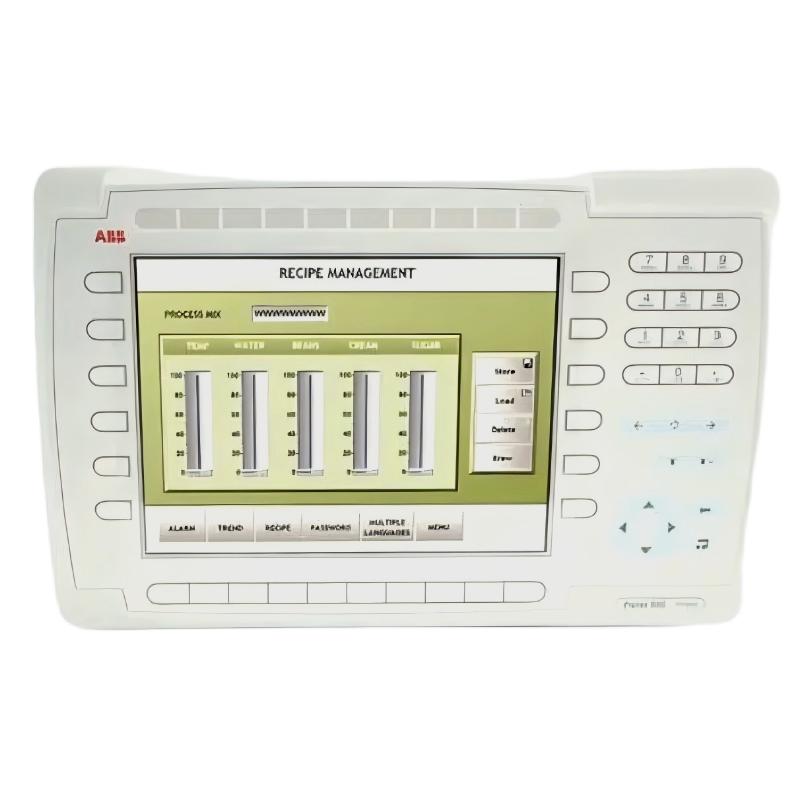 ABB PP845 3BSE042235R1 Operation Panel Installation Guide
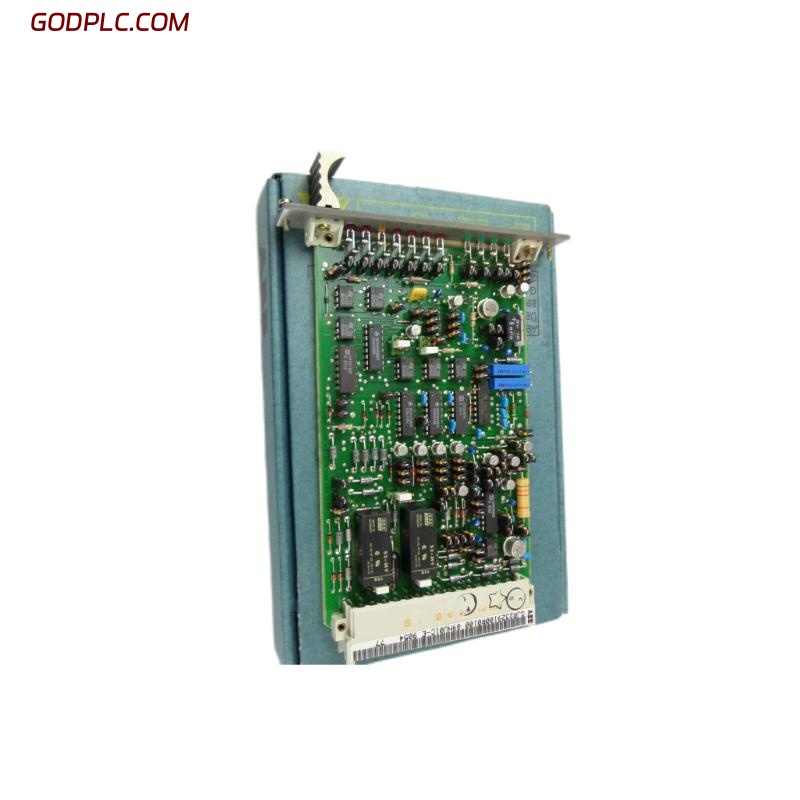 ABB 89NU01E Safety Relay Installation Guide
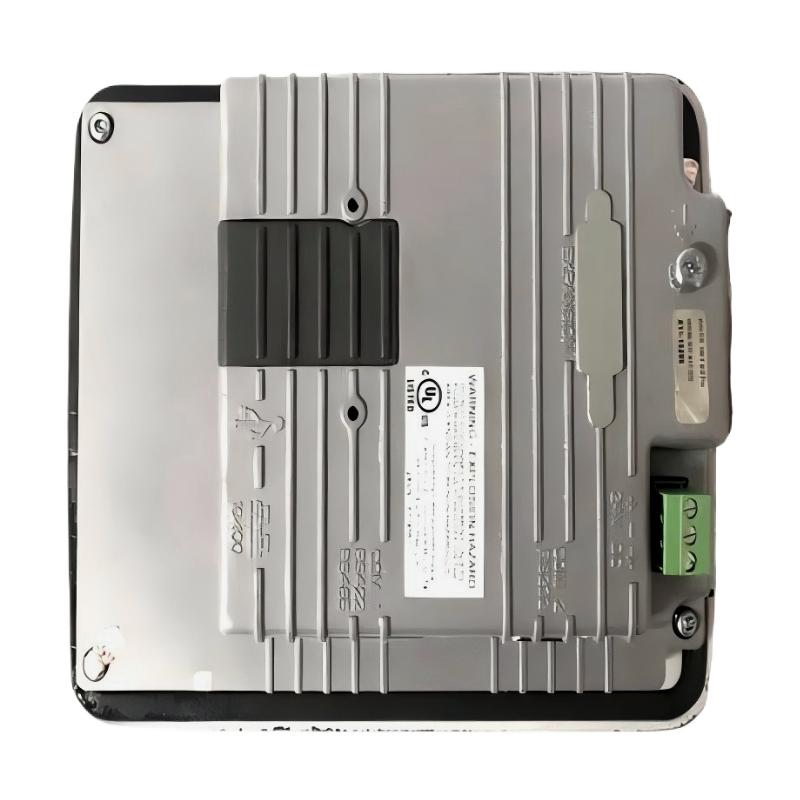 ABB PP825 3BSE042240R1 Operation Panel Installation Guide
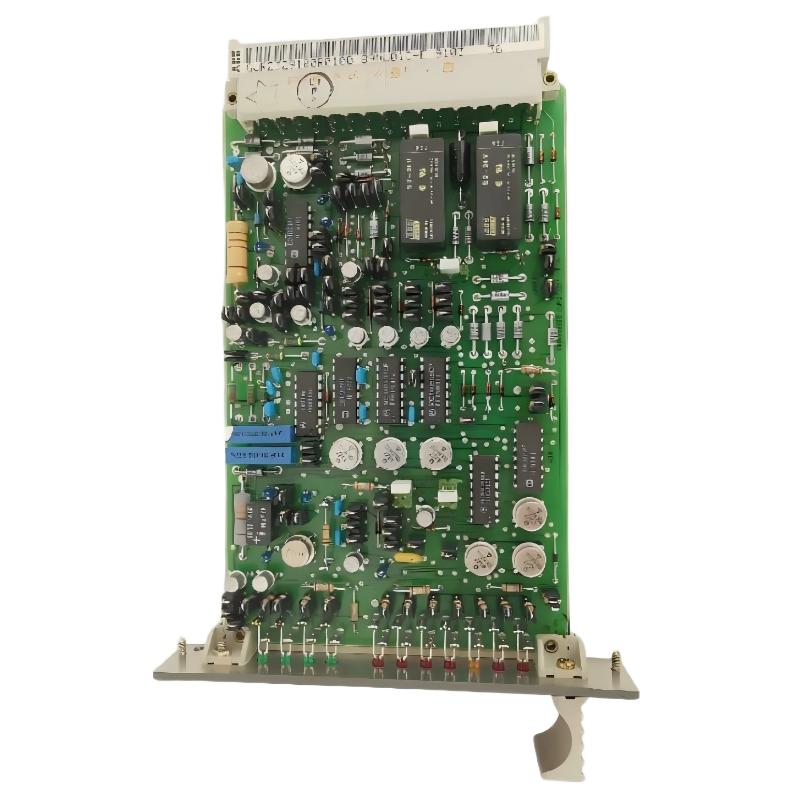 ABB 89NU01D-E GJR2329100R0100 Alarm Module Installation Guide