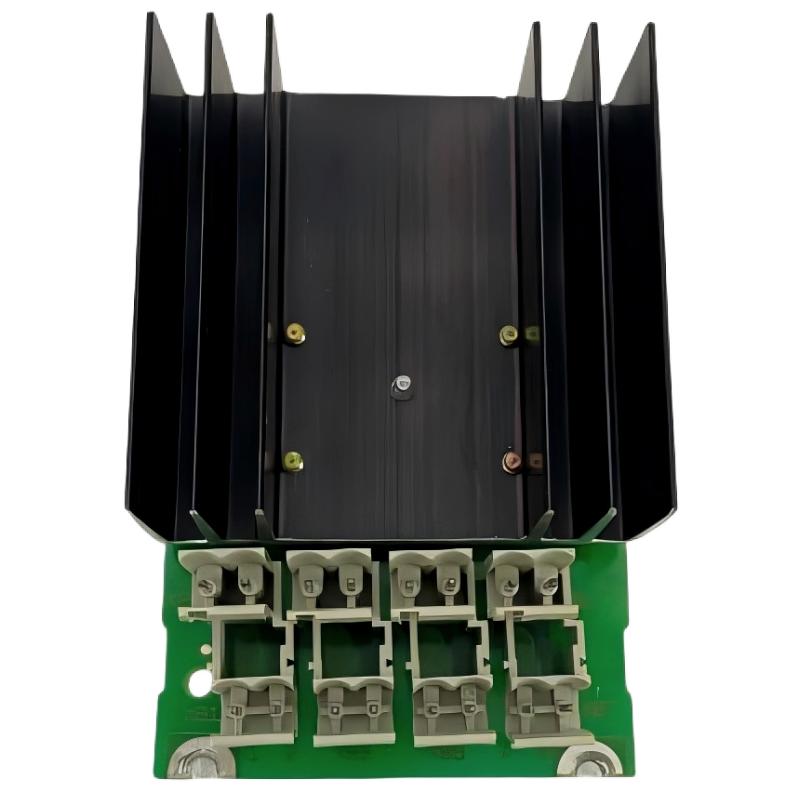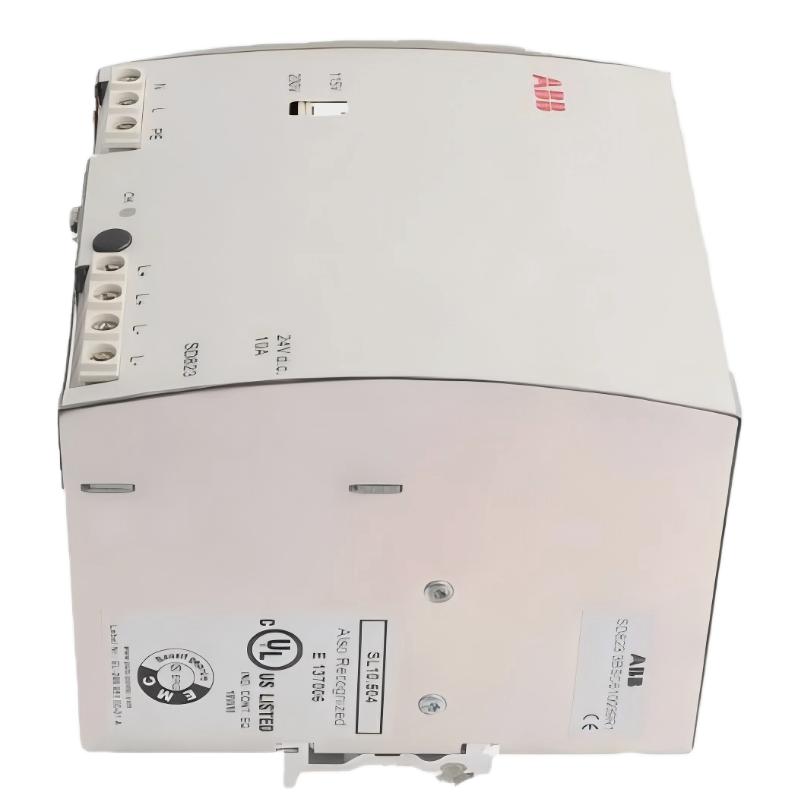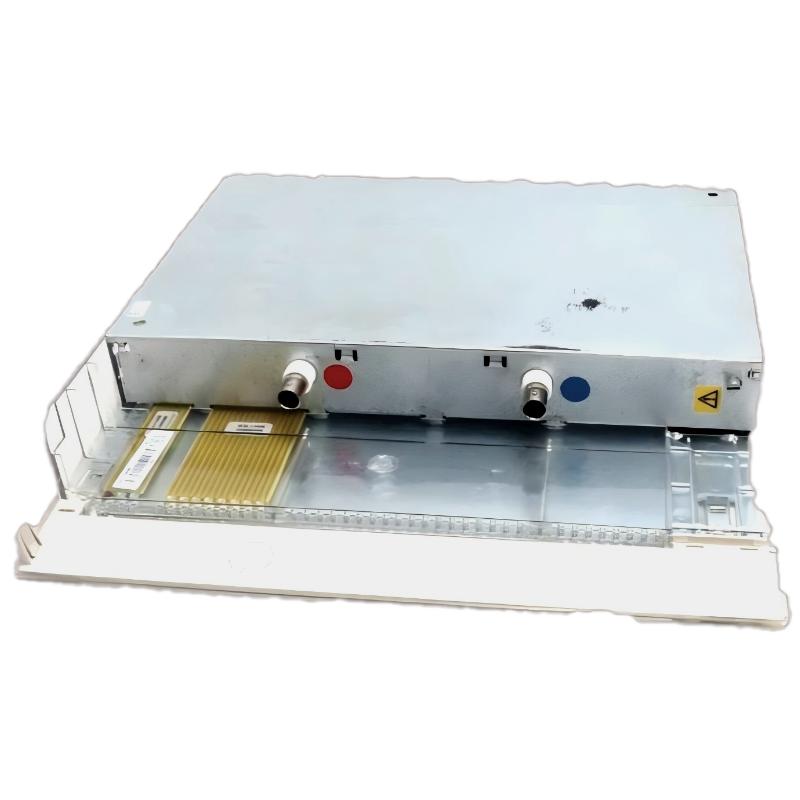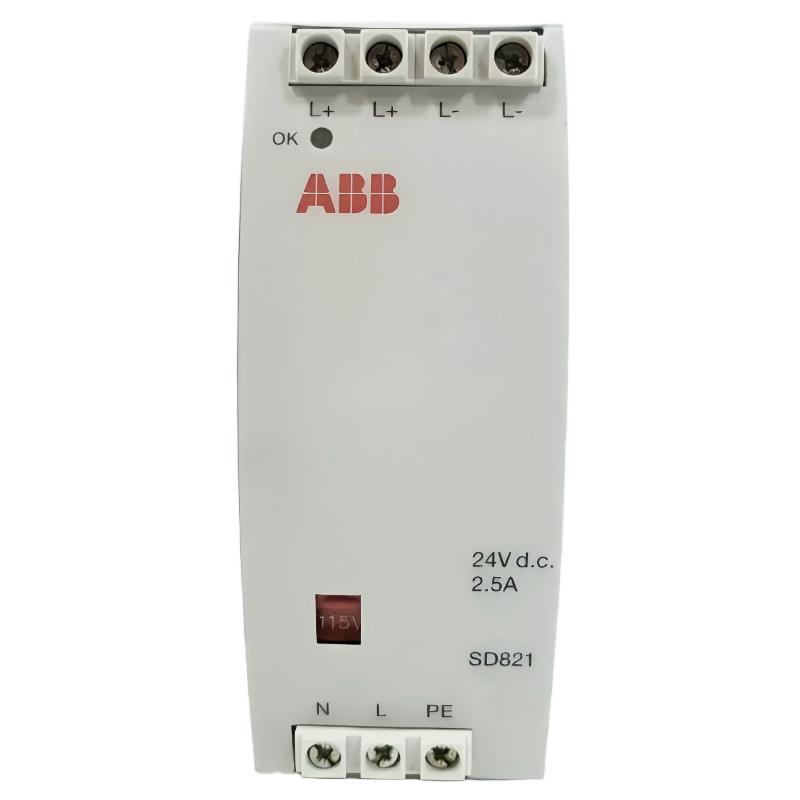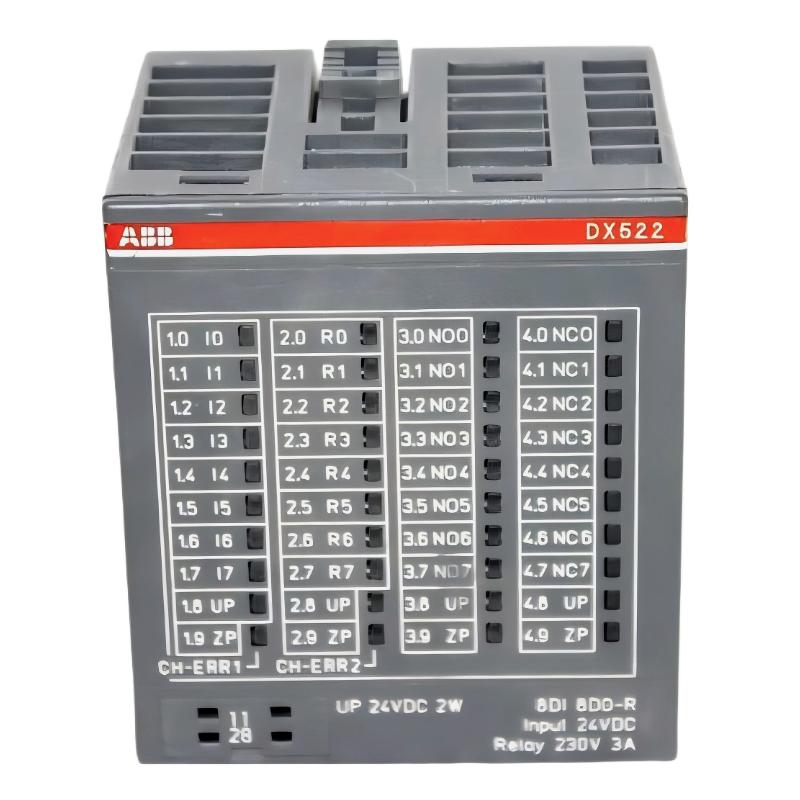
ABB DX522 1SAP245200R0001 Digital I/O Module Installation Overview
The ABB DX522 1SAP245200R0001 is an S500 digital input/output module designed for industrial automation systems requiring 24 V DC signal acquisition and relay-based output control. It provides 8 digital inputs and 8 relay outputs, making it suitable for machine control, equipment interlocking, and distributed PLC applications.
During an ABB DX522 Installation Guide procedure, particular attention should be given to the separation of low-voltage input circuits and relay output wiring. The module supports 24 V DC digital inputs and relay outputs rated up to 230 V AC, 3 A. Correct terminal assignment, process supply verification, and System Configuration are essential for reliable Setup and Commissioning.
ABB DX522 Module Architecture and Application
- 8 digital inputs operating at 24 V DC.
- 8 digital relay outputs.
- Relay output rating: up to 230 V AC, 3 A.
- Supports 2-wire and 3-wire input arrangements.
- Module-level electrical isolation of digital inputs.
- LED indication for input and output channel states.
- Additional fast counter functionality.
ABB DX522 Installation Preparation and System Configuration
Before mounting the PLC Module, confirm that the controller and I/O bus support the DX522. The module can be used as a centralized extension for compatible AC500 CPUs or as a decentralized I/O extension with supported communication interface modules.
Prepare the following items before installation:
- ABB DX522 1SAP245200R0001 module.
- Compatible S500 terminal unit.
- Regulated 24 V DC process power supply.
- Industrial control wiring and correctly rated protection devices.
- Electrical drawings and PLC project configuration.
- Multimeter for voltage and continuity checks.
Terminal Assignment and Wiring Considerations
The DX522 uses dedicated terminal groups for input signals, relay contacts, and process supply connections. The input channels are identified as I0 through I7, while relay channels are identified as R0 through R7. The relay contact terminals include NO and NC connections.
Important wiring considerations include:
- Connect the digital input circuits according to the ABB terminal assignment diagram.
- Verify the 24 V DC process supply polarity before energizing the module.
- Use correctly rated wiring and protection for relay output loads.
- Keep signal wiring separated from high-voltage and high-current conductors.
- Install appropriate suppression components when switching inductive loads.
- For inductive DC loads, use suitable freewheeling diodes where required.
ABB DX522 PLC Wiring and Electrical Installation
Mount the compatible terminal unit on the DIN rail and verify that it is mechanically secure. Install the DX522 module according to ABB’s mounting instructions, ensuring that the module is properly seated and that the terminal unit connections are secure.
For relay output applications, remember that the relay contacts are switching elements rather than a source of operating power. The external load supply must be wired through the appropriate relay contacts. Do not assume that the 24 V DC process supply automatically powers the relay loads.
Electrical Safety During DX522 Commissioning
- Disconnect all relevant power sources before changing wiring.
- Use appropriate isolation and lockout procedures.
- Never exceed the rated relay contact voltage and current.
- Ensure that all 230 V AC feeds follow ABB’s specified supply requirements.
- Verify terminal identification before connecting external equipment.
ABB DX522 Setup and PLC Commissioning Procedure
After completing the physical installation, configure the DX522 in the engineering environment supported by the selected AC500 controller or communication interface.
- Open the existing PLC hardware configuration project.
- Identify the correct I/O bus or decentralized interface.
- Add the DX522 module at the appropriate hardware position.
- Check the module identification and I/O channel assignment.
- Download the verified configuration to the controller.
- Monitor the eight digital input channels.
- Test each relay output under controlled operating conditions.
- Verify interlocks, alarms, and feedback signals before releasing the machine.
DX522 Commissioning Diagnostic Logic
Use the following pseudocode as a conceptual commissioning checklist. It is not a native ABB programming command.
FOR channel := 0 TO 7
    CHECK Digital_Input[channel]
    VERIFY Input_LED[channel]
END_FOR

FOR channel := 0 TO 7
    TEST Relay_Output[channel]
    VERIFY Output_LED[channel]
    CONFIRM External_Load_Response
END_FOR

CHECK Process_Supply_UP
CHECK Module_Diagnostic_Status
ABB DX522 Field Commissioning Example
Consider an illustrative machine commissioning scenario in which the DX522 receives eight 24 V DC limit-switch and proximity-switch signals while controlling eight external relay-operated devices.
During initial testing, the PLC monitoring screen indicates that one input remains OFF even when the corresponding field switch is activated. The engineer first checks the field sensor supply, then measures the voltage at the relevant input terminal. If the measured voltage is approximately 24 V DC but the PLC status remains unchanged, the next investigation should focus on terminal assignment, common reference wiring, terminal-unit contact quality, and module diagnostics.
For relay testing, the engineer activates one output at a time and compares the PLC command, front-panel LED, relay contact state, and external load response. This approach separates software configuration problems from wiring faults and relay-contact failures.
ABB DX522 Installation Validation and Maintenance
Before completing Setup and Commissioning, verify the following:
- All eight digital inputs respond correctly.
- All eight relay outputs switch their intended loads.
- The process supply LED indicates a normal supply condition.
- No unexplained diagnostic LEDs remain active.
- The PLC hardware configuration matches the installed module.
- Electrical drawings and channel labels match the final installation.
ABB DX522 Installation Guide FAQ
What is the function of the ABB DX522 1SAP245200R0001?
It is an S500 digital input/output module providing eight 24 V DC digital inputs and eight relay outputs.
Can the ABB DX522 switch 230 V AC loads?
Yes. Its relay outputs are rated up to 230 V AC and 3 A, subject to the specified load category and applicable electrical installation requirements.
How many input and output channels does the DX522 provide?
The module provides eight digital inputs and eight digital relay outputs.
What should be checked before DX522 commissioning?
Check terminal compatibility, 24 V DC process supply, field wiring, relay load ratings, hardware configuration, and PLC channel mapping.
Can the DX522 be used with a decentralized PLC system?
Yes. It can serve as a decentralized I/O extension when connected through a compatible ABB communication interface.
ABB DX522 Installation Conclusion and General Technical Notes
Successful ABB DX522 installation depends on correct terminal-unit selection, accurate input wiring, appropriate relay load protection, and verified PLC System Configuration. A structured Commissioning process should test every channel individually rather than relying only on the overall module status. Always consult the latest ABB Hardware Manual and the project-specific electrical drawings before energizing the installation or modifying field wiring.