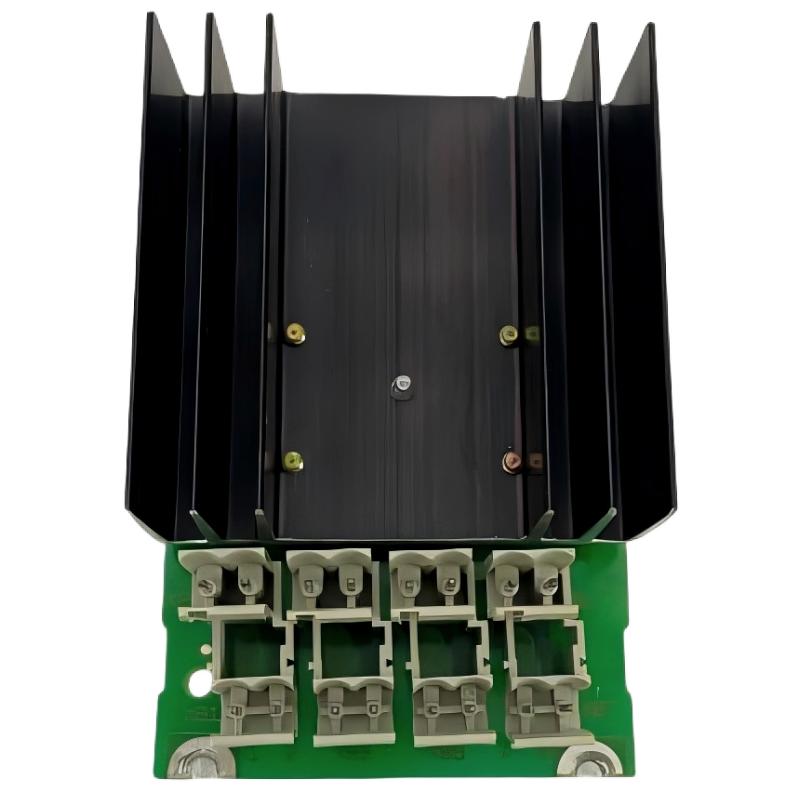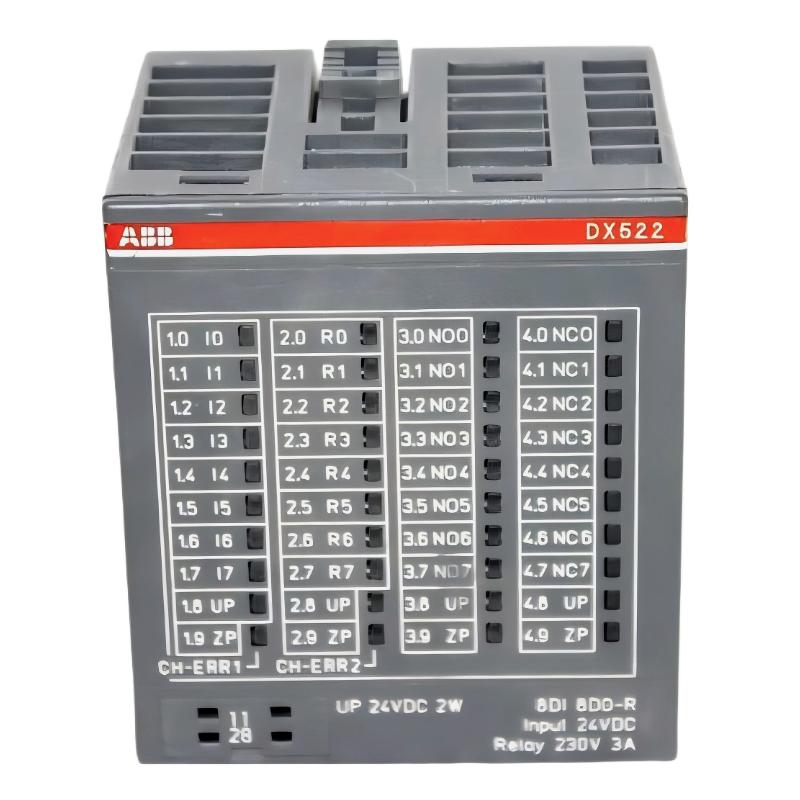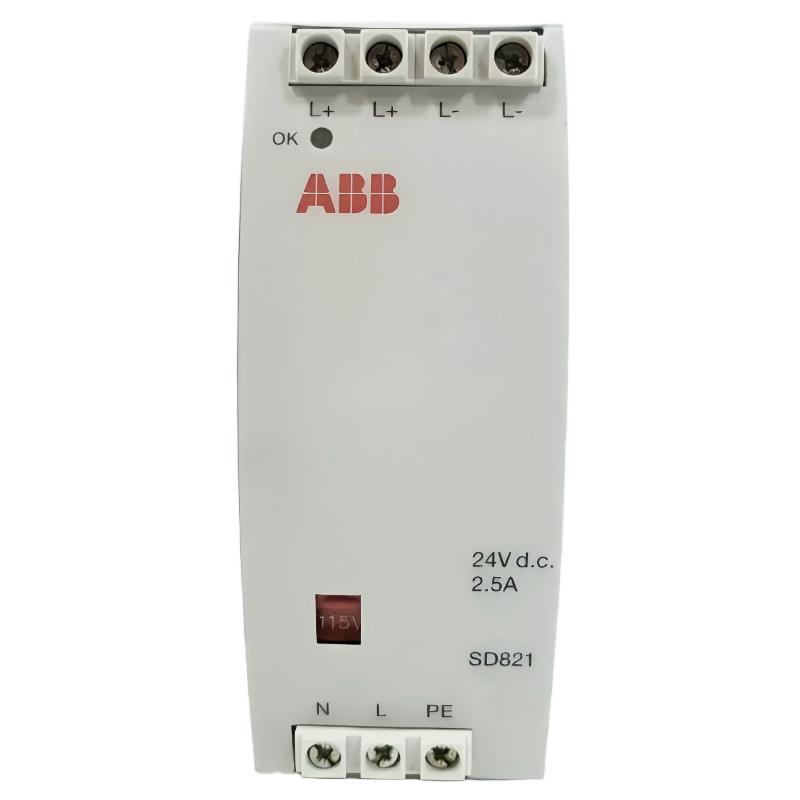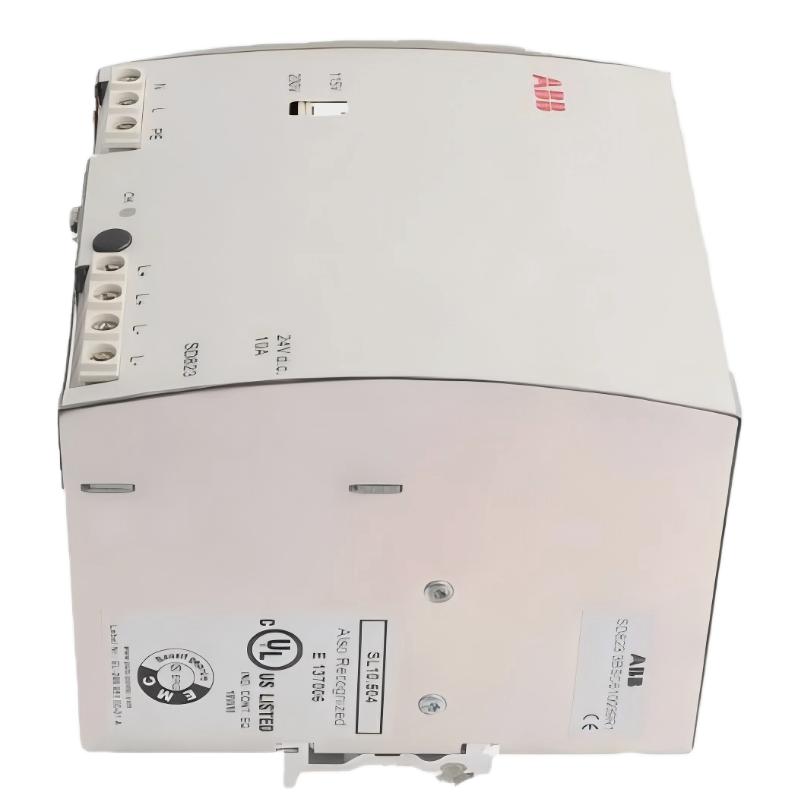
Installing the ABB SD823 3BSC610039R1 Power Supply requires careful verification of the AC input selector, protective earth connection, 24V DC output wiring, and connected load. This ABB SD823 Installation Guide covers practical setup, commissioning checks, and System Configuration for industrial PLC and DCS cabinets. The SD823 is a DIN-rail-mounted power supply with a selectable 115/230V AC input and a rated 24V DC, 10A output.
ABB SD823 Power Supply Installation Guide: Contents
- Power supply function and ratings
- Cabinet preparation and safety
- AC and DC wiring
- Setup and commissioning checks
- Field commissioning example
- Installation FAQ
- Conclusion and general overview
ABB SD823 3BSC610039R1 Power Supply Ratings and Application
The ABB SD823 converts AC mains power into regulated 24V DC for compatible industrial control equipment. It is used in ABB automation installations, including relevant AC 800M and S800 I/O configurations. Its rated output capacity is 240W, calculated from 24V multiplied by 10A.
- Model: SD823
- Order number: 3BSC610039R1
- AC input: 115/230V AC, selected using the unit’s input selector
- DC output: 24V DC, rated at 10A
- Mounting: DIN rail
- Redundant supply arrangement: An appropriate SS822 voting unit can be used when supported by the system design.
Confirm the exact hardware revision and applicable ABB documentation before installation. Do not assume that another SD-series power supply has identical terminal assignments or operating limits.
Preparing the ABB SD823 PLC Power Supply for Installation
Before mounting the power supply, inspect the cabinet layout and calculate the total DC load. Include the PLC Controller, I/O modules, communication equipment, sensors, relays, and other devices supplied by the same 24V bus.
- Isolate the AC supply and apply the site’s lockout/tagout procedure.
- Verify that the DIN rail is secure and that the cabinet provides the ventilation and clearances specified by ABB.
- Check the module label, terminal markings, enclosure condition, and input-voltage selector.
- Confirm that the total continuous load does not exceed the power supply’s rated output or any lower limit imposed by the application.
- Prepare correctly rated conductors, protective devices, ferrules where appropriate, and suitable test equipment.
Field experience shows that load calculations are often overlooked when replacement equipment is installed. A power supply may operate normally with the controller alone but become unstable when field instruments and output devices are reconnected.
ABB SD823 24V DC Power Supply Wiring and Terminal Checks
Use the terminal labels printed on the actual SD823 and the applicable wiring diagram. The documented connection layout identifies the AC input terminals as L, N, and PE, and the DC output terminals as L+ and L− pairs.
- L and N: Connect the AC line and neutral according to the supply arrangement and terminal markings.
- PE: Connect protective earth to the designated protective-earth terminal.
- L+: Connect to the positive 24V DC distribution bus.
- L−: Connect to the corresponding DC return.
Do not rely on wire color alone to identify a conductor. Confirm polarity, conductor size, terminal torque, upstream protection, and grounding requirements against the manufacturer’s instructions and local electrical regulations.
Critical check: Set the 115/230V selector to match the actual AC supply before energizing the unit. The factory default is documented as 230V on the relevant ABB hardware documentation, but the installed selector position must always be inspected rather than assumed.
For installations requiring redundant power, follow the approved SS822 voting-unit wiring arrangement. Do not parallel independent power supply outputs directly unless the manufacturer’s documentation explicitly permits that configuration.
ABB SD823 Setup and Commissioning: Verify the DC Bus
Commissioning should establish that the input supply is correct, the power supply starts normally, and the DC bus remains stable under representative operating load.
- With power isolated, inspect the wiring and verify the input selector setting.
- Confirm protective earth continuity using the site’s approved test procedure.
- Remove tools and loose conductors, close or secure protective covers, and restore power according to site procedures.
- Check the unit’s OK indicator and investigate any abnormal status before connecting sensitive equipment.
- Measure the DC output with a suitable meter at the power supply terminals.
- Reconnect or enable downstream loads in a controlled sequence while monitoring voltage and current.
- Verify that the PLC Controller, I/O modules, and field devices complete startup without unexpected resets or diagnostic alarms.
A nominal 24V DC reading is the initial reference point, not proof of successful commissioning. Measure again at the load terminals when the system is operating, because cable resistance and loose connections can create voltage drops between the power supply and the equipment.
ABB SD823 Installation: Practical Field Verification Example
Illustrative commissioning scenario, not a verified customer case: An automation cabinet powers a controller, several I/O modules, and field instruments from one 24V DC distribution bus. The voltage at the SD823 terminals measures 24.1V DC, while the voltage near a remote I/O section falls to 22.9V DC during startup.
The engineer should not immediately replace the power supply. The difference between the source and the load is 1.2V, so the next checks are the cable length and cross-section, terminal tightness, protective devices, and startup current. If the voltage recovers after a loose terminal is corrected, the evidence points to a distribution problem rather than an internal power supply fault.
Record the actual unloaded and loaded voltages, output current, input supply, selector position, and indicator state in the commissioning report. Use the equipment manufacturer’s specified limits to determine acceptance; the example measurements above are diagnostic illustrations, not universal pass/fail thresholds.
ABB SD823 Power Supply Installation FAQ
What is the rated output of the ABB SD823 3BSC610039R1?
The documented rating is 24V DC at up to 10A, equivalent to a nominal 240W output. The permissible load must also comply with the manufacturer’s operating conditions and the requirements of the complete control system.
Can the ABB SD823 operate from either 115V or 230V AC?
Yes. Its input is selectable between 115V and 230V AC. The selector must match the actual supply before the unit is energized.
Can the SD823 be used in a redundant power supply system?
ABB documentation describes redundant applications using a compatible voting unit, including the SS822. Verify the system architecture, wiring diagram, and compatibility before commissioning.
Which measurements should be recorded during SD823 commissioning?
Record AC input voltage, selector position, DC output voltage at the supply and load, output current where measurable, OK indicator status, and the behavior of connected PLC and I/O equipment during startup.
ABB SD823 3BSC610039R1 Power Supply: Conclusion and General Overview
Successful ABB SD823 Power Supply Installation depends on correct input selection, secure AC and DC wiring, protective earth continuity, adequate load capacity, and verification under operating conditions. A structured Setup and Commissioning process helps distinguish supply faults from downstream wiring and load problems. Keep the wiring diagram, measured values, System Configuration details, and inspection records with the maintenance documentation so future Troubleshooting and Fault Diagnosis can be completed more efficiently.