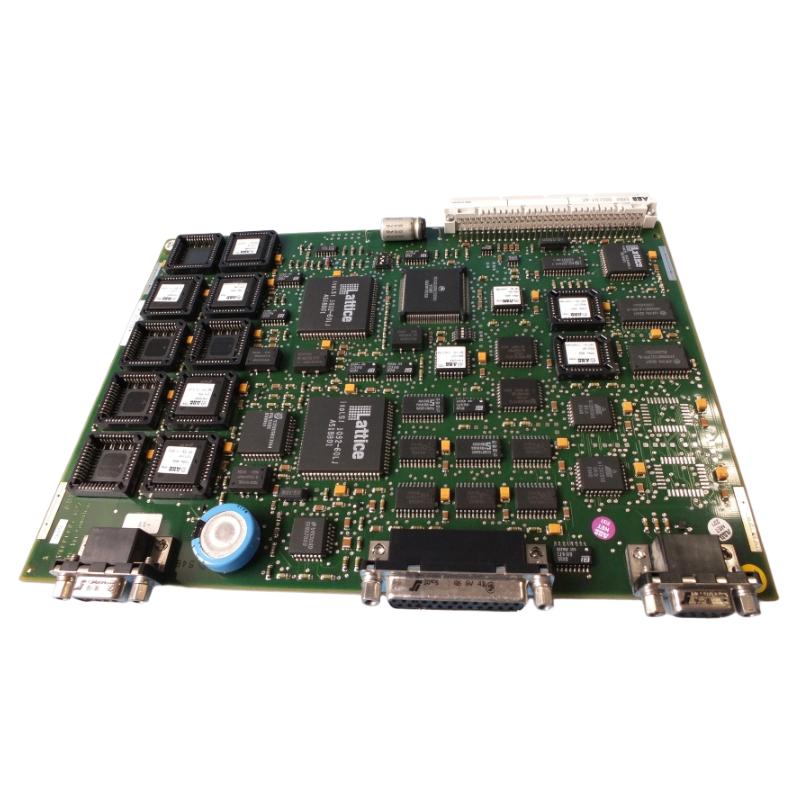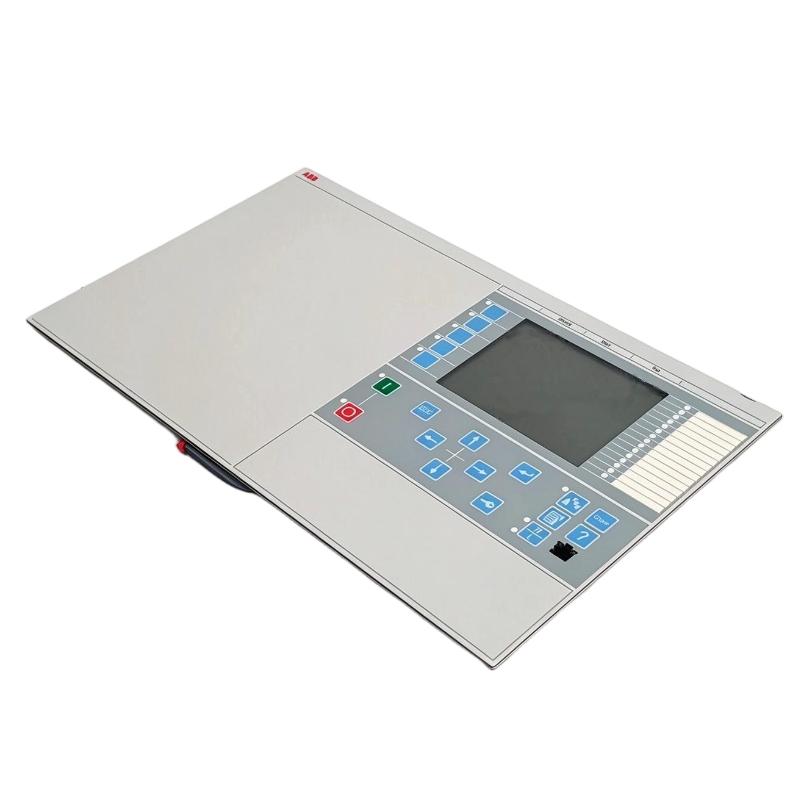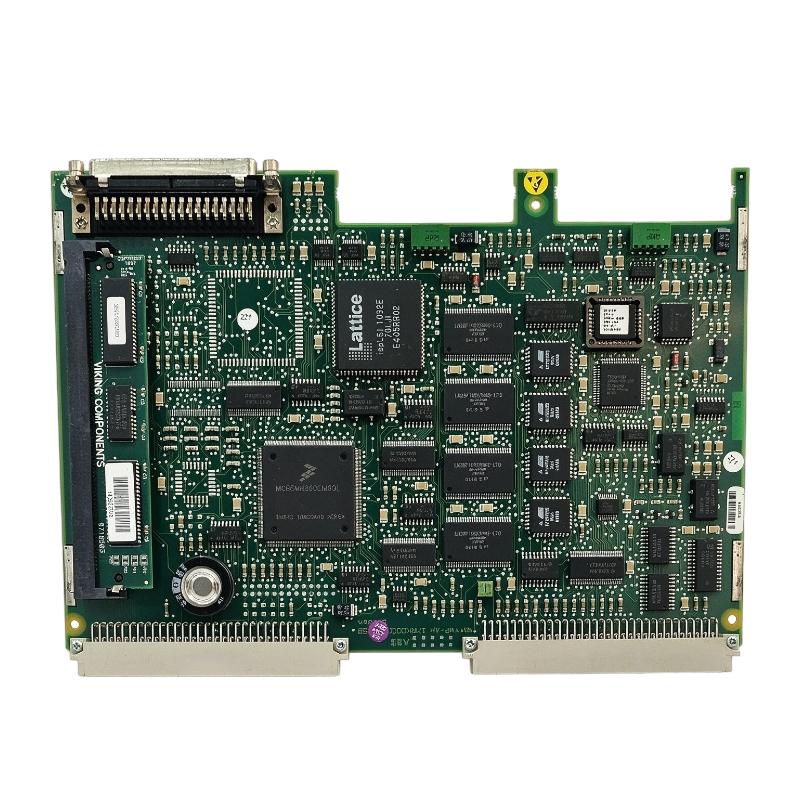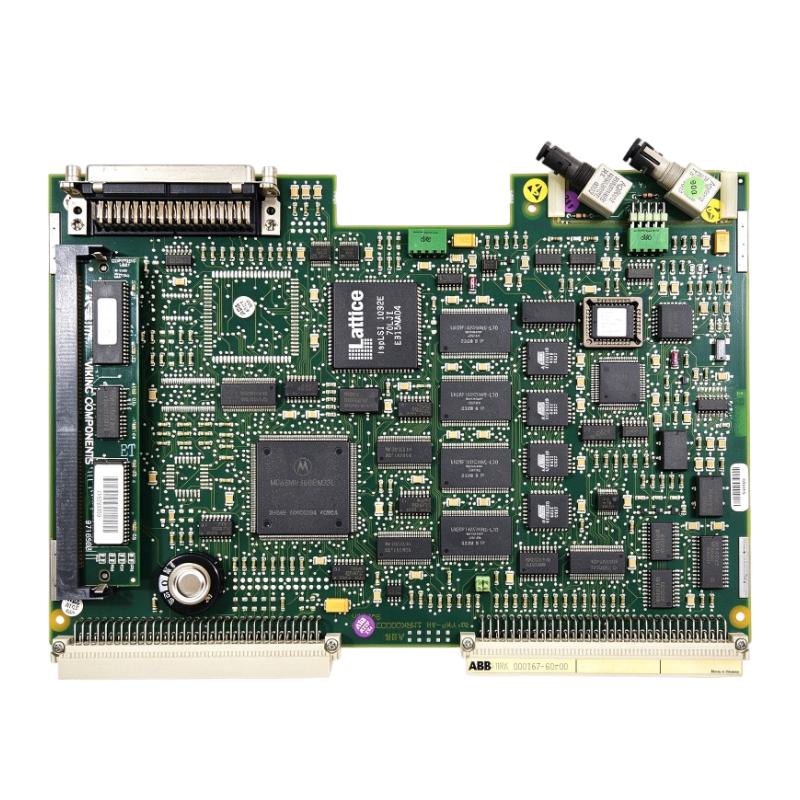
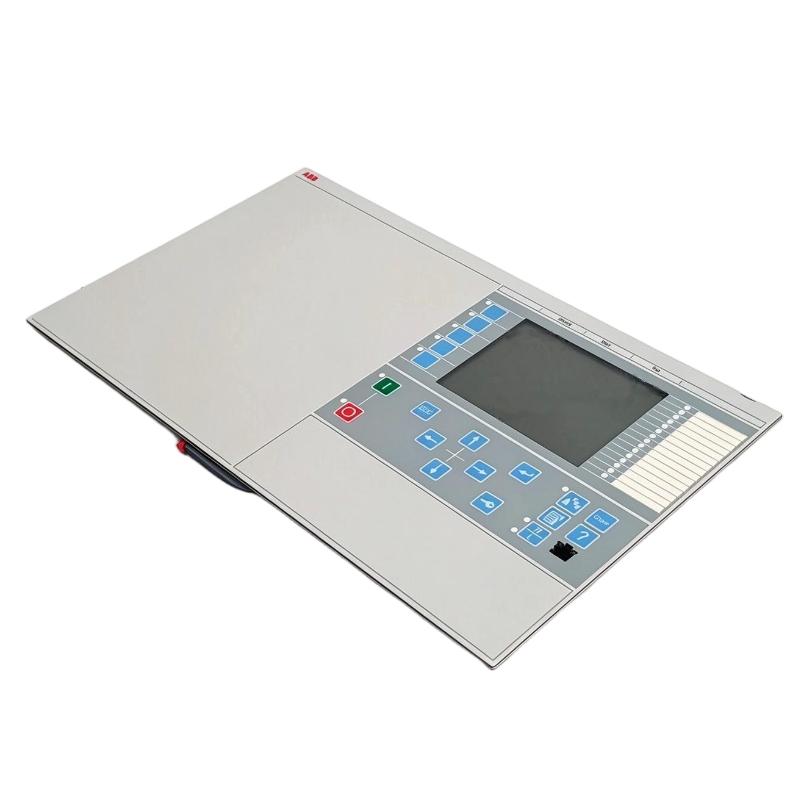
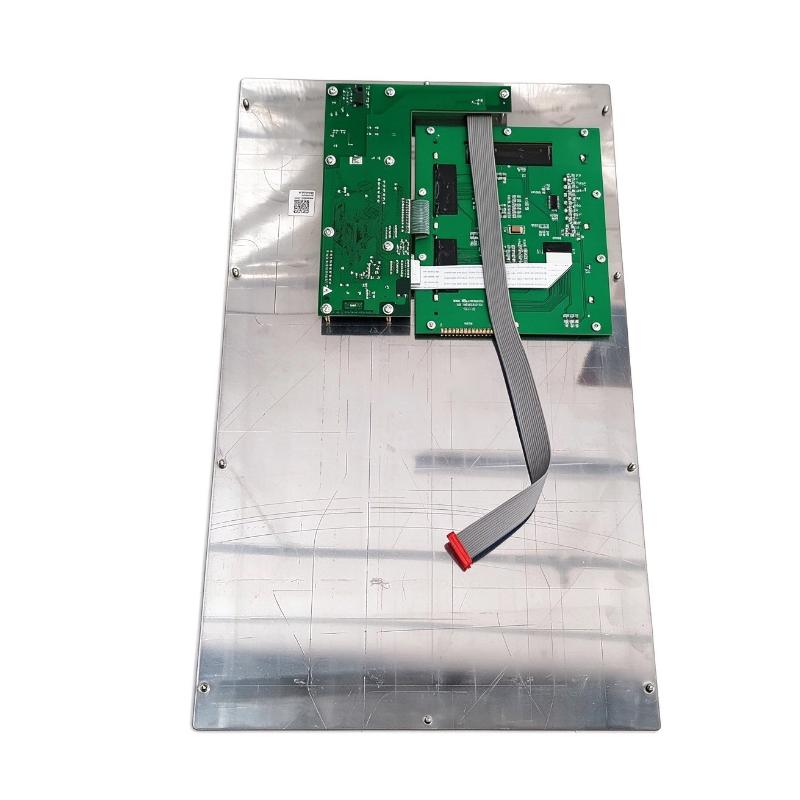
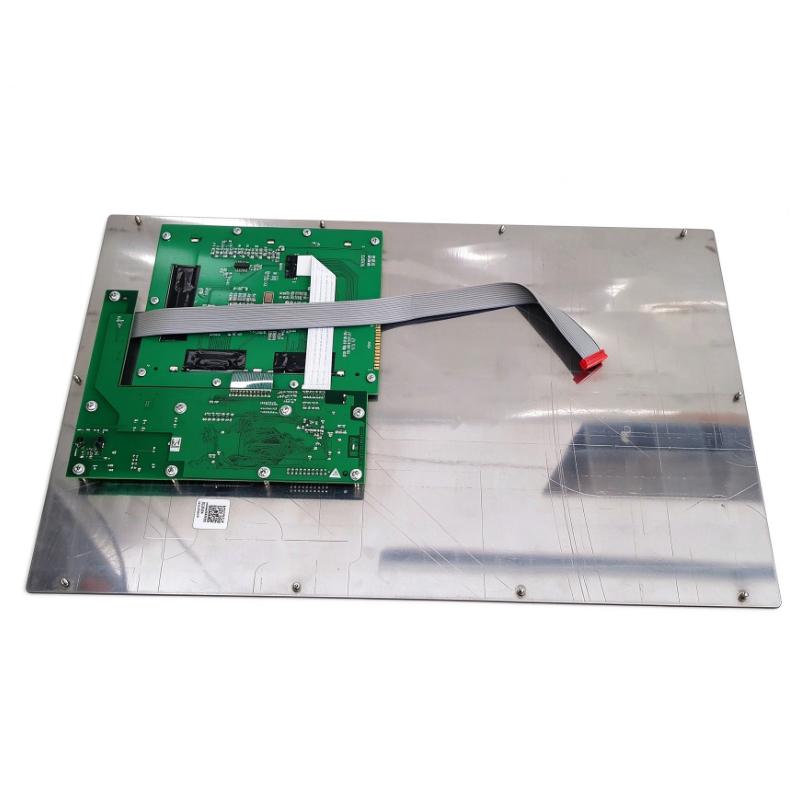
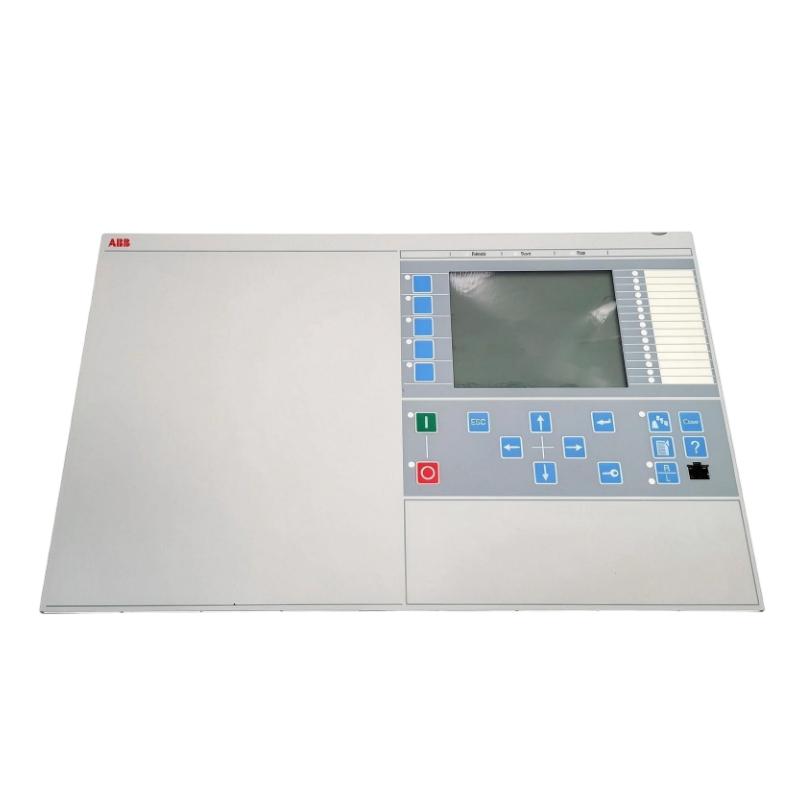
ABB 1MRK000028-BAr01 Display Panel
| Company Information | ||||||||
| [email protected] | ||||||||
| Mobile | +8613666084105 | |||||||
| +8613666084105 | ||||||||
| 13666084105 | ||||||||
| Add to | Room 1004, No. 62 Xiangxiu Li, Siming District, Xiamen City, Fujian Province, China | |||||||
Technical Specifications
| Parameter | Specification |
|---|---|
| Brand | ABB |
| Order Number | 1MRK000028-BAr01 |
| Product Type | Display Panel |
| Product Category | Industrial Automation Display Component |
| Manufacturer | ABB |
| Application | Industrial Control and Monitoring Systems |
| Display Function | Equipment Status Display and Operational Information Interface |
| System Integration | ABB Industrial Automation Equipment |
| Dimensions | 265.9 × 20 × 255 mm |
| Weight | 0.23 kg |
FAQ
1. What is the primary function of the ABB 1MRK000028-BAr01 Display Panel?
The ABB 1MRK000028-BAr01 Display Panel is an operator interface component designed for use in industrial equipment. Display panels generally provide a visual interface for presenting equipment status, operating information, and system messages. They help maintenance personnel and operators monitor equipment conditions and identify abnormal operating states. The specific display functions and supported information depend on the host system and its configuration. Before installation or replacement, the panel should be matched with the corresponding ABB equipment documentation.
2. What should be checked before installing the 1MRK000028-BAr01 Display Panel?
Before installation, verify the complete order number and confirm that the replacement panel is compatible with the original equipment. Inspect the connector interface, mounting arrangement, and any visible identification labels. Check the panel for damaged connectors, cracks, loose components, or signs of moisture and corrosion. The equipment should be isolated from its power supply before installation, following the appropriate electrical safety procedures. It is also important to review the original wiring diagram and installation instructions to prevent incorrect connections or damage during commissioning.
3. What can cause the display panel to remain blank after startup?
A blank display can be caused by several conditions, including an interrupted power supply, loose electrical connections, damaged interface cables, or communication problems with the host controller. Internal electronic faults may also prevent the display from starting correctly. Troubleshooting should begin by checking the equipment’s power status and verifying that all relevant connections are secure. If the supply and external connections are normal, further inspection of the display interface and associated control hardware may be necessary. Always use the specified electrical values and diagnostic procedures for the installed ABB system.
4. How can communication problems between the display panel and the control system be diagnosed?
Start by checking the physical connection between the display panel and the host equipment. Inspect connectors and cables for loose contacts, damaged pins, oxidation, or incorrect wiring. Next, review the controller’s diagnostic information and system alarms to determine whether the problem is related to communication, power, or another equipment condition. If the system uses configurable communication parameters, verify that the settings match the original system requirements. Avoid changing communication configurations without consulting the applicable technical documentation, as incorrect settings may affect other connected devices.
5. Can the 1MRK000028-BAr01 Display Panel be used as a direct replacement for another ABB display panel?
Not every ABB display panel is directly interchangeable. Different models may use different electrical interfaces, communication protocols, mounting arrangements, firmware requirements, or system configurations. Even panels with similar external appearances may have different hardware functions. Before replacement, compare the complete order number, equipment compatibility, connector arrangement, and hardware revision where applicable. If the panel is part of a protection or control system, compatibility should also be verified against the system configuration. Using an unverified replacement may result in a blank screen, communication errors, or incorrect displayed information.
6. What maintenance is recommended for the ABB 1MRK000028-BAr01 Display Panel?
Regular maintenance should focus on keeping the display surface and electrical connections in good condition. Remove dust and surface contamination using suitable cleaning materials that will not damage the display or its protective components. Avoid excessive moisture and aggressive chemical cleaners. During scheduled equipment inspections, check the connector condition, cable routing, mounting security, and any signs of overheating or corrosion. It is also useful to monitor whether the display responds consistently during normal operation. Any abnormal behavior should be recorded and investigated before it develops into a more serious equipment problem.
7. What should be done if the display shows incorrect or unstable information?
Incorrect or unstable information may originate from the display panel, the communication connection, or the controller supplying the data. First, compare the displayed information with the relevant system status and diagnostic records. Check whether the problem affects all displayed values or only specific information fields. Then inspect the communication cables and connectors for intermittent contact or electrical interference. If the host controller reports normal operation but the display remains abnormal, further testing of the display hardware may be required. Do not assume that the panel itself is defective until the associated power and communication circuits have been checked.
8. What precautions should be taken when replacing the 1MRK000028-BAr01 Display Panel?
Replacement should be performed by personnel familiar with the installed ABB equipment and its electrical safety requirements. Before removing the existing panel, isolate the equipment from power and follow the applicable lockout and safety procedures. Record the original connection arrangement and verify the replacement order number before installation. Handle the new panel carefully, using appropriate electrostatic discharge protection where required. After installation, check all connections, restore power according to the approved procedure, and confirm that the display starts normally and communicates correctly with the host system. Complete the relevant functional checks before returning the equipment to service.
ABB 1MRK000028-BAr01 Display Panel is in stock. Please contact us for a quick quote and competitive pricing.
| Company Information | ||||||||
| [email protected] | ||||||||
| Mobile | +8613666084105 | |||||||
| +8613666084105 | ||||||||
| 13666084105 | ||||||||
| Add to | Room 1004, No. 62 Xiangxiu Li, Siming District, Xiamen City, Fujian Province, China | |||||||
Company Introduction
Xiamen Shengruite Trading Co., Ltd. is a company specializing in the supply of industrial PLC spare parts.
We provide high-quality PLC spare parts to customers in the global manufacturing, energy and power, chemical and other fields.
Since its establishment in 2011, after 13 years of rapid development, the cumulative global shipments have reached 223,650 pieces, with an annual output value of US$50 million.
Successfully served more than 500 customers in more than 100 countries and regions including Saudi Arabia, UAE, the United States, Europe, Africa, and Southeast Asia
Our Mission
Provide customers with the best quality PLC spare parts and the fastest delivery service to ensure that their industrial automation systems are always in the best operating condition.
We provide a 1-year warranty service, and we support returns and exchanges for any issues to ensure your rights and interests are fully protected.
We can provide detailed product images upon request, and our team can arrange warehouse photos for confirmation to ensure you have all the information you need before making a purchase.
Shipping times vary depending on your location. With the support of our 16 global warehouses, we strive to deliver orders as quickly as possible. Contact us to get an estimated delivery time for your specific location.
The minimum order quantity (MOQ) is typically one unit. However, for larger orders, please contact us for potential discounts and pricing details.
Yes, we offer competitive pricing for bulk purchases. Please reach out to our sales team with the specifics of your order to receive a custom quote.
We accept various payment methods for wholesale orders, including bank transfers (T/T), letters of credit, and other options upon agreement. For large transactions, please contact us directly for payment terms.
Yes, we offer flexible ordering options for both small and large quantities. Whether youre looking for a single unit or a large batch, we can accommodate your needs.
We occasionally offer promotional discounts for new wholesale customers. Contact us to learn more about any current offers available for first-time buyers.
If you are unsure of compatibility with your existing setup please provide your system details and our support team can verify compatibility prior to purchase.
Returns are accepted within 30 days if the product is unused, unopened, and in its original packaging. Please note that return shipping and associated costs are the buyer\\\\\\\\\\\\\\\\\\\\\\\\\\\\\\\\\\\\\\\\\\\\\\\\\\\\\\\\\\\\\\\\\\\\\\\\\\\\\\\\\\\\\\\\\\\\\\\\\\\\\\\\\\\\\\\\\\\\\\\\\\\\\\\\\\\\\\\\\\\\\\\\\\\\\\\\\\\\\\\\\\\\\\\\\\\\\\\\\\\\\\\\\\\\\\\\\\\\\\\\\\\\\\\\\\\\\\\\\\\\\\\\\\\\\\\\\\\\\\\\\\\\\\\\\\\\\\\\\\\\\\\\\\\\\\\\\\\\\\\\\\\\\\\\\\\\\\\\\\\\\\\\\\\\\\\\\\\\\\\\\\\\\\\\\\\\\\\\\\\\\\\\\\\\\\\\\\\\\\\\\\\\\\\\\\\\\\\\\\\\\\\\\\\\\\\\\\\\\\\\\\\\\\\\\\\\\\\\\\\\\\\\\\\\\\\\\\\\\\\\\\\\\\\\\\\\\\\\\\\\\\\\\\\\\\\\\\\\\\\\\\\\\\\\\\\\\\\\\\\\\\\\\\\\\\\\\\\\\\\\\\\\\\\\\\\\\\\\\\\\\\\\\\\\\\\\\\\\\\\\\\\\\\\\\\\\\\\\\\\\\\\\\\\\\\\\\\\\\\\\\\\\\\\\\\\\\\\\\\\\\\\\\\\\\\\\\\\\\\\\\\\\\\\\\\\\\\\\\\\\\\\\\\\\\\\\\\\\\\\\\\\\\\\\\\\\\\\\\\\\\\\\\\\\\\\\\\\\\\\\\\\\\\\\\\\\\\\\\\\\\\\\\\\\\\\\\\\\\\\\\\\\\\\\\\\\\\\\\\\\\\\\\\\\\\\\\\\\\\\\\\\\\\\\\\\\\\\\\\\\\\\\\\\\\\\\\\\\\\\\\\\\\\\\\\\\\\\\\\\\\\\\\\\\\\\\\\\\\\\\\\\\\\\\\\\\\\\\\\\\\\\\\\\\\\\\\\\\\\\\\\\\\\\\\\\\\\\\\\\\\\\\\\\\\\\\\\\\\\\\\\\\\\\\\\\\\\\\\\\\\\\\\\\\\\\\\\\\\\\\\\\\\\\\\\\\\\\\\\\\\\\\\\\\\\\\\\\\\\\\\\\\\\\\\\\\\\\\\\\\\\\\\\\\\\\\\\\\\\\\\\\\\\\\\\\\\\\\\\\\\\\\\\\\\\\\\\\\\\\\\\\\\\\\\\\\\\\\\\\\\\\\\\\\\\\\\\\\\\\\\\\\\\\\\\\\\\\\\\\\\\\\\\\\\\\\\\\\\\\\\\\\\\\\\\\\\\\\\\\\\\\\\\\\\\\\\\\\\\\\\\\\\\\\\\\\\\\\\\\\\\\\\\\\\\\\\\\\\\\\\\\\\\\\\\\\\\\\\\\\\\\\\\\\\\\\\\\\\\\\\\\\\\\\\\\\\\\\\\\\\\\\\\\\\\\\\\\\\\\\\\\\\\\\\\\\\\\\\\\\\\\\\\\\\\\\\\\\\\\\\\\\\\\\\\\\\\\\\\\\\\\\\\\\\\\\\\\\\\\\\\\\\\\\\\\\\\\\\\\\\\\\\\\\\\\\\\\\\\\\\\\\\\\\\\\\\\\\\\\\\\\\\\\\\\\\\\\\\\\\\\\\\\\\\\\\\\\\\\\\\\\\\\\\\\\\\\\\\\\\\\\\\\\\\\\\\\\\\\\\\\\\\\\\\\\\\\\\\\\\\\\\\\\\\\\\\\\\\\\\\\\\\\\\\\\\\\\\\\\\\\\\\\\\\\\\\\\\\\\\\\\\\\\\\\\\\\\\\\\\\\\\\\\\\\\\\\\\\\\\\\\\\\\\\\\\\\\\\\\\\\\\\\\\\\\\\\\\\\\\\\\\\\\\\\\\\\\\\\\\\\\\\\\\\\\\\\\\\\\\\\\\\\\\\\\\\\\\\\\\\\\\\\\\\\\\\\\\\\\\\\\\\\\\\\\\\\\\\\\\\\\\\\\\\\\\\\\\\\\\\\\\\\\\\\\\\\\\\\\\\\\\\\\\\\\\\\\\\\\\\\\\\\\\\\\\\\\\\\\\\\\\\\\\\\\\\\\\\\\\\\\\\\\\\\\\\\\\\\\\\\\\\\\\\\\\\\\\\\\\\\\\\\\\\\\\\\\\\\\\\\\\\\\\\\\\\\\\\\\\\\\\\\\\\\\\\\\\\\\\\\\\\\\’s responsibility.
Yes, we offer technical support for the installation and integration of our products. Our team can assist with setup, configuration, and troubleshooting to ensure a smooth installation.