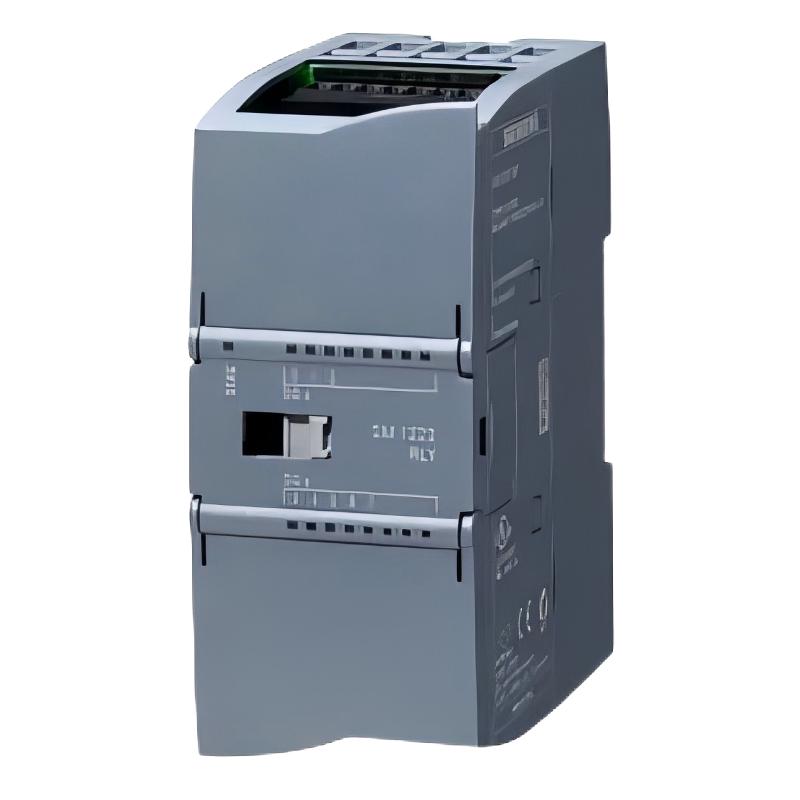
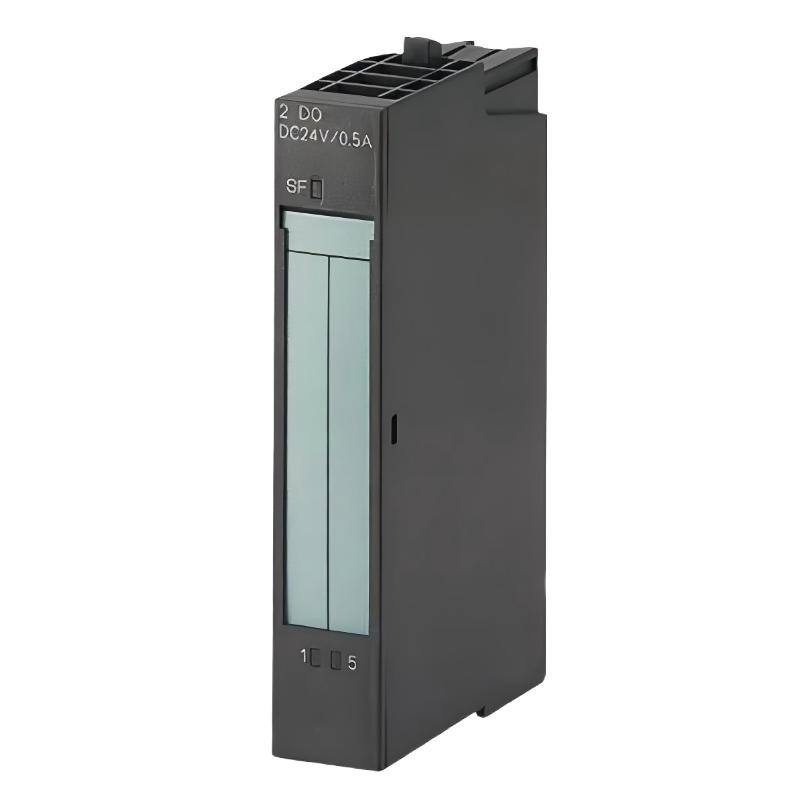
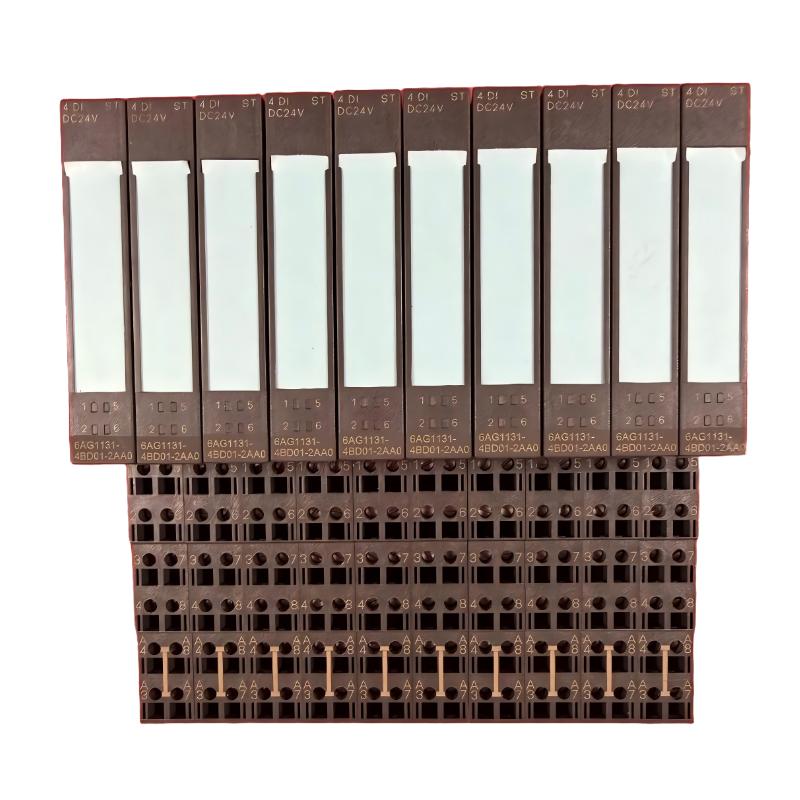
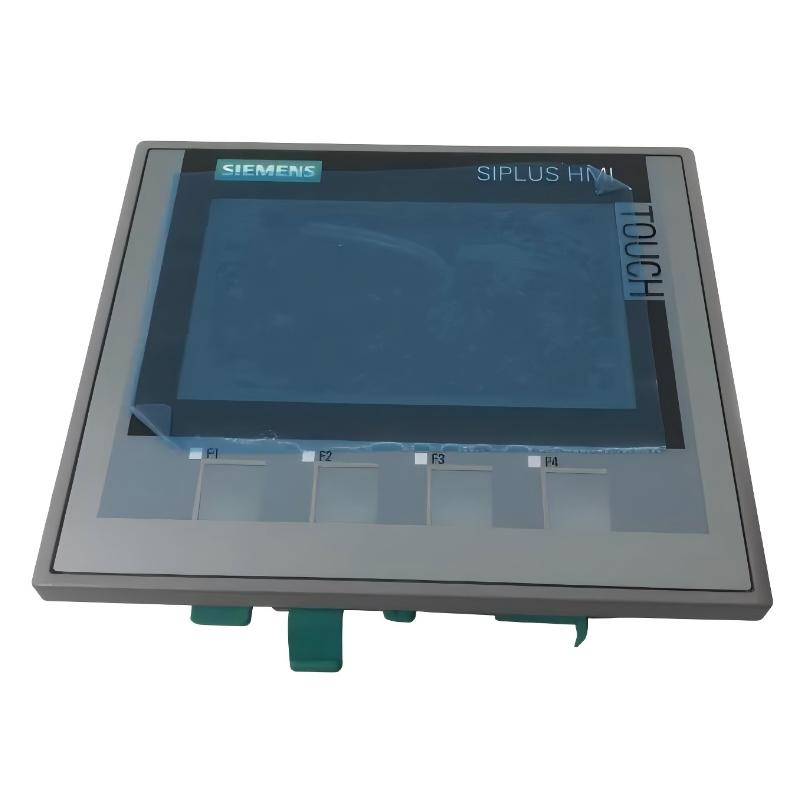
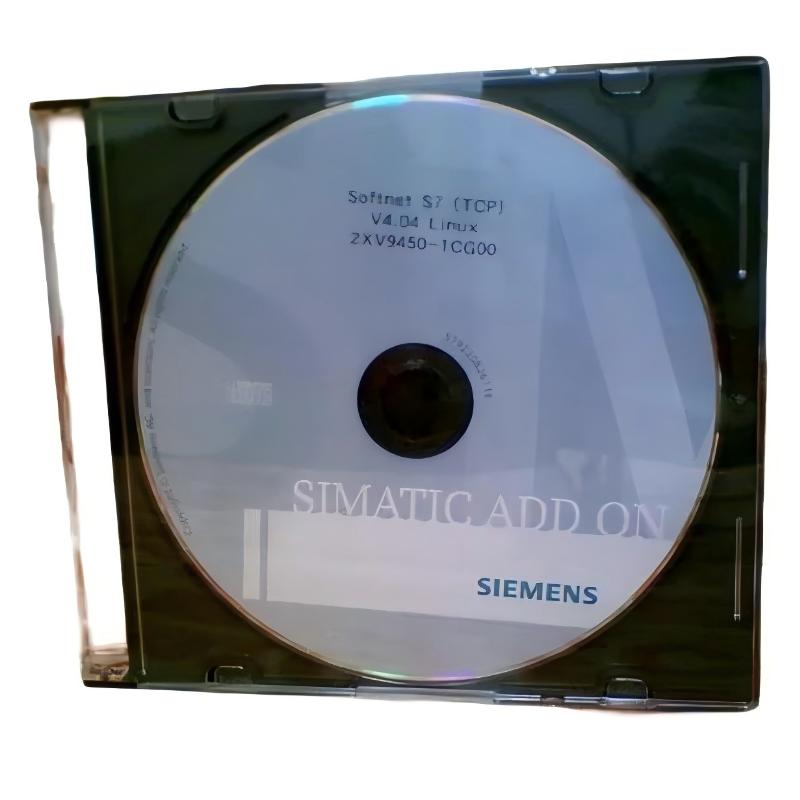
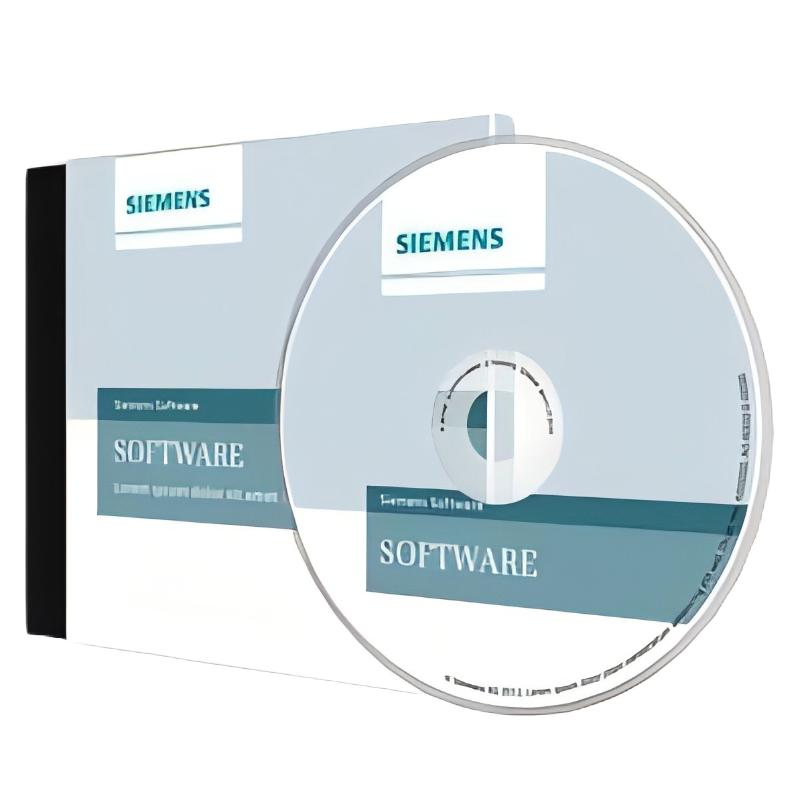
Siemens 2XV9450-1CG00-CG00 Communication Driver Software
| Company Information | ||||||||
| [email protected] | ||||||||
| Mobile | +8613666084105 | |||||||
| +8613666084105 | ||||||||
| 13666084105 | ||||||||
| Add to | Room 1004, No. 62 Xiangxiu Li, Siming District, Xiamen City, Fujian Province, China | |||||||
 Technical Specifications
|
Parameter |
Specification |
|---|---|
|
Model |
|
|
Brand |
|
|
Product Type |
|
|
Main Function |
Industrial communication and device data exchange |
|
Application |
Industrial automation, PLC communication, and control systems |
|
System Integration |
Communication between automation devices and supervisory systems |
|
Communication Configuration |
Depends on the supported driver protocols and target devices |
|
Installation |
Requires a compatible operating system and supporting software |
|
Compatibility |
Must be verified against the target device and software version |
|
Dimensions |
272 × 187 × 30 mm |
|
Weight |
0.174 kg |
FAQ
Q1: What is the main function of Siemens 2XV9450-1CG00-CG00 Communication Driver Software?
A: The 2XV9450-1CG00-CG00 is identified as communication driver software intended for industrial automation applications. Communication drivers generally provide the software interface required for data exchange between automation equipment and supervisory or engineering systems. Depending on the supported configuration, this type of software can help applications access device information, monitor operating conditions, and exchange process data. Its exact functions, supported communication protocols, and compatible equipment should be confirmed against the product’s technical documentation and the software environment in which it will be used.
Q2: What should be checked before installing the 2XV9450-1CG00 communication driver?
A: Before installation, check the operating system, software prerequisites, available disk space, and compatibility requirements of the target computer or industrial workstation. Confirm that the intended PLC or automation device is supported and that the required communication interface is available. It is also important to identify any dependencies on Siemens engineering software, runtime components, or other communication packages. For an existing control system, record the current driver version and communication settings before making changes. This preparation helps reduce installation conflicts and makes it easier to restore the previous configuration if the new installation does not work as expected.
Q3: How can I verify whether this driver is compatible with an existing Siemens PLC system?
A: Compatibility should be checked using the complete hardware and software configuration rather than the PLC brand alone. Identify the PLC model, hardware revision, firmware version, communication interface, and engineering software version. Then compare these details with the driver’s supported-device list and installation requirements. Network configuration and communication protocol support should also be considered, particularly when the PLC communicates through an industrial Ethernet network or a dedicated interface. If the system uses older engineering software or firmware, verify version restrictions before installation. A controlled connection test is recommended before introducing the driver into an operational production environment.
Q4: What should I do if the driver cannot establish communication with the target device?
A: Begin troubleshooting by checking the physical and network connections. Verify that the target device is powered on, the communication cable is correctly connected, and network equipment is operating normally. For Ethernet connections, confirm that the computer and device have compatible IP settings and that the required network route is available. Next, check whether the driver has been installed correctly, whether the correct device and communication interface have been selected, and whether the relevant software services are running. Review available diagnostic messages and system logs for connection errors, timeouts, or configuration warnings. If the connection still fails, investigate protocol settings, access permissions, firewall restrictions, and compatibility between the driver and the target software environment.
Q5: Can the 2XV9450-1CG00 driver communicate with multiple automation devices simultaneously?
A: Simultaneous communication depends on the driver’s architecture, supported connection model, communication protocol, and the capabilities of the host application and target devices. Before configuring multiple connections, verify whether the software supports multiple device instances and independent communication parameters. Consider the number of required connections, the amount of data exchanged, update intervals, and the processing capacity of the host system. A large number of frequent data requests can increase network traffic and system load, potentially affecting communication performance. For applications involving several PLCs or automation stations, test the intended configuration under realistic operating conditions and confirm that each device maintains a stable connection.
Q6: How can communication delays and slow data updates be diagnosed?
A: Communication delays can result from network congestion, excessive polling frequency, slow device response, inefficient data requests, or limited processing resources on the host computer. First, determine whether the delay affects all connected devices or only one device, and whether it occurs continuously or during periods of high system activity. Check communication cycle settings, request timeouts, retry behavior, and the volume of data being transferred. Where possible, monitor network utilization and review diagnostic information for packet loss, connection interruptions, or repeated communication errors. Optimizing polling intervals and avoiding unnecessary duplicate requests may improve performance. Any changes to update rates should be tested carefully to ensure that the resulting data refresh frequency remains suitable for the application.
Q7: What precautions should be taken when updating the communication driver software?
A: Before updating, verify that the proposed version is compatible with the operating system, engineering software, PLC firmware, and other communication components in the system. Review the release information for supported devices, changes in functionality, installation prerequisites, and known limitations. Back up the existing configuration and any related project files, and document the current driver version so that the original setup can be identified if a rollback becomes necessary. If possible, install and test the updated driver in a non-production environment first. Verify device recognition, connection stability, data exchange, and recovery after communication interruptions. For production systems, schedule the update during an approved maintenance window and prepare a tested recovery procedure.
Q8: How can I confirm that the driver has been installed and configured correctly?
A: Successful installation should be verified through both software checks and communication tests. First, confirm that the installation completed without errors and that the driver or associated components are available in the intended software environment. Check that the required services or runtime components are operating and that the target device can be selected or recognized where applicable. Next, establish a connection and inspect the available communication status and diagnostic information. Test the reading of representative data points and confirm that values update at the expected intervals. If the application requires data transmission, verify the relevant functions using an approved test procedure. Finally, observe the system over an extended period to identify intermittent disconnections, unexpected timeouts, abnormal resource consumption, or unstable data updates before using the configuration in normal operation.
Siemens 2XV9450-1CG00-CG00 Communication Driver Software is in stock. Please contact us for a quick quote and competitive pricing.
| Company Information | ||||||||
| [email protected] | ||||||||
| Mobile | +8613666084105 | |||||||
| +8613666084105 | ||||||||
| 13666084105 | ||||||||
| Add to | Room 1004, No. 62 Xiangxiu Li, Siming District, Xiamen City, Fujian Province, China | |||||||
Company Introduction
Xiamen Shengruite Trading Co., Ltd. is a company specializing in the supply of industrial PLC spare parts.
We provide high-quality PLC spare parts to customers in the global manufacturing, energy and power, chemical and other fields.
Since its establishment in 2011, after 13 years of rapid development, the cumulative global shipments have reached 223,650 pieces, with an annual output value of US$50 million.
Successfully served more than 500 customers in more than 100 countries and regions including Saudi Arabia, UAE, the United States, Europe, Africa, and Southeast Asia
Our Mission
Provide customers with the best quality PLC spare parts and the fastest delivery service to ensure that their industrial automation systems are always in the best operating condition.
We provide a 1-year warranty service, and we support returns and exchanges for any issues to ensure your rights and interests are fully protected.
We can provide detailed product images upon request, and our team can arrange warehouse photos for confirmation to ensure you have all the information you need before making a purchase.
Shipping times vary depending on your location. With the support of our 16 global warehouses, we strive to deliver orders as quickly as possible. Contact us to get an estimated delivery time for your specific location.
The minimum order quantity (MOQ) is typically one unit. However, for larger orders, please contact us for potential discounts and pricing details.
Yes, we offer competitive pricing for bulk purchases. Please reach out to our sales team with the specifics of your order to receive a custom quote.
We accept various payment methods for wholesale orders, including bank transfers (T/T), letters of credit, and other options upon agreement. For large transactions, please contact us directly for payment terms.
Yes, we offer flexible ordering options for both small and large quantities. Whether youre looking for a single unit or a large batch, we can accommodate your needs.
We occasionally offer promotional discounts for new wholesale customers. Contact us to learn more about any current offers available for first-time buyers.
If you are unsure of compatibility with your existing setup please provide your system details and our support team can verify compatibility prior to purchase.
Returns are accepted within 30 days if the product is unused, unopened, and in its original packaging. Please note that return shipping and associated costs are the buyer\\\\\\\\\\\\\\\\\\\\\\\\\\\\\\\\\\\\\\\\\\\\\\\\\\\\\\\\\\\\\\\\\\\\\\\\\\\\\\\\\\\\\\\\\\\\\\\\\\\\\\\\\\\\\\\\\\\\\\\\\\\\\\\\\\\\\\\\\\\\\\\\\\\\\\\\\\\\\\\\\\\\\\\\\\\\\\\\\\\\\\\\\\\\\\\\\\\\\\\\\\\\\\\\\\\\\\\\\\\\\\\\\\\\\\\\\\\\\\\\\\\\\\\\\\\\\\\\\\\\\\\\\\\\\\\\\\\\\\\\\\\\\\\\\\\\\\\\\\\\\\\\\\\\\\\\\\\\\\\\\\\\\\\\\\\\\\\\\\\\\\\\\\\\\\\\\\\\\\\\\\\\\\\\\\\\\\\\\\\\\\\\\\\\\\\\\\\\\\\\\\\\\\\\\\\\\\\\\\\\\\\\\\\\\\\\\\\\\\\\\\\\\\\\\\\\\\\\\\\\\\\\\\\\\\\\\\\\\\\\\\\\\\\\\\\\\\\\\\\\\\\\\\\\\\\\\\\\\\\\\\\\\\\\\\\\\\\\\\\\\\\\\\\\\\\\\\\\\\\\\\\\\\\\\\\\\\\\\\\\\\\\\\\\\\\\\\\\\\\\\\\\\\\\\\\\\\\\\\\\\\\\\\\\\\\\\\\\\\\\\\\\\\\\\\\\\\\\\\\\\\\\\\\\\\\\\\\\\\\\\\\\\\\\\\\\\\\\\\\\\\\\\\\\\\\\\\\\\\\\\\\\\\\\\\\\\\\\\\\\\\\\\\\\\\\\\\\\\\\\\\\\\\\\\\\\\\\\\\\\\\\\\\\\\\\\\\\\\\\\\\\\\\\\\\\\\\\\\\\\\\\\\\\\\\\\\\\\\\\\\\\\\\\\\\\\\\\\\\\\\\\\\\\\\\\\\\\\\\\\\\\\\\\\\\\\\\\\\\\\\\\\\\\\\\\\\\\\\\\\\\\\\\\\\\\\\\\\\\\\\\\\\\\\\\\\\\\\\\\\\\\\\\\\\\\\\\\\\\\\\\\\\\\\\\\\\\\\\\\\\\\\\\\\\\\\\\\\\\\\\\\\\\\\\\\\\\\\\\\\\\\\\\\\\\\\\\\\\\\\\\\\\\\\\\\\\\\\\\\\\\\\\\\\\\\\\\\\\\\\\\\\\\\\\\\\\\\\\\\\\\\\\\\\\\\\\\\\\\\\\\\\\\\\\\\\\\\\\\\\\\\\\\\\\\\\\\\\\\\\\\\\\\\\\\\\\\\\\\\\\\\\\\\\\\\\\\\\\\\\\\\\\\\\\\\\\\\\\\\\\\\\\\\\\\\\\\\\\\\\\\\\\\\\\\\\\\\\\\\\\\\\\\\\\\\\\\\\\\\\\\\\\\\\\\\\\\\\\\\\\\\\\\\\\\\\\\\\\\\\\\\\\\\\\\\\\\\\\\\\\\\\\\\\\\\\\\\\\\\\\\\\\\\\\\\\\\\\\\\\\\\\\\\\\\\\\\\\\\\\\\\\\\\\\\\\\\\\\\\\\\\\\\\\\\\\\\\\\\\\\\\\\\\\\\\\\\\\\\\\\\\\\\\\\\\\\\\\\\\\\\\\\\\\\\\\\\\\\\\\\\\\\\\\\\\\\\\\\\\\\\\\\\\\\\\\\\\\\\\\\\\\\\\\\\\\\\\\\\\\\\\\\\\\\\\\\\\\\\\\\\\\\\\\\\\\\\\\\\\\\\\\\\\\\\\\\\\\\\\\\\\\\\\\\\\\\\\\\\\\\\\\\\\\\\\\\\\\\\\\\\\\\\\\\\\\\\\\\\\\\\\\\\\\\\\\\\\\\\\\\\\\\\\\\\\\\\\\\\\\\\\\\\\\\\\\\\\\\\\\\\\\\\\\\\\\\\\\\\\\\\\\\\\\\\\\\\\\\\\\\\\\\\\\\\\\\\\\\\\\\\\\\\\\\\\\\\\\\\\\\\\\\\\\\\\\\\\\\\\\\\\\\\\\\\\\\\\\\\\\\\\\\\\\\\\\\\\\\\\\\\\\\\\\\\\\\\\\\\\\\\\\\\\\\\\\\\\\\\\\\\\\\\\\\\\\\\\\\\\\\\\\\\\\\\\\\\\\\\\\\\\\\\\\\\\\\\\\\\\\\\\\\\\\\\\\\\\\\\\\\\\\\\\\\\\\\\\\\\\\\\\\\\\’s responsibility.
Yes, we offer technical support for the installation and integration of our products. Our team can assist with setup, configuration, and troubleshooting to ensure a smooth installation.