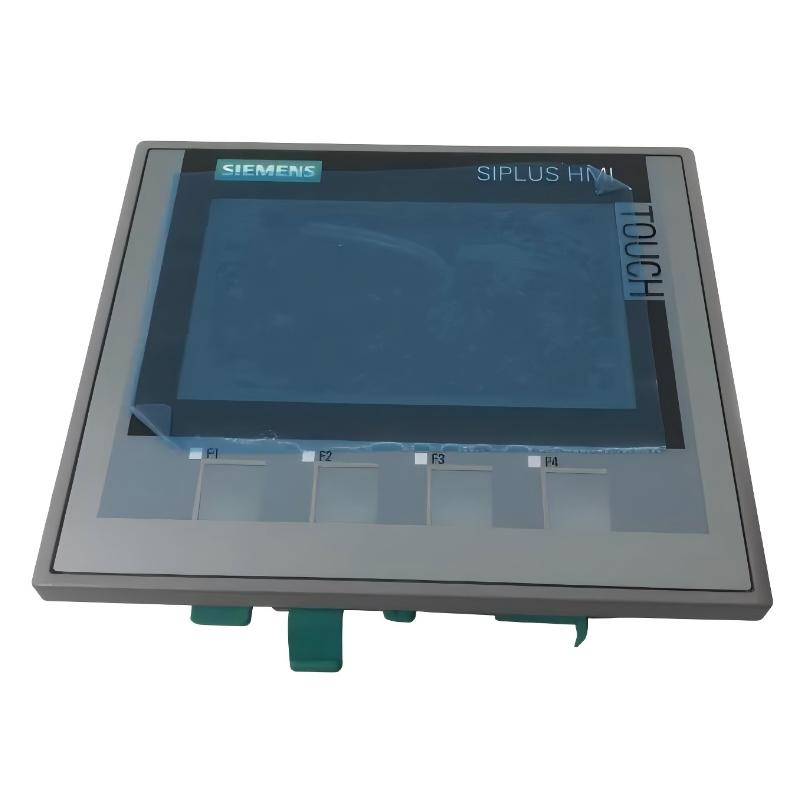
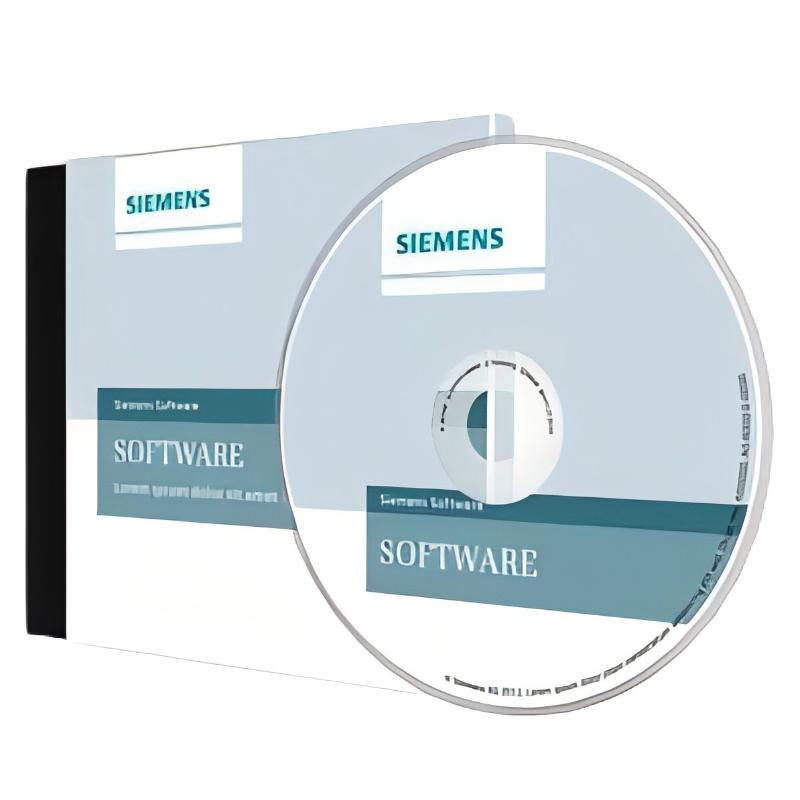
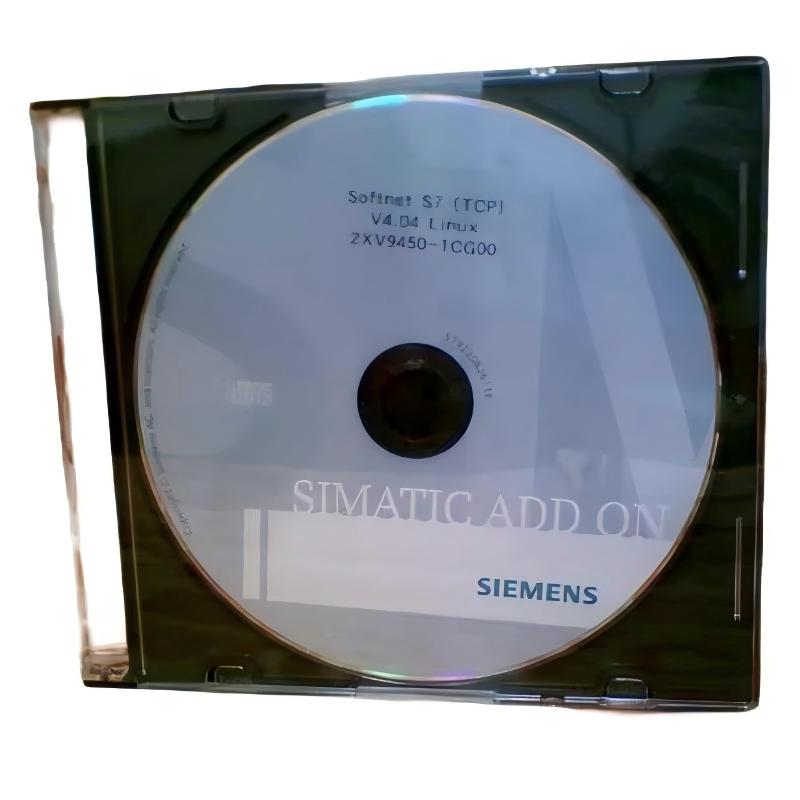
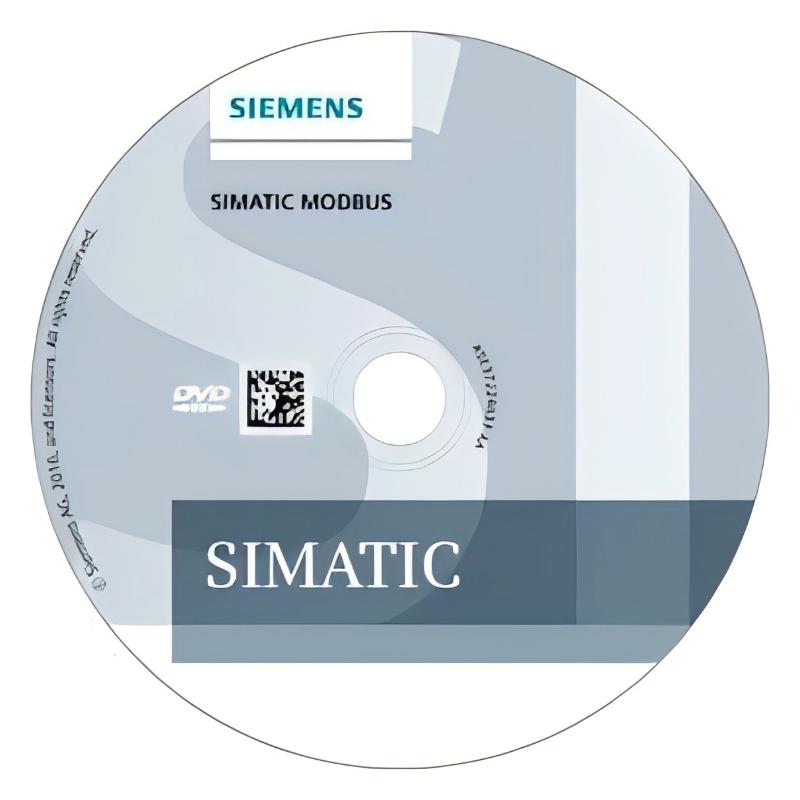
Siemens 2XV9450-1MB00-MB00 Communication Driver Software
| Company Information | ||||||||
| [email protected] | ||||||||
| Mobile | +8613666084105 | |||||||
| +8613666084105 | ||||||||
| 13666084105 | ||||||||
| Add to | Room 1004, No. 62 Xiangxiu Li, Siming District, Xiamen City, Fujian Province, China | |||||||
 Technical Specifications
|
Parameter |
Specification |
|---|---|
|
Brand |
|
|
Model |
|
|
Product Type |
|
|
Product Category |
Industrial Communication Software |
|
Main Function |
Communication between industrial devices and software systems |
|
Application |
PLC communication and industrial automation |
|
Communication |
Depends on supported protocols and device configuration |
|
System Integration |
Industrial control and supervisory systems |
|
Installation |
Requires a compatible operating system and supporting software |
|
Compatibility |
Depends on the target device and software version |
|
Dimensions |
271 × 192 × 32 mm |
|
Weight |
0.172 kg |
FAQ
Q1: What is the main function of Siemens 2XV9450-1MB00-MB00 Communication Driver Software?
A: The 2XV9450-1MB00-MB00 is identified as communication driver software for industrial automation applications. Communication drivers provide an interface between software applications and industrial equipment, allowing systems to exchange information and access device data. Depending on the supported configuration, this type of software may be used for equipment communication, process monitoring, and integration with supervisory or engineering applications. Before implementation, confirm the specific functions, supported devices, and communication protocols of this model using its applicable technical documentation.
Q2: What should be checked before installing the 2XV9450-1MB00-MB00 software?
A: Before installation, verify the operating system, software prerequisites, available storage, and compatibility requirements of the target computer or industrial workstation. Identify the PLC or other automation equipment that needs to communicate with the software, and confirm that its communication interface and protocol are supported. Check whether additional Siemens engineering tools, runtime components, or configuration utilities are required. For an existing installation, record the current software versions and communication settings before making changes. These checks help prevent installation conflicts and reduce the time needed to diagnose problems if the driver does not operate as expected.
Q3: How do I configure the communication driver for an existing PLC system?
A: Configuration begins with identifying the PLC model, firmware version, communication interface, and network settings. Install the driver in the appropriate software environment and select the communication method supported by both the driver and the target device. Configure the necessary connection parameters, such as device addressing, interface selection, and communication settings, according to the applicable protocol. After configuration, establish a test connection and verify that the PLC can be identified and that the expected data is accessible. The precise configuration procedure depends on the software platform and supported driver functions, so the model-specific installation instructions should be followed.
Q4: Why might the driver fail to communicate with a PLC after installation?
A: Communication failure may be caused by incorrect network settings, an unsupported device, an incompatible software version, or an incorrectly configured communication interface. Start by checking the physical connection, device power, network status, and IP configuration where applicable. Confirm that the PLC is using a supported communication protocol and that the driver is configured for the correct device and interface. Also check firewall rules, software permissions, and whether required services are running. If the problem continues, review the available diagnostic messages and system logs. Comparing the current configuration with a known working setup can help isolate the cause without changing multiple parameters at once.
Q5: How can I improve communication stability when using this driver in an industrial environment?
A: Stable communication depends on compatible software, correct configuration, reliable network infrastructure, and appropriate data exchange settings. Confirm that the driver and target device use supported versions and that the communication interface is configured correctly. For network-based communication, check cable quality, switch operation, addressing, and network load. Avoid unnecessary repeated data requests and configure polling intervals according to the application’s actual monitoring requirements. Monitor connection status and diagnostic messages during normal operation to identify intermittent errors or timeouts. In demanding applications, test the complete communication setup under representative operating conditions before deploying it for continuous industrial use.
Q6: Can this communication driver be used with multiple PLCs or automation devices?
A: Support for multiple devices depends on the driver’s connection architecture, supported protocol, and the application using the driver. Before connecting several PLCs, verify whether multiple device instances or simultaneous connections are supported and whether each device can have an independent communication configuration. Consider the number of data points, required update intervals, network capacity, and processing resources available to the host system. A configuration that works with one PLC may require adjustments when additional devices are introduced. Test all intended connections together and confirm that data remains consistent, communication errors remain within acceptable limits, and the system can recover from an individual device interruption.
Q7: What is the recommended procedure for updating or replacing the driver software?
A: Before updating or replacing the driver, check the compatibility of the new version with the operating system, Siemens software environment, PLC firmware, and other installed communication components. Review the applicable release information for changes, prerequisites, and known limitations. Back up the current configuration, record the installed version, and preserve any related project files. If the system is used in production, perform the update in a test environment first whenever possible. Verify installation, device recognition, data exchange, and communication recovery before approving the updated configuration. Plan the change for a suitable maintenance window and retain a rollback procedure in case the new version introduces compatibility or operational problems.
Q8: How can I troubleshoot intermittent communication errors and unexpected disconnections?
A: Intermittent errors should be investigated by examining both the communication environment and the software configuration. First, determine whether the disconnections affect one device or several devices and whether they occur at particular times or under increased system load. Check network connectivity, device availability, addressing, and communication timeout settings. Review diagnostic logs for repeated retries, delayed responses, connection resets, or other recurring error patterns. If the system uses periodic data requests, assess whether the request frequency or data volume is placing unnecessary load on the communication path. After making a change, monitor the system over a representative operating period to confirm that the connection remains stable and that data is updated reliably.
Siemens 2XV9450-1MB00-MB00 Communication Driver Software is in stock. Please contact us for a quick quote and competitive pricing.
| Company Information | ||||||||
| [email protected] | ||||||||
| Mobile | +8613666084105 | |||||||
| +8613666084105 | ||||||||
| 13666084105 | ||||||||
| Add to | Room 1004, No. 62 Xiangxiu Li, Siming District, Xiamen City, Fujian Province, China | |||||||
Company Introduction
Xiamen Shengruite Trading Co., Ltd. is a company specializing in the supply of industrial PLC spare parts.
We provide high-quality PLC spare parts to customers in the global manufacturing, energy and power, chemical and other fields.
Since its establishment in 2011, after 13 years of rapid development, the cumulative global shipments have reached 223,650 pieces, with an annual output value of US$50 million.
Successfully served more than 500 customers in more than 100 countries and regions including Saudi Arabia, UAE, the United States, Europe, Africa, and Southeast Asia
Our Mission
Provide customers with the best quality PLC spare parts and the fastest delivery service to ensure that their industrial automation systems are always in the best operating condition.
We provide a 1-year warranty service, and we support returns and exchanges for any issues to ensure your rights and interests are fully protected.
We can provide detailed product images upon request, and our team can arrange warehouse photos for confirmation to ensure you have all the information you need before making a purchase.
Shipping times vary depending on your location. With the support of our 16 global warehouses, we strive to deliver orders as quickly as possible. Contact us to get an estimated delivery time for your specific location.
The minimum order quantity (MOQ) is typically one unit. However, for larger orders, please contact us for potential discounts and pricing details.
Yes, we offer competitive pricing for bulk purchases. Please reach out to our sales team with the specifics of your order to receive a custom quote.
We accept various payment methods for wholesale orders, including bank transfers (T/T), letters of credit, and other options upon agreement. For large transactions, please contact us directly for payment terms.
Yes, we offer flexible ordering options for both small and large quantities. Whether youre looking for a single unit or a large batch, we can accommodate your needs.
We occasionally offer promotional discounts for new wholesale customers. Contact us to learn more about any current offers available for first-time buyers.
If you are unsure of compatibility with your existing setup please provide your system details and our support team can verify compatibility prior to purchase.
Returns are accepted within 30 days if the product is unused, unopened, and in its original packaging. Please note that return shipping and associated costs are the buyer\\\\\\\\\\\\\\\\\\\\\\\\\\\\\\\\\\\\\\\\\\\\\\\\\\\\\\\\\\\\\\\\\\\\\\\\\\\\\\\\\\\\\\\\\\\\\\\\\\\\\\\\\\\\\\\\\\\\\\\\\\\\\\\\\\\\\\\\\\\\\\\\\\\\\\\\\\\\\\\\\\\\\\\\\\\\\\\\\\\\\\\\\\\\\\\\\\\\\\\\\\\\\\\\\\\\\\\\\\\\\\\\\\\\\\\\\\\\\\\\\\\\\\\\\\\\\\\\\\\\\\\\\\\\\\\\\\\\\\\\\\\\\\\\\\\\\\\\\\\\\\\\\\\\\\\\\\\\\\\\\\\\\\\\\\\\\\\\\\\\\\\\\\\\\\\\\\\\\\\\\\\\\\\\\\\\\\\\\\\\\\\\\\\\\\\\\\\\\\\\\\\\\\\\\\\\\\\\\\\\\\\\\\\\\\\\\\\\\\\\\\\\\\\\\\\\\\\\\\\\\\\\\\\\\\\\\\\\\\\\\\\\\\\\\\\\\\\\\\\\\\\\\\\\\\\\\\\\\\\\\\\\\\\\\\\\\\\\\\\\\\\\\\\\\\\\\\\\\\\\\\\\\\\\\\\\\\\\\\\\\\\\\\\\\\\\\\\\\\\\\\\\\\\\\\\\\\\\\\\\\\\\\\\\\\\\\\\\\\\\\\\\\\\\\\\\\\\\\\\\\\\\\\\\\\\\\\\\\\\\\\\\\\\\\\\\\\\\\\\\\\\\\\\\\\\\\\\\\\\\\\\\\\\\\\\\\\\\\\\\\\\\\\\\\\\\\\\\\\\\\\\\\\\\\\\\\\\\\\\\\\\\\\\\\\\\\\\\\\\\\\\\\\\\\\\\\\\\\\\\\\\\\\\\\\\\\\\\\\\\\\\\\\\\\\\\\\\\\\\\\\\\\\\\\\\\\\\\\\\\\\\\\\\\\\\\\\\\\\\\\\\\\\\\\\\\\\\\\\\\\\\\\\\\\\\\\\\\\\\\\\\\\\\\\\\\\\\\\\\\\\\\\\\\\\\\\\\\\\\\\\\\\\\\\\\\\\\\\\\\\\\\\\\\\\\\\\\\\\\\\\\\\\\\\\\\\\\\\\\\\\\\\\\\\\\\\\\\\\\\\\\\\\\\\\\\\\\\\\\\\\\\\\\\\\\\\\\\\\\\\\\\\\\\\\\\\\\\\\\\\\\\\\\\\\\\\\\\\\\\\\\\\\\\\\\\\\\\\\\\\\\\\\\\\\\\\\\\\\\\\\\\\\\\\\\\\\\\\\\\\\\\\\\\\\\\\\\\\\\\\\\\\\\\\\\\\\\\\\\\\\\\\\\\\\\\\\\\\\\\\\\\\\\\\\\\\\\\\\\\\\\\\\\\\\\\\\\\\\\\\\\\\\\\\\\\\\\\\\\\\\\\\\\\\\\\\\\\\\\\\\\\\\\\\\\\\\\\\\\\\\\\\\\\\\\\\\\\\\\\\\\\\\\\\\\\\\\\\\\\\\\\\\\\\\\\\\\\\\\\\\\\\\\\\\\\\\\\\\\\\\\\\\\\\\\\\\\\\\\\\\\\\\\\\\\\\\\\\\\\\\\\\\\\\\\\\\\\\\\\\\\\\\\\\\\\\\\\\\\\\\\\\\\\\\\\\\\\\\\\\\\\\\\\\\\\\\\\\\\\\\\\\\\\\\\\\\\\\\\\\\\\\\\\\\\\\\\\\\\\\\\\\\\\\\\\\\\\\\\\\\\\\\\\\\\\\\\\\\\\\\\\\\\\\\\\\\\\\\\\\\\\\\\\\\\\\\\\\\\\\\\\\\\\\\\\\\\\\\\\\\\\\\\\\\\\\\\\\\\\\\\\\\\\\\\\\\\\\\\\\\\\\\\\\\\\\\\\\\\\\\\\\\\\\\\\\\\\\\\\\\\\\\\\\\\\\\\\\\\\\\\\\\\\\\\\\\\\\\\\\\\\\\\\\\\\\\\\\\\\\\\\\\\\\\\\\\\\\\\\\\\\\\\\\\\\\\\\\\\\\\\\\\\\\\\\\\\\\\\\\\\\\\\\\\\\\\\\\\\\\\\\\\\\\\\\\\\\\\\\\\\\\\\\\\\\\\\\\\\\\\\\\\\\\\\\\\\\\\\\\\\\\\\\\\\\\\\\\\\\\\\\\\\\\\\\\\\\\\\\\\\\\\\\\\\\\\\\\\\\\\\\\\\’s responsibility.
Yes, we offer technical support for the installation and integration of our products. Our team can assist with setup, configuration, and troubleshooting to ensure a smooth installation.