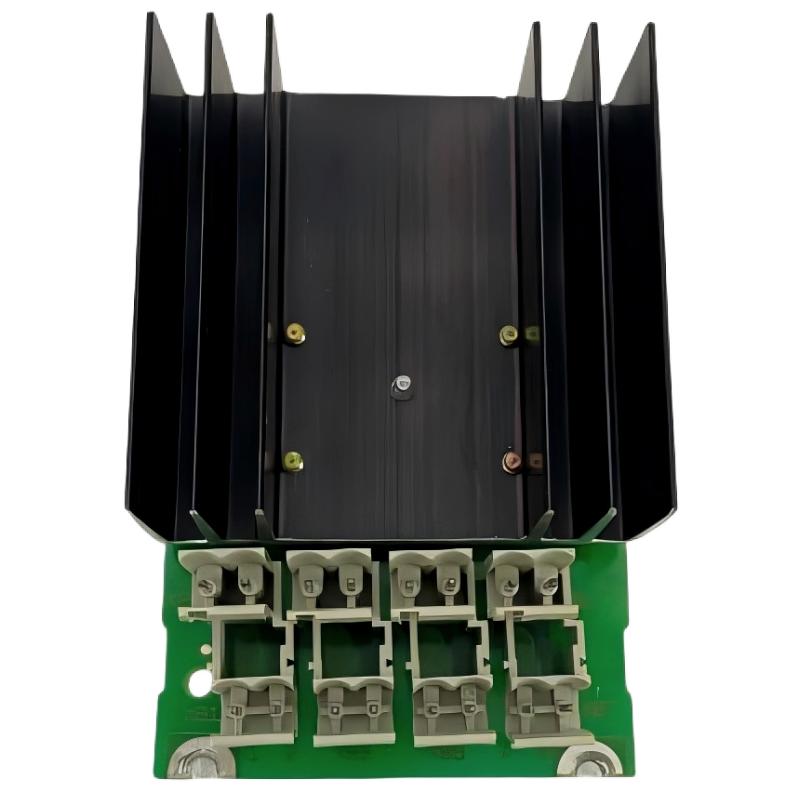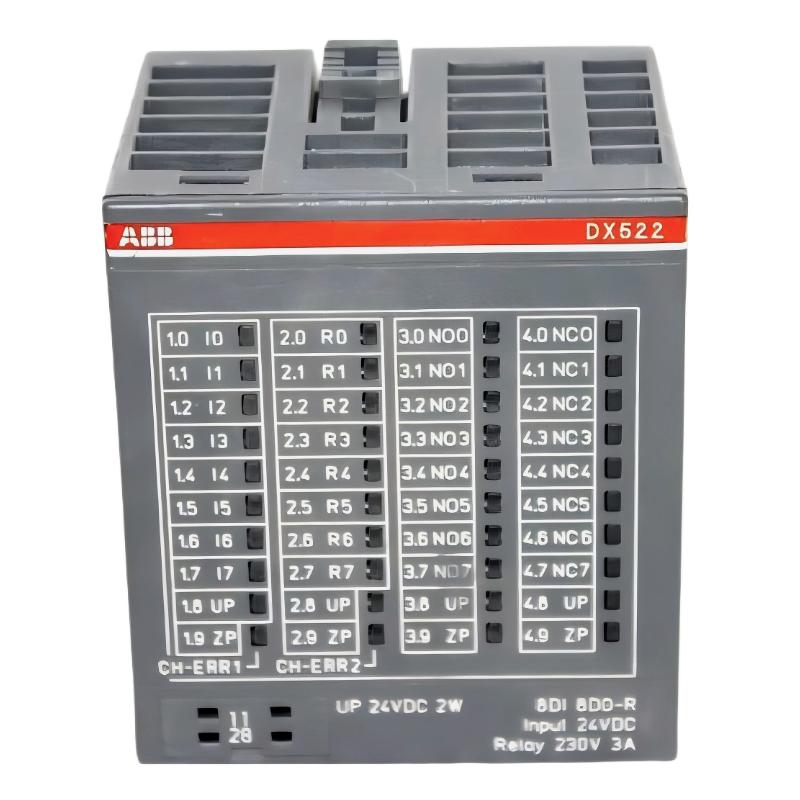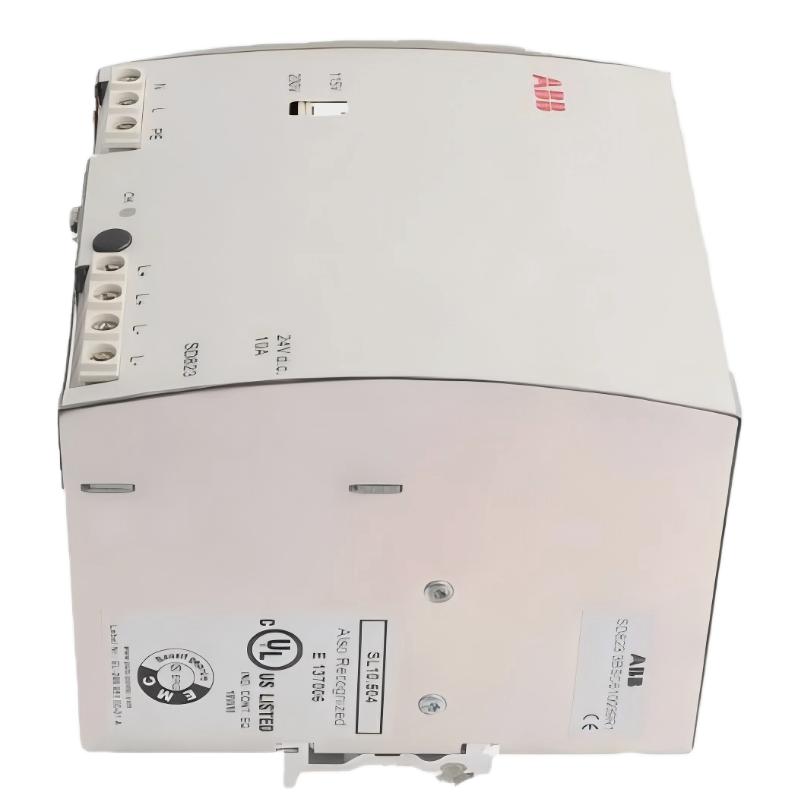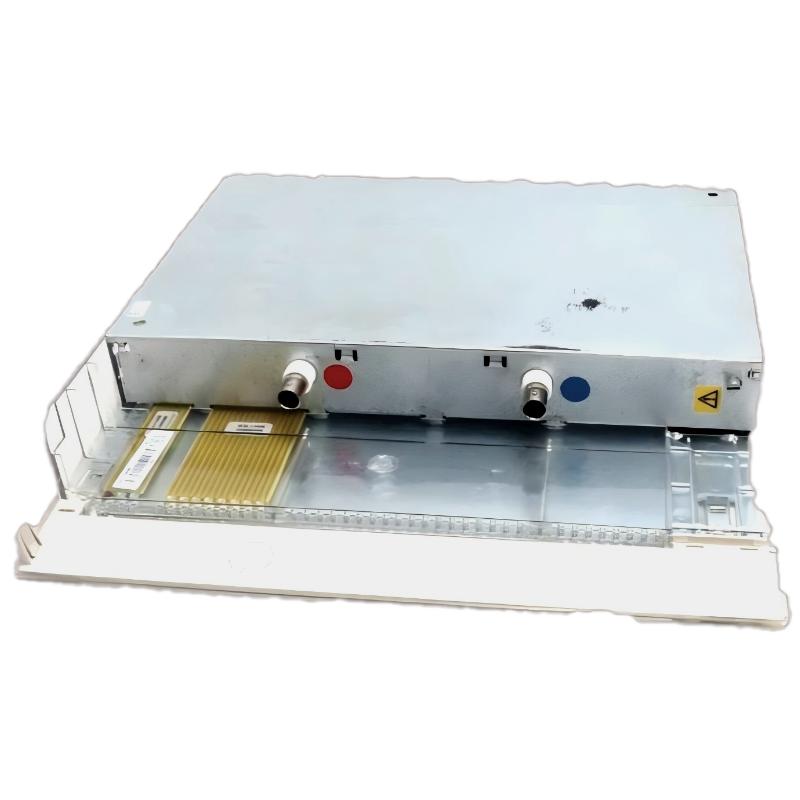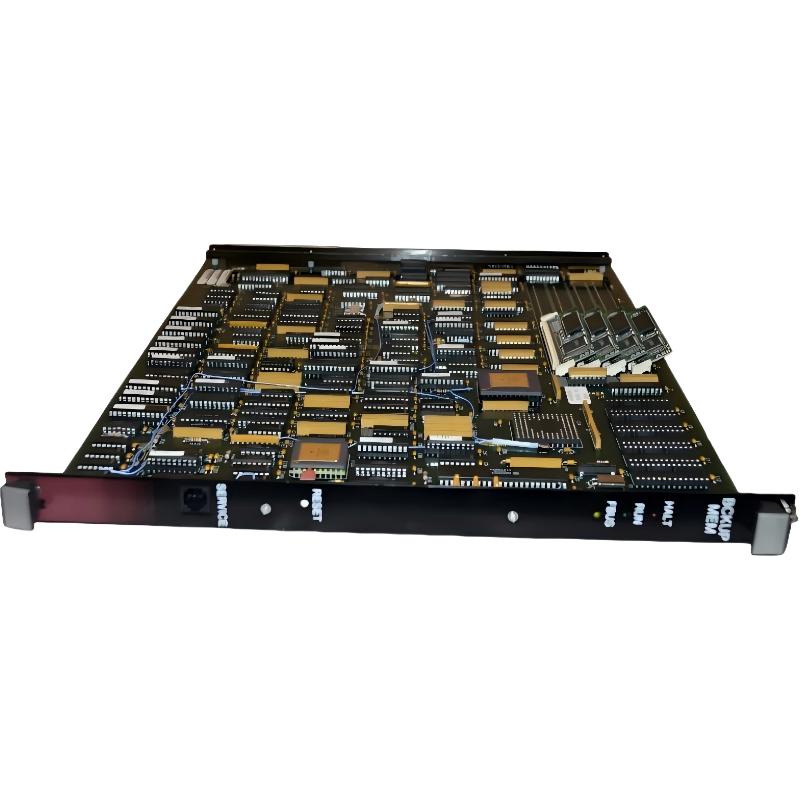
ABB 6214BZ10121G Backup Memory Module Installation Guide
ABB 6214BZ10121G Backup Memory Module installation should begin with system identification, power isolation, and verification of the controller memory architecture. In field commissioning, memory faults are often introduced by incorrect module handling, incompatible configuration, or an incomplete backup procedure rather than by the memory device itself.
ABB 6214BZ10121G Backup Memory Module System Configuration
The 6214BZ10121G should be treated as part of the PLC Controller memory system rather than as an independent storage device. Before installation, confirm the controller family, existing memory arrangement, application version, and the intended purpose of the backup memory.
- Verify the complete 6214BZ10121G part number.
- Record the PLC Controller model and firmware revision.
- Check the existing application and configuration backup.
- Confirm that the replacement memory arrangement is compatible with the control system.
- Inspect the module and connector area for contamination or mechanical damage.
ABB 6214BZ10121G Installation Preparation and Risk Control
Memory modules are sensitive to incorrect handling and unexpected electrical conditions. The safest Installation Guide approach is to preserve the original system state before touching the hardware.
- Place the machine or process in a safe maintenance condition.
- Save the current PLC application and relevant System Configuration data.
- Record diagnostic information before removing the original hardware.
- Isolate power according to the site’s electrical safety procedure.
- Use appropriate ESD protection when handling the memory module.
- Compare the replacement module with the existing hardware before installation.
ABB 6214BZ10121G Backup Memory Module Installation Procedure
The physical installation should follow the controller manufacturer’s hardware arrangement. Do not force the module into its position. A memory connector that requires excessive insertion force should be treated as a mechanical or alignment problem rather than corrected by additional pressure.
After removing the existing memory device, inspect the connector interface. Look for bent contacts, oxidation, foreign particles, or evidence of overheating. Install the 6214BZ10121G carefully and verify that it is fully seated before restoring power.
ABB 6214BZ10121G Setup and Commissioning Checks
Commissioning should not stop when the controller powers up. The important test is whether the PLC Controller recognizes the memory device and whether the intended application or backup data behaves correctly.
- Check controller startup status.
- Verify memory recognition through the applicable engineering interface.
- Check diagnostic messages for memory or configuration errors.
- Confirm that the expected application data is available.
- Verify retained parameters before placing the machine back into automatic operation.
Check Controller Status
Check Memory Recognition
Check Diagnostic Buffer
Verify Application Configuration
Verify Retained Data
Perform Controlled Restart
ABB 6214BZ10121G Commissioning Validation in the Field
In one commissioning case involving a replacement backup memory module, the controller initially started with a diagnostic indication even though the replacement hardware was correctly seated. The engineering team first checked the physical installation, then compared the controller configuration with the saved project. The investigation showed that the stored application environment did not match the expected system configuration. Revalidating the configuration and repeating the controlled startup removed the diagnostic condition.
This type of result is important during Setup: a controller startup alarm does not automatically prove that the Backup Memory Module is defective. The diagnosis should separate hardware recognition, configuration compatibility, and application integrity.
ABB 6214BZ10121G Backup Memory Module Verification
A practical verification sequence is to test the system under controlled conditions before returning it to production. Confirm that the PLC Controller retains the expected configuration after a controlled power cycle and that no new memory-related diagnostic appears.
- Record the initial controller status.
- Confirm memory identification.
- Verify application integrity.
- Perform a controlled restart.
- Review diagnostics again.
- Confirm normal machine operation.
ABB 6214BZ10121G Installation Guide FAQ
What should be checked before installing the ABB 6214BZ10121G?
Confirm the exact part number, PLC Controller compatibility, firmware environment, existing application backup, and physical condition of the memory interface before installation.
Should the PLC system be powered down before replacing the backup memory module?
Power isolation should follow the controller manufacturer’s procedure and the site’s electrical safety requirements. Do not remove or install the module under power unless the equipment documentation specifically permits it.
Why is an application backup important before installation?
A verified backup provides a recovery point if configuration data is lost, corrupted, or found to be incompatible during commissioning.
What is the most important commissioning check after installation?
Verify that the controller recognizes the memory device and that the expected application and configuration data remain valid after startup and controlled restart.
Can a startup memory alarm prove that the module has failed?
No. Wiring or connector conditions, configuration mismatch, firmware compatibility, and corrupted data can produce similar symptoms. Fault Diagnosis should eliminate these possibilities before condemning the hardware.
ABB 6214BZ10121G Backup Memory Module General Overview
The ABB 6214BZ10121G Backup Memory Module should be commissioned as part of the complete PLC Controller memory and System Configuration architecture. A controlled installation, verified application backup, careful ESD handling, and structured commissioning process provide a more reliable result than simply replacing the module and restarting the controller.