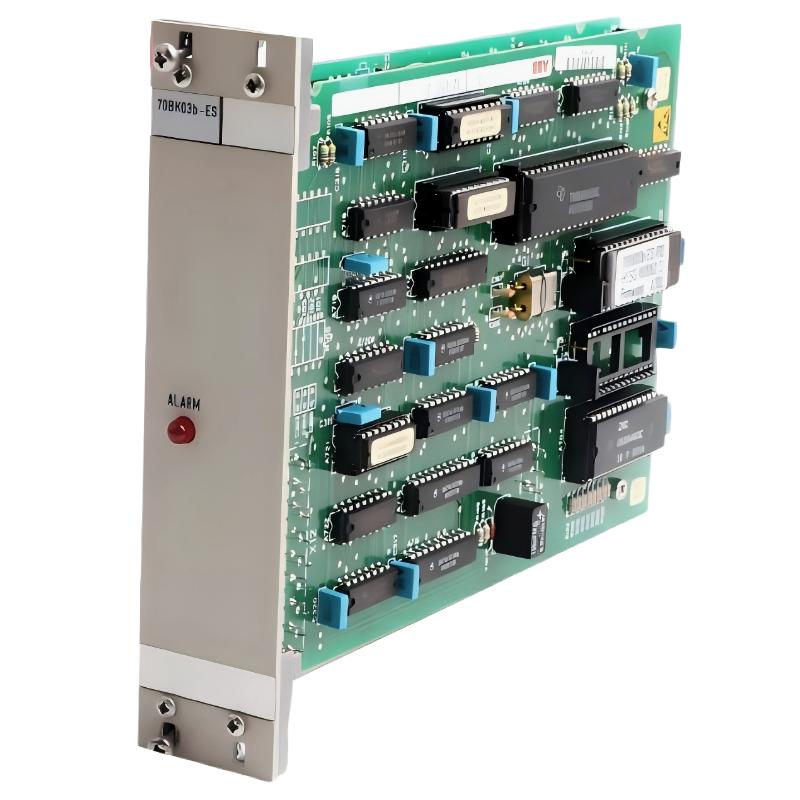
ABB 70BK03B-ES Local Bus Interface Module Installation Overview
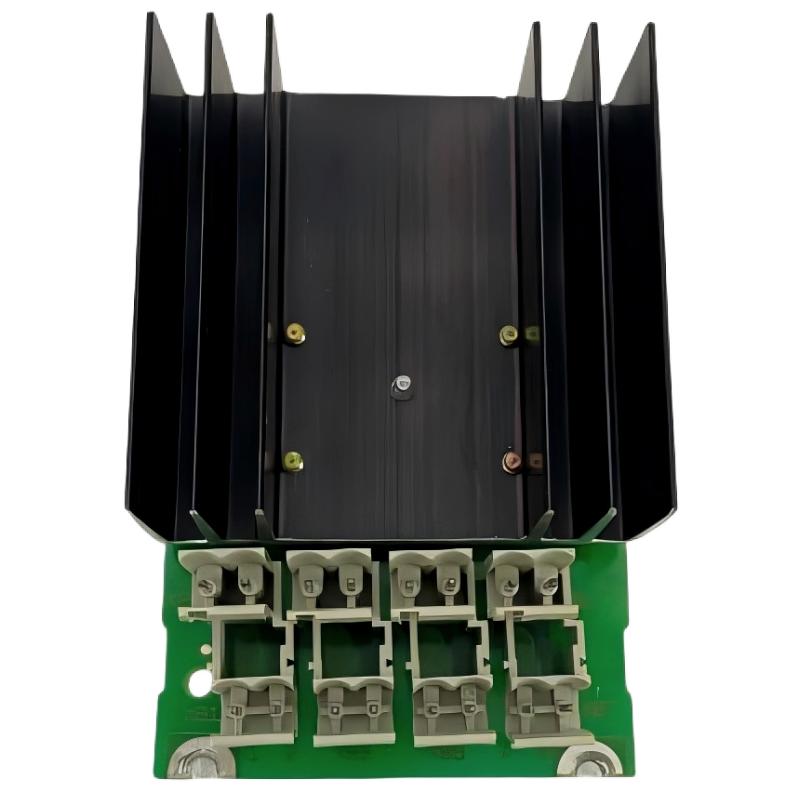
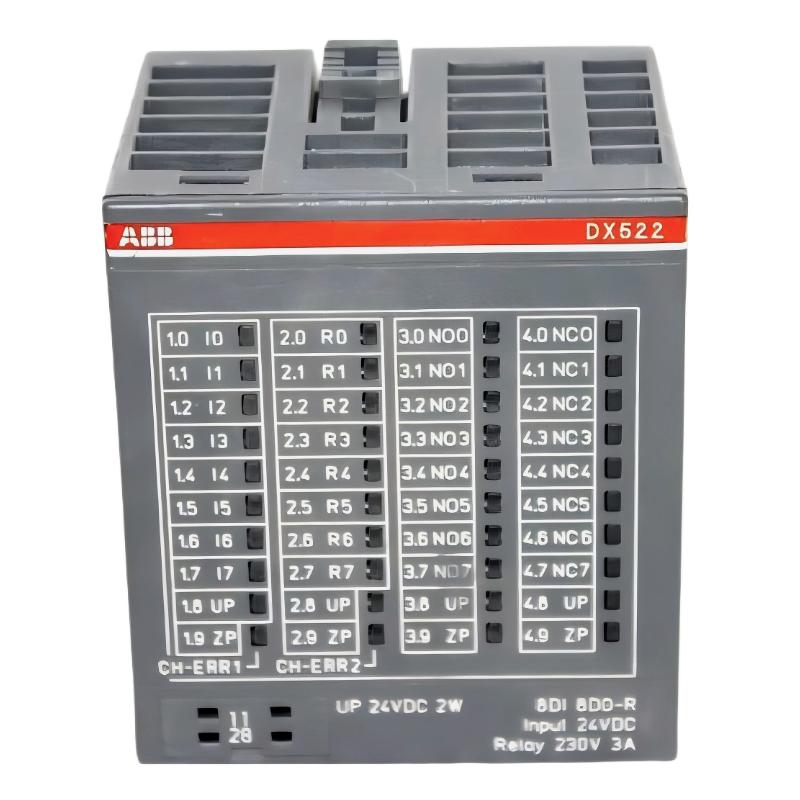
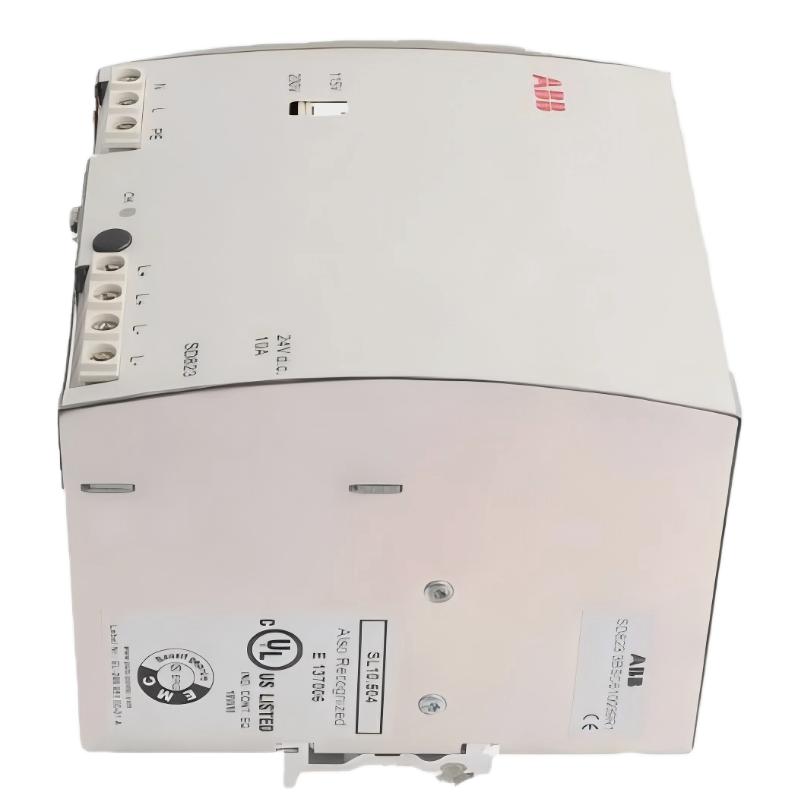
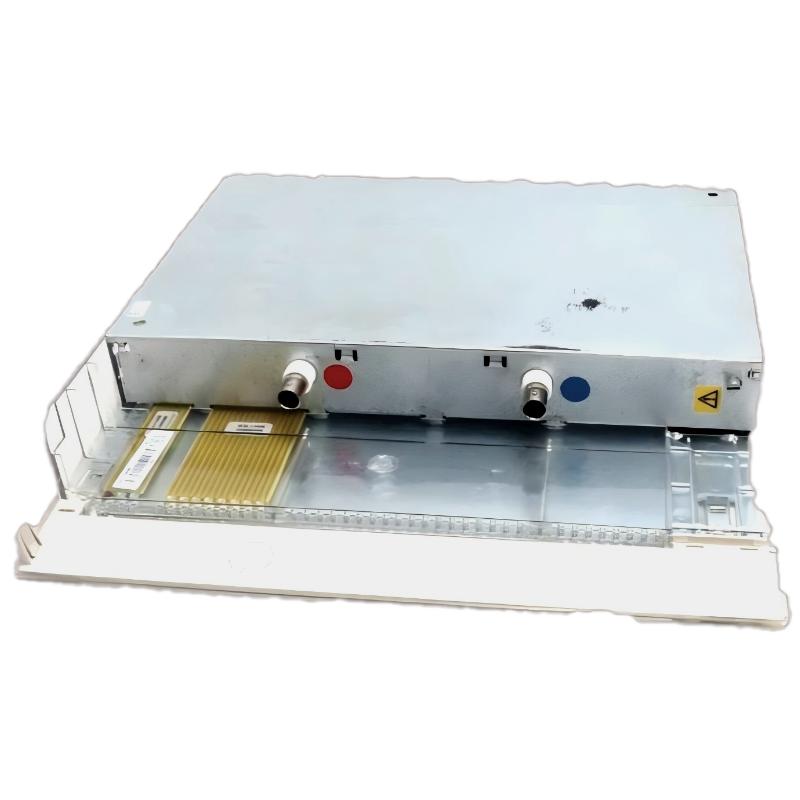
ABB 70BK03B-ES HESG447271R0002 installation should begin with bus architecture verification, connector inspection, and system configuration rather than simply inserting the module into a rack. The module is identified as a local-bus interface/coupling component used in ABB Procontrol P13 architectures, where the local bus connects processing and I/O electronics within a station.
For field engineers, the important point is that a mechanically correct installation does not automatically mean a healthy local bus. A loose connector, incorrect station arrangement, unstable supply, or poor contact can produce communication symptoms that initially look like a defective PLC Controller or I/O Module.
ABB 70BK03B-ES Installation Guide and System Preparation
Before starting the Setup and Commissioning work, record the existing rack arrangement and identify every interface connected to the local bus. The HESG447271R0002 part number is associated with the 70BK03B-ES designation and is commonly described as a bus coupler or local-bus interface in Procontrol P13 documentation and industry inventories.
- Confirm the complete part number: HESG447271R0002.
- Verify the module marking as 70BK03B-ES.
- Check the rack position against the approved System Configuration.
- Inspect the local-bus connector for bent, contaminated, or oxidized contacts.
- Check the cabinet grounding and cable routing before energizing the system.
- Record the existing module status and LED indications if replacing an installed unit.
ABB 70BK03B-ES Local Bus Interface Wiring and Mechanical Installation
The physical installation is more sensitive to connector condition than many conventional I/O replacements. The interface must seat correctly in the intended rack position and maintain reliable electrical contact with the associated local-bus connection.
Do not force the module into position when resistance is felt during insertion. Remove power according to the plant’s approved maintenance procedure, inspect the connector, and compare the replacement position with the original installation. Photographing the original wiring and rack position before removal is useful when working on an operating power-generation or process-control cabinet.
- Place the control system in the approved maintenance state.
- Isolate power where required by the plant safety procedure.
- Inspect the rack slot and mating connector.
- Insert the 70BK03B-ES evenly without applying lateral force.
- Secure the module and verify connector engagement.
- Confirm adjacent local-bus components have not been disturbed.
ABB 70BK03B-ES Setup and Commissioning Checks
Commissioning should be based on observations rather than assumptions. First verify the module’s physical status, then check the behavior of the local bus, and only afterward evaluate higher-level controller or I/O faults.
In one typical replacement scenario, an interface module was reported as faulty because several downstream signals disappeared simultaneously after cabinet maintenance. The first observation was that multiple I/O points failed together rather than independently. That pattern suggested a common communication path instead of simultaneous transmitter failures. After reseating the local-bus connection and correcting connector engagement, the affected data returned without replacing the I/O modules.
ABB 70BK03B-ES Commissioning Validation
- Check module status indications after energization.
- Confirm that expected local-bus communication is restored.
- Verify that controller diagnostics do not report a bus-interface fault.
- Check representative digital and analog I/O values.
- Compare live values with the previous commissioning records.
- Monitor the system for intermittent communication loss before returning it to normal service.
ABB 70BK03B-ES Installation Diagnostics Logic
A useful field diagnostic sequence is to separate the problem into three layers: power, physical bus connection, and system communication. If power and module status appear normal but an entire group of I/O data is unavailable, the local-bus path deserves priority over individual field instruments.
CHECK MODULE STATUS
CHECK RACK POSITION
CHECK LOCAL-BUS CONNECTOR
CHECK CONTROLLER DIAGNOSTICS
CHECK REPRESENTATIVE I/O DATA
COMPARE WITH BASELINE
ABB 70BK03B-ES Field Installation Experience
A practical rule during replacement is to avoid changing several components at once. If the HESG447271R0002 is replaced together with an I/O card, cable, and controller configuration, the engineer loses the ability to identify the actual cause. A controlled one-component replacement provides much stronger Fault Diagnosis evidence.
For older DCS installations, connector condition should also be treated as a technical variable. Thermal cycling, cabinet vibration, maintenance activity, and repeated module removal can gradually reduce contact reliability even when the module electronics remain healthy.
ABB 70BK03B-ES Installation FAQ
What is the ABB 70BK03B-ES HESG447271R0002 used for?
The 70BK03B-ES HESG447271R0002 is identified as a local-bus interface or bus-coupling module associated with ABB Procontrol P13 control-system architecture.
Should the local-bus connector be inspected during installation?
Yes. Connector condition is an important part of commissioning because poor contact can create communication symptoms that resemble module or controller failure.
Can an incorrect rack position cause communication problems?
Yes. The System Configuration and approved rack arrangement should always be checked before energizing a replacement module.
What should be checked if the module appears healthy but I/O data is missing?
Start with the common communication path. Check the local-bus connection, adjacent modules, controller diagnostics, and representative I/O points before replacing individual field devices.
ABB 70BK03B-ES Installation Guide Conclusion
The correct ABB 70BK03B-ES HESG447271R0002 Installation Guide is not simply a mechanical replacement procedure. Reliable Setup and Commissioning requires confirmation of the rack arrangement, local-bus connection, module status, controller diagnostics, and downstream I/O behavior. Treating the interface as part of the complete communication path makes commissioning faster and reduces unnecessary replacement of healthy PLC Controller and I/O components.
General Overview: The 70BK03B-ES should be commissioned as a system-interface component. Physical installation, System Configuration, communication verification, and controlled validation should all be completed before the equipment is returned to normal operation.