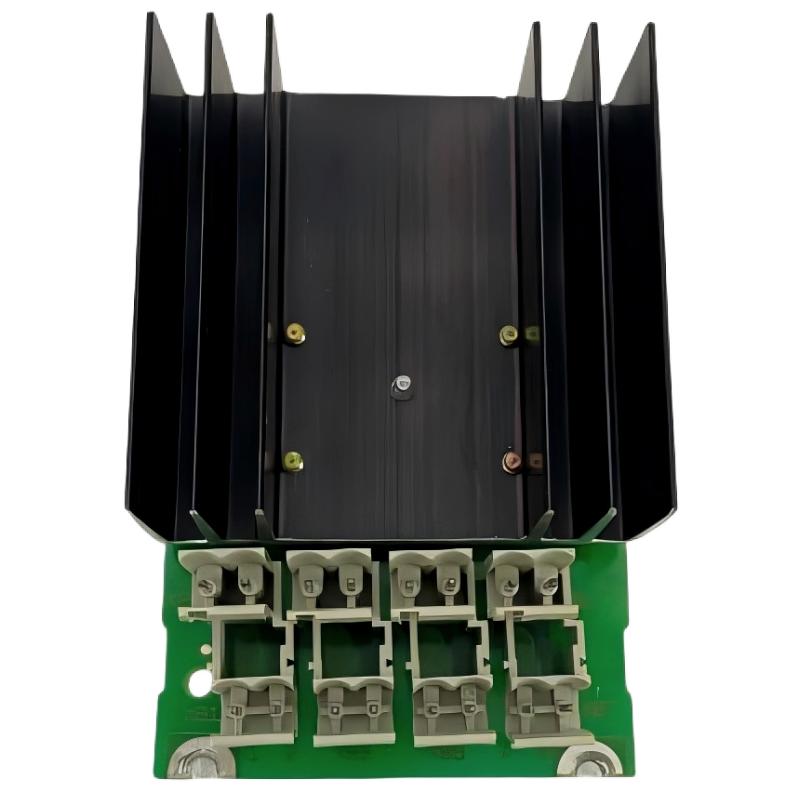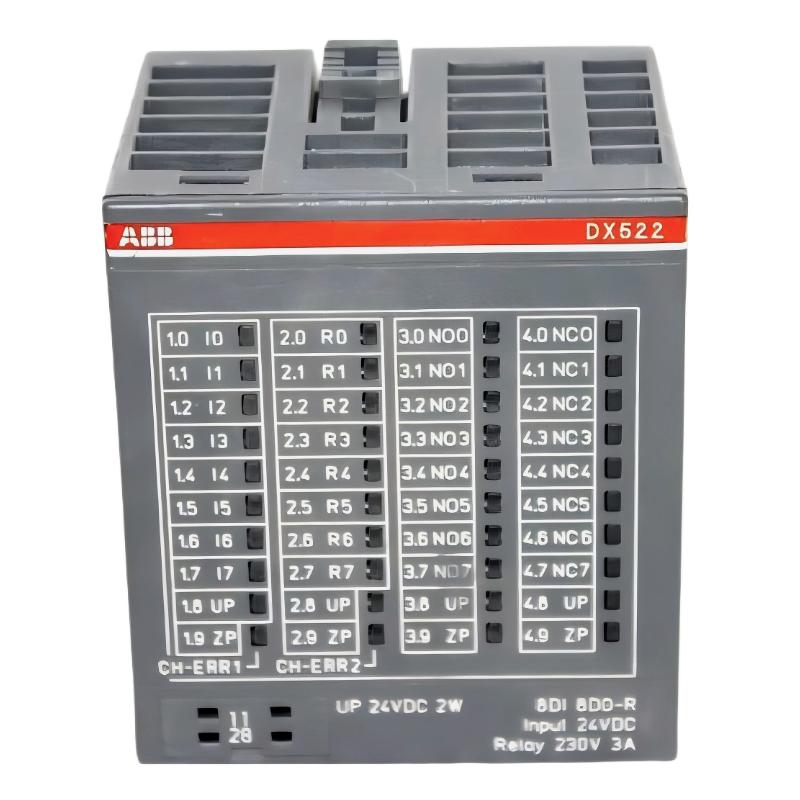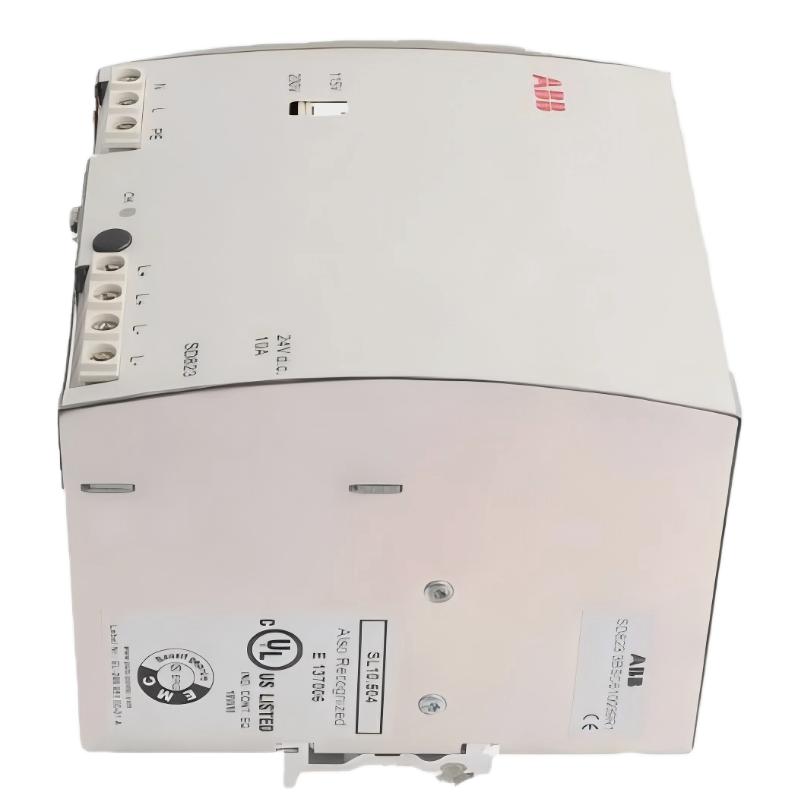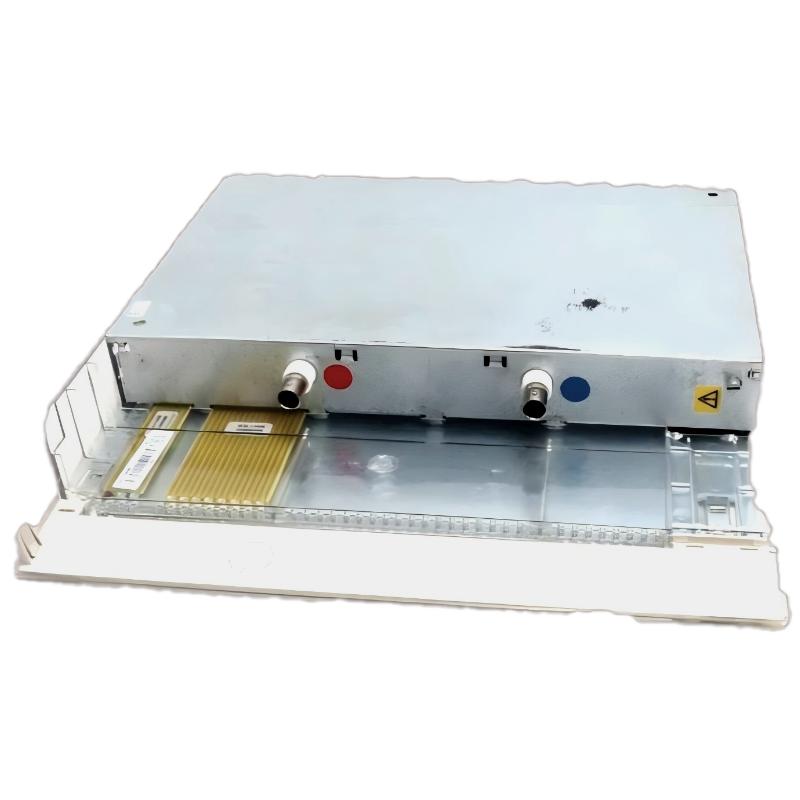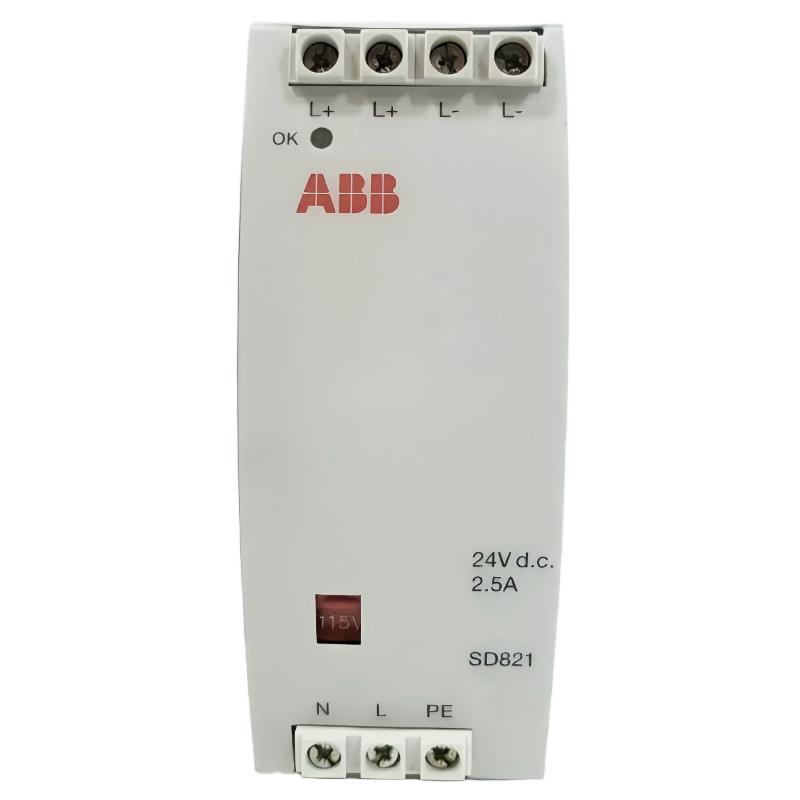
ABB SD821 3BSC610037R1 Power Supply Installation Overview
The ABB SD821 3BSC610037R1 power supply installation process should begin with verification of the supply rating, cabinet wiring, protective grounding, and compatibility with the installed ABB control system. A successful Installation Guide must address more than mounting the power supply: the engineer also needs to confirm stable output voltage, correct polarity, load requirements, and system behavior during commissioning.
The SD821 is associated with ABB’s industrial control power supply range. Before connecting field wiring, verify the exact product variant and electrical ratings against the manufacturer’s documentation for the installed unit. Do not assume that terminal assignments, output ratings, or protection behavior are identical across different power supply models.
ABB SD821 Power Supply Installation Preparation and Safety
Preparation reduces the risk of incorrect connections and prevents a power supply fault from being mistaken for a controller or communication problem.
- Confirm the complete part number: ABB SD821, 3BSC610037R1.
- Check the nameplate for input voltage, output voltage, rated current, and environmental limits.
- Review the cabinet schematic and the System Configuration before disconnecting existing wiring.
- Isolate all relevant energy sources and apply the site’s lockout/tagout procedure.
- Inspect terminals, connectors, wiring insulation, ventilation clearance, and mounting hardware.
- Use a suitably rated meter and follow the applicable electrical safety procedures.
Field experience shows that a replacement power supply can appear mechanically compatible while having different electrical or connection requirements. Compare the nameplate and terminal diagram rather than relying on appearance alone.
ABB SD821 3BSC610037R1 Wiring and Mounting Checks
Mount the power supply in the specified cabinet position and follow ABB’s installation instructions for orientation, spacing, and fastening. Connect protective earth and input wiring only to the designated terminals shown in the product documentation.
Before applying power, inspect the wiring against the approved drawing. Verify that conductors are correctly sized, terminals are secure, and no loose strands can bridge adjacent terminals. Keep power wiring separated from sensitive analog signal wiring where the cabinet design requires it.
- Check the input supply against the nameplate rating.
- Verify output polarity and the intended distribution points.
- Confirm protective-earth continuity according to site procedures.
- Inspect downstream loads for shorts or incorrect connections.
- Confirm that the load current does not exceed the documented rating.
ABB SD821 Setup and Commissioning Procedure
Commissioning should be performed in stages so that an input-side issue can be distinguished from an output-side or downstream load problem.
- Pre-energization review: Check wiring, protective grounding, fuse or circuit-breaker selection, and load isolation.
- Input verification: Measure the incoming supply at the specified test points and compare it with the permitted range in the manual.
- Initial energization: Apply power using the approved site procedure while observing the unit for abnormal noise, smell, heating, or unexpected indications.
- Output measurement: Measure the output at the designated terminals and compare the reading with the manufacturer’s specification.
- Load connection: Reconnect downstream equipment in a controlled sequence, checking for voltage drop or protective trips.
- System validation: Confirm that the connected controller and associated modules start normally and that no power-related diagnostic alarms remain.
Commissioning checklist (pseudocode)

verify_part_number("SD821", "3BSC610037R1")
verify_input_against_nameplate()
inspect_protective_earth()
measure_output_at_designated_test_points()
compare_readings_with_manual()
connect_loads_in_controlled_sequence()
verify_controller_and_module_status()
record_results_and_close_commissioning
The commands above are a documentation aid, not executable ABB diagnostic commands. Use approved test points, specified limits, and the actual system commissioning procedure.
ABB SD821 Power Supply Installation Case: Verifying a Startup Problem
Consider a representative commissioning scenario in which an automation cabinet powers up, but one downstream module repeatedly restarts. The initial observation alone does not establish that the SD821 is defective.
The engineer should measure the supply output first with the downstream load disconnected, then monitor the voltage while the load is reconnected. For example, a reading that remains within the specified range without the load but falls below the permitted minimum when the load is connected would direct the investigation toward overload, wiring resistance, a short circuit, or a failing downstream device.
Record the actual readings, load conditions, and measurement points in the commissioning report. These example conditions are diagnostic illustrations, not verified measurements from a particular SD821 installation. Replace components only after confirming the cause.
ABB SD821 Power Supply Installation FAQ
What should be checked before installing the ABB SD821 3BSC610037R1?
Verify the complete part number, nameplate ratings, terminal diagram, cabinet requirements, protective grounding, and compatibility with the existing control system.
How can the SD821 output be checked during commissioning?
Use a properly rated meter at the manufacturer’s designated test points and compare the measured value with the documented output specification, both under appropriate no-load and operating-load conditions.
Can an unstable PLC system be caused by a power supply problem?
Yes. Voltage dips, excessive load, loose connections, or a downstream short circuit can cause controller or module resets. Confirm the supply measurements and load conditions before replacing the PLC Controller or another Module.
Should the SD821 be replaced if a downstream module does not start?
Not immediately. Check the input, output, wiring, load current, and module-specific diagnostics first. A failed downstream module or wiring fault can produce symptoms similar to a power supply failure.
ABB SD821 3BSC610037R1 Installation Conclusion
A reliable ABB SD821 Power Supply Installation Guide combines correct part identification, safe wiring, controlled energization, output verification, and system-level validation. Successful Setup and Commissioning depends on measured electrical conditions and documented manufacturer limits rather than assumptions based on symptoms alone. Record the final measurements and System Configuration so future maintenance engineers can distinguish a genuine power supply fault from a downstream load or wiring issue.