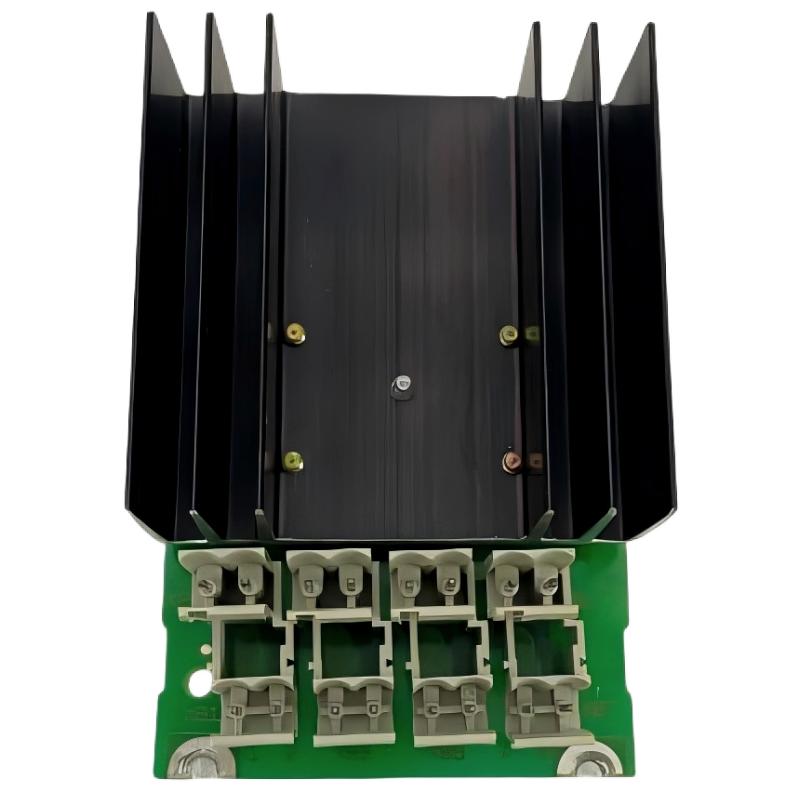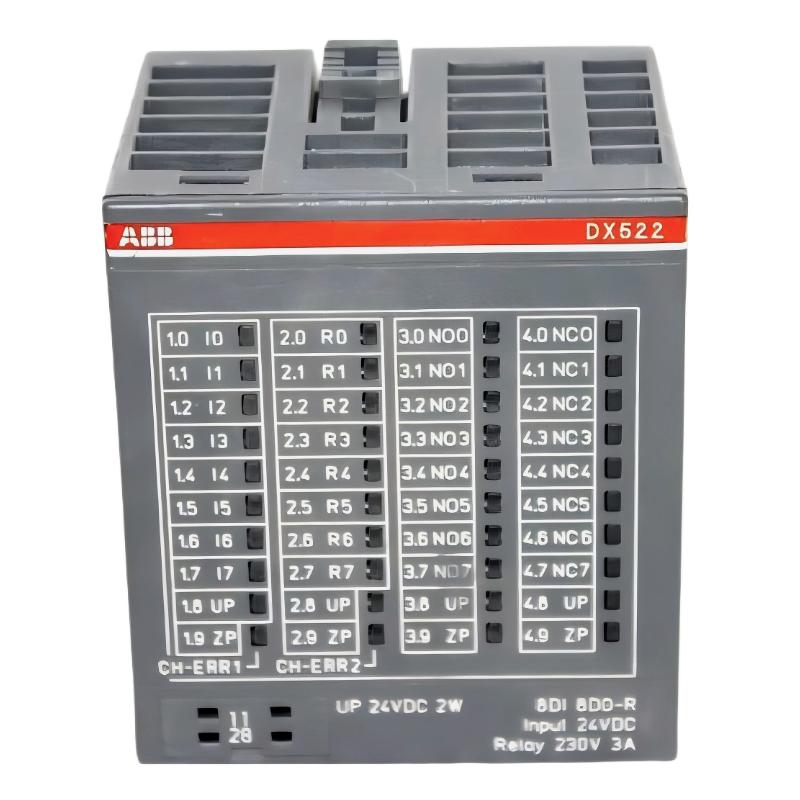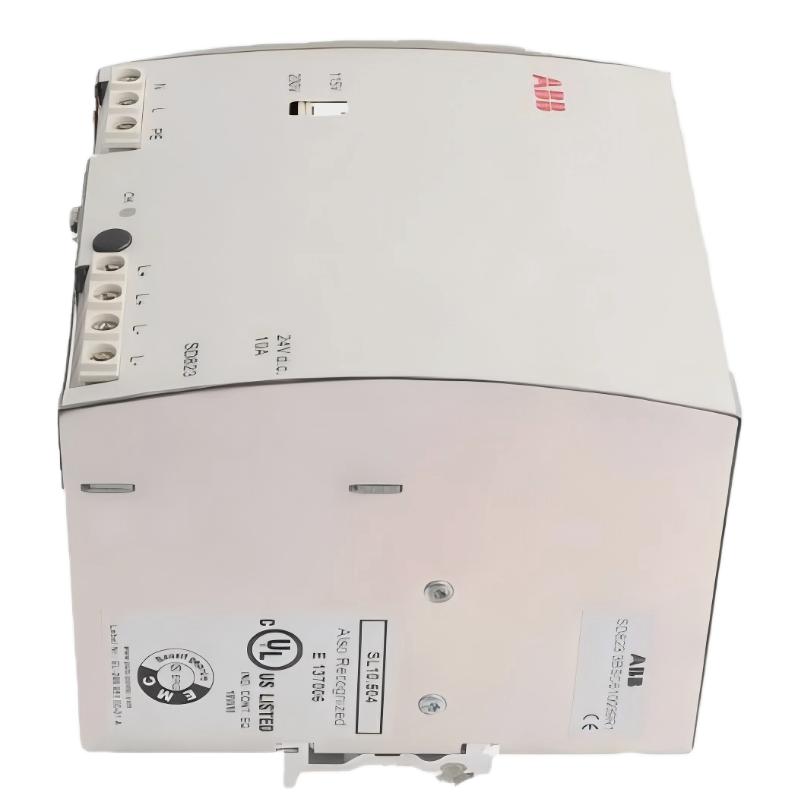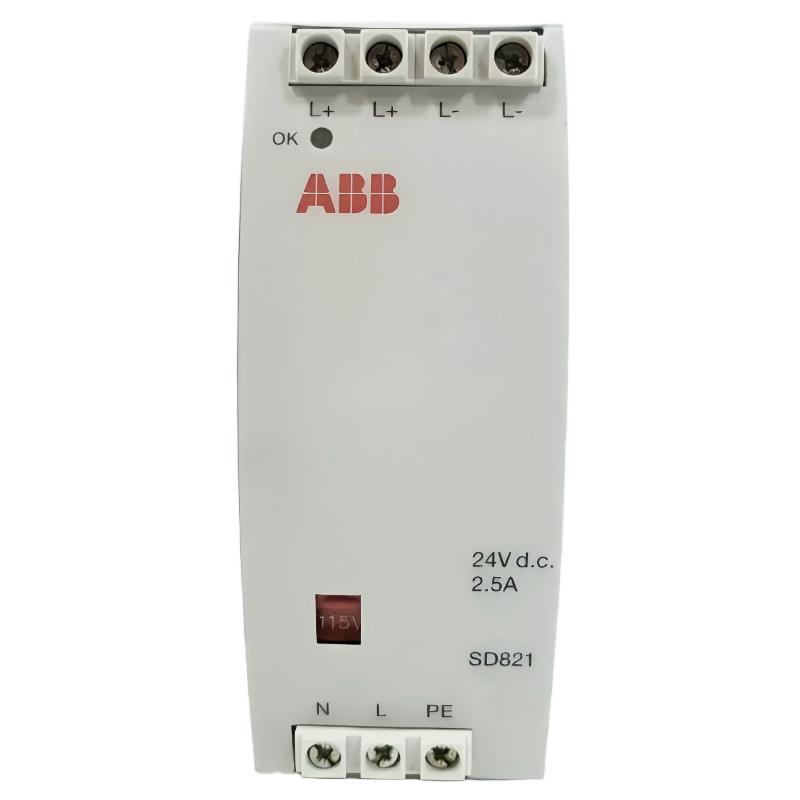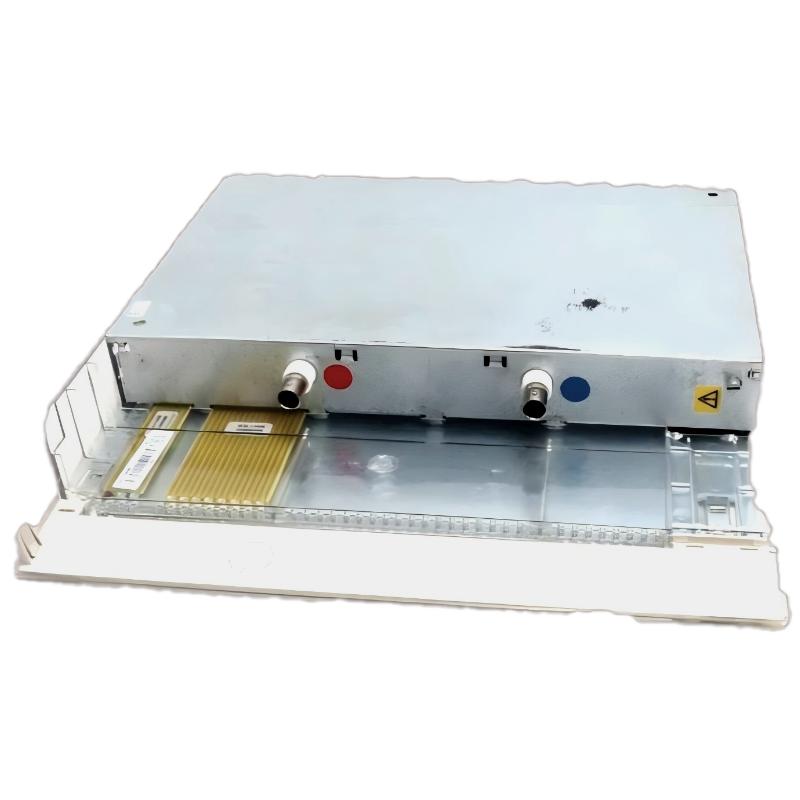
ABB DI685 3BDS005833R1 Installation Guide for S600 I/O Systems
The ABB DI685 3BDS005833R1 digital input module must be installed with the correct S600 I/O hardware, verified field wiring, and compatible controller configuration. Before commissioning, engineers should confirm the complete product identification, rack compatibility, terminal assignment, and input voltage requirements against the applicable ABB technical documentation. Incorrect assumptions about these details can cause missing input signals, false status indications, or damage to connected equipment.
The DI685 is identified in product documentation as an ABB Digital Input Unit associated with the Advant control platform. Its role is to transfer discrete field-device states into the control system for monitoring, interlocking, and process supervision.
ABB DI685 PLC Module Installation Planning and Compatibility
Unlike a standalone DIN-rail PLC module, the DI685 should be treated as part of its designated rack-based I/O architecture. The installation procedure therefore starts with hardware verification rather than immediately connecting field cables.
- Product identification: Check the DI685 type designation and 3BDS005833R1 product number on the module label.
- Rack compatibility: Verify the supported S600 I/O rack and controller configuration using the applicable ABB documentation.
- Terminal assignment: Obtain the correct connector pinout and field-wiring diagram for the installed revision.
- Field signals: Identify dry contacts, powered contacts, limit switches, and other discrete signal sources before allocating channels.
- Power requirements: Confirm the specified input voltage, common-reference arrangement, and any permitted sensor supply.
- Maintenance planning: Record the original slot, module identification, and channel mapping before replacing or adding hardware.
ABB DI685 Digital Input Module Wiring and Electrical Checks
Field wiring should follow the approved terminal diagram rather than a generic digital input wiring example. Input circuits can differ in their reference potential, polarity, and external supply arrangements. A wiring layout that works for another ABB input module is not automatically suitable for the DI685.
Field Sensor and Contact Wiring
For a conventional discrete input, the engineering objective is to ensure that the field device produces the electrical state expected by the module. Confirm whether the application uses a dry contact, a powered DC signal, or a specific sensor interface. Check the circuit common and return path, and verify that the field supply is within the documented limits.
- Isolate the relevant equipment and apply the site’s lockout/tagout procedure.
- Inspect the rack connector and field terminal assembly for damaged contacts, contamination, or loose connections.
- Label each conductor with its instrument tag and assigned input channel.
- Check cable continuity and identify unintended connections to earth or adjacent circuits.
- Compare the wiring with the approved drawing before energizing the circuit.
ABB DI685 Input Voltage Verification
Use a suitably rated meter to measure the signal at the field device and, where safe and permitted, at the corresponding input terminals. Interpret the readings using the module’s official switching thresholds and wiring specification. A voltage measurement alone does not prove that the module will recognize the signal correctly.
For example, a reading of 24 V DC may be consistent with a nominal 24 V DC field circuit, but it should not be treated as a universal DI685 acceptance threshold without confirming the exact hardware documentation.
ABB DI685 Setup and Commissioning Through System Configuration
Successful commissioning requires the physical I/O arrangement and the controller’s System Configuration to agree. Even a correctly wired input can appear unavailable if the configured module type, rack position, channel assignment, or controller database does not match the installed hardware.
Commissioning Validation Sequence
- Confirm that the controller and I/O rack are in the appropriate maintenance or commissioning state.
- Verify that the installed DI685 is recognized according to the supported system configuration procedure.
- Compare the configured I/O position with the actual rack slot.
- Operate one known field contact and observe the corresponding input indication or controller status.
- Repeat the test for each required channel, including normally open and normally closed contacts where applicable.
- Verify alarms, interlocks, and sequence logic with the responsible control engineer.
- Document the results and return the system to service only after the approved functional checks pass.
ABB DI685 Commissioning Diagnostic Notes
The following is illustrative pseudocode for organizing test results. It is not an ABB diagnostic command and must not be entered as an executable controller instruction.
FOR each configured_input:
    verify_field_device_state()
    verify_terminal_signal()
    compare_input_status_with_field_state()
    record_channel_and_test_result()
END FOR
Where the engineering workstation provides online I/O status, use its supported diagnostic interface to inspect the configured channel state. Do not assume that a generic PLC command or third-party communication protocol applies to this legacy I/O platform.
ABB DI685 Installation Fault Prevention and Acceptance Criteria
Before handing the installation over to operations, confirm that the module is mechanically secure, field conductors are correctly identified, and every required input has been tested. Pay particular attention to shared returns and multi-channel wiring, because a single wiring error can affect several apparently unrelated signals.
- No unexplained module or rack diagnostic indications remain.
- Each tested field input agrees with its corresponding controller indication.
- Channel allocation matches the approved I/O list.
- Any required alarm, interlock, or event-recording function has been validated.
- Drawings and commissioning records reflect the final installation.
ABB DI685 Installation Guide FAQ
Which control system is the ABB DI685 3BDS005833R1 designed for?
The DI685 is documented as an ABB Digital Input Unit associated with the S600 I/O and Advant control environment. Confirm the exact rack and controller compatibility for the installed revision before ordering or commissioning a replacement.
Can the ABB DI685 be installed on a standard DIN rail?
Do not assume that it is a standalone DIN-rail device. Verify the specified rack, mounting arrangement, and connector assembly in the applicable ABB hardware documentation.
How can an engineer verify an ABB DI685 input during commissioning?
Operate a known field contact, measure the electrical signal using an approved procedure, and compare the physical state with the module indication and controller input status. Investigate discrepancies before testing dependent control logic.
What documentation is needed before wiring an ABB DI685 module?
Use the applicable ABB installation manual, terminal assignment, hardware specification, rack configuration information, and approved plant wiring diagrams. Confirm that these documents correspond to the actual installed hardware.
ABB DI685 Digital Input Module Installation Conclusion
A reliable ABB DI685 3BDS005833R1 installation depends on verified hardware compatibility, correct field wiring, and a controlled Setup / Commissioning process. Engineers should validate the actual input response rather than relying only on module appearance or nominal supply voltage. Accurate System Configuration and documented channel-by-channel testing provide a stronger basis for dependable operation in legacy industrial automation systems.