100% Original, Ready to Ship!

ABB Touch Screen Screen Distortion Issues And Repair Strategy
“Screen distortion” on an ABB touch screen refers to abnormal display symptoms such as stripes, color blocks, flickering, partial display errors, or a completely disordered image. These issues not only affect operator judgment but may also lead to incorrect operations and unexpected production downtime.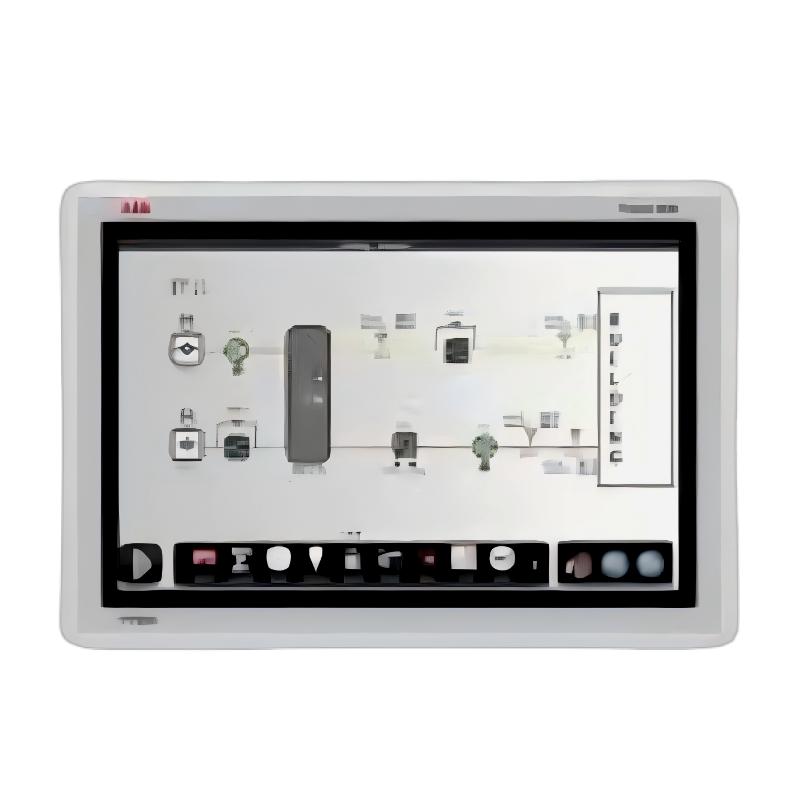
The causes of screen distortion are generally divided into several categories. The most common is a loose, poorly connected, or damaged LVDS cable between the display and the main control board. This is especially likely in environments with vibration or after mechanical impact. Another frequent cause is physical damage or aging of the display itself, where impacts or long-term use can damage the LCD layer or driver circuits. Main control board faults, such as chip soldering failure, capacitor damage, or moisture-related corrosion, may also result in unstable video signal output. In addition, unstable power supply—such as voltage fluctuations or electrical noise—can lead to flickering or distorted images. Software issues, including incorrect configuration, resolution mismatch, or corrupted project files, can also contribute to abnormal display behavior.
Troubleshooting should begin with basic external checks. Observe whether the issue is constant or intermittent. If lightly pressing the screen frame or enclosure changes the symptom, the issue is likely related to poor cable contact. It is also important to verify that the input power is stable and to restart the device to rule out temporary system or software glitches.
If further inspection is required, power off the device completely and apply anti-static precautions before opening the housing. Check the LVDS cable for oxidation, looseness, or poor contact, then reseat and secure it properly. This step resolves a large proportion of connection-related failures.
If the issue persists, a substitution method can be used for diagnosis. Replacing the cable, display panel, or main control board step by step helps isolate the faulty component. Among these, main board failures are typically more complex and often require professional-level chip repair.
On the software side, restoring factory settings or reloading the engineering project file may help eliminate system-related issues.
If none of these steps resolve the problem, it is recommended to seek professional repair services to avoid further damage.
For prevention, ensure a stable power supply, preferably with a voltage stabilizer or UPS, avoid excessive vibration, regularly clean internal dust buildup, and verify all connectors periodically. It is also essential to back up system projects before any software modification.
Overall, ABB touch screen distortion issues can usually be resolved through a structured troubleshooting process—from power and cabling to hardware and software—allowing efficient fault localization and minimizing maintenance costs.
 Rockwell Automation Expands Industrial AI Capabilities With NVIDIA Nemotron Support
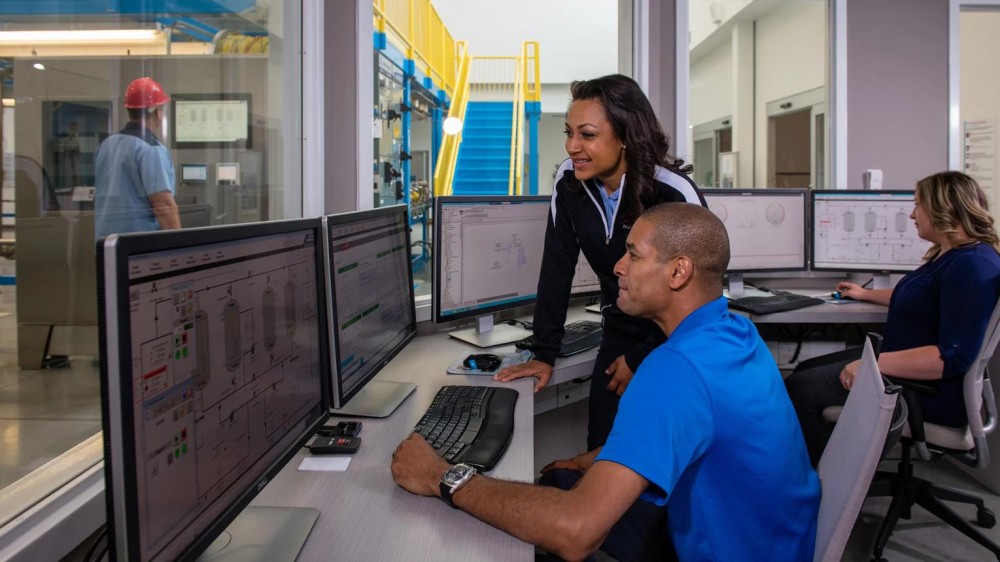 Rockwell Automation Introduces FactoryTalk Conductor To Advance AI-Driven Industrial Automation
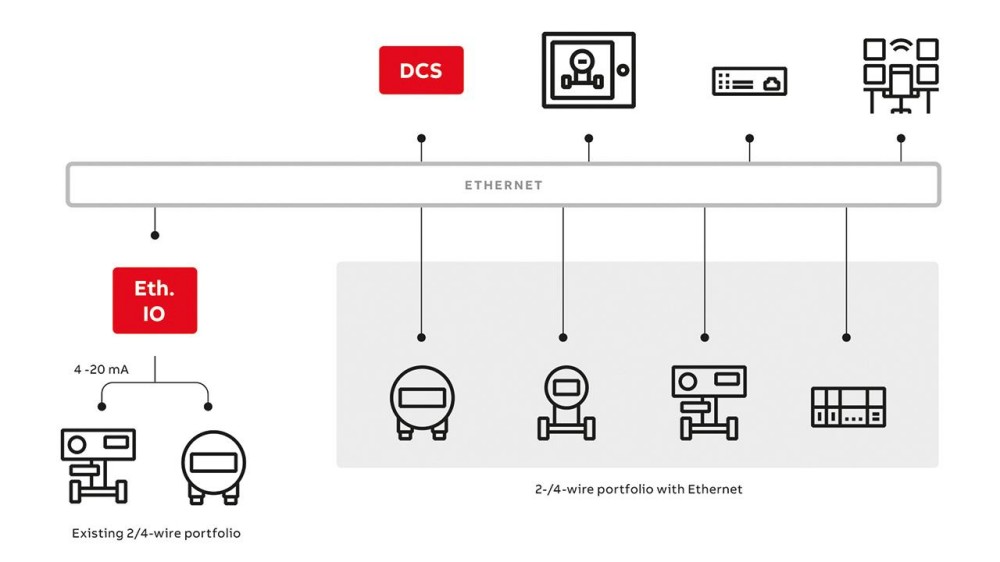 ABB And Boliden Advance DCS Modernization With Ethernet-APL Industrial Automation
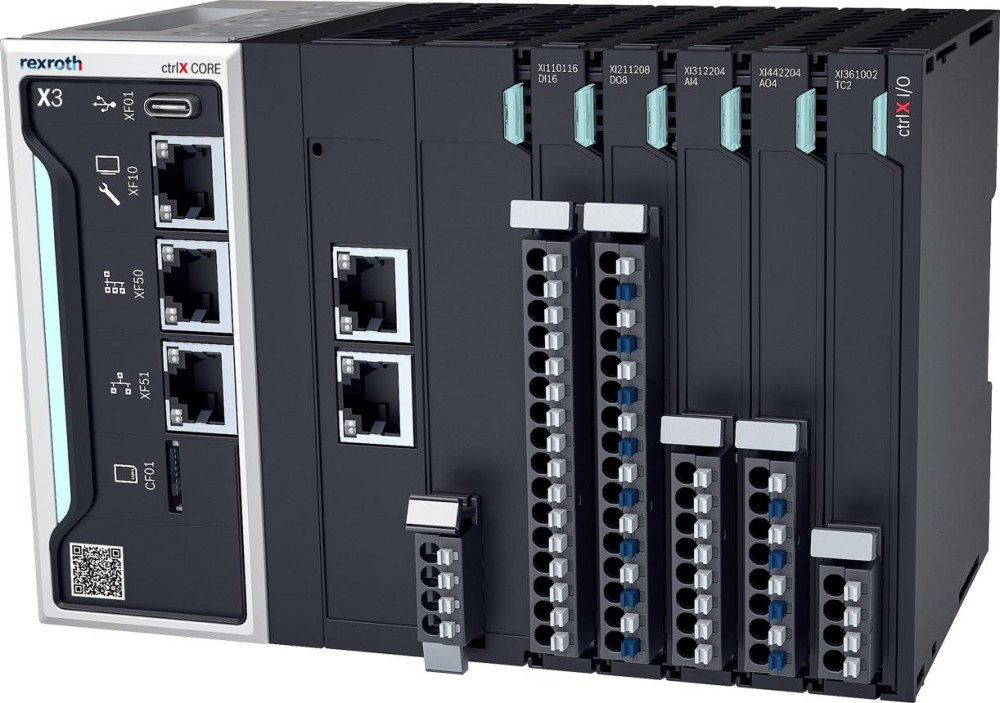 Bosch Rexroth Expands ctrlX AUTOMATION With New Safety PLC, Drive And Software Features