100% Original, Ready to Ship!

Emergency Repair Measures For ABB Touch Screen After Water Ingress
When an ABB touch screen is exposed to water ingress, immediate and correct emergency actions are critical. Improper handling can quickly lead to short circuits, component corrosion, or permanent device failure. The recovery outcome largely depends on how quickly and properly the device is handled.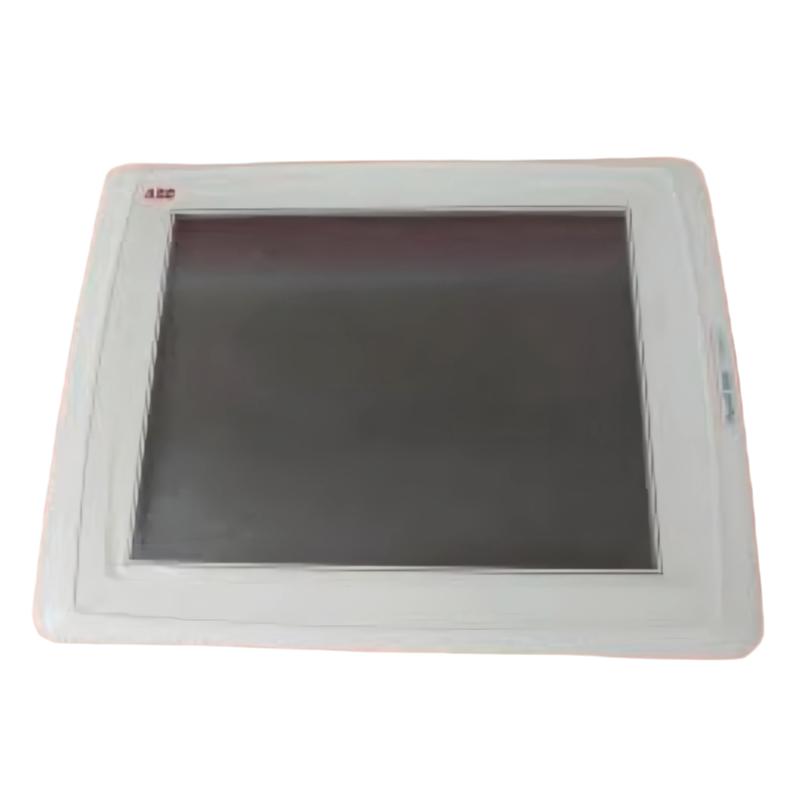
1. Immediate Power Off To Prevent Secondary Damage
Once water ingress is detected, the device must be powered off immediately and all cables disconnected. Operating the screen while powered can cause electrical short circuits and damage internal components.
If the device is running, shut it down safely and ensure complete power isolation before any further action.
2. Safe Disassembly And Initial Handling
If possible, remove the touch screen from the system to allow more thorough drying and inspection.
Use a dry, soft cloth to gently wipe surface moisture. Avoid pressing the screen, as this may force liquid deeper into internal layers. Disassembly should be done carefully to avoid mechanical damage.
3. Internal Cleaning And Drying Process
For users with technical experience, open the enclosure and inspect internal components. Clean circuit boards and connectors gently using anhydrous alcohol to help remove moisture and reduce oxidation risk.
Use soft brushes or cotton swabs to clean sensitive areas such as connectors and board gaps.
After cleaning, place the device in a well-ventilated and dry environment for natural air drying. A minimum of 24 hours is recommended. In humid conditions, desiccants or professional drying equipment can be used. Avoid high-temperature air blowing, which may damage electronic components.
4. Functional Inspection And Testing
After complete drying, conduct a visual inspection to check for corrosion, deformation, or visible damage.
Perform a power-on test in a controlled manner, preferably starting with a standalone power check. Verify display functionality and touch response. If abnormalities such as display distortion, unresponsive touch, or intermittent operation occur, stop usage and proceed with further repair.
5. Common Issues And Preventive Measures
Typical post-water ingress issues include touchscreen failure, display malfunction, or unstable operation, usually caused by short circuits or oxidation.
To prevent future incidents:
- Keep liquids away from operational environments
- Use protective covers or waterproof-rated models
- Regularly inspect sealing and interfaces
- Maintain a dry and stable working environment
6. Conclusion
The key steps for handling ABB touch screen water ingress are:
- Immediately power off the device to prevent further damage
- Thoroughly clean and fully dry internal and external components
- Carefully test functionality before returning to operation
Proper execution of these steps significantly improves recovery success and extends equipment lifespan. For severe water damage or persistent faults, professional maintenance is strongly recommended.
 Rockwell Automation Expands Industrial AI Capabilities With NVIDIA Nemotron Support
 Rockwell Automation Introduces FactoryTalk Conductor To Advance AI-Driven Industrial Automation
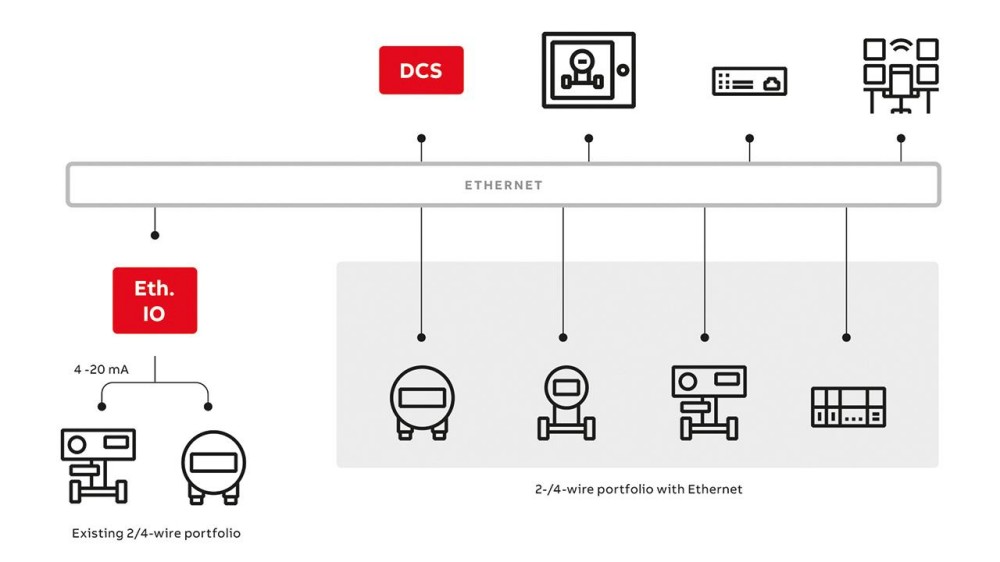 ABB And Boliden Advance DCS Modernization With Ethernet-APL Industrial Automation
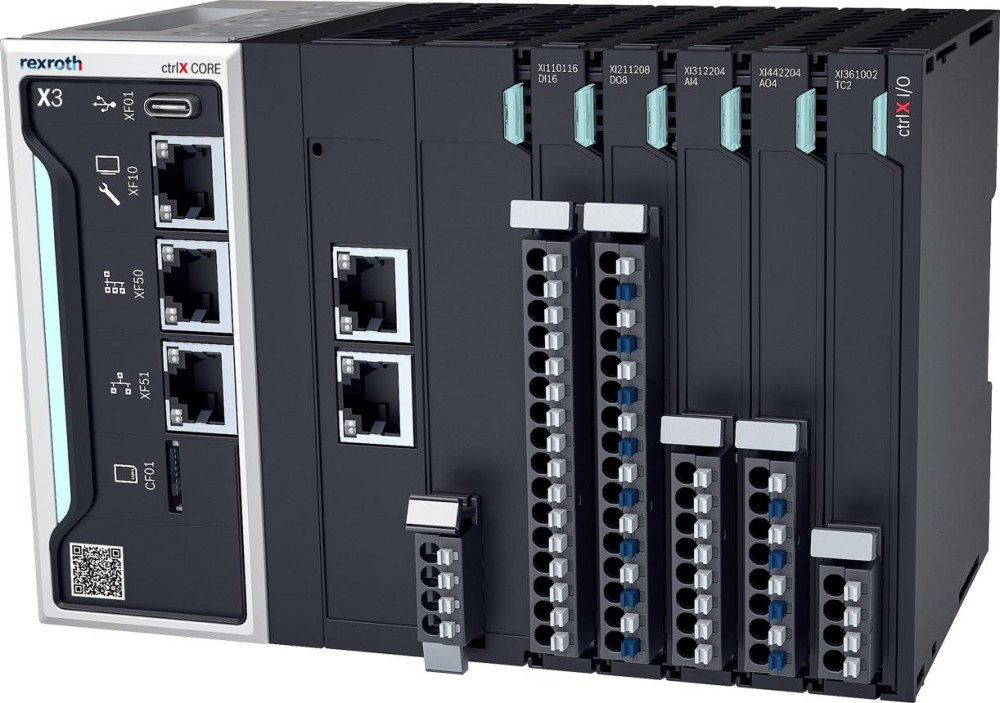 Bosch Rexroth Expands ctrlX AUTOMATION With New Safety PLC, Drive And Software Features