100% Original, Ready to Ship!

ABB Control Panel White Screen Failure Maintenance Guide
When an ABB control panel experiences a white screen failure, the display may show a completely white screen, intermittent flashing before turning white, or no visible image at all. This issue can disrupt equipment operation and often indicates underlying hardware or system faults that require timely diagnosis.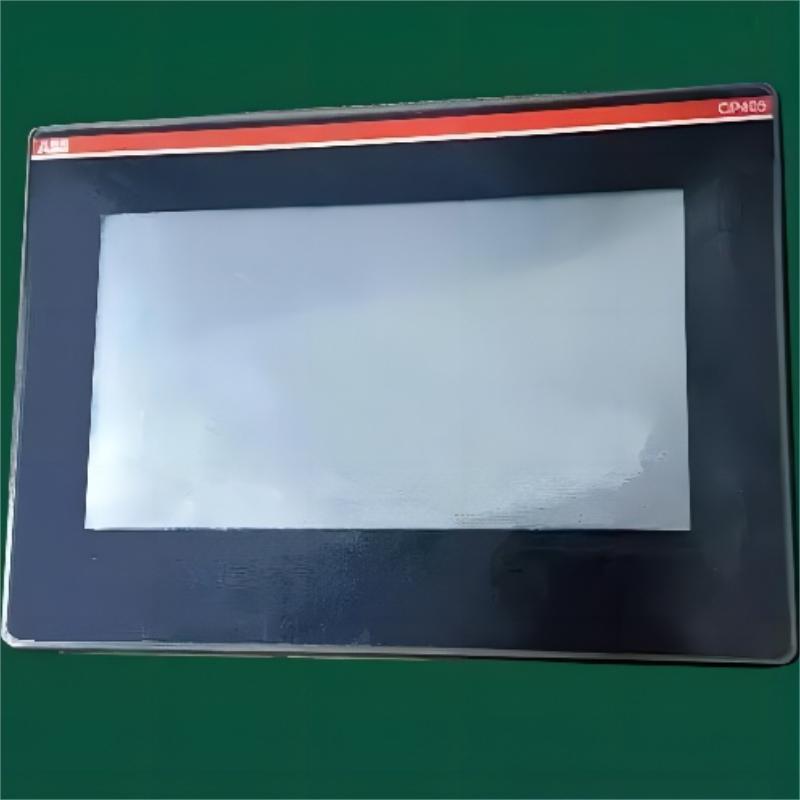
1. Common Causes of White Screen Failure
- Power supply issues: unstable voltage or a damaged power module can prevent normal display operation.
- Display failure: backlight or LCD panel damage may result in a full white screen.
- Mainboard faults: overheating, chip damage, or circuit failure can interrupt display output.
- Software errors: system crashes, configuration issues, or program faults.
1. Power System Check
Verify that the input power is stable and within the device’s rated range. Use a multimeter to check output voltage. Inspect power cables for looseness, corrosion, or damage.
If the power module is faulty, it should be replaced. If voltage is normal but the issue persists, inspect internal components such as capacitors and resistors for signs of damage like bulging or burning.
2. Display System Inspection
Check whether the backlight circuit is functioning properly and confirm stable power to the backlight board. A failed backlight can cause a full white screen.
Inspect LCD ribbon cables for looseness or oxidation. Replace damaged cables if necessary. If the LCD panel itself is physically damaged (cracks or pressure marks), the entire display module typically needs replacement.
3. Mainboard and Software Diagnosis
Inspect the mainboard for overheating, burnt components, or physical damage to key chips such as the CPU and memory. Use diagnostic tools if available.
For software-related issues, try restarting the device or restoring factory settings. If the problem persists, reinstall or update the system software. Always back up important data before performing recovery operations.
3. Safety Precautions
Always disconnect power before servicing the device. Use anti-static wrist straps and maintain a clean, dry working environment. Avoid disassembling or operating the device under power to prevent further damage or safety risks.
4. Preventive Measures
Regular maintenance is essential to reduce the risk of white screen failures. Keep operating environments stable in terms of temperature and humidity. Ensure power stability to avoid voltage fluctuations.
Inspect cables and connectors periodically for wear or corrosion. Keep system software updated to fix known issues and improve stability.
5. Summary
White screen failures are typically caused by power, display, mainboard, or software issues. A structured troubleshooting approach ensures efficient diagnosis and repair. Proper maintenance and stable operating conditions are key to extending the lifespan of ABB control panels.
 Rockwell Automation Expands Industrial AI Capabilities With NVIDIA Nemotron Support
 Rockwell Automation Introduces FactoryTalk Conductor To Advance AI-Driven Industrial Automation
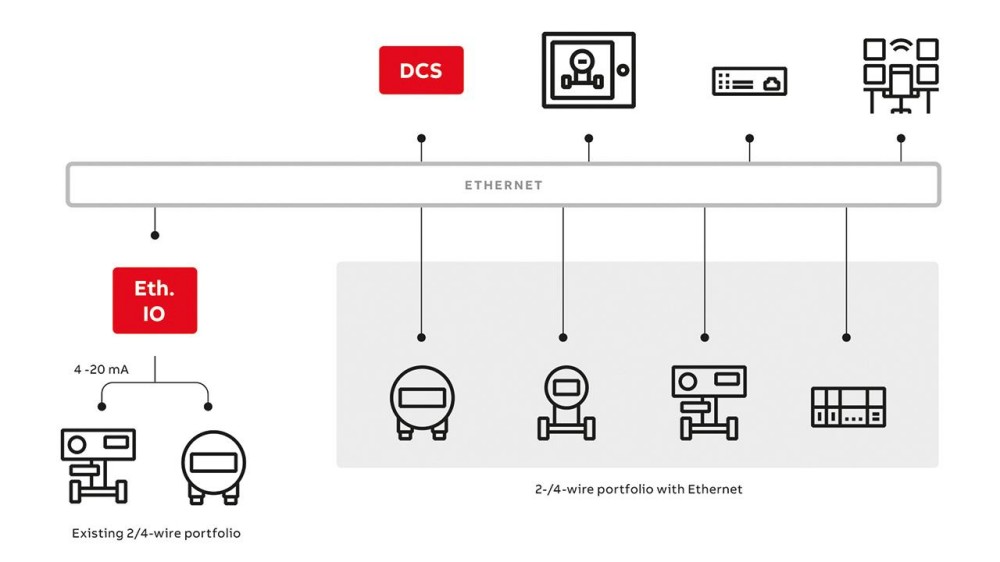 ABB And Boliden Advance DCS Modernization With Ethernet-APL Industrial Automation
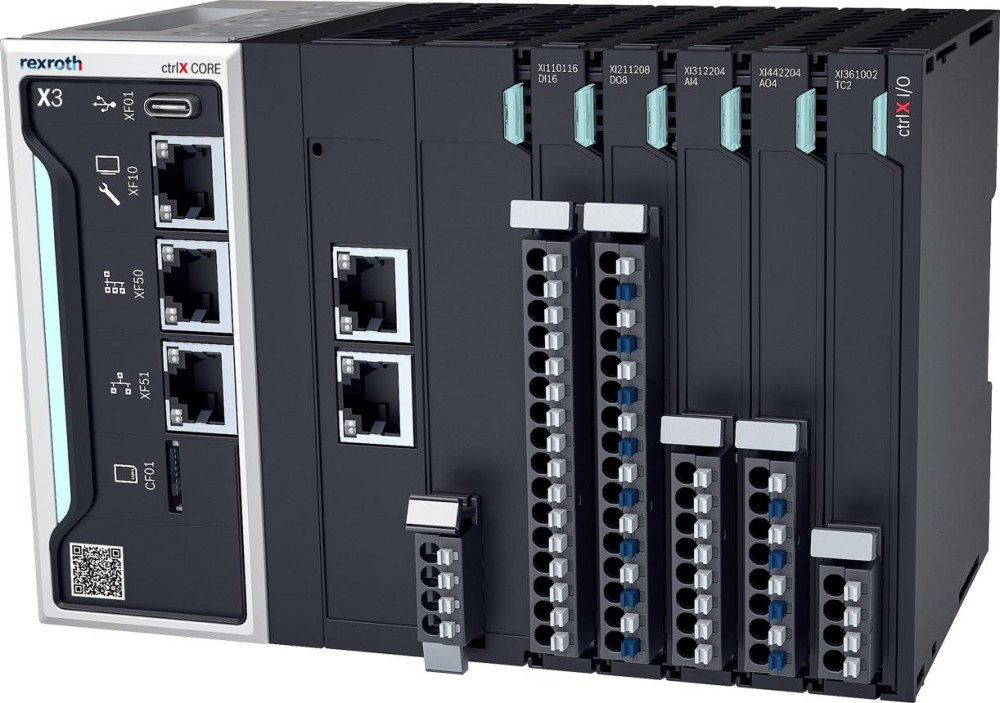 Bosch Rexroth Expands ctrlX AUTOMATION With New Safety PLC, Drive And Software Features