100% Original, Ready to Ship!

ABB Control Panel No Display Failure Maintenance Guide
When an ABB control panel shows a no-display fault, a structured troubleshooting process is required to quickly identify the root cause and restore operation.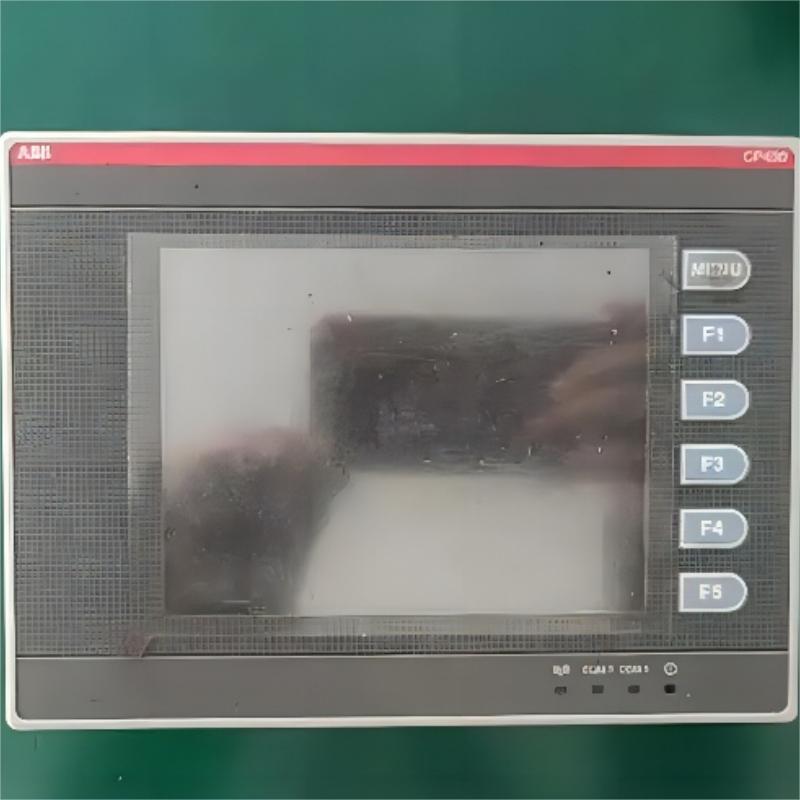
1. Power Supply Check
First, verify whether the control panel is properly powered. Check the power indicator status. If it is off, the issue may be external power loss or an internal power module failure.
Measure the input voltage with a multimeter to ensure it is within the rated range. Inspect circuit breakers, connectors, and terminals for looseness or oxidation.
For systems with backup batteries, check battery voltage, as aging batteries may fail to maintain display output during power interruption.
2. Cable and Connection Inspection
Inspect the connection between the control panel and main controller, focusing on ribbon cables and connectors. Vibration may cause loose contacts, so reconnect and secure all interfaces.
Use insulation testing tools to check cable integrity. Low insulation resistance may indicate aging or damage. Ensure proper grounding to avoid signal interference.
3. Backlight System Diagnosis
If faint images are visible under strong light, the issue is likely related to the backlight system.
LED or CCFL backlights may fail due to aging. Check inverter output voltage and backlight driver circuits. Replace faulty modules while following anti-static handling procedures.
4. Mainboard Fault Troubleshooting
Mainboard issues can also cause a complete no-display condition. Inspect key chips for overheating or damage and verify oscillator signals.
Clean memory contacts to resolve poor connectivity. Replace bulging or leaking capacitors immediately. If firmware corruption occurs, reflash the system using a programmer.
5. Display Driver Board Repair
Check whether the driver board receives stable 3.3V and 5V power supply. Reset initialization may resolve logic errors.
Abnormal bias circuits can affect grayscale output and require precise resistance measurement. If the LCD panel itself is damaged (lines, spots, artifacts), full screen replacement is usually required.
6. Environmental Factors
High temperature above 60°C can degrade LCD performance. Ensure sufficient ventilation space during installation.
Dust accumulation reduces insulation performance and requires regular cleaning. Humid environments may cause corrosion, while electromagnetic interference can be reduced using ferrite cores on signal lines.
7. Parameter Settings Check
Incorrect settings may also cause display issues. Check brightness, contrast, and screen saver settings.
Restoring factory defaults can resolve configuration-related faults. Also verify correct language and regional settings.
8. Firmware Upgrade Handling
Check the current firmware version and compare it with the latest official release. Always back up parameters before upgrading and use a UPS to ensure stable power.
Do not interrupt the upgrade process. After completion, perform a cold reboot and full functional testing.
9. Component Replacement Notes
When replacing an LCD panel, ensure correct FPC orientation and bending radius requirements.
Use anti-static tools for soldering and control temperature carefully. Apply thermal paste evenly and tighten screws in a diagonal sequence to avoid mechanical stress.
10. Preventive Maintenance Plan
Maintain detailed equipment logs for all faults and repairs. Monitor current fluctuations regularly; deviations above 15% require inspection.
Clean filters, tighten terminals periodically, and test spare control boards to ensure emergency readiness.
 Rockwell Automation Expands Industrial AI Capabilities With NVIDIA Nemotron Support
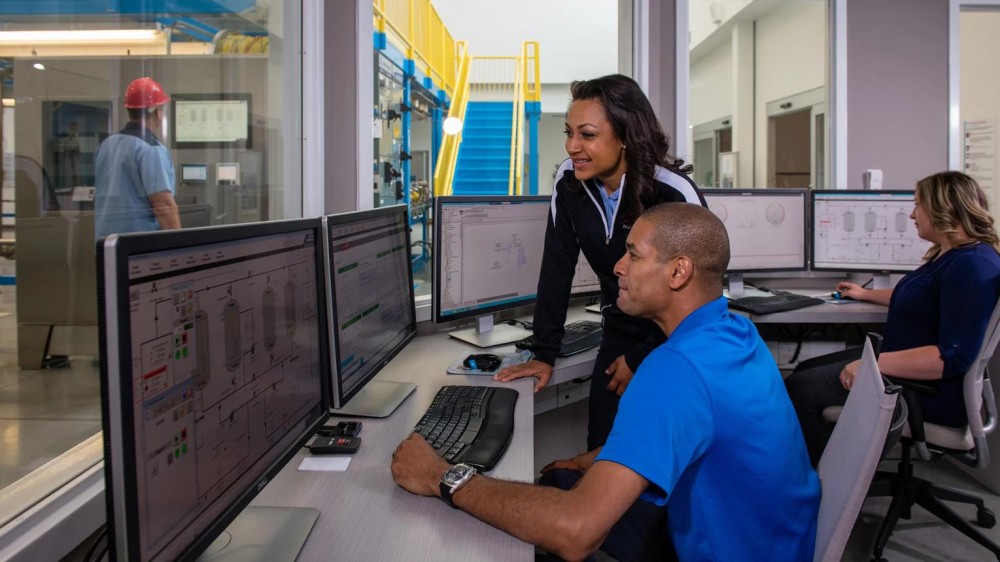 Rockwell Automation Introduces FactoryTalk Conductor To Advance AI-Driven Industrial Automation
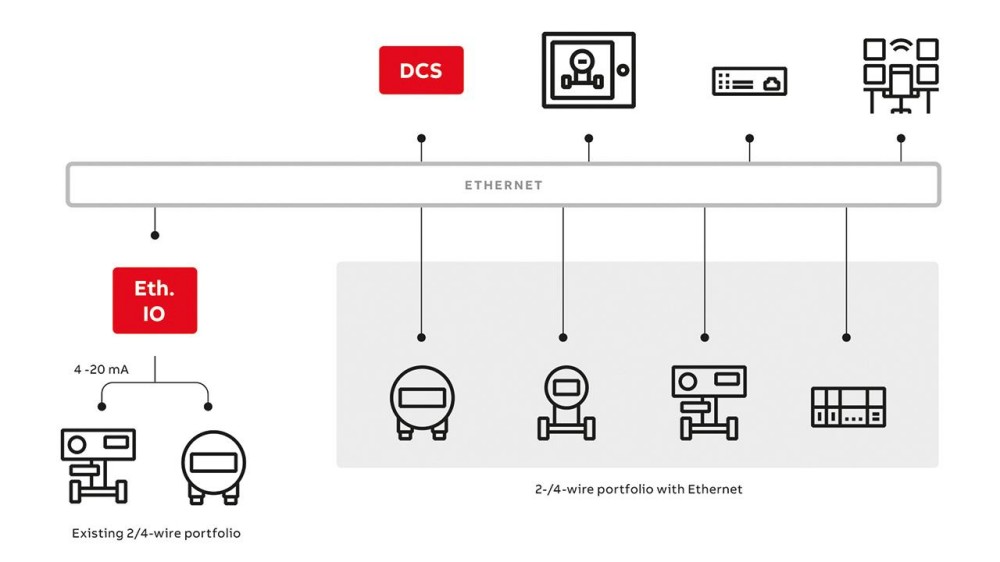 ABB And Boliden Advance DCS Modernization With Ethernet-APL Industrial Automation
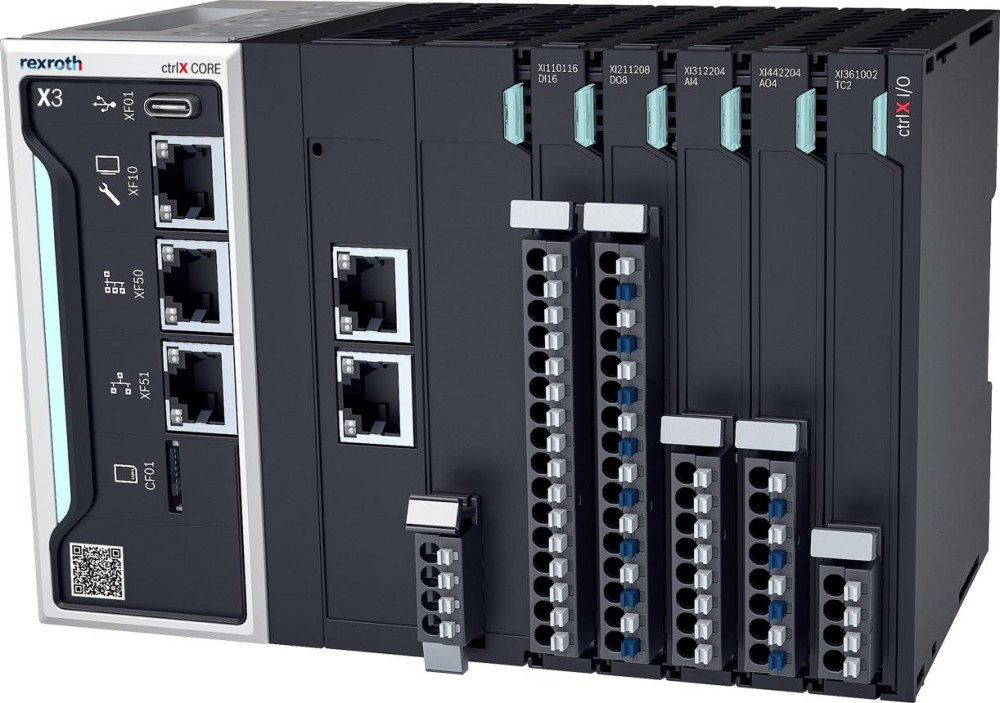 Bosch Rexroth Expands ctrlX AUTOMATION With New Safety PLC, Drive And Software Features