100% Original, Ready to Ship!

ABB Display Screen Freezing Repair Guide
When an ABB display screen freezes, common symptoms include a static image, unresponsive touch controls, or abnormal indicator lights. These issues are typically caused by power instability, software faults, component aging, or external interference. Before performing any maintenance, ensure the device is powered off and handled by qualified personnel to avoid further damage.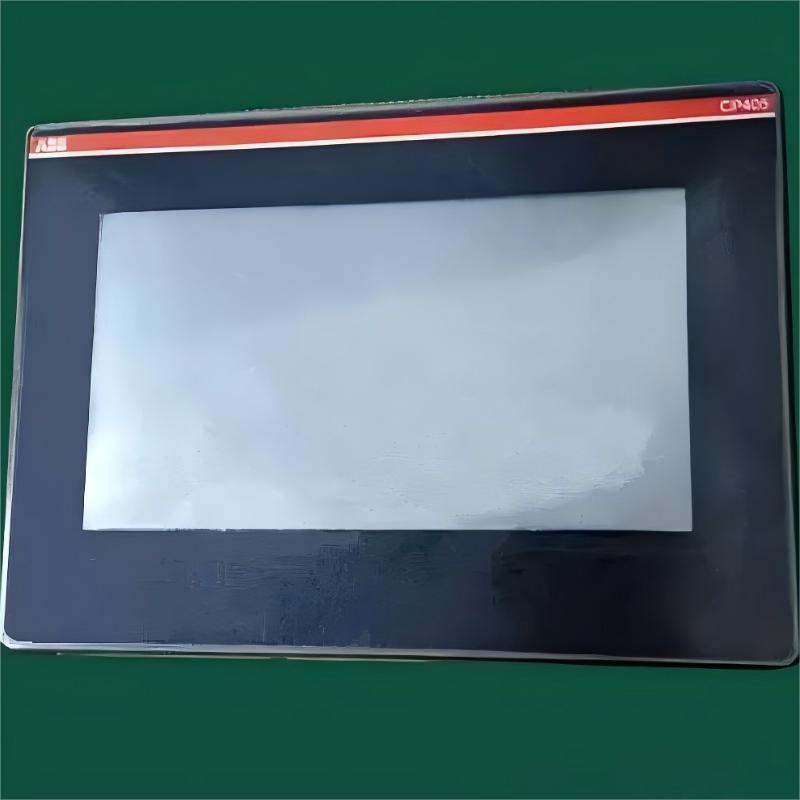
1. Power Module Inspection
Unstable power supply is one of the most common causes of system freezing. Check whether the input voltage is stable and use a multimeter to verify the output voltage is within the rated range. If fluctuations exceed acceptable limits, replace the power module. Also inspect connectors for looseness or oxidation and confirm the adapter matches the device specifications.
2. Program Storage Check
System crashes may be caused by corrupted program storage. Some devices support recovery mode via specific key combinations, while others allow system reinstallation via storage media. For built-in storage systems, firmware re-flashing via a dedicated interface may be required. Always back up critical data and avoid power loss during the process.
3. Internal Circuit Board Maintenance
Dust accumulation or component aging on circuit boards can lead to malfunctions. Clean the board using anti-static tools, and check for bulging capacitors, cold solder joints, or broken traces. Re-seat all pluggable connectors to ensure proper contact.
4. Cooling System Inspection
Poor heat dissipation may trigger thermal protection and cause freezing. Clean fans and heat sinks, and verify fan operation. If abnormal, check fan voltage and bearing condition. Replace thermal paste if necessary to improve cooling efficiency.
5. External Interference Check
Strong electromagnetic interference can disrupt normal operation. Ensure the device is not installed near high-power equipment, confirm proper grounding, and inspect signal cables for damage. Use shielded cables where possible.
6. Parameter Verification
Incorrect system settings may cause operational conflicts. Review communication parameters, display settings, and operating modes. If uncertain, restore factory settings and reconfigure the system carefully.
7. Component Replacement Guidelines
When replacing faulty components, use parts that meet original specifications. Pay attention to installation direction and soldering quality. After replacement, perform basic functional testing before reassembly.
8. Routine Maintenance Recommendations
Keep the device clean and dry, regularly inspect power and signal connections, and avoid operation in high temperature or high humidity environments. Maintain detailed logs of failures for future diagnostics.
9. Professional Repair Advice
If the issue persists, contact authorized service personnel. Provide device model, serial number, and detailed fault description along with previous troubleshooting steps to improve repair efficiency.
10. Preventive Measures
Establish regular maintenance schedules, prepare backup devices for critical applications, and train operators in basic troubleshooting and restart procedures.
Summary
- Power stability and power module inspection are the first and most important steps in troubleshooting freezing issues.
- Software and parameter verification can effectively eliminate system-level faults.
- Regular cleaning and preventive maintenance significantly reduce the likelihood of screen freezing.
 Rockwell Automation Expands Industrial AI Capabilities With NVIDIA Nemotron Support
 Rockwell Automation Introduces FactoryTalk Conductor To Advance AI-Driven Industrial Automation
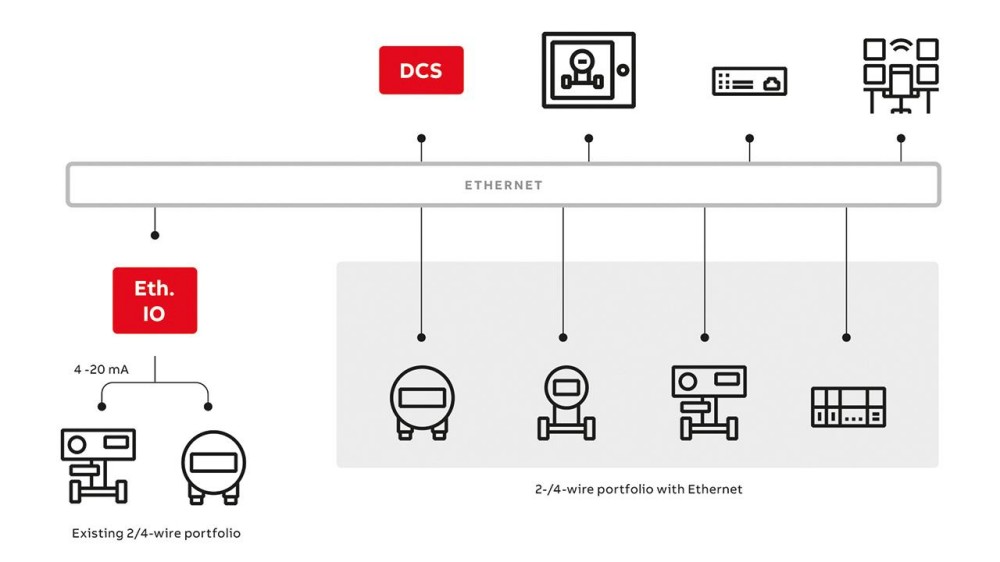 ABB And Boliden Advance DCS Modernization With Ethernet-APL Industrial Automation
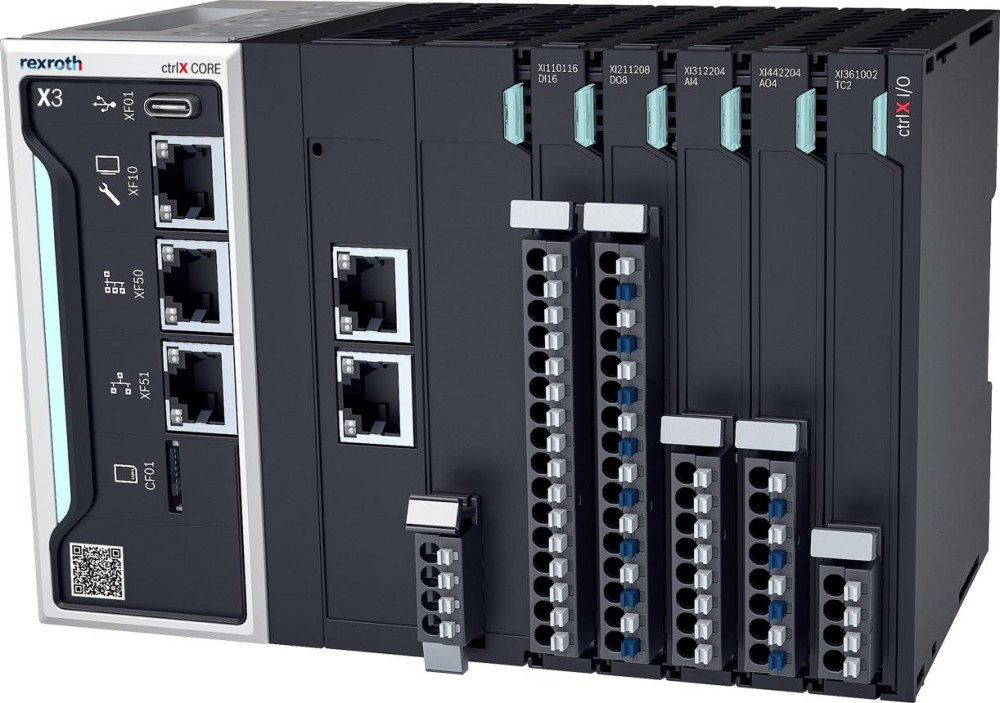 Bosch Rexroth Expands ctrlX AUTOMATION With New Safety PLC, Drive And Software Features