100% Original, Ready to Ship!

ABB Touchscreen Software Fault Repair And System Recovery Guide
In modern industrial automation systems, ABB touchscreen panels serve as a critical human–machine interface. When software faults occur, they can disrupt production workflows, cause communication failures, and reduce operational efficiency. Understanding common issues and structured recovery methods is essential for stable system performance.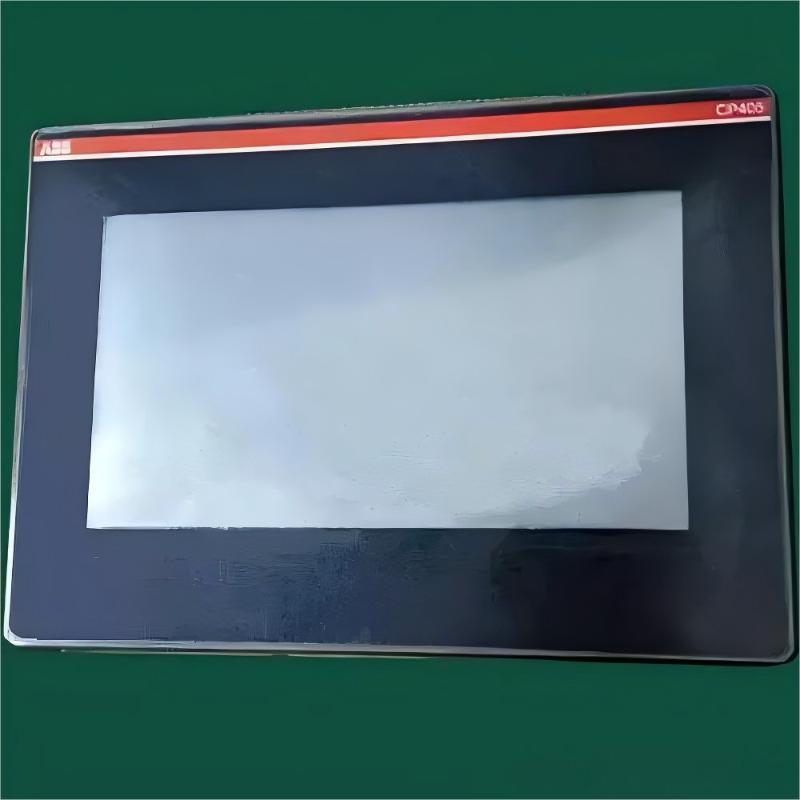
ABB touchscreen software issues generally fall into several categories:
System startup failures often appear as a black screen, frozen boot interface, or continuous reboot loops. These are typically caused by corrupted system files, storage errors, or unstable power supply conditions.
Display abnormalities include screen flickering, scrambled graphics, misaligned interface elements, or unreadable text. Such problems are commonly linked to incompatible graphics drivers, incorrect resolution settings, or missing font libraries.
Touch functionality failure occurs when the screen becomes partially or fully unresponsive, or when touch positions drift. This is usually related to calibration data loss, driver conflicts, or interface communication errors.
Application runtime errors may present as unresponsive buttons, failed data storage, or communication interruptions. These are often caused by software bugs, memory leaks, or version incompatibility between system components.
A structured diagnostic process is essential before performing repairs.
System logs should be reviewed during startup to identify error codes and failure points. This helps isolate whether the issue originates from the operating system, hardware layer, or application layer.
Layered troubleshooting is recommended, starting from power supply verification, followed by system-level checks, and finally application diagnostics. This method helps narrow down root causes efficiently.
Cross-device testing can be performed by loading backup project files onto an identical working unit to determine whether the issue is device-specific or configuration-related.
Essential tools include serial debugging software, system imaging tools, checksum verification utilities, and maintenance USB drives containing recovery firmware and drivers.
Basic recovery steps include entering engineering mode and performing system cleanup operations. Clearing user data partitions can resolve configuration conflicts, while rebuilding system cache helps eliminate temporary file corruption. Touch calibration should be recalibrated to restore accurate input response.
If basic recovery fails, system-level restoration is required. A verified firmware image matching the device model should be used. The system is then reinstalled via USB or SD boot mode after formatting system partitions.
Once the operating system is restored, application environments must be rebuilt. This includes reinstalling runtime libraries, communication protocols, and database components, followed by importing project backups and reconfiguring communication parameters.
Regular backup management is critical for preventing data loss. Full system images should be created weekly, while incremental backups of project files and configuration data should be performed daily.
Integrity checks should be conducted regularly to ensure backup reliability. Key system information such as firmware version, license files, and configuration parameters should be documented for rapid recovery.
Proper static protection measures should always be applied during maintenance. Stable power supply is essential, ideally supported by an uninterruptible power system.
All repair actions should be documented to build a maintenance knowledge base. Using verified system images from official sources helps avoid compatibility issues and reduces long-term maintenance risks.
ABB touchscreen software failures can usually be resolved through structured diagnostics, system recovery, and proper data management. By following a layered troubleshooting approach and maintaining regular backups, most software-related issues can be effectively controlled, ensuring long-term system stability and reliable industrial operation.
 Rockwell Automation Expands Industrial AI Capabilities With NVIDIA Nemotron Support
 Rockwell Automation Introduces FactoryTalk Conductor To Advance AI-Driven Industrial Automation
 ABB And Boliden Advance DCS Modernization With Ethernet-APL Industrial Automation
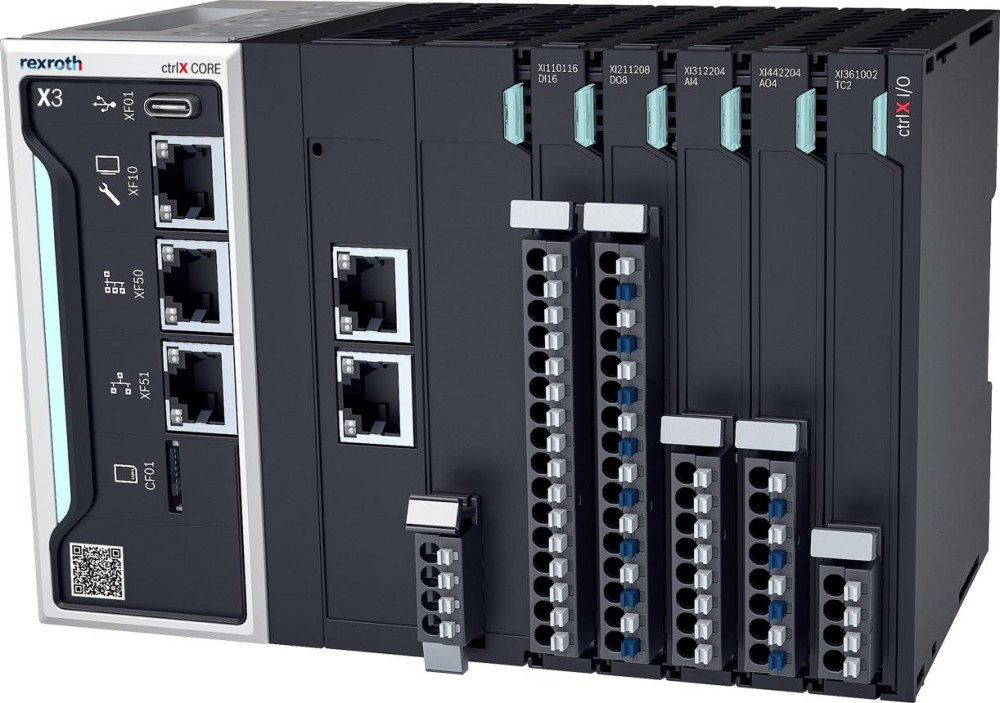 Bosch Rexroth Expands ctrlX AUTOMATION With New Safety PLC, Drive And Software Features