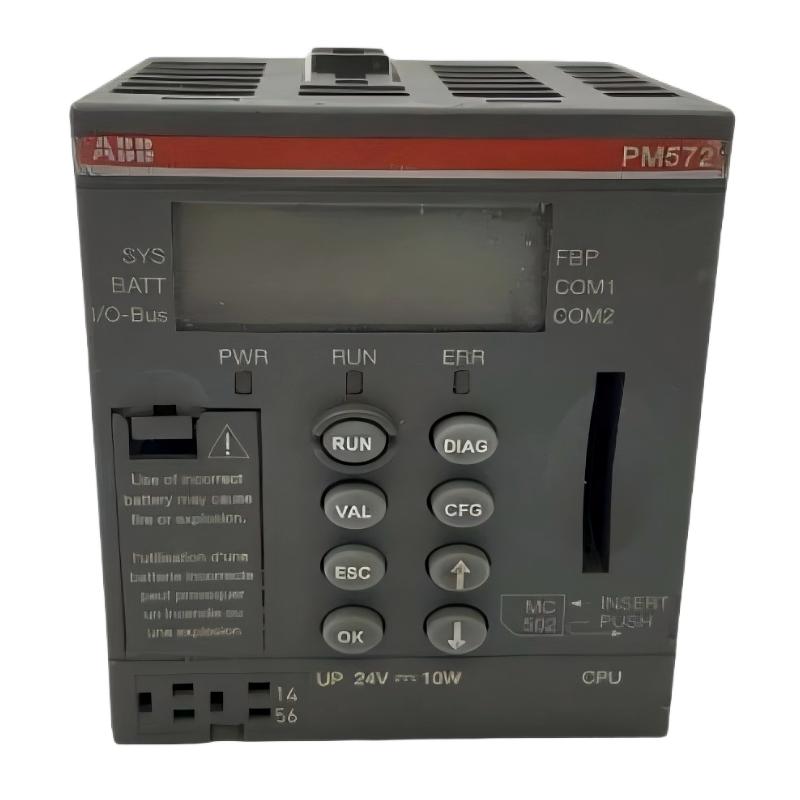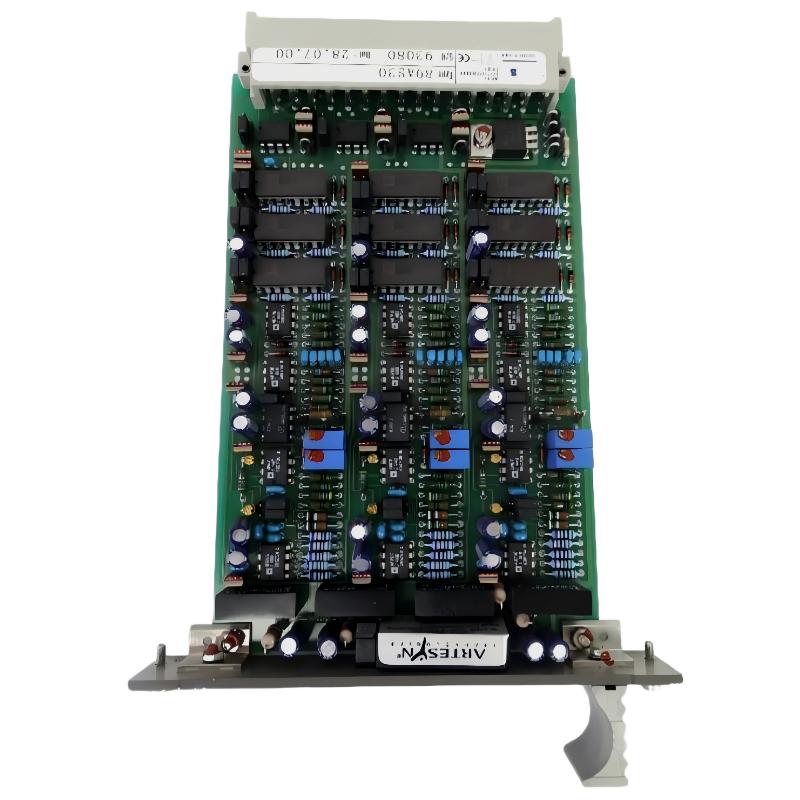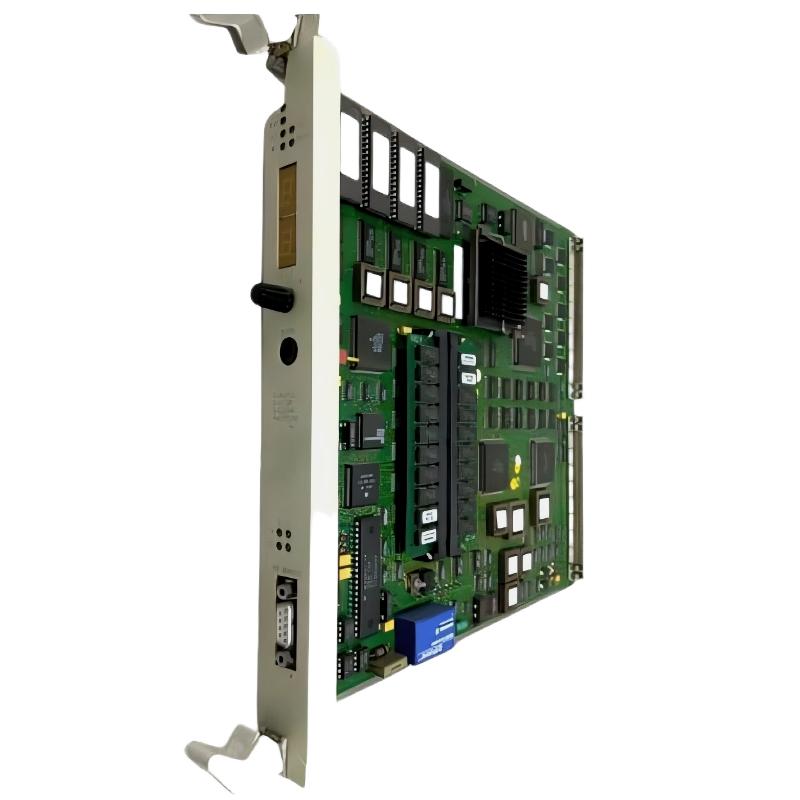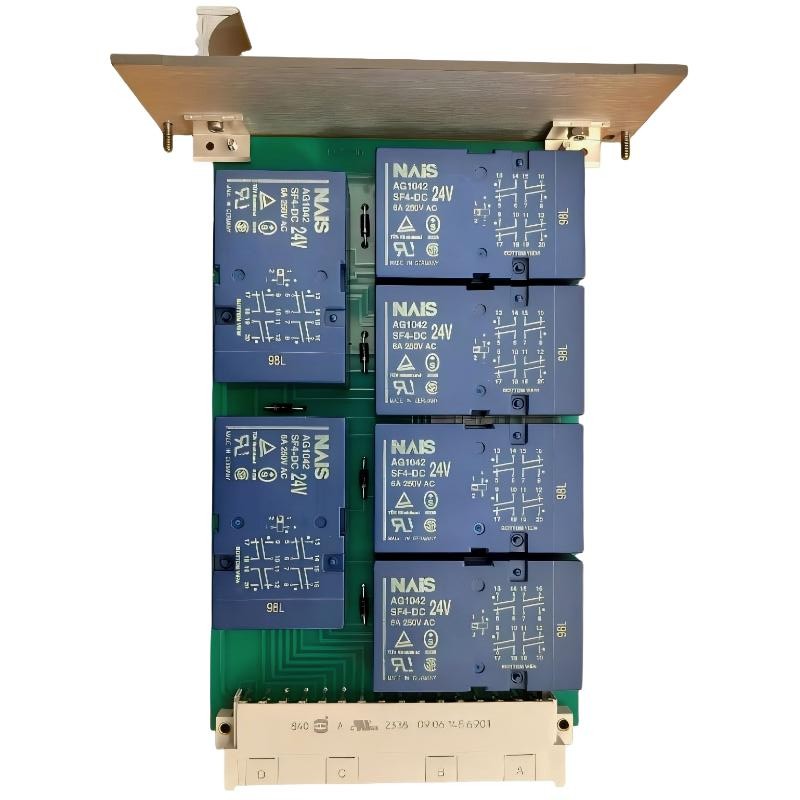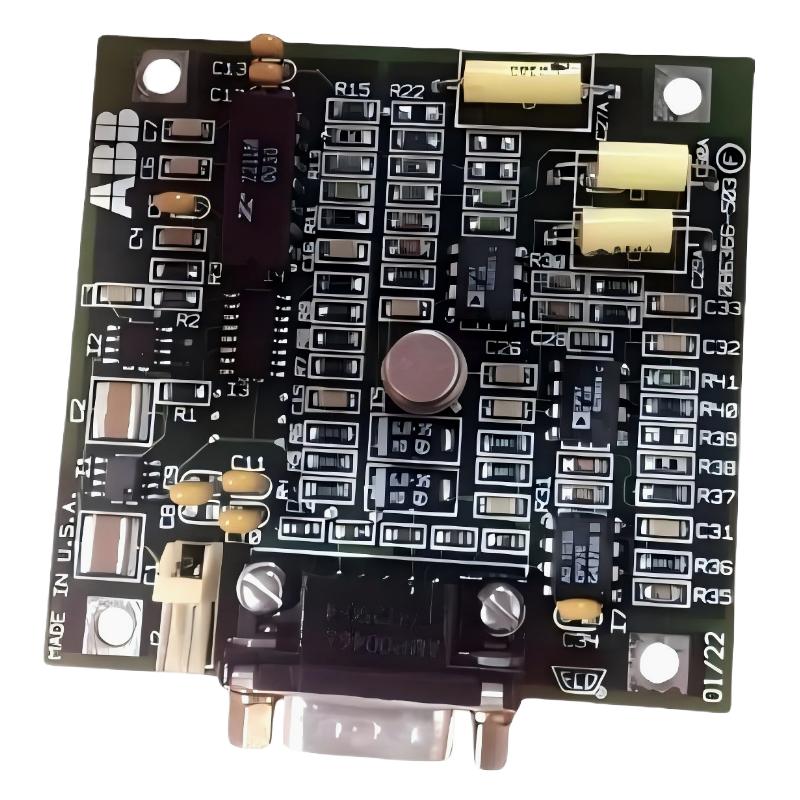
- ABB 086366-004 Reference Weight Plate Fault Symptoms
- ABB 086366-004 Fault Diagnosis Thinking Process
- Common Causes Of ABB 086366-004 Measurement Fault
- ABB 086366-004 Troubleshooting And Signal Analysis
- ABB 086366-004 Repair Actions And Recovery Method
- ABB 086366-004 Troubleshooting FAQ
- General Overview Of ABB 086366-004 Fault Handling
ABB 086366-004 Reference Weight Plate Fault Symptoms
ABB 086366-004 Reference Weight Plate faults usually appear as unstable calibration results, incorrect measurement values, or repeated adjustment requirements during operation. In many industrial cases, the Reference Weight Plate itself is not damaged; the actual problem is related to installation condition, mechanical stress, or incorrect sensor feedback analysis.
- Calibration value changes after restart
- Measurement deviation during repeated tests
- Unstable sensor feedback signal
- PLC Controller displays inconsistent measurement data
ABB 086366-004 Fault Diagnosis Thinking Process
A professional Fault Diagnosis process should separate mechanical problems from electrical and configuration problems. Engineers normally avoid replacing components immediately because the reference plate is a passive calibration element.
During one field investigation, the operator reported a sudden 2 kg measurement difference after maintenance work. The first assumption was sensor failure. However, signal analysis showed the sensor output remained stable. Further inspection found the ABB 086366-004 plate had a small mechanical offset after reassembly.
After correcting the installation position and recalibrating the system, the measurement error returned to normal range.
Common Causes Of ABB 086366-004 Measurement Fault
- Incorrect mechanical installation position
- Loose fixing hardware causing movement
- External vibration affecting measurement stability
- Sensor cable shielding problems
- Incorrect PLC scaling parameters
- Improper calibration procedure
ABB 086366-004 Troubleshooting And Signal Analysis
The troubleshooting process should begin with basic inspection before advanced repair actions. Engineers usually compare physical condition, sensor output, and controller values.
Field Diagnostic Logic
Read Sensor Feedback

IF Signal Stable AND Weight Incorrect:
    Check Reference Plate Alignment

IF Signal Unstable:
    Check Cable Shielding
    Check Mechanical Vibration

IF PLC Value Differs:
    Check Scaling Configuration
- Measure sensor output before calibration
- Compare actual load with PLC displayed value
- Inspect mounting surface condition
- Review previous maintenance records
ABB 086366-004 Repair Actions And Recovery Method
Repairing ABB 086366-004 related problems normally focuses on restoring correct mechanical conditions rather than replacing the reference component.
- Remove mechanical contamination from mounting surfaces.
- Inspect fixing points for looseness or deformation.
- Correct alignment position.
- Verify sensor and Module feedback signals.
- Complete calibration and record final values.
In another practical case, vibration analysis showed the measured vibration level increased from 3 mm/s to 8 mm/s after equipment modification. Mechanical correction reduced vibration and improved calibration repeatability.
ABB 086366-004 Reference Weight Plate Troubleshooting FAQ
Is ABB 086366-004 failure always caused by the reference plate?
No. Many field faults are caused by incorrect installation, sensor issues, wiring problems, or system configuration errors.
How can engineers confirm a calibration problem?
Engineers should compare reference values, sensor feedback signals, and PLC Controller data to identify where the deviation starts.
What is the recommended troubleshooting order?
The recommended order is mechanical inspection, signal verification, configuration checking, and finally component replacement if required.
General Overview Of ABB 086366-004 Fault Handling
ABB 086366-004 Reference Weight Plate troubleshooting requires a field-oriented Fault Diagnosis approach. Correct analysis of mechanical conditions, sensor signals, and PLC system parameters can prevent unnecessary replacement and restore reliable measurement performance.