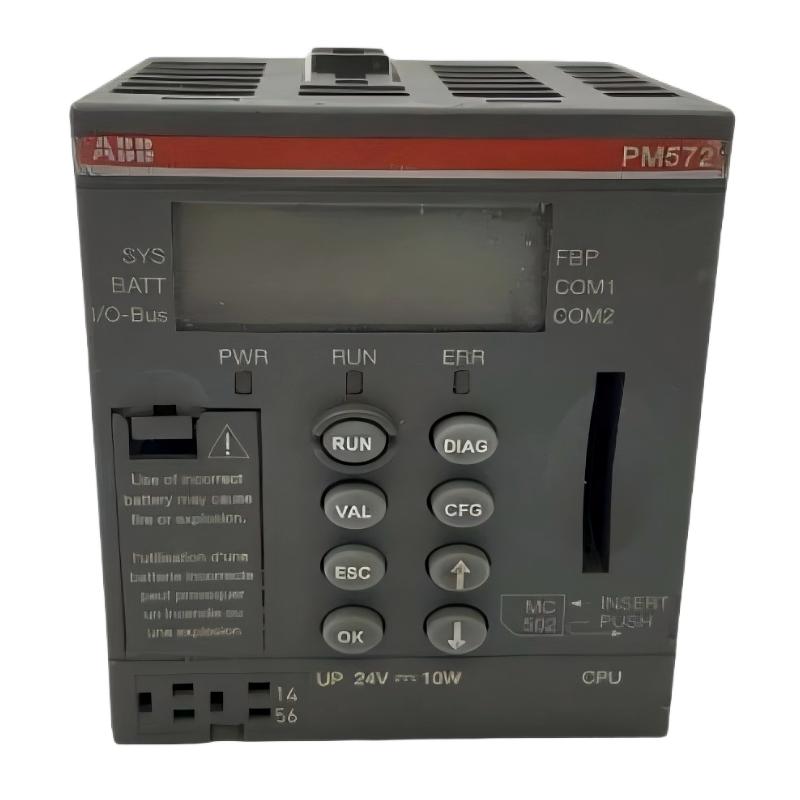
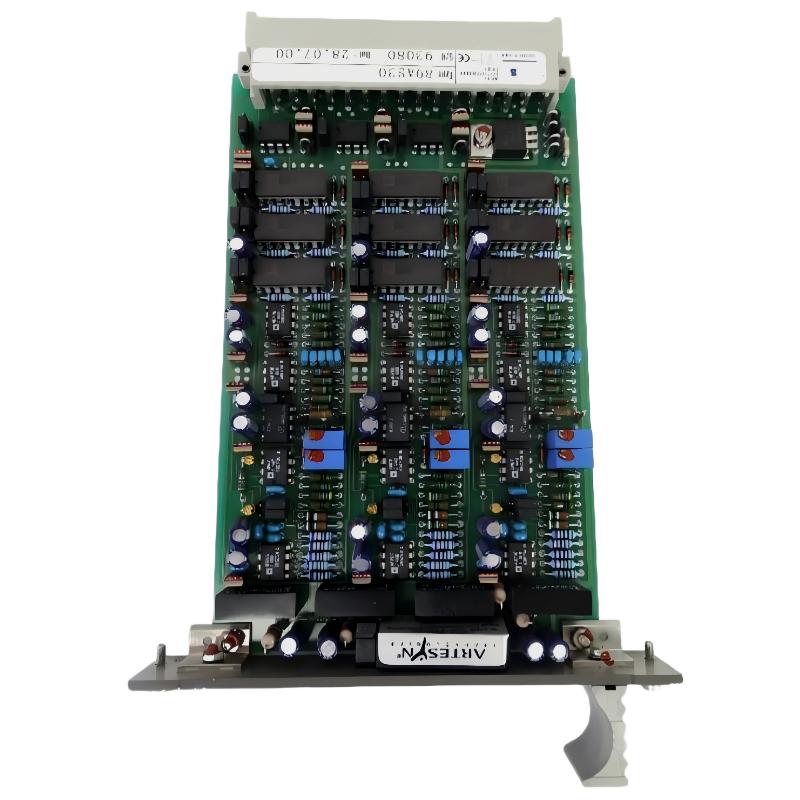
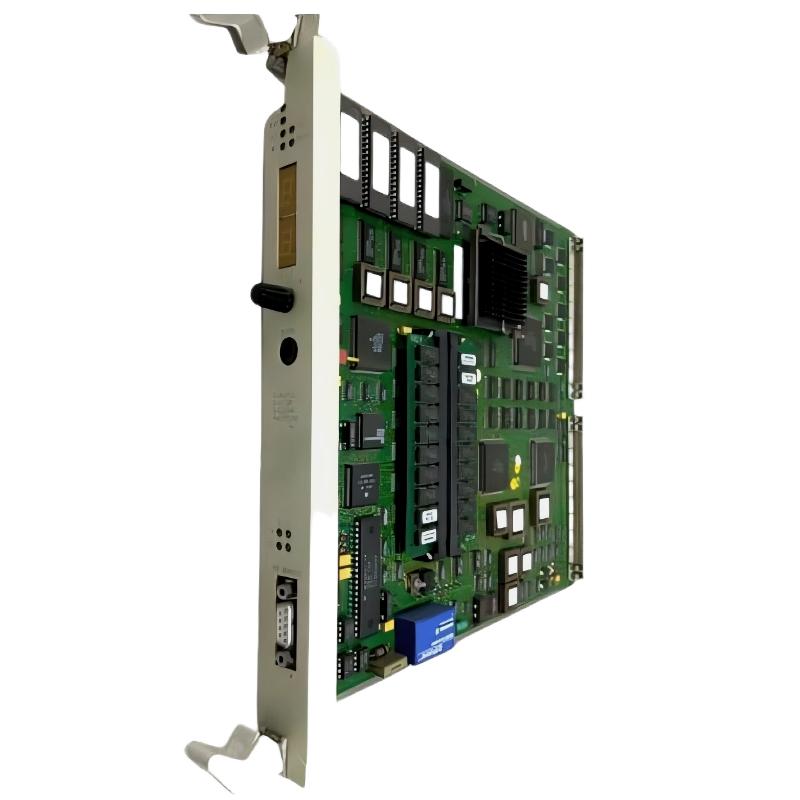
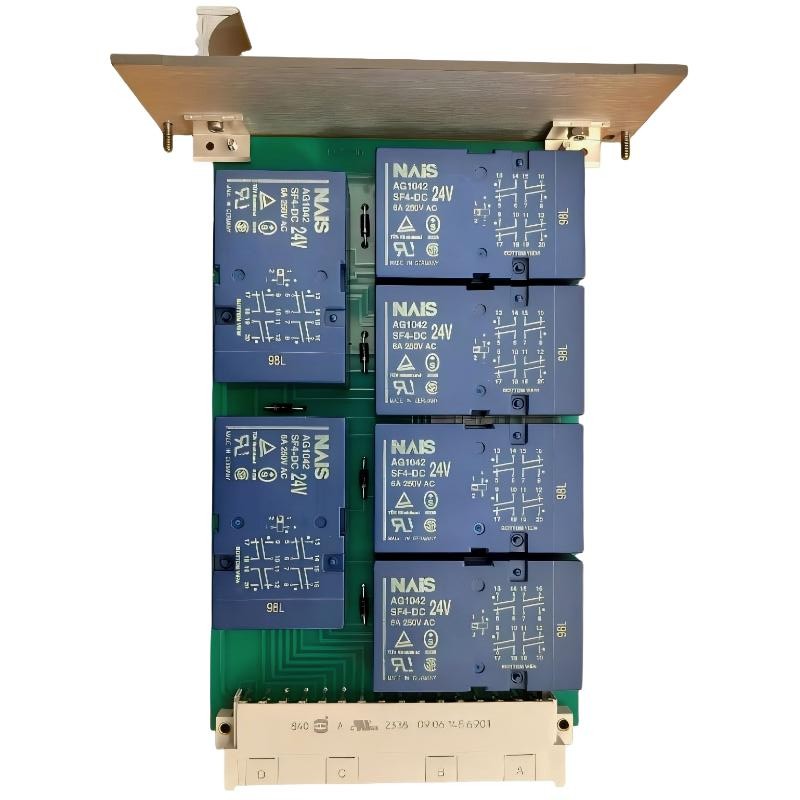
ABB 6009BZ10000P Data/Management Module Fault Pattern
ABB 6009BZ10000P faults should not be diagnosed by replacing the module immediately. When a Data/Management Module shows abnormal data, intermittent status, or loss of system communication, the investigation should first separate power, wiring, configuration, external interface, and internal hardware causes.
This approach is particularly important in older industrial systems where a module may continue to operate while a connected interface or configuration element has deteriorated.
ABB 6009BZ10000P PLC and Module Fault Symptoms
- Unexpected loss of data exchange.
- Intermittent module status changes.
- Incorrect or unavailable data values.
- Repeated system diagnostic events.
- Failure to recognize the expected module configuration.
- Normal operation followed by intermittent communication loss.
The symptom pattern matters. A permanent failure immediately after power-up points toward a different diagnostic path than a fault that appears only after several hours of operation.
ABB 6009BZ10000P Fault Diagnosis Thinking Process
Start by asking whether the problem follows the module, the interface, or the operating condition. This prevents a common maintenance mistake: replacing a working board because it is the most visible component in the fault chain.
- Determine whether the fault is permanent or intermittent.
- Check whether other functions fail at the same time.
- Compare the present System Configuration with the known-good configuration.
- Inspect power and grounding conditions.
- Check connectors and external interfaces.
- Review diagnostic information before removing hardware.
- Only then evaluate the module as a possible internal failure.
# ABB 6009BZ10000P fault isolation logic
IF module_not_recognized:
    CHECK configuration
    CHECK connector
    CHECK power
    CHECK interface

IF data_is_intermittent:
    CHECK wiring
    CHECK shielding / grounding
    CHECK external interface
    CHECK operating conditions

IF fault_remains_after_external_checks:
    EVALUATE module hardware
    RECORD diagnostic evidence
    PLAN controlled replacement
ABB 6009BZ10000P Signal and Power Fault Checks
Measured data is more useful than assumptions. During Troubleshooting, record the relevant supply readings, interface status, diagnostic state, and timing of the failure. Do not apply generic voltage limits when the correct values are defined by the specific system documentation.
For example, a representative field investigation might record a stable supply during normal operation and then observe a communication interruption coincident with a change in an external interface signal. In that situation, the engineer should investigate the interface path rather than immediately condemning the 6009BZ10000P.
- Record supply voltage before and during the fault.
- Compare diagnostic status before and after the failure.
- Check continuity of relevant connections with power safely isolated.
- Inspect shielding and grounding where signal integrity is involved.
- Monitor whether the fault follows a specific machine operating condition.
ABB 6009BZ10000P Root Cause Analysis for Data Faults
A useful Fault Diagnosis method is to divide the complete path into five areas: power, module, configuration, interface, and external process conditions.
| Investigation Area | Typical Observation | Engineering Direction |
|---|---|---|
| Power | Unstable or abnormal supply condition | Investigate supply and protection circuits |
| Module | Persistent internal abnormality | Evaluate hardware condition |
| Configuration | Hardware and configured architecture disagree | Correct System Configuration |
| Interface | Intermittent data or connection loss | Inspect connectors, wiring and signal path |
| Process | Fault appears only under certain operating conditions | Investigate external equipment and electrical environment |
In practical maintenance work, the fault location is often identified by correlation. If several functions fail simultaneously, investigate the shared supply or interface first. If only one data path is affected, narrow the investigation toward that path before replacing the module.
ABB 6009BZ10000P Troubleshooting and Recovery Procedure
Once the root cause has been narrowed down, recovery should be controlled and reversible.
- Save the existing diagnostic information.
- Document the current System Configuration.
- Correct confirmed wiring, connection, or configuration problems.
- Restart or reinitialize the system only according to the approved maintenance procedure.
- Monitor the affected data path during controlled operation.
- Confirm that the original fault does not return.
If module replacement becomes necessary, retain the failed unit for inspection instead of discarding it immediately. Comparing the failed unit with a known-good replacement can help distinguish an internal hardware fault from an external installation problem.
ABB 6009BZ10000P Data/Management Module Troubleshooting FAQ
What is the first check for an ABB 6009BZ10000P communication fault?
First determine whether the fault is permanent or intermittent, then check the module configuration, power condition, connectors, and external interface before replacing the hardware.
Can an ABB 6009BZ10000P data fault be caused by configuration?
Yes. A mismatch between the installed hardware and the System Configuration can produce recognition or data-exchange problems that resemble a hardware fault.
Why is intermittent operation important during ABB 6009BZ10000P Fault Diagnosis?
An intermittent fault often points toward wiring, connector integrity, grounding, environmental conditions, or an external interface rather than an immediately failed module.
Should the ABB 6009BZ10000P be replaced as soon as abnormal data appears?
No. The complete signal path should be investigated first. Replacing a module without evidence can leave the original fault unresolved.
What measurements are useful for ABB 6009BZ10000P Troubleshooting?
Relevant supply readings, diagnostic status, interface state, data behavior, and the timing of the failure are useful. Measurements should always be compared with the values and procedures specified for the installed system.
How can an engineer confirm that the ABB 6009BZ10000P repair was successful?
Operate the system under controlled conditions, verify stable data exchange, review diagnostics, and confirm that the original symptom does not return after the system reaches normal operating conditions.
ABB 6009BZ10000P Fault Diagnosis Conclusion
Effective ABB 6009BZ10000P Troubleshooting depends on evidence-based isolation rather than immediate module replacement. A practical Fault Diagnosis sequence separates power, configuration, wiring, interface, external operating conditions, and internal hardware. Recording measured conditions and diagnostic behavior makes the final repair more reliable and provides valuable reference information for future maintenance.