100% Original, Ready to Ship!

ABB Hmi System Crash Repair And Rebuild Guide For Industrial Touchscreens
In modern industrial automation systems, ABB touchscreens serve as a critical human–machine interface. When a system crash occurs, it may lead to production downtime, data loss, or operational interruption. Understanding the causes, diagnostic methods, repair procedures, and system rebuilding process is essential for maintaining stable operation.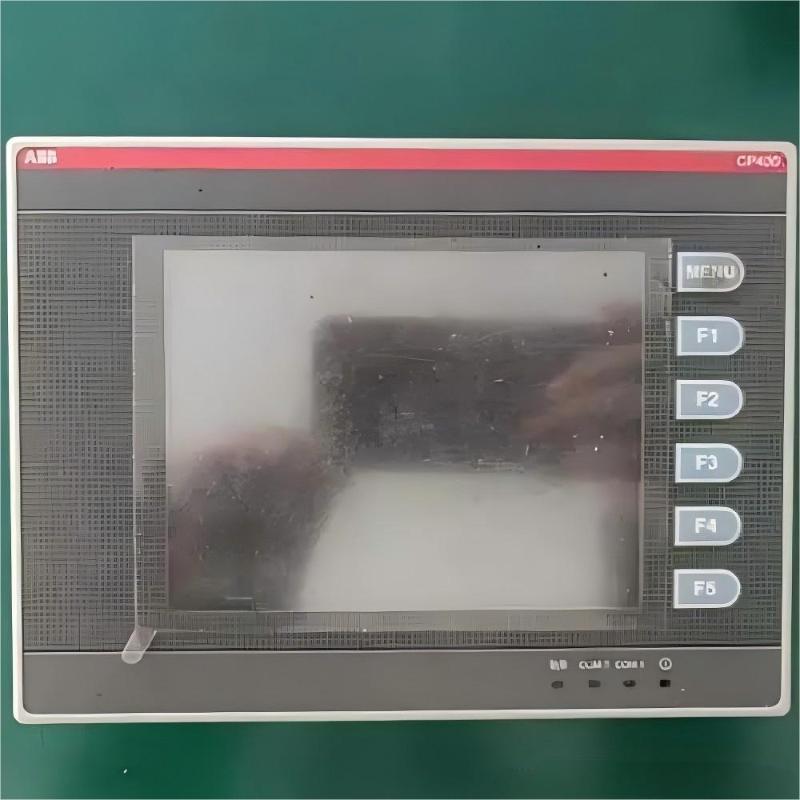
System crashes are typically caused by a combination of hardware, software, and environmental factors. On the hardware side, aging power modules can deliver unstable voltage, memory chips may degrade under long-term thermal stress, and touch panels can fail due to mechanical wear or physical damage. Oxidized interfaces, swollen capacitors, and poor solder joints can also gradually reduce system reliability.
From a software perspective, operating system corruption is a common trigger, especially when system files are damaged or accidentally deleted. Memory leaks in applications can gradually exhaust system resources, eventually leading to a freeze or reboot loop. Incompatibility between software modules, insufficient storage space, or corrupted update packages may further destabilize the system.
Environmental conditions also play a significant role. Strong electromagnetic interference can disrupt signal integrity, while dust accumulation reduces heat dissipation efficiency. Temperature fluctuations may cause condensation inside the enclosure, and power surges can damage sensitive electronic components.
Diagnosis should follow a structured approach. External inspection is the first step, including checking indicator lights, power connections, and physical screen condition. During startup, monitoring boot behavior and error messages helps identify where the failure occurs. System logs provide valuable clues by revealing the last recorded error before the crash. Hardware testing tools such as multimeters, thermal cameras, and memory diagnostic utilities help confirm whether faults are electrical or component-based.
Repair procedures depend on the diagnosed cause. For hardware issues, faulty capacitors should be replaced with correct polarity, and damaged components require anti-static handling during repair. Touch panel replacement must ensure proper alignment and secure connection of ribbon cables. For software issues, safe mode can be used to uninstall conflicting updates, repair system files, and rebuild boot records. Drivers should be reinstalled in a controlled sequence to avoid compatibility conflicts.
When recovery is not possible, a full system rebuild is required. Critical data should first be backed up using a recovery environment, including project files, configuration parameters, and communication settings. The system is then restored using a verified factory image matching the exact device model. Proper partitioning is recommended to separate system and data storage for easier maintenance. After installation, network parameters, touch calibration, and configuration files must be restored carefully.
Validation is performed in stages, starting with basic touch response tests, followed by communication verification, and finally full-load operational testing. Each stage should be monitored for stability and response consistency to ensure system reliability.
To reduce the risk of future crashes, preventive maintenance is essential. Regular disk cleanup, system inspection, and internal dust removal should be scheduled. Equipment logs should be maintained for all configuration changes, and rollback plans should be prepared before system updates. For critical operations, redundant systems and periodic failover testing can significantly improve operational continuity.
A structured maintenance and recovery strategy ensures that ABB touchscreen systems remain stable, reliable, and suitable for continuous industrial operation, even in demanding environments.
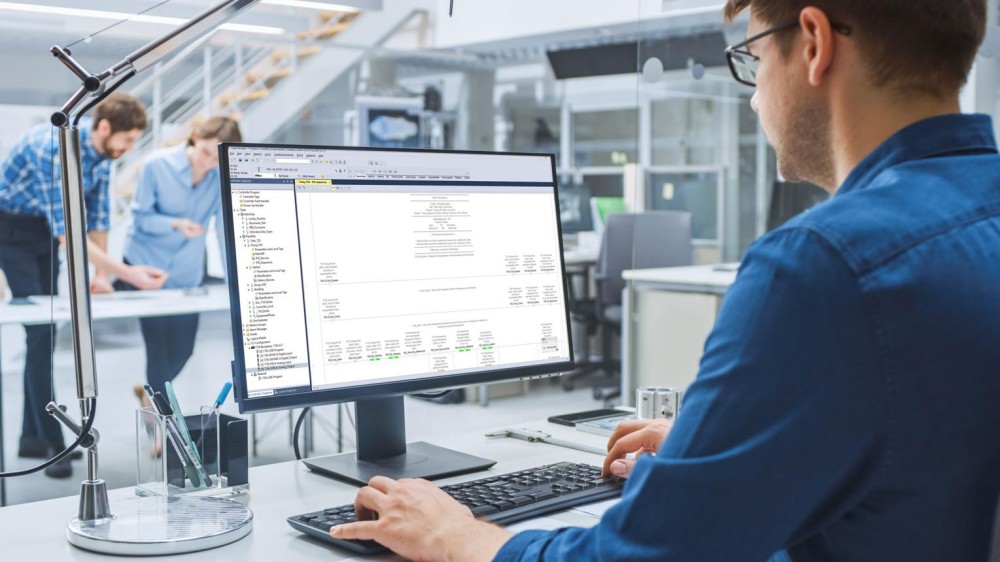 Rockwell Automation Expands Industrial AI Capabilities With NVIDIA Nemotron Support
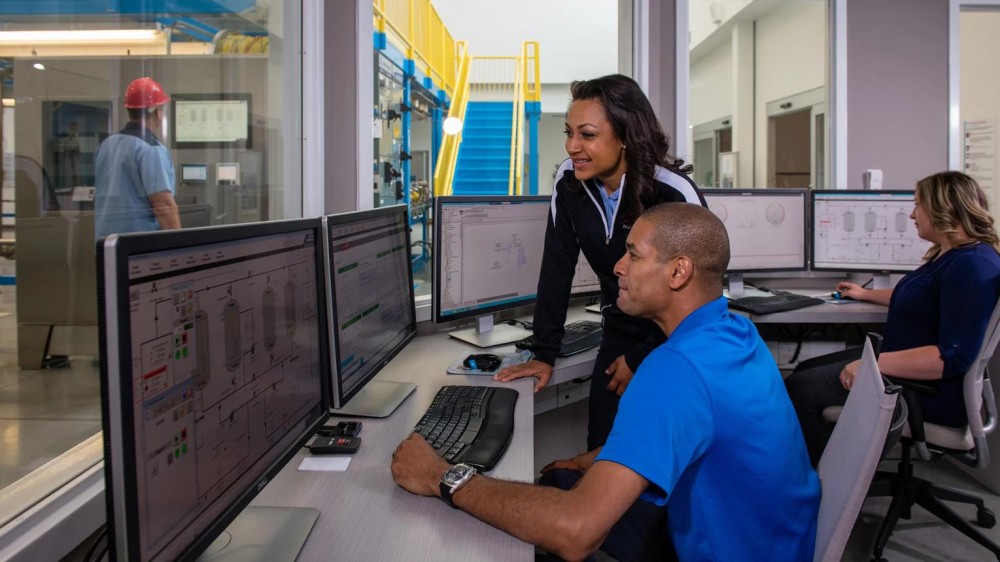 Rockwell Automation Introduces FactoryTalk Conductor To Advance AI-Driven Industrial Automation
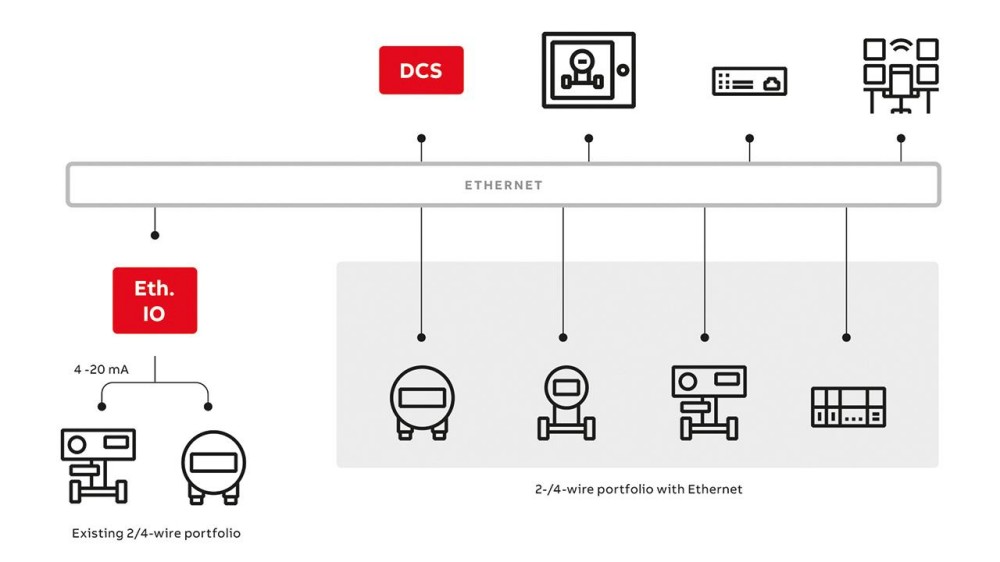 ABB And Boliden Advance DCS Modernization With Ethernet-APL Industrial Automation
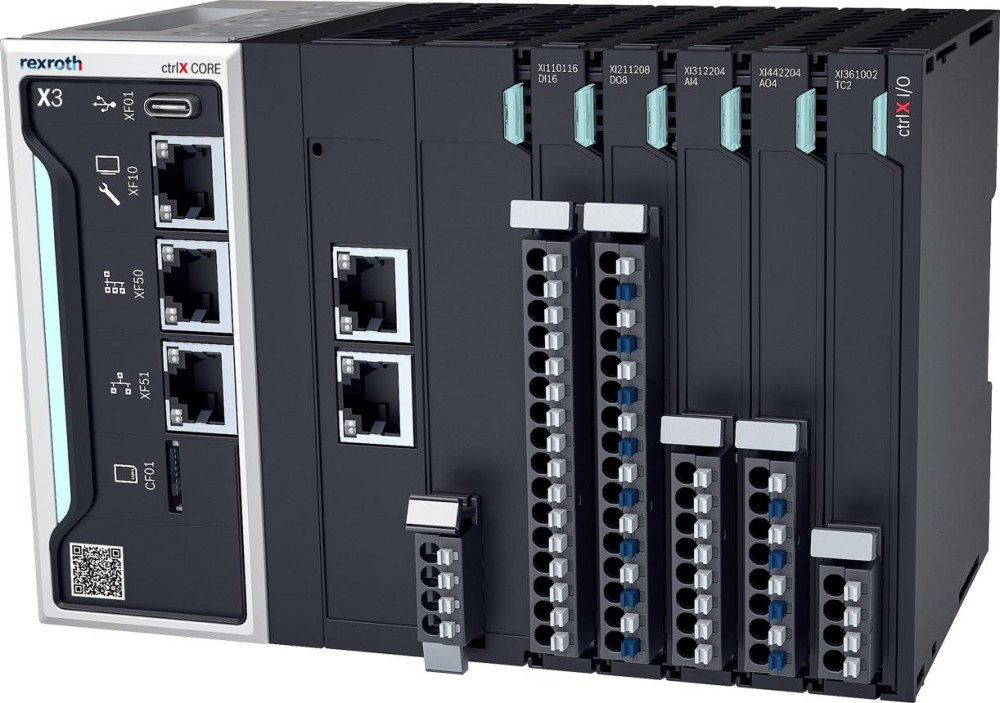 Bosch Rexroth Expands ctrlX AUTOMATION With New Safety PLC, Drive And Software Features