100% Original, Ready to Ship!

ABB Touch Screen Firmware Upgrade Failure Maintenance Guide
In industrial automation systems, the ABB touch screen is a key human–machine interface device. Firmware upgrades are used to improve performance and fix bugs, but upgrade failures are relatively common.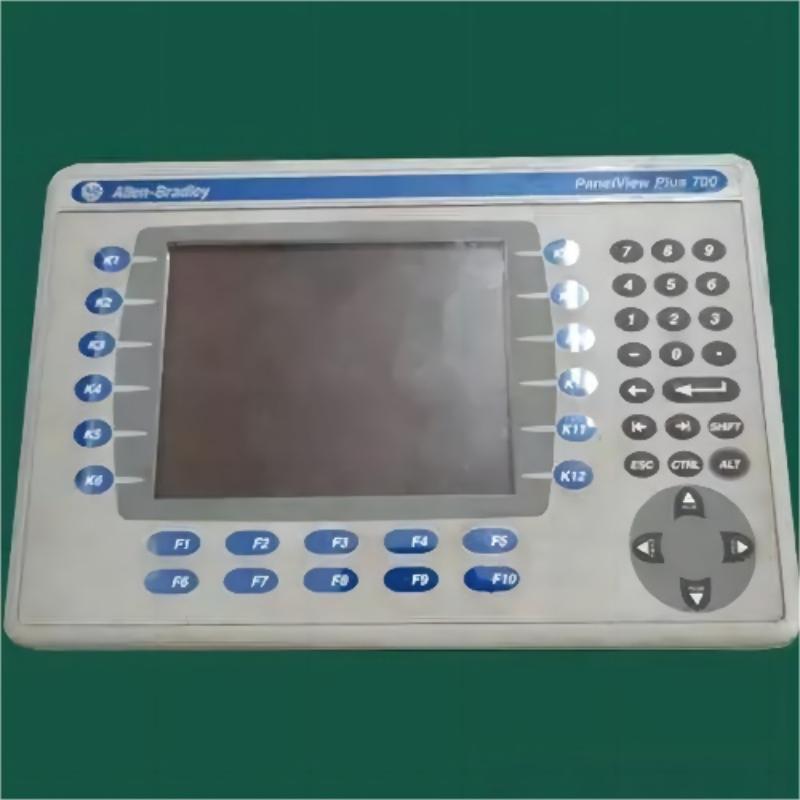
1. Common Causes
- Unstable power supply: power loss or voltage fluctuation during upgrade can corrupt firmware writing.
- Storage chip issues: bad blocks or aging memory prevent correct data writing.
- Incompatible firmware: wrong version or corrupted file causes upgrade failure.
- Operational errors: incorrect steps or interruption during the upgrade process.
- Hardware faults: hidden issues in the motherboard or memory triggered during upgrade.
2. Typical Symptoms
Black screen, system reboot loop, touch failure, error codes, or inability to detect external storage devices.
3. Maintenance Methods
- Initial diagnosis: confirm device model and firmware version, check power stability.
- Recovery mode: enter recovery mode and re-flash firmware.
- Firmware verification: re-download official firmware and verify integrity.
- Step-by-step upgrade: upgrade via intermediate versions if direct update fails.
- Hardware inspection: test storage chip and circuit stability.
- Programmer repair: directly reprogram memory chip when necessary (professional operation required).
4. Preventive Measures
Always back up data before upgrading, ensure stable power supply (preferably UPS), operate in anti-static environments, verify firmware compatibility, and perform regular maintenance checks.
5. Repair Cost
Software-level fixes are relatively low-cost, while storage chip or motherboard repairs can be significantly more expensive, sometimes reaching several thousand RMB depending on damage severity.
6. Technology Trends
New ABB devices increasingly support safer upgrade mechanisms such as resumable upgrades, multi-level verification, automatic rollback, and remote maintenance, greatly reducing upgrade risks.
Firmware upgrade failures can usually be resolved through systematic troubleshooting and proper maintenance procedures. Proper preparation and standardized operation are key to ensuring stable long-term device performance.
 Rockwell Automation Expands Industrial AI Capabilities With NVIDIA Nemotron Support
 Rockwell Automation Introduces FactoryTalk Conductor To Advance AI-Driven Industrial Automation
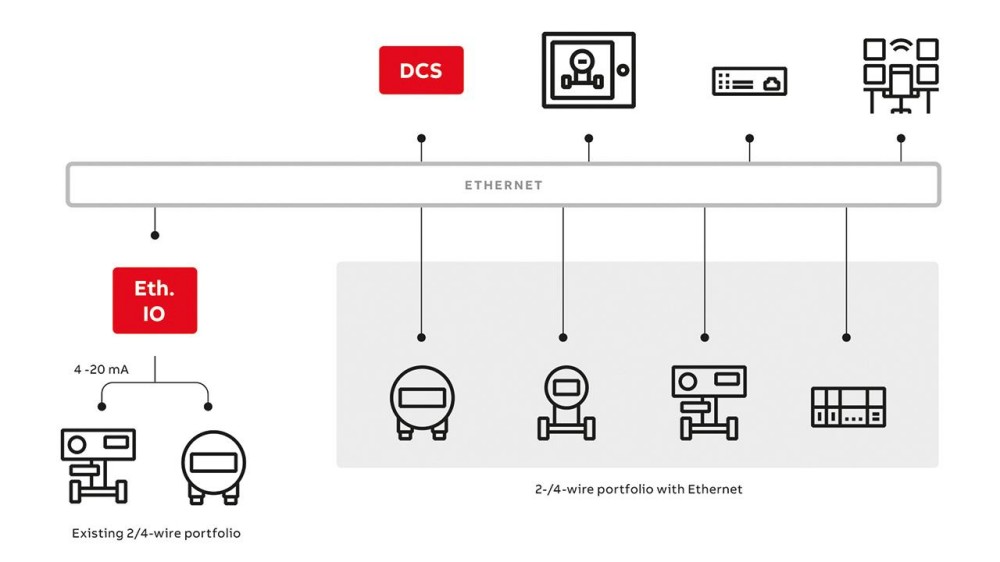 ABB And Boliden Advance DCS Modernization With Ethernet-APL Industrial Automation
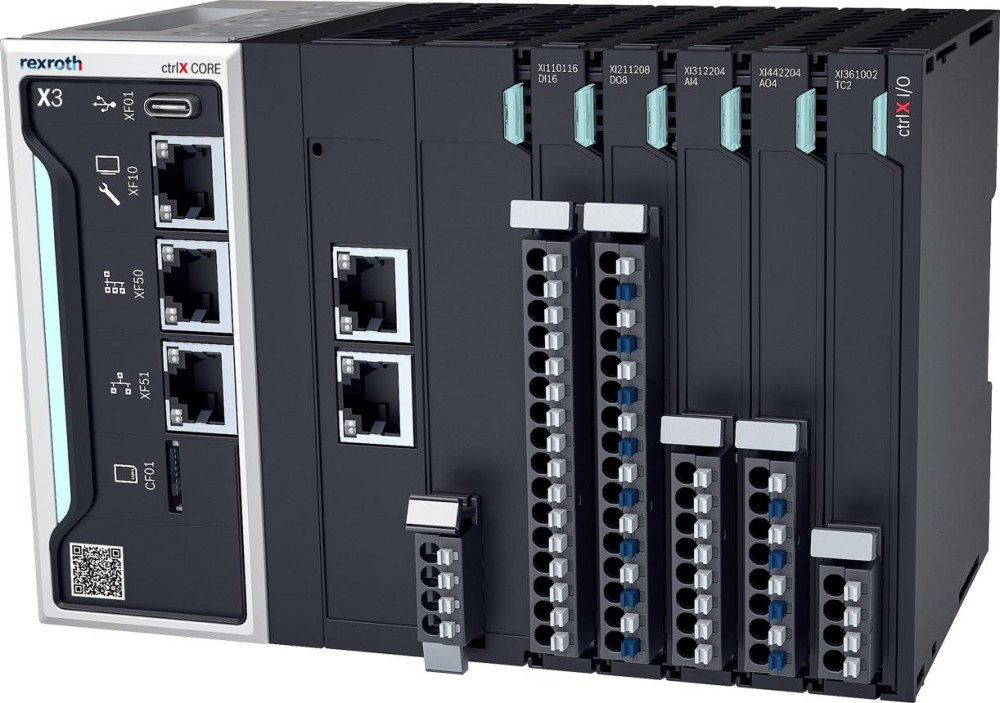 Bosch Rexroth Expands ctrlX AUTOMATION With New Safety PLC, Drive And Software Features