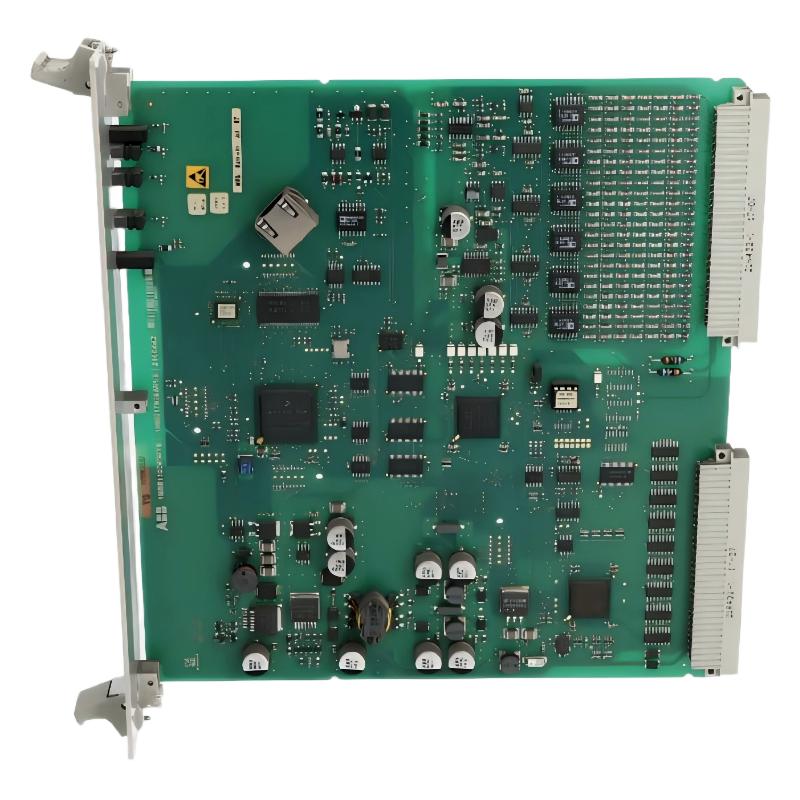
Table of Contents: ABB 216EA62 Analog Input Unit Installation Guide
- ABB 216EA62 Analog Input Unit Overview
- Installation Preparation and System Configuration
- ABB 216EA62 Analog Input Unit Wiring Setup
- Setup and Commissioning Procedure
- Field Commissioning Experience
- ABB 216EA62 Installation FAQ
- General Overview
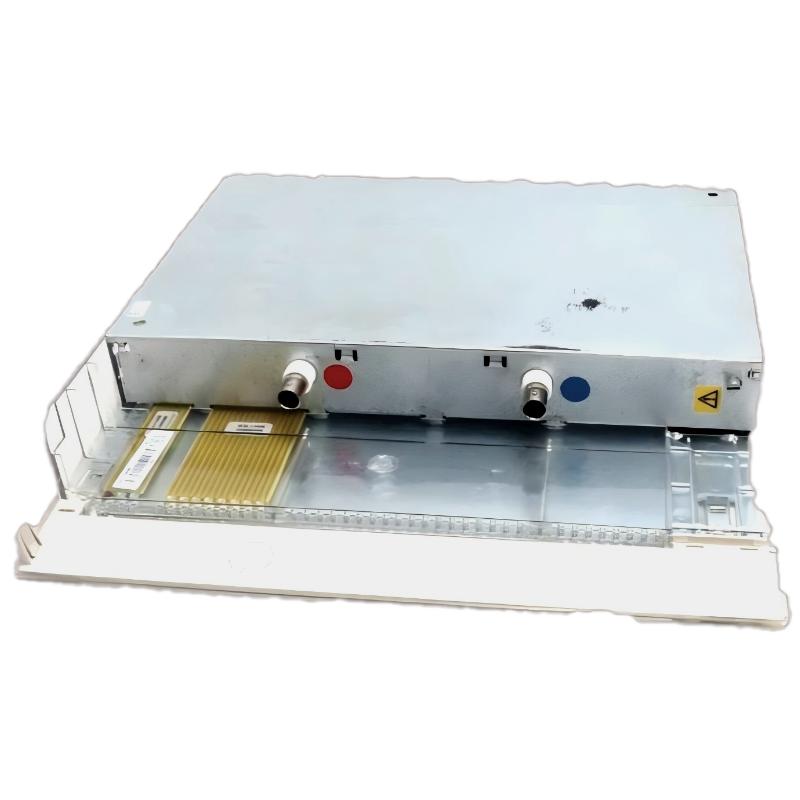
ABB 216EA62 1MRB150083R1/C Analog Input Unit Overview
ABB 216EA62 1MRB150083R1/C Analog Input Unit installation problems are usually related to incorrect signal wiring, improper system configuration, or inaccurate channel parameter settings rather than the hardware itself. This ABB Analog Input Unit with A/D conversion function is designed to acquire field analog signals and convert them into digital values for PLC Controller and protection system processing.
The 216EA62 belongs to the ABB Procontrol family and is commonly applied for industrial measurement applications where voltage, current, temperature, and process signals must be accurately transferred into a control system. :contentReference[oaicite:0]{index=0}
ABB 216EA62 Analog Input Unit Installation Preparation and System Configuration
Before installing the ABB 216EA62 Module, engineers should verify the complete System Configuration, including rack position, power supply condition, controller compatibility, and signal type selection.
- Confirm ABB 216EA62 1MRB150083R1/C hardware identification.
- Check PLC Controller communication status.
- Verify 24V DC auxiliary power stability.
- Prepare shielded analog cables for field devices.
- Confirm input range parameters before commissioning.
Recommended Installation Inspection
- Inspect module connector pins for oxidation or mechanical damage.
- Verify grounding resistance of the cabinet.
- Check analog transmitter output using a calibrated meter.
- Confirm engineering units inside the control software.
ABB 216EA62 Analog Input Unit Wiring Setup Procedure
Correct wiring is the foundation of ABB 216EA62 Installation Guide execution. Analog signal instability often originates from field cable problems, especially in environments with motors, variable frequency drives, and high-current equipment.
- Separate analog signal cables from power cables.
- Connect cable shields according to plant grounding philosophy.
- Check polarity before energizing the Analog Input Unit.
- Verify transmitter loop current or voltage output.
Example Signal Verification Command
CHECK CHANNEL STATUS
READ AI_CHANNEL_01
VERIFY INPUT VALUE
COMPARE RAW VALUE WITH FIELD TRANSMITTER OUTPUT
ABB 216EA62 Setup and Commissioning Procedure
During ABB 216EA62 Setup and Commissioning, engineers should validate the complete signal chain instead of checking only the module.
- Power up the control rack.
- Confirm module recognition in the configuration software.
- Apply known analog input values.
- Compare PLC displayed value with field measurement.
- Record calibration deviation.
Typical Commissioning Data Example
In one commissioning case, a pressure transmitter output was measured at 12.02 mA in the field, while the PLC Controller displayed 10.8 mA equivalent value. The investigation found an incorrect input scaling parameter inside the System Configuration. After correcting the range setting, the displayed value matched within 0.2% accuracy.
ABB 216EA62 Analog Input Unit Real Field Installation Experience
A production line upgrade required replacing an aging analog acquisition module with an ABB 216EA62 Analog Input Unit. During startup, three channels showed unstable readings.
The engineering team performed Fault Diagnosis from the signal source toward the PLC side. The measured transmitter output was stable, but electrical noise appeared on the cable shield. After improving grounding and replacing damaged signal wiring, the fluctuation reduced from approximately 5% deviation to less than 1%.
ABB 216EA62 Analog Input Unit Installation FAQ
What should be checked before ABB 216EA62 commissioning?
Engineers should check power supply voltage, rack installation, channel configuration, field signal range, and grounding condition before starting commissioning.
Why does ABB 216EA62 show incorrect analog values?
Incorrect scaling, wrong input type selection, poor shielding, or transmitter calibration problems are common reasons.
Can ABB 216EA62 be integrated into existing PLC systems?
Yes, when the hardware configuration, communication interface, and analog signal parameters are correctly matched with the control system.
General Overview of ABB 216EA62 Installation Guide
The ABB 216EA62 1MRB150083R1/C Analog Input Unit requires careful engineering during installation, wiring, and commissioning. Successful startup depends on correct System Configuration, accurate field signal verification, and practical commissioning methods. A structured Installation Guide approach helps reduce startup time and improves long-term reliability of industrial automation systems.