100% Original, Ready to Ship!

ABB Control Panel Screen Replacement And Repair Guide For Broken Display
When an ABB control panel experiences a cracked or broken screen, proper repair procedures are required to restore normal operation. The process involves inspection, disassembly, replacement, and testing, with careful handling at every stage to avoid further damage.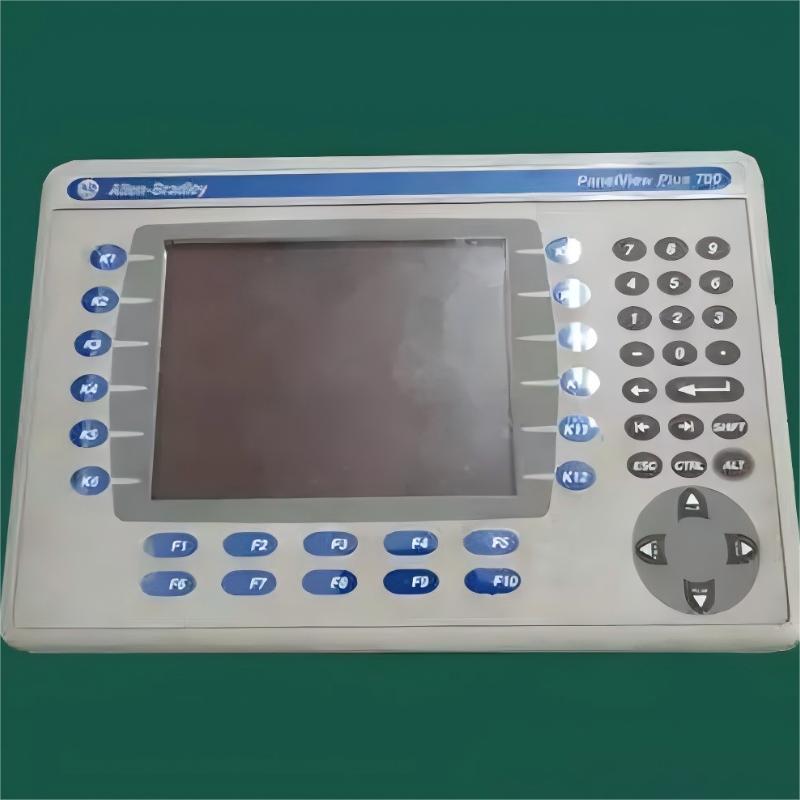
Before repair, perform a full external inspection to assess the severity of the screen damage. Check whether the display is fully shattered, partially cracked, or only cosmetically damaged. Also inspect for additional issues such as frame deformation or button failure.
Confirm whether the device can still power on, but avoid repeated power cycling to prevent further internal damage. If the unit is still under warranty, it is recommended to contact the official service channel. Out-of-warranty repairs typically depend on screen model and damage level, with replacement costs ranging from several hundred to over a thousand RMB.
Prepare necessary tools including screwdrivers, plastic pry tools, suction cups, and anti-static gloves. The replacement screen must match the exact model specification of the ABB control panel.
Always verify model numbers before purchase. In some cases, specialized or imported display modules may be required, which can increase both cost and lead time. It is recommended to use original or certified replacement parts to avoid compatibility issues.
Disconnect all power sources and cables before starting. Remove the outer casing screws and carefully store them. Use plastic tools to gently separate the front panel, avoiding metal tools to prevent short circuits or scratches.
Pay attention to internal ribbon cables and connectors. Disconnect them carefully, and ensure no excessive force is applied. If adhesive is used, a proper adhesive remover may be required. The entire process should be done slowly and carefully to avoid damaging surrounding components.
Place the new screen in position and connect the display cable for an initial test. Once confirmed that the display works correctly, proceed with full installation.
Ensure all connectors are firmly seated and screw positions are aligned. Reassemble the device in reverse order of disassembly, making sure cables are not pinched or overstressed. After installation, perform a preliminary test to check display quality and touch responsiveness (if applicable), ensuring no dead pixels, lines, or color distortion.
After repair, conduct a full functional test including display performance and control response. Run the device for an extended period to confirm stability.
For long-term protection, it is recommended to install a protective film or protective cover to reduce impact risk. Maintain proper environmental conditions, including temperature and humidity control, and regularly clean the screen surface. Avoid direct sunlight exposure and humid environments, as these factors can significantly reduce screen lifespan.
Screen replacement for ABB control panels requires careful handling at every step, especially during disassembly and reassembly. If technical capability is insufficient, professional repair services are recommended. Proper maintenance and protective measures can significantly reduce the risk of screen damage and extend equipment lifespan.
 Rockwell Automation Expands Industrial AI Capabilities With NVIDIA Nemotron Support
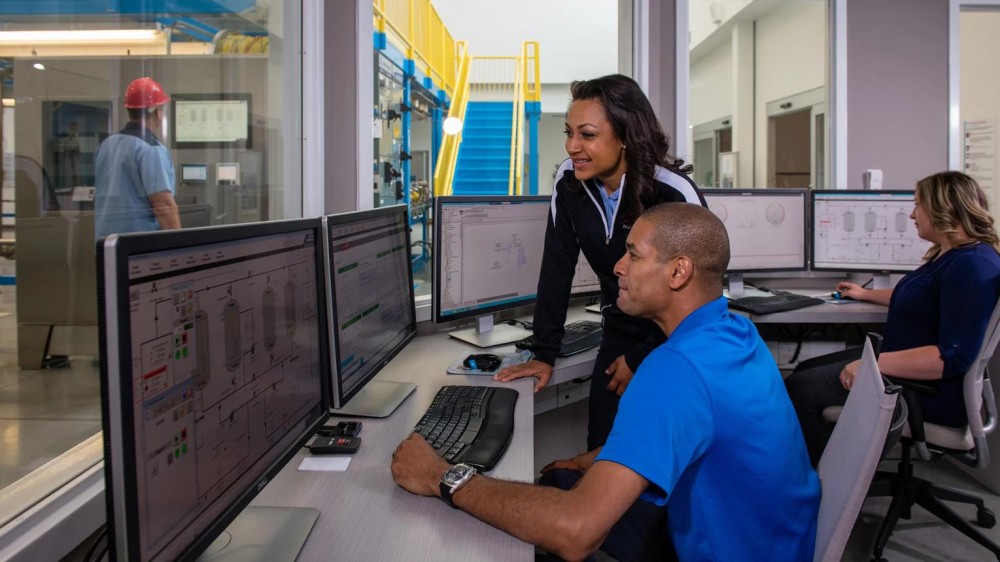 Rockwell Automation Introduces FactoryTalk Conductor To Advance AI-Driven Industrial Automation
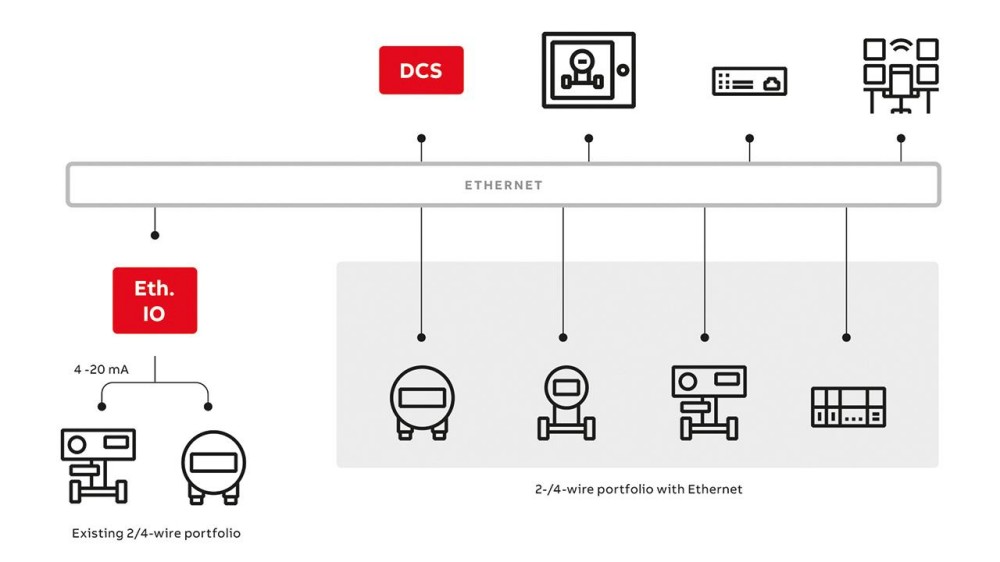 ABB And Boliden Advance DCS Modernization With Ethernet-APL Industrial Automation
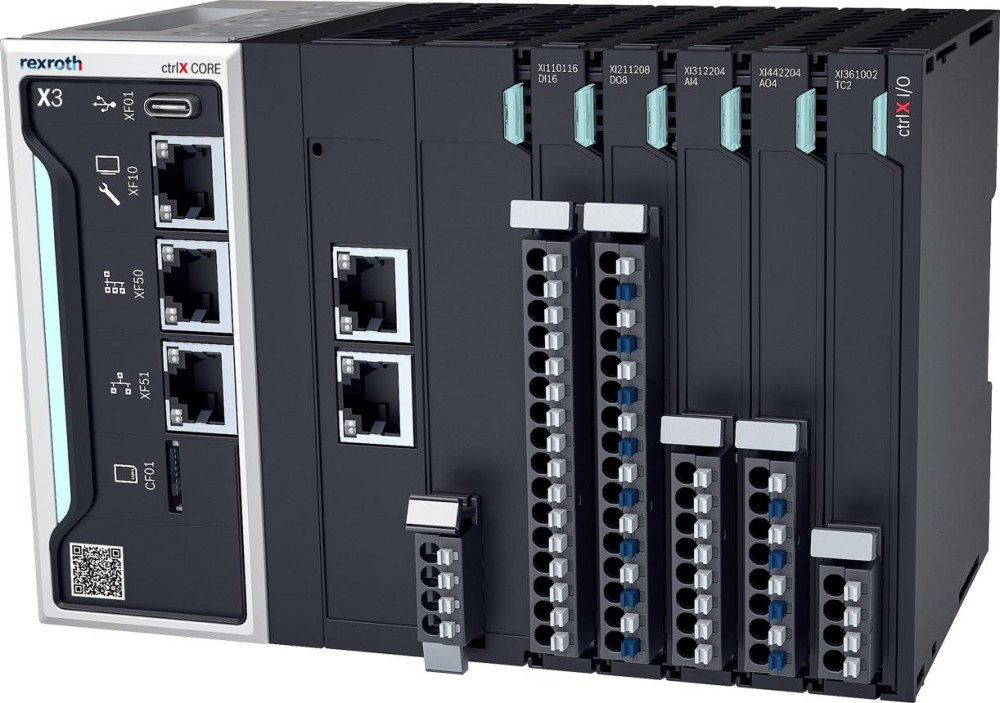 Bosch Rexroth Expands ctrlX AUTOMATION With New Safety PLC, Drive And Software Features