100% Original, Ready to Ship!

ABB Touchscreen Key Failure Troubleshooting And Maintenance Guide For Industrial Equipment
ABB industrial touchscreens may experience key failures after long-term operation, affecting normal equipment control. The following outlines common causes and maintenance methods for troubleshooting.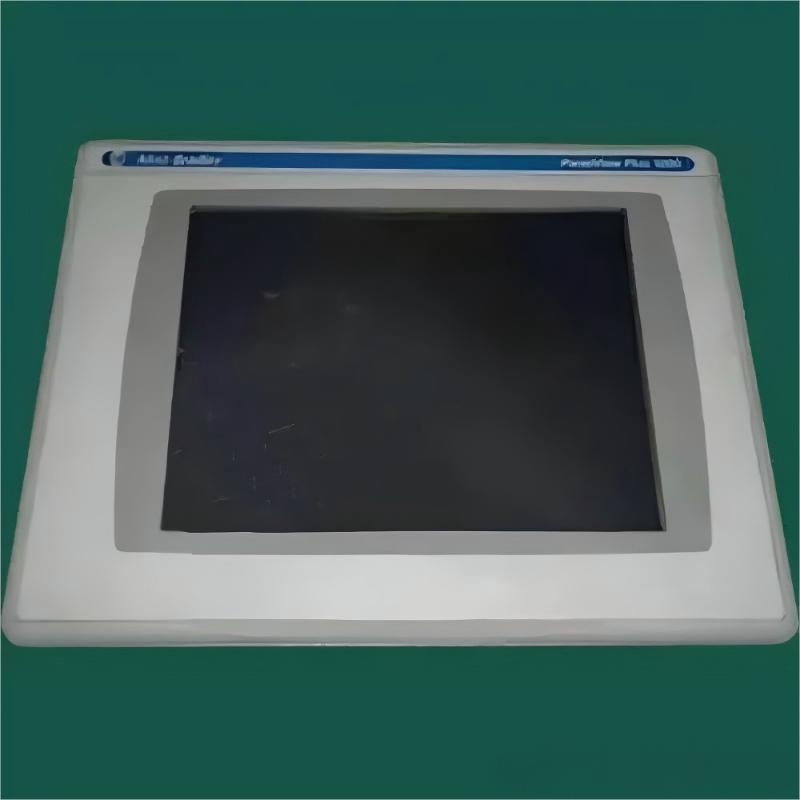
Typical issues include no response, delayed response, partial touch failure, or false triggering.
- Surface contamination such as dust or oil
- Physical damage including scratches or cracks
- Calibration drift or loss of touch data
- Loose or damaged connection cables
- Faults in touch sensors or control circuits
- Environmental issues such as temperature or humidity extremes
- Electromagnetic interference affecting signal stability
- Clean the screen using a soft cloth and approved cleaning solution
- Inspect for physical damage and replace the touch module if necessary
- Recalibrate the touchscreen system
- Check and reconnect internal cables
- Ensure operating environment meets specifications
- Diagnose hardware issues using substitution testing
- Replace faulty components and perform functional testing
- Perform regular cleaning and maintenance
- Avoid using sharp objects on the screen
- Maintain proper temperature and humidity conditions
- Regularly inspect wiring and mechanical connections
- Schedule periodic professional maintenance
Always disconnect power before servicing and follow anti-static precautions. Use official manuals and certified replacement parts, and document all repair actions.
Simple cleaning and calibration can be performed by users, while hardware repairs should be handled by professionals. After repair, test touch response, accuracy, stability, and performance under different conditions.
Most touchscreen failures are related to contamination, connection issues, or hardware faults. Regular maintenance and proper operation can significantly reduce failure rates and improve system reliability.
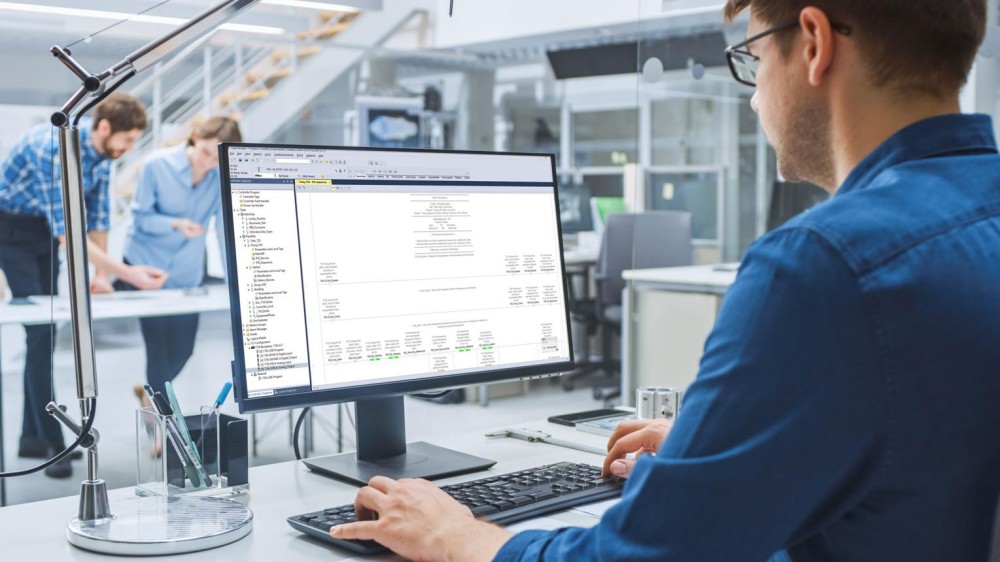 Rockwell Automation Expands Industrial AI Capabilities With NVIDIA Nemotron Support
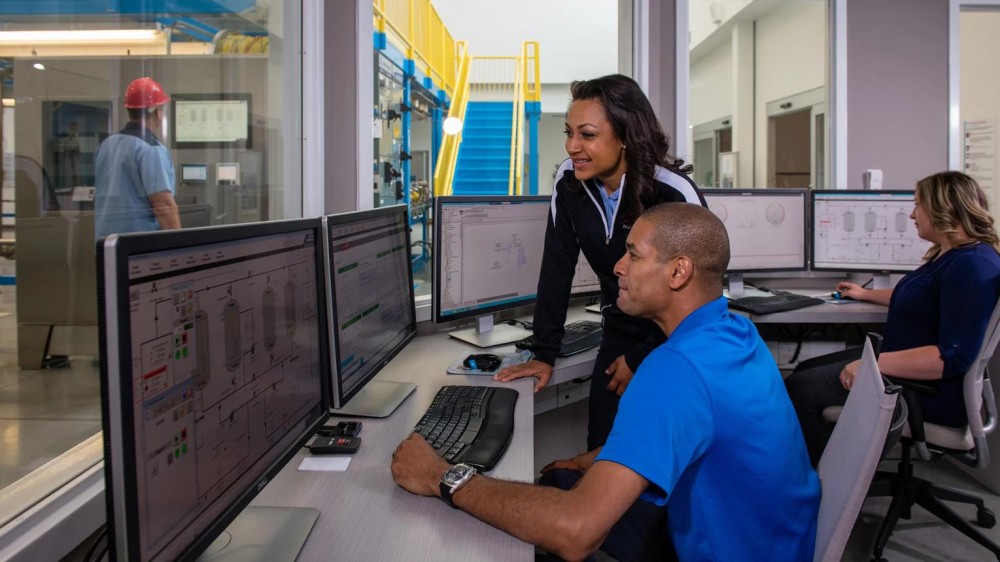 Rockwell Automation Introduces FactoryTalk Conductor To Advance AI-Driven Industrial Automation
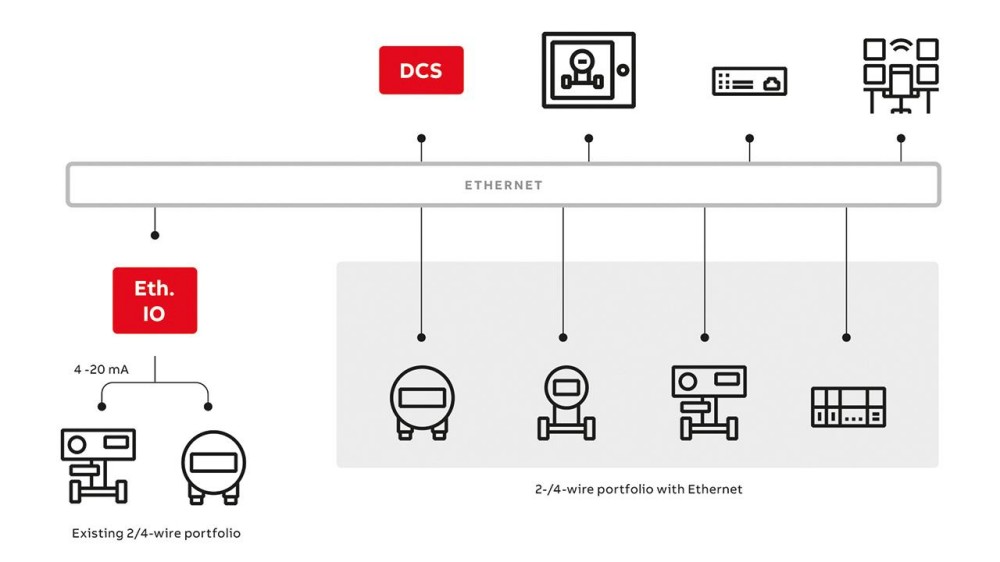 ABB And Boliden Advance DCS Modernization With Ethernet-APL Industrial Automation
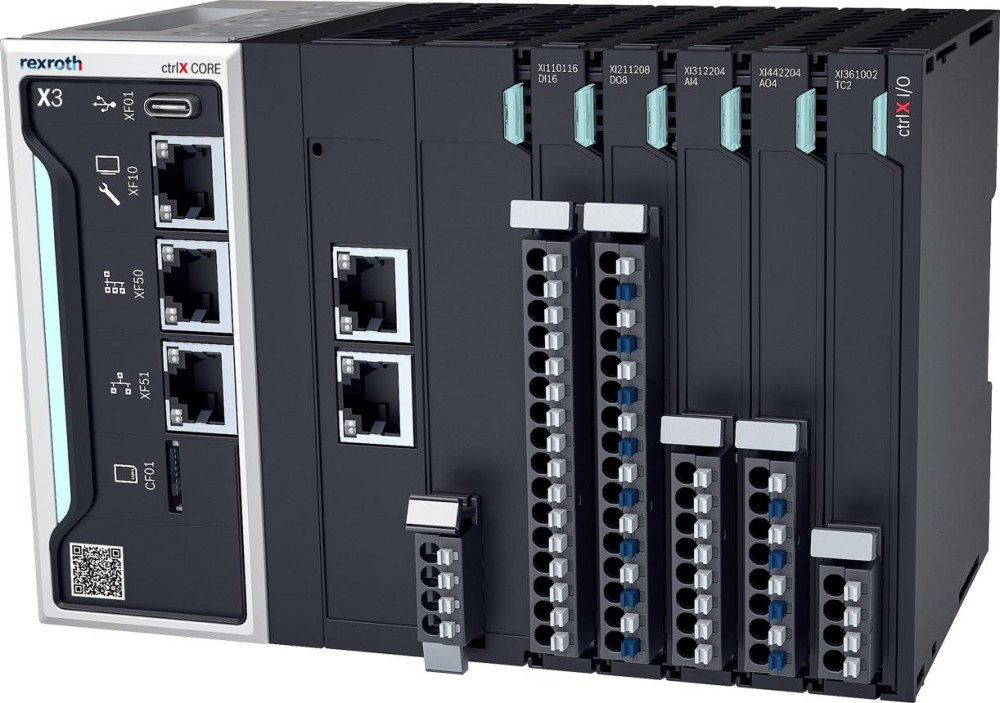 Bosch Rexroth Expands ctrlX AUTOMATION With New Safety PLC, Drive And Software Features