100% Original, Ready to Ship!

086345-001 ABB Standard Signal Interconnect Board Communication Fault Troubleshooting Guide
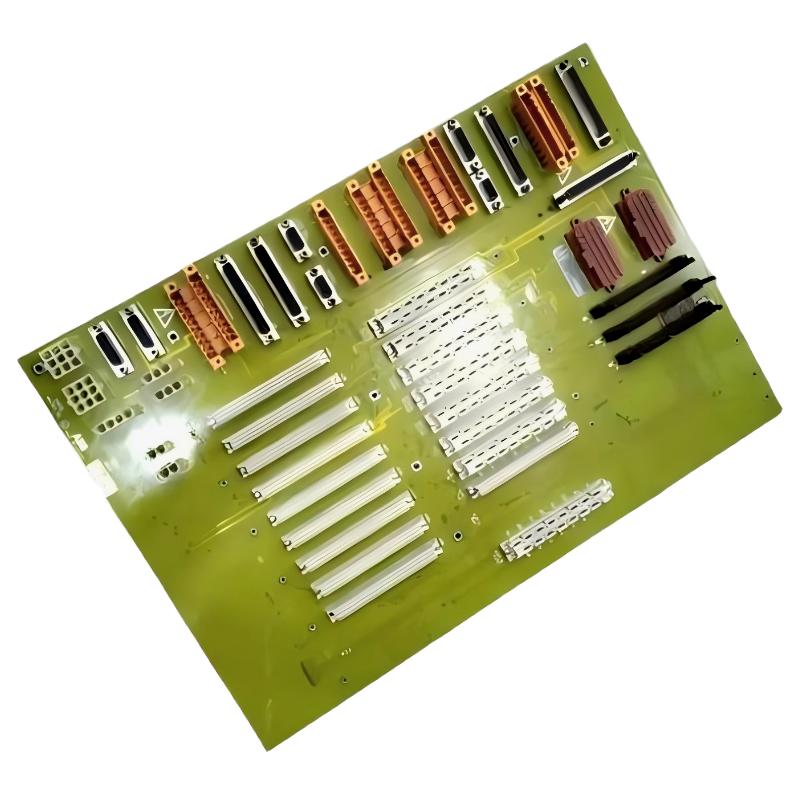 Contents – ABB 086345-001 Fault Diagnosis Workflow
- Field Symptoms of Communication Failure
- Engineering Fault Analysis Logic
- Common Root Causes in ABB PLC Systems
- Diagnostic Procedures & Signal Testing
- Repair Strategy & Recovery Actions
- Real Plant Failure Case Study
- Technical FAQ
- Final Reliability Notes
ABB 086345-001 PLC Communication Fault Symptoms
ABB 086345-001 communication faults typically appear as multi-channel signal instability rather than isolated I/O failure. In most field cases, the PLC controller continues running but shows intermittent data loss across multiple modules.
Typical symptoms include:
- Random I/O dropout across analog channels
- Scan cycle jitter increasing above normal baseline
- Unexpected module reset alarms
- Intermittent “backplane communication error” logs
Unlike active modules, this interconnect board does not generate direct diagnostics, making symptom interpretation critical in early-stage fault detection.
ABB 086345-001 Fault Thinking Process in PLC/DCS Systems
In ABB systems, engineers should never assume immediate hardware failure. A structured fault logic approach is required:
- Confirm PLC CPU health and power stability
- Isolate I/O modules individually
- Check backplane signal continuity
- Analyze noise and grounding behavior
In one diagnostic case, engineers initially suspected CPU overload. However, signal tracing showed intermittent voltage dips at the interconnect board level, revealing a hidden mechanical contact issue.
Common Causes of ABB 086345-001 Communication Fault
- Backplane connector oxidation or micro-corrosion
- Loose mechanical seating under vibration load
- EMI interference from nearby VFD drives
- Ground loop between cabinet sections
- Thermal expansion causing intermittent contact resistance
Industrial environments with high motor loads are especially prone to EMI-induced signal corruption affecting interconnect stability.
ABB 086345-001 Diagnostic Procedures & Signal Testing
Effective troubleshooting requires combining electrical measurement with system-level observation.
Recommended diagnostic workflow:
STEP 1: Measure backplane voltage stability (±12V, 24V rails)
STEP 2: Run PLC scan cycle diagnostics
STEP 3: Check module communication status registers
STEP 4: Perform physical reseating test
STEP 5: Monitor signal noise spectrum
In one factory audit, oscillation spikes at 60–120 Hz indicated EMI coupling from adjacent motor starters rather than internal board failure.
ABB 086345-001 Repair Strategy & Field Recovery
Repair decisions should always prioritize non-invasive corrections before replacement. ABB 086345-001 issues are frequently resolved through mechanical and grounding corrections.
Field repair actions:
- Clean backplane contacts using approved electronic-grade solvent
- Re-seat interconnect board with torque-controlled installation
- Rebuild cabinet grounding topology
- Re-route high-noise power cables away from signal paths
After correction in a petrochemical plant, communication error frequency dropped from 12 events/hour to near zero within the same operating cycle.
Real Engineering Case – ABB 086345-001 Intermittent Failure Diagnosis
A batch reactor system experienced random PLC communication faults every 20–30 minutes. Initial replacement of I/O modules did not solve the issue.
Detailed inspection revealed slight deformation of the ABB 086345-001 interconnect seating due to cabinet vibration. Once corrected, signal stability returned and system uptime improved to 99.98%.
Technical FAQ – ABB 086345-001 Fault Troubleshooting
Why does communication fail intermittently?
Most intermittent failures are caused by mechanical contact instability or EMI interference rather than electronic failure.
Can software updates fix this fault?
No. Since ABB 086345-001 is a passive interconnect board, firmware updates do not affect physical signal integrity issues.
How do I confirm backplane failure?
Use continuity testing combined with scan cycle monitoring. If multiple modules fail simultaneously, backplane or interconnect is likely involved.
Is replacement always required?
No. Over 70% of cases are resolved through cleaning, reseating, or grounding correction.
Can vibration cause communication errors?
Yes. Long-term vibration loosens mechanical contacts, leading to intermittent signal loss.
What is the fastest diagnostic method?
Module swap isolation combined with live scan cycle monitoring is the fastest method in field environments.
Why do faults appear under load only?
Thermal expansion and current-induced EMI increase under load conditions, exposing marginal contact points.
What is the most overlooked issue?
Ground loop instability between control cabinet sections is frequently missed during initial troubleshooting.
Final Reliability Engineering Summary
ABB 086345-001 communication faults should always be treated as system-level integration issues rather than isolated hardware failure. Proper Fault Diagnosis requires combining electrical testing, mechanical inspection, and PLC system analysis.
Field experience consistently shows that structured Troubleshooting methodology reduces unnecessary module replacement and improves long-term system reliability in industrial automation environments.
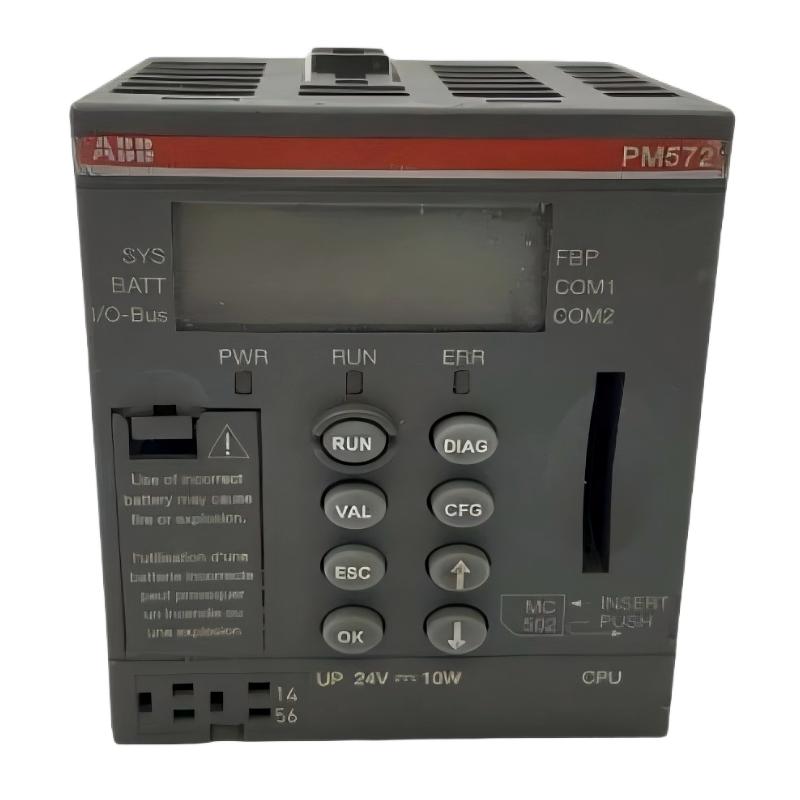 ABB PM572 1SAP130200R0200 CPU Module Troubleshooting Guide
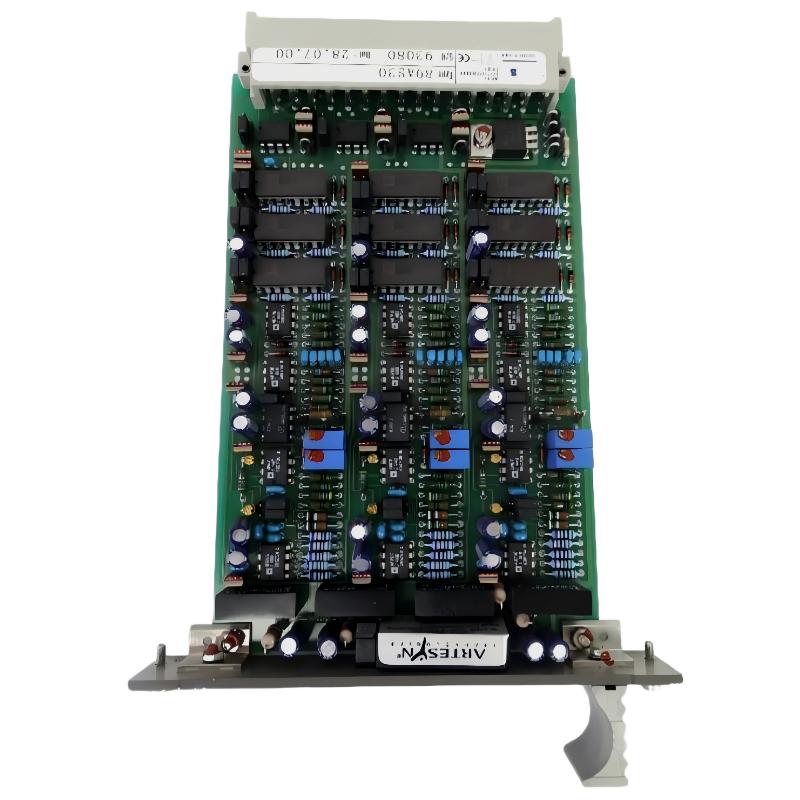 ABB 89AS30 GKWN000317R0100 Analog Signal Multiplier Troubleshooting Guide
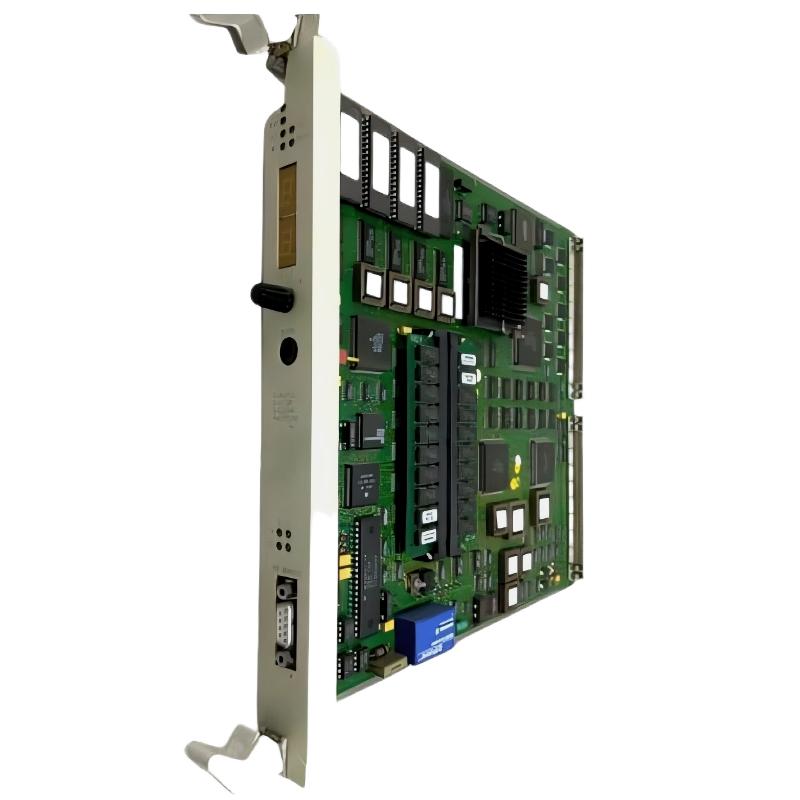 ABB PM510 3BSE000270R1 CPU Board Troubleshooting Guide
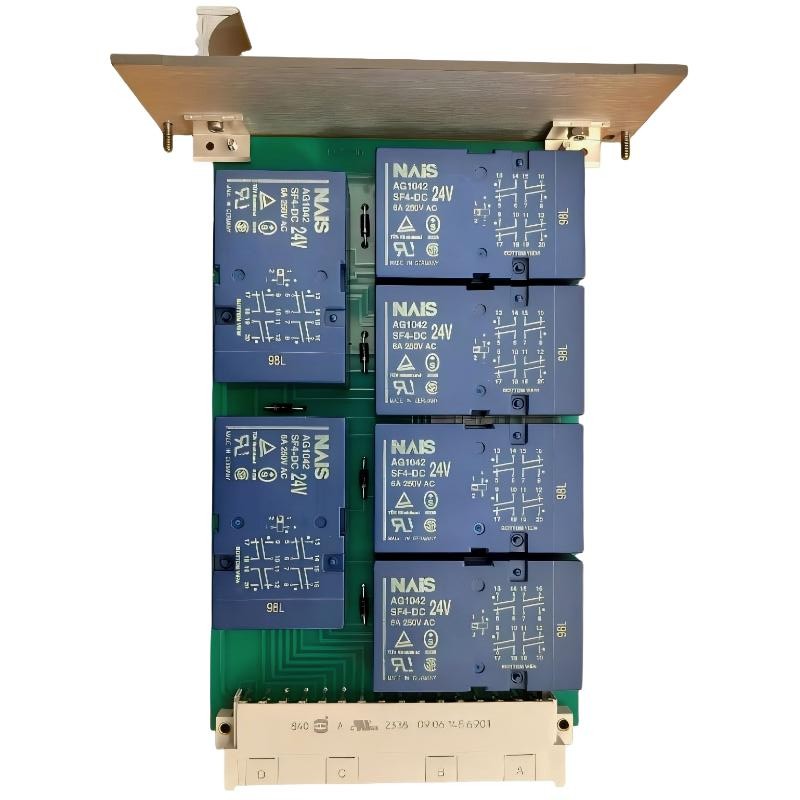 ABB 89AR30/R0100 Relay Unit Troubleshooting Guide For Control And Protection Faults