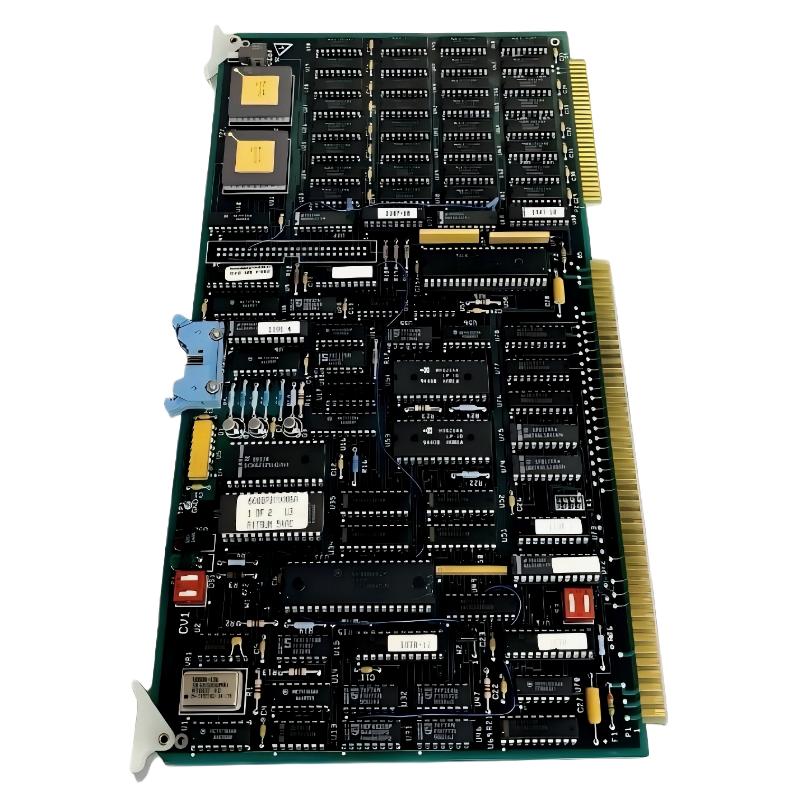
ABB 6008BZ10000E Video Module Troubleshooting Contents
- ABB 6008BZ10000E Video Module Fault Symptoms
- ABB 6008BZ10000E Fault Diagnosis Logic
- Common ABB 6008BZ10000E Video Fault Causes
- ABB 6008BZ10000E Field Troubleshooting Case
- ABB 6008BZ10000E Repair and Recovery
- ABB 6008BZ10000E Fault Verification
- ABB 6008BZ10000E Troubleshooting FAQ
- ABB 6008BZ10000E Troubleshooting Summary
ABB 6008BZ10000E Video Module Fault Symptoms
ABB 6008BZ10000E Video Module faults should not be diagnosed from a blank display alone. A missing image can result from the video board, connector, interface cable, host electronics, configuration, or power-related conditions. The fastest Troubleshooting method is to determine exactly where the video path stops working.
- Blank or missing video output.
- Intermittent display loss.
- Unstable or distorted image.
- Video function disappears after system startup.
- System alarms associated with display or video hardware.
- Failure that appears only after thermal or vibration changes.
ABB 6008BZ10000E Fault Diagnosis Logic
Start with the symptom timeline. If the display fails immediately after board replacement, installation and connector conditions deserve priority. If the display worked for several hours and then failed, thermal behavior, intermittent connections, or host-system conditions become more relevant.
A practical Fault Diagnosis sequence is:
- Confirm the failure is repeatable.
- Determine whether the host controller remains operational.
- Check system alarms and hardware status.
- Inspect the video board and connectors.
- Check associated cabling and grounding.
- Compare behavior with a known-good configuration where plant procedures permit.
- Only then consider board-level repair or replacement.
FAULT CHECK:
HOST RUNNING?       -> YES / NO
VIDEO OUTPUT?       -> YES / NO
ALARM PRESENT?      -> YES / NO
CONNECTOR SECURE?   -> YES / NO
CABLE CONDITION?    -> GOOD / CHECK
KNOWN-GOOD BOARD?   -> AVAILABLE / NOT AVAILABLE
Common ABB 6008BZ10000E Video Fault Causes
The most useful Troubleshooting distinction is between a board fault and an external fault. Replacing the ABB 6008BZ10000E without checking the interface path can simply move the same problem to another replacement module.
- Loose or contaminated board connectors.
- Damaged or incorrectly routed interface cables.
- Grounding or electromagnetic interference.
- Incorrect System Configuration.
- Host hardware malfunction.
- PCB component degradation.
- Thermal or intermittent solder-joint problems.
- Mechanical stress on the board or connector.
ABB 6008BZ10000E Intermittent Video Fault Pattern
An intermittent failure deserves special attention. If the display returns after touching, reseating, or cooling the hardware, engineers should treat that behavior as diagnostic evidence rather than as a random recovery. The physical response can help distinguish connection problems from permanent electronic failure.
ABB 6008BZ10000E Field Troubleshooting Case
Consider a typical maintenance situation in which an ABB 6008BZ10000E Video Module is reported as defective because the display periodically disappears while the host control system continues running. The first observation is important: the control process remains active, so a complete controller shutdown is not necessarily the first suspect.
The engineer checks the board seating and discovers that the connector is mechanically secure but shows signs of contamination. After the connection is cleaned according to the site’s approved maintenance procedure and the board is reseated, the display remains stable through repeated operating checks.
The engineering conclusion is not simply that “cleaning fixed the board.” The diagnostic evidence indicates that the video signal path was affected by the connection interface. This distinction matters when deciding whether the ABB 6008BZ10000E should be sent for Repair.
ABB 6008BZ10000E Repair and Recovery
Board-level repair should only be performed by personnel equipped to test industrial electronic assemblies. Before component-level work, preserve the original fault information and record the board condition. A PCB that has been repeatedly powered, reworked, or modified without documentation becomes much harder to diagnose.
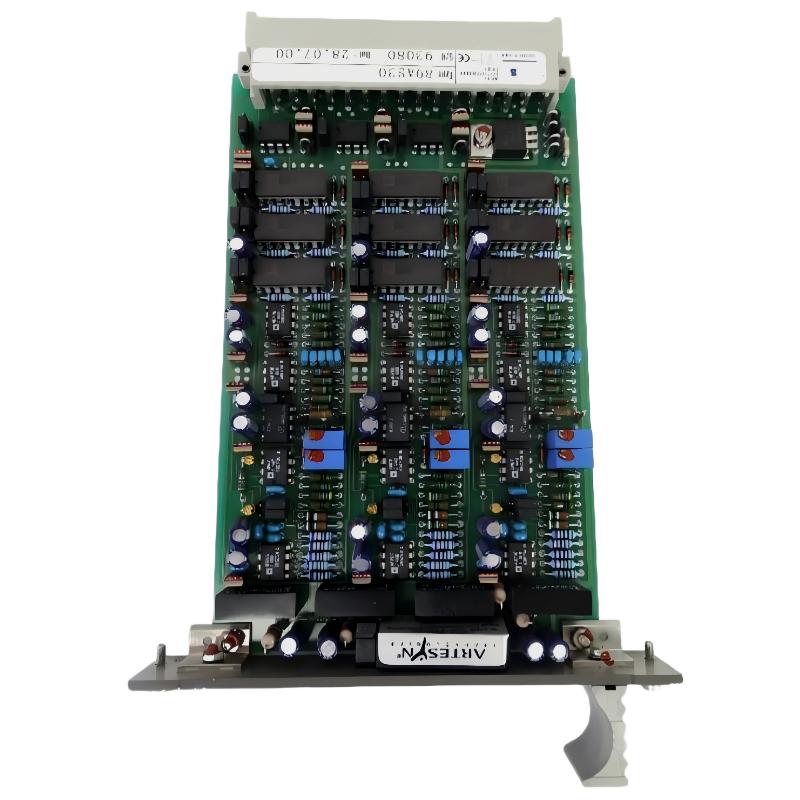
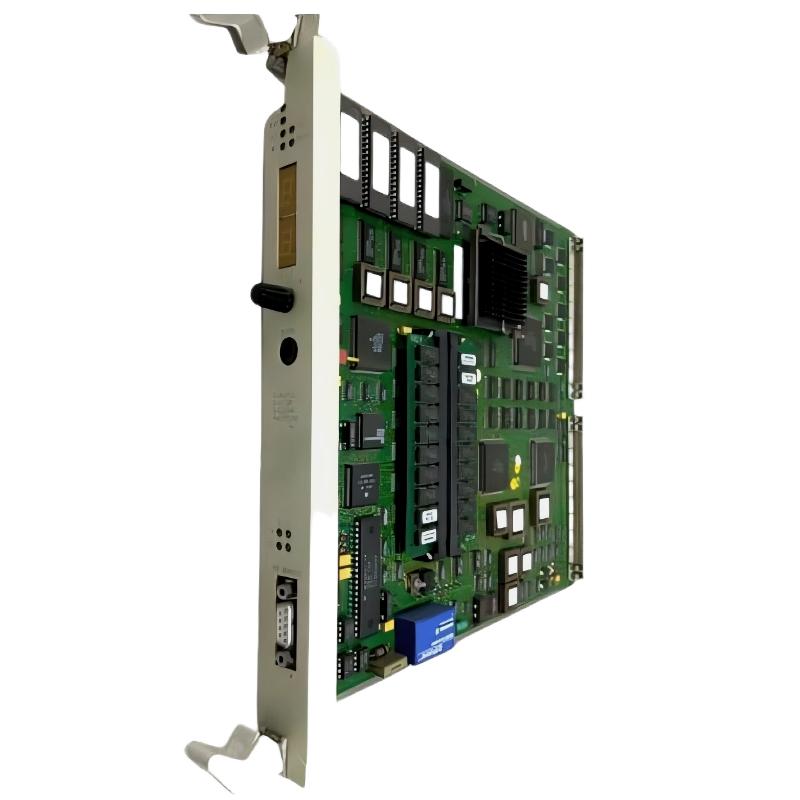
ABB 6008BZ10000E PCB Inspection Points
- Edge connectors and contact surfaces.
- Visible solder joints.
- Signs of heat damage or discoloration.
- Cracked or mechanically stressed components.
- Contamination or corrosion.
- Damaged PCB tracks.
Do not substitute components solely because they look similar. Component replacement should be based on the correct electrical specification and verified circuit function.
ABB 6008BZ10000E Fault Verification
After Troubleshooting or Repair, the final test should reproduce the original operating condition as closely as practical. A short power-up test is not enough for an intermittent video problem.
- Confirm stable video output during startup.
- Observe the display during normal system operation.
- Check for recurring alarms.
- Perform controlled restart testing where permitted.
- Monitor the module for intermittent behavior.
- Record the final diagnostic result.
ABB 6008BZ10000E Troubleshooting Acceptance Check
A successful recovery means more than restoring the image once. The original failure mechanism should be reasonably identified, the corrective action documented, and the module or interface demonstrated to remain stable under the required operating conditions.
ABB 6008BZ10000E Troubleshooting FAQ
What is the first check for an ABB 6008BZ10000E blank display fault?
Confirm that the host control system is operating and then inspect the video module seating, connectors, cables, and system alarms. A blank display does not automatically indicate a failed PCB.
How can an engineer distinguish an ABB 6008BZ10000E module fault from a cable fault?
The diagnostic process should isolate the signal path. Inspect the physical connections first and, where plant procedures allow, compare the behavior with a verified known-good component or interface.
Should the ABB 6008BZ10000E be repaired when the display is intermittent?
Not before the external causes have been investigated. Intermittent connectors, cabling, grounding, thermal conditions, and host-system faults can produce symptoms similar to PCB failure.
What information should be recorded before sending the ABB 6008BZ10000E for repair?
Record the exact part number, board revision, failure symptoms, operating conditions, alarm information, connector condition, and any tests already performed. This information can significantly shorten the subsequent Fault Diagnosis process.
ABB 6008BZ10000E Troubleshooting Summary
Effective ABB 6008BZ10000E Video Module Troubleshooting is based on signal-path isolation rather than immediate board replacement. Engineers should separate host-system faults, configuration problems, connector and cable issues, environmental effects, and PCB-level failures. A disciplined Fault Diagnosis process reduces unnecessary spare-part replacement and provides better evidence when professional electronic Repair is required.