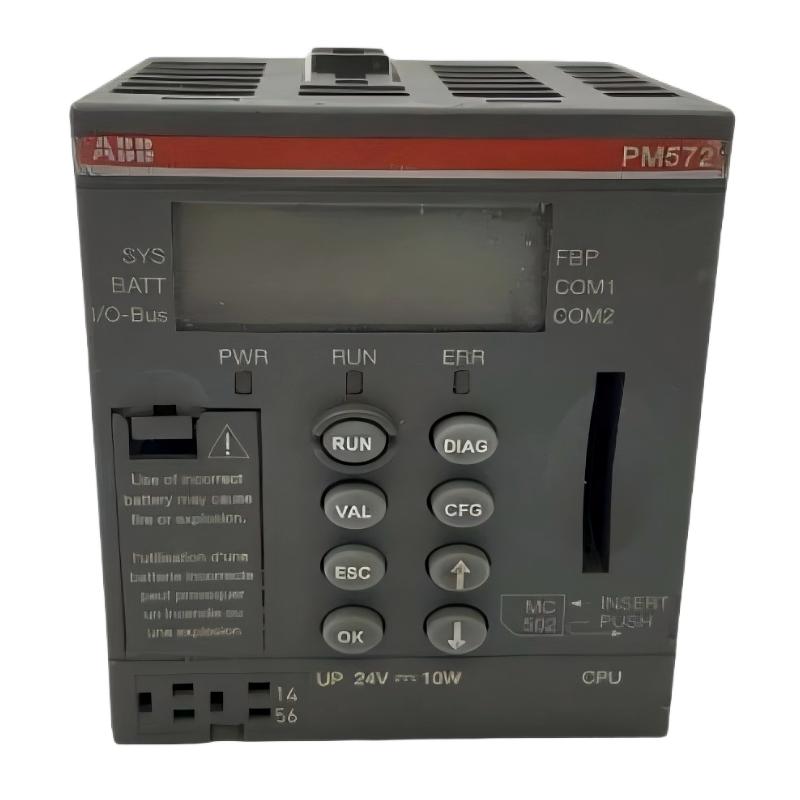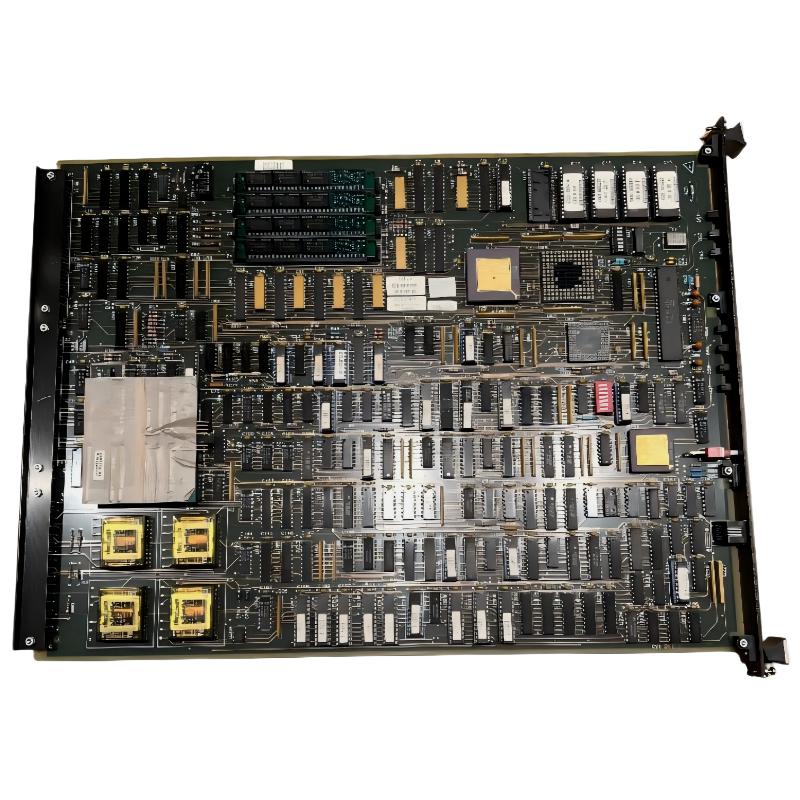
ABB 6204BZ10100D CPU Module Troubleshooting Guide
ABB 6204BZ10100D CPU Module faults should be diagnosed from the symptom toward the root cause rather than by replacing the CPU immediately. Loss of communication, unexpected resets, missing I/O, or a failure to enter normal operation can originate from power quality, rack connections, System Configuration, communication parameters, or the CPU itself.
ABB 6204BZ10100D CPU Module Fault Symptoms
The first useful diagnostic step is to classify the failure. A CPU that remains operational but loses communication requires a different investigation from a CPU that repeatedly resets or cannot complete startup.
- CPU does not enter the expected operating condition.
- Communication with the engineering workstation is unavailable.
- Connected modules are missing from the diagnostic system.
- Application execution stops unexpectedly.
- CPU status changes after another cabinet load starts.
- Faults return after a reset or power cycle.
ABB 6204BZ10100D CPU Module Fault Diagnosis Logic
Do not begin by replacing the CPU. First determine whether the fault follows the power system, rack connection, configuration, network, or CPU. This distinction is important because an expensive replacement module will not correct an external fault.
For example, if the CPU becomes unavailable exactly when a motor starter or drive is energized, investigate power disturbance and electromagnetic interference before assuming internal CPU failure.
ABB 6204BZ10100D Troubleshooting Decision Path
- Record the exact fault symptom and time of occurrence.
- Check CPU status and diagnostic information.
- Measure supply voltage during both normal and fault conditions.
- Inspect rack and backplane connections.
- Compare the physical hardware with System Configuration.
- Check communication wiring and parameters.
- Only then evaluate possible CPU hardware failure.
ABB 6204BZ10100D CPU Communication Troubleshooting
A communication fault does not automatically indicate a failed CPU. Check the physical network first, followed by addressing, cable integrity, connector condition, termination requirements where applicable, and software configuration.
In a typical field investigation, communication may initially appear completely lost. However, checking the cabinet locally can reveal that the CPU remains powered and operational. This changes the investigation from CPU hardware repair to communication-path Fault Diagnosis.
CHECK CPU STATUS
CHECK NETWORK LINK
CHECK NODE ADDRESS
CHECK CABLE CONTINUITY
CHECK COMMUNICATION PARAMETERS
COMPARE CONFIGURATION
RECORD DIAGNOSTIC EVENTS
ABB 6204BZ10100D CPU Module Power Fault Analysis
Power-related problems are particularly important when the CPU resets intermittently. Measure the voltage under load and compare it with the normal cabinet condition. A stable reading with the machine stopped is not sufficient evidence that the power path is healthy.
During one troubleshooting investigation on an industrial control cabinet, the controller appeared to reset randomly. The initial assumption was CPU degradation. Measurements later showed that the supply remained normal at idle but experienced a significant transient when a nearby inductive load switched. Correcting the power connection and suppression arrangement eliminated the repeated reset condition.
ABB 6204BZ10100D CPU Module Rack and Module Faults
If the CPU operates but connected modules are not recognized, inspect the physical rack arrangement before changing the application. A partially engaged connector, damaged contact, incorrect module position, or mismatch between the installed hardware and engineering database can produce symptoms that resemble a CPU fault.
- Inspect backplane or rack connectors.
- Check module seating.
- Verify physical module positions.
- Compare hardware identification with System Configuration.
- Look for recurring diagnostic entries after restart.
ABB 6204BZ10100D CPU Module Repair and Recovery Strategy
Repair decisions should be based on evidence. If external power, wiring, configuration, and communication checks are satisfactory but the CPU repeatedly shows abnormal behavior under otherwise stable conditions, the module becomes a stronger candidate for bench testing or professional repair.
Before replacing a suspected CPU, preserve the configuration and diagnostic information. If the system is safety- or production-critical, follow the site’s approved shutdown, backup, replacement, and validation procedures rather than experimenting on a live process.
ABB 6204BZ10100D Fault Recovery Checklist
- Save the current application and System Configuration.
- Record diagnostic messages before clearing them.
- Document measured supply values.
- Inspect connectors and rack interfaces.
- Verify communication parameters.
- Test after corrective action under normal operating load.
- Record whether the original fault returns after restart.
ABB 6204BZ10100D CPU Module Troubleshooting FAQ
Does a communication failure prove that the ABB 6204BZ10100D CPU Module is defective?
No. Communication failures can originate from wiring, connectors, network parameters, configuration mismatches, power disturbances, or connected equipment. CPU replacement should normally follow external Fault Diagnosis rather than precede it.
Why does the CPU reset only when industrial equipment starts?
This pattern can indicate a power disturbance, transient, grounding problem, or electromagnetic interference. Compare supply measurements during normal operation with measurements taken at the exact moment the reset occurs.
When should the ABB 6204BZ10100D CPU Module be considered for repair?
Consider professional repair or replacement when external power, rack, wiring, communication, and System Configuration checks are satisfactory and the same CPU-related fault persists under controlled conditions.
ABB 6204BZ10100D CPU Module Troubleshooting General Overview
Effective ABB 6204BZ10100D CPU Module Troubleshooting depends on separating symptoms from causes. Start with measurable evidence, identify whether the fault is electrical, configuration-related, communication-related, or internal, and make one corrective change at a time. This approach produces more reliable Fault Diagnosis and reduces unnecessary CPU replacement during industrial maintenance.