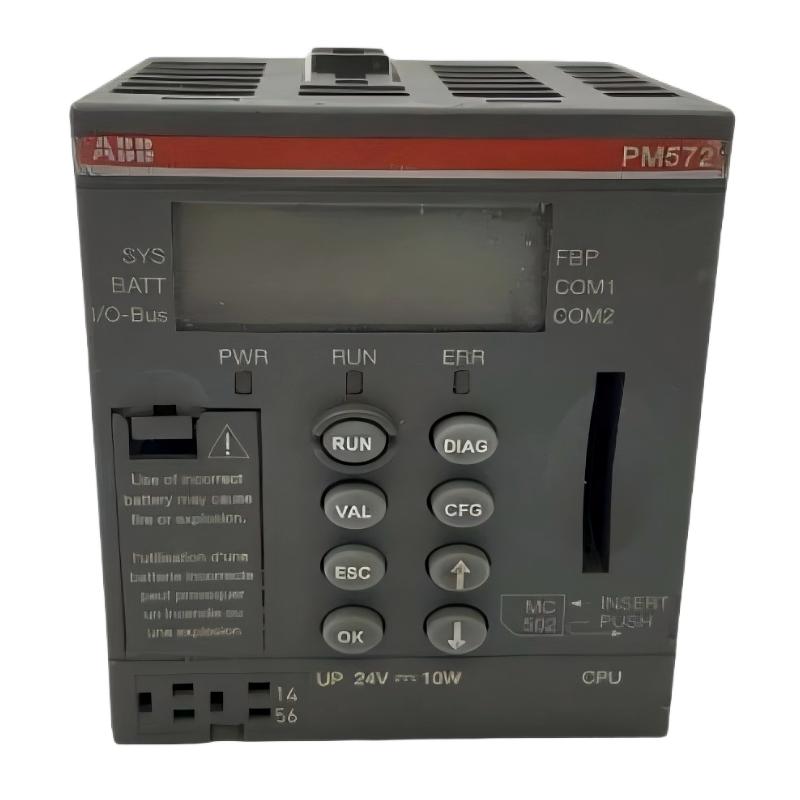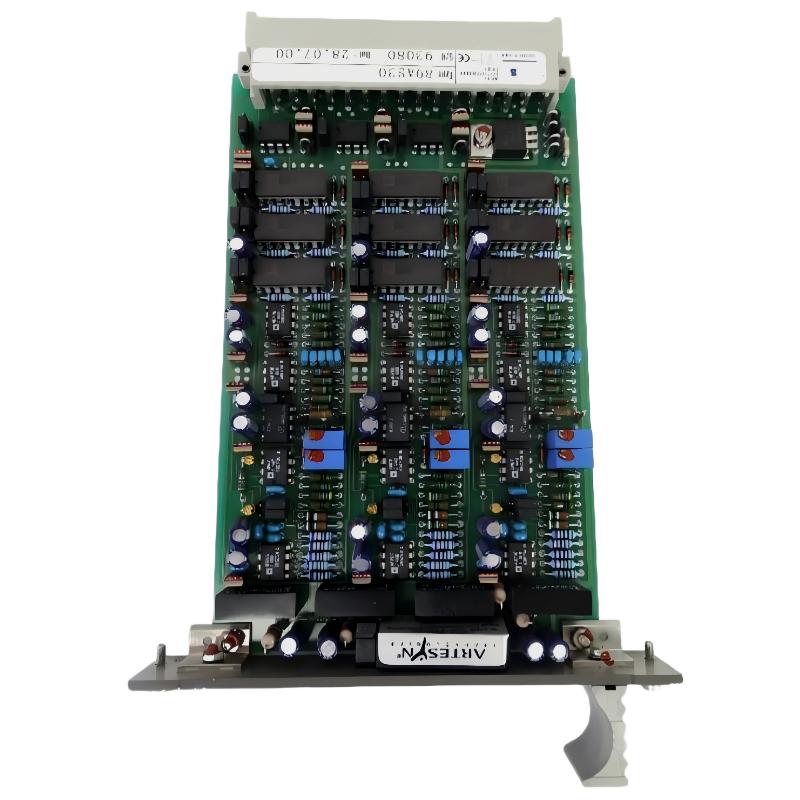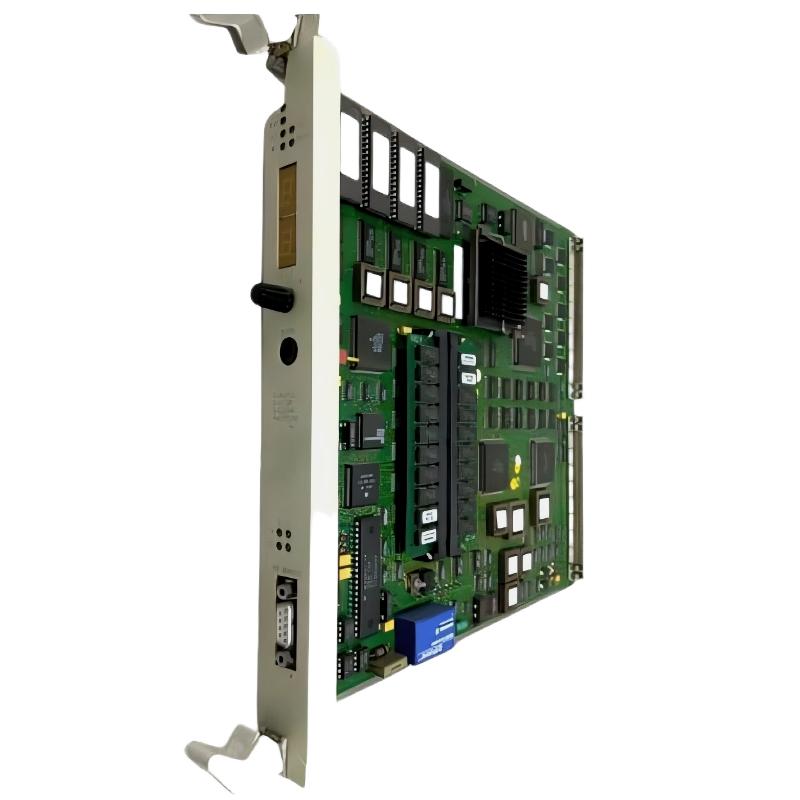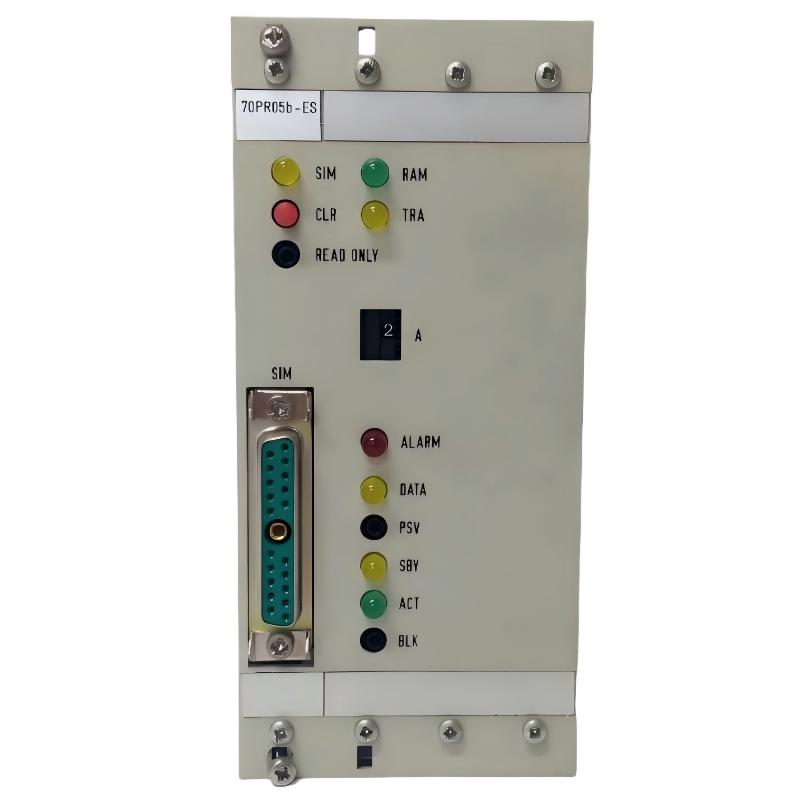
ABB 70PR05B-ES Programmable Processor Troubleshooting and Fault Diagnosis
ABB 70PR05B-ES HESG332204R0001 faults should be investigated by separating processor, power, rack, communication, and application problems before replacing hardware. When a Procontrol P13 processor appears offline, the fastest Fault Diagnosis method is to establish what remains healthy instead of immediately assuming that the Programmable Processor has failed.
ABB 70PR05B-ES Programmable Processor Fault Symptoms
Common symptoms can include an unexpected processor state, loss of communication with associated control Modules, abnormal application execution, repeated diagnostic indications, or a process-control system that remains unavailable after startup.
- Processor does not reach the expected operating condition.
- Communication with associated Modules is unavailable.
- Previously valid process data becomes unavailable.
- Control application does not behave as expected after startup.
- Intermittent communication appears after cabinet maintenance.
- Fault returns after a processor restart.
ABB 70PR05B-ES Troubleshooting Logic for Fault Isolation
Do not begin Fault Diagnosis by removing the processor. Start with the simplest measurable condition: power. Then determine whether the rack recognizes the processor, whether communication is available, and whether the application configuration is valid.
- Confirm the reported symptom and establish when it started.
- Compare the current condition with the maintenance baseline.
- Check supply and rack conditions.
- Inspect processor status and diagnostic information.
- Separate communication faults from application faults.
- Verify System Configuration.
- Only then consider processor replacement or repair.
Why ABB 70PR05B-ES Hardware Should Not Be Replaced First
A processor can appear to be the source of a system failure when the actual cause is a connector, rack interface, unstable supply, communication path, or configuration mismatch. Replacing hardware without collecting evidence can remove useful diagnostic information and create a second fault.
ABB HESG332204R0001 Power and Rack Fault Diagnosis
Power and rack integrity are the first measurable checkpoints. Check the supply at the appropriate approved test location rather than relying only on a cabinet power indicator. A healthy-looking cabinet indicator does not prove that the processor receives a stable voltage under operating conditions.
- Measure supply voltage at the designated test point.
- Observe voltage stability during startup.
- Inspect rack connector seating.
- Look for oxidation or contamination on contacts.
- Check grounding and cabinet bonding.
- Inspect neighboring Modules for abnormal indications.
FAULT ISOLATION RECORD
70PR05B-ES: CHECK
HESG332204R0001: VERIFY
Supply Voltage: MEASURE
Rack Connection: INSPECT
Communication: CHECK
Application State: VERIFY
Associated Modules: CHECK
ABB 70PR05B-ES Communication Troubleshooting
If the processor is powered and its local status appears normal but other control-system components cannot communicate, focus on the communication path. This includes connectors, cables, interface hardware, termination arrangements where applicable, and System Configuration.
One practical troubleshooting pattern is to compare the failed communication path with another known-good path in the same cabinet. If the known-good path operates normally while the affected path remains unavailable, the investigation can be narrowed to the local interface, cable, connected Module, or configuration.
ABB 70PR05B-ES Communication Fault Decision Process
- Processor healthy + one communication path failed → inspect interface and cable.
- Processor healthy + multiple expected Modules unavailable → inspect rack and configuration.
- Processor unstable + supply unstable → investigate power before communication hardware.
- Processor healthy + application abnormal → investigate program/configuration state.
ABB 70PR05B-ES System Configuration Faults
Configuration-related faults are particularly important during replacement or restoration. A replacement processor may be electrically healthy while the installed application or System Configuration does not match the rest of the control system.
For example, if the processor reaches its expected operating state but an associated Module remains unavailable, compare the current configuration with the documented baseline before replacing another component. Check module identification, rack position, communication assignments, and application data.
ABB 70PR05B-ES Repair and Recovery Strategy
Repair should follow the evidence collected during Troubleshooting. If the fault follows the processor after all external conditions have been verified, the processor becomes a stronger candidate for workshop-level inspection or controlled replacement.
ABB 70PR05B-ES Repair Decision Points
- External power confirmed stable.
- Rack and connector condition confirmed acceptable.
- Communication path checked.
- System Configuration verified.
- Associated Modules checked.
- Processor fault indication remains repeatable.
For obsolete or legacy control equipment, preserve the failed unit for technical inspection rather than discarding it immediately. Failure history, diagnostic indications, and physical condition can provide useful information when determining whether the problem is isolated or part of a wider system issue.
ABB 70PR05B-ES Fault Recovery Verification
After corrective action, recovery should be demonstrated through functional testing. A processor that simply starts is not automatically considered fully repaired. The control application, communication paths, process signals, alarms, and associated Modules should all be checked.
- Confirm stable processor startup.
- Check diagnostic status.
- Verify expected communication.
- Confirm associated Module availability.
- Check representative process signals.
- Test alarms and control responses.
- Record the final operating condition as the new maintenance baseline.
Field-Oriented ABB 70PR05B-ES Diagnostic Example
A representative field troubleshooting pattern is a processor that appears normal after power-up while one group of connected Modules remains unavailable. Instead of immediately changing the processor, an engineer would compare rack connections, communication continuity, configuration records, and the status of the affected Modules. If communication returns after correcting a loose or contaminated connection, the evidence points to the interface path rather than processor hardware. This diagnostic approach avoids unnecessary component replacement.
ABB 70PR05B-ES Programmable Processor Troubleshooting FAQ
What should be checked first when ABB 70PR05B-ES stops communicating?
Begin with supply stability, processor status, rack connections, and communication interfaces. Establishing these basic conditions helps separate a processor fault from an external communication problem.
Does loss of communication always mean that the HESG332204R0001 is defective?
No. Communication loss can originate from wiring, connectors, rack interfaces, associated Modules, grounding, or System Configuration. Hardware replacement should follow diagnostic evidence.
How can intermittent ABB 70PR05B-ES faults be investigated?
Record when the fault occurs and compare it with cabinet temperature, equipment switching, maintenance activity, supply variation, and communication status. Intermittent faults often require trend-based observation rather than a single measurement.
Why is the rack connection important during 70PR05B-ES Troubleshooting?
The processor depends on its physical connection to the control-system architecture. Poor contact, contamination, or mechanical problems can create symptoms that resemble processor failure.
What is a useful method for separating a communication fault from a processor fault?
First establish whether processor power and local diagnostic conditions are normal. Then compare the affected communication path with a known-good path or associated interface. This narrows the fault domain without immediately replacing the processor.
When should an ABB 70PR05B-ES be considered for repair?
Repair or replacement becomes more appropriate after external power, rack, communication, configuration, and associated Module conditions have been verified and the processor fault remains repeatable.
Should the original failed processor be retained after replacement?
For legacy systems, retaining the failed unit can be useful for later inspection. Its diagnostic condition and physical evidence may help identify recurring system-level problems.
What should be confirmed after ABB 70PR05B-ES Fault Diagnosis?
Confirm processor stability, communication, application execution, associated Module status, process signals, alarm behavior, and the final System Configuration before returning the equipment to normal automatic operation.
ABB 70PR05B-ES Troubleshooting and Fault Diagnosis Summary
The ABB 70PR05B-ES HESG332204R0001 should be Troubleshooting-tested as part of the complete Procontrol P13 control system. Effective Fault Diagnosis begins with measurable evidence: power, rack integrity, processor status, communication, configuration, and associated Modules. Once external causes have been excluded, processor-level Repair or replacement can be considered with much greater confidence. This fault-isolation method reduces unnecessary component changes and provides a clearer maintenance record for future commissioning and troubleshooting work.