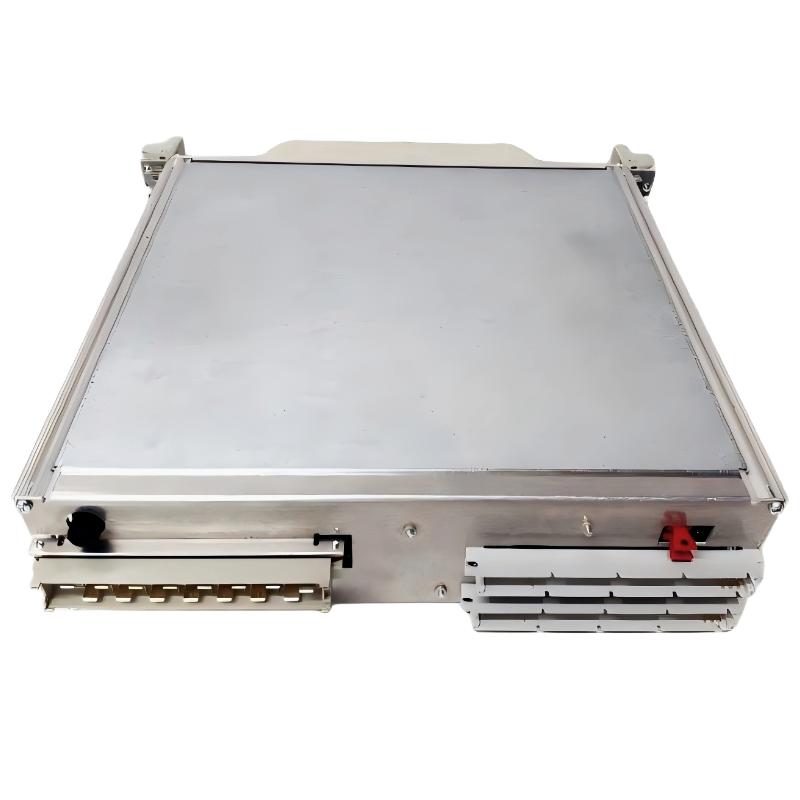
ABB 216NG63 Auxiliary Power Module Installation Guide Overview
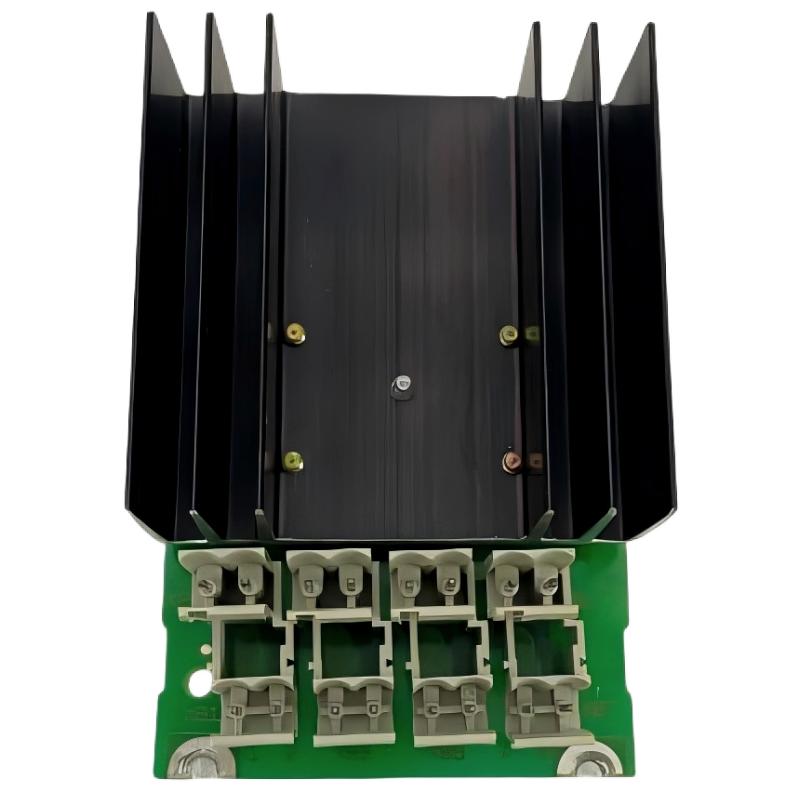
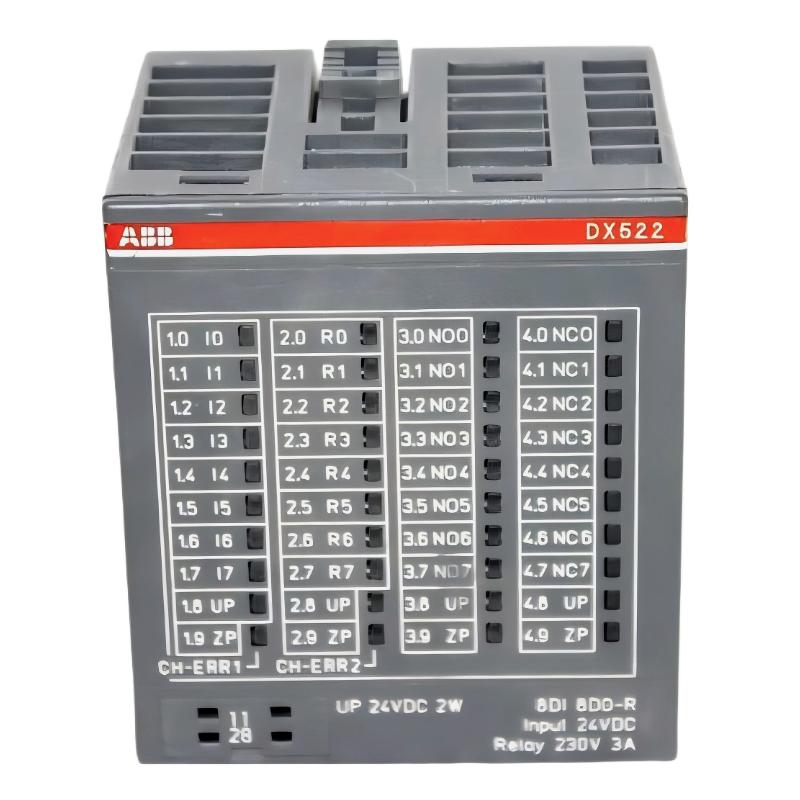
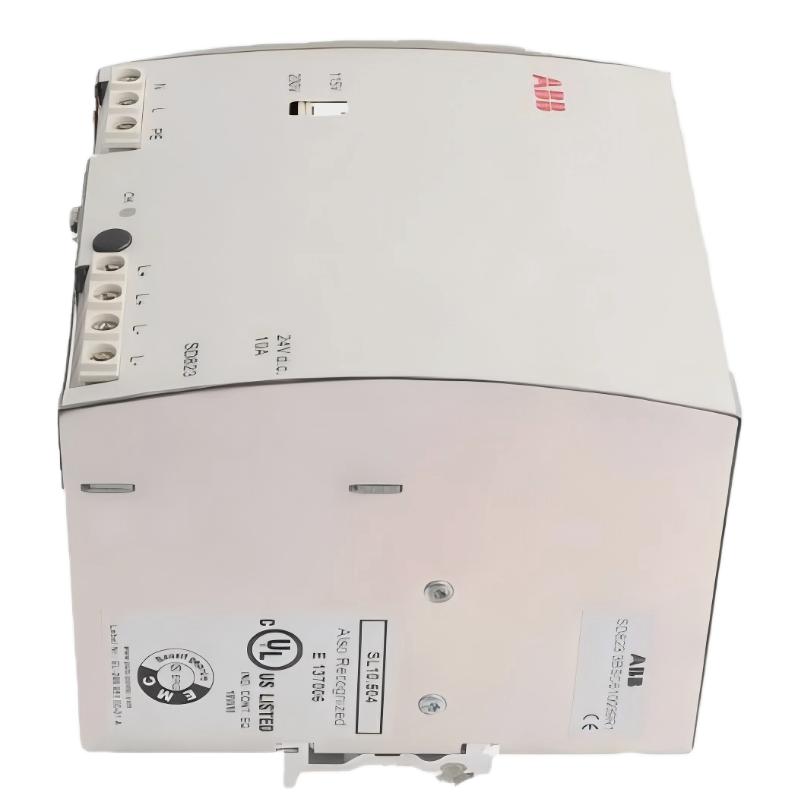
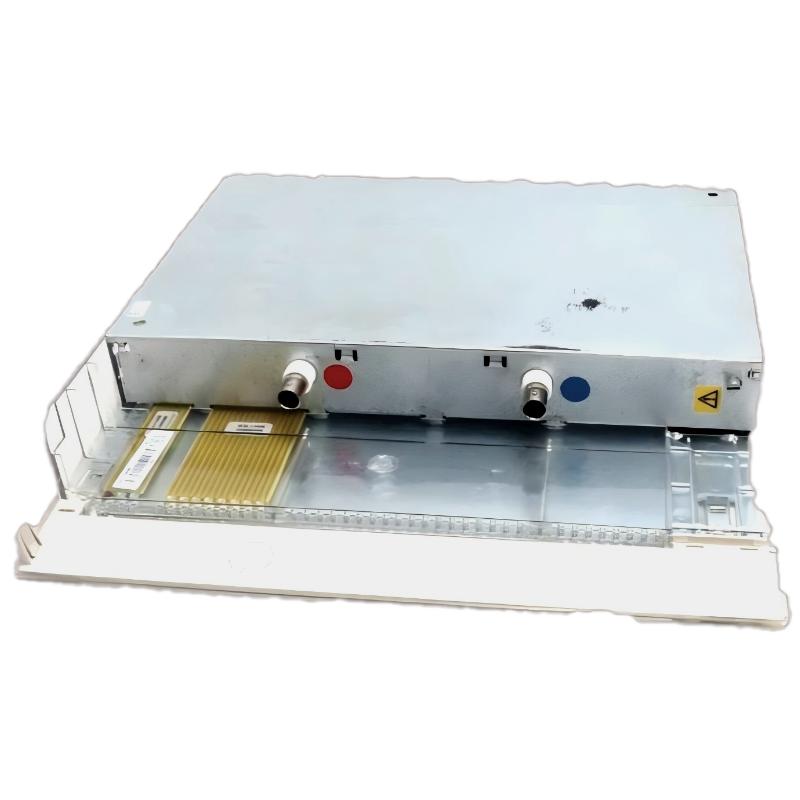
ABB 216NG63 HESG441635R1 Auxiliary Power Module installation requires correct DC supply wiring, rack integration, and commissioning verification. In ABB Procontrol and related industrial control systems, this auxiliary power module is responsible for providing stable auxiliary DC power to electronic units and I/O modules. A common field issue is not the power module itself but incorrect redundancy wiring, poor grounding, or unstable input voltage during system startup.
The ABB 216NG63 is designed as an auxiliary DC supply unit within ABB control architectures, supporting redundant auxiliary power arrangements where continuous operation is required. The module provides power distribution through the system backplane and terminal connections for connected automation modules.
ABB 216NG63 PLC System Configuration and Power Module Role
- Product Type: Auxiliary Power Module / Auxiliary DC Supply Unit
- Model: ABB 216NG63
- Ordering Number: HESG441635R1
- System Family: ABB Procontrol automation platform
- Main Function: Stable auxiliary DC power conversion and distribution
- Typical Application: Power plants, industrial control cabinets, protection systems
ABB 216NG63 Installation Preparation and Engineering Checklist
Before installing the ABB 216NG63 Auxiliary Power Module, engineers should verify the existing System Configuration. The most important checks include DC input availability, cabinet grounding condition, and compatibility with the existing rack system.
- Confirm DC supply voltage matches the system requirement.
- Check cabinet grounding resistance and protective earth connection.
- Inspect connectors for oxidation or mechanical damage.
- Verify redundant power supply wiring if dual modules are installed.
- Record initial voltage measurements before commissioning.
ABB 216NG63 Auxiliary Power Module Wiring and Connection Procedure
During field installation, the wiring sequence should follow the engineering drawing rather than simply replacing the old module position. The auxiliary supply lines normally include redundant DC paths to maintain operation if one supply channel fails.
- Connect DC input terminals according to ABB system documentation.
- Verify positive and negative polarity before power-on.
- Ensure backplane connectors are fully inserted.
- Check auxiliary output voltage distribution to I/O modules.
Measure Input Voltage:
DC-IN = 24VDC ± system tolerance

Check Output:
UP terminal = 24VDC
ZP terminal = 0V reference

Verify:
Voltage drop < 0.5V under normal load
ABB 216NG63 Setup and Commissioning Validation
A practical commissioning process should include no-load testing, loaded operation testing, and communication verification with connected control modules.
In one commissioning case, engineers installed an ABB 216NG63 replacement unit in a generator protection cabinet. Initial startup showed repeated controller resets. The measured input voltage was stable at 24.1VDC, but the output dropped to 21.8VDC during peak loading. After checking the terminal connections, a loose power distribution contact was found. After correction, the auxiliary voltage remained at 24.0VDC and the controller operated continuously.
ABB 216NG63 Installation Guide Field Experience Tips
- Do not judge module failure only from alarm messages.
- Always measure voltage under load conditions.
- Check redundancy circuits before replacing hardware.
- Keep power cables separated from high-noise signal cables.
ABB 216NG63 Auxiliary Power Module Installation FAQ
What is the main function of ABB 216NG63 HESG441635R1?
The ABB 216NG63 HESG441635R1 provides auxiliary DC power for ABB industrial control systems and supports stable operation of connected electronic modules.
Why is redundant power wiring important for ABB 216NG63?
Redundant wiring allows the control system to continue operating when one auxiliary DC supply path becomes unavailable.
What should be checked before replacing an ABB 216NG63 module?
Engineers should verify voltage level, terminal wiring, rack connection condition, and system configuration before replacement.
Can ABB 216NG63 problems be caused by external devices?
Yes. Excessive load current, damaged cables, and faulty connected modules can create symptoms similar to power module failure.
ABB 216NG63 Auxiliary Power Module Installation Conclusion
Successful ABB 216NG63 HESG441635R1 commissioning depends on correct wiring practice, accurate voltage measurement, and complete system validation. Field experience shows that many auxiliary power problems originate from installation conditions rather than the module hardware itself. A structured Installation Guide approach improves reliability and reduces unexpected downtime in industrial automation systems.